BrickNote - Quick Notes
Stack short notes, day by day
Designed for iPhone, iPad
In-app purchases
- Age rating4+
- CategoryProductivity
- DeveloperYoungbae Yoo
- LanguagesEnglish+ 3 more
- Size8.0 MB
Links to the official App Store page
Download.org hosts no file of BrickNote - Quick Notes. The button opens its official App Store page, published by Youngbae Yoo. Listing last checked on Nov 7, 2026.
Screenshots

About
Jot down a thought or what you just did, one line at a time, as if texting yourself.
BrickNote stacks short memos like bricks and lets you look back on them by date.
■ QUICK MEMOS
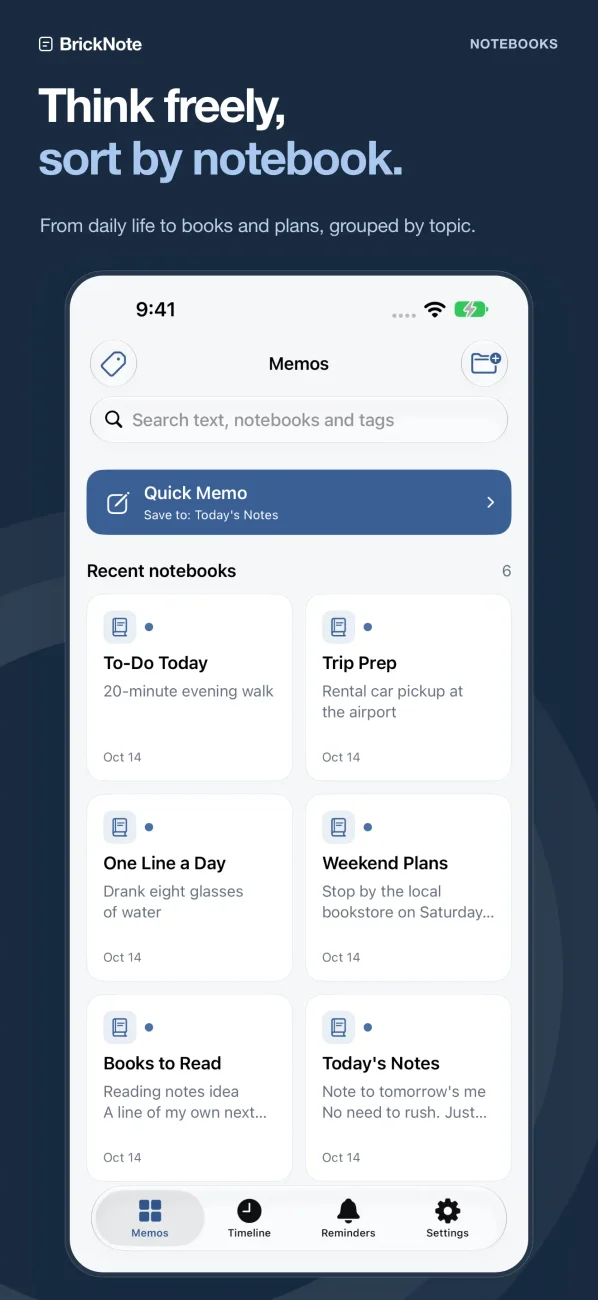
Open a notebook and start typing. Save a line to your quick memo notebook, or share text, links and photos from other apps.
■ NOTEBOOKS
Group memos by topic, from daily life to books and plans, with colors and tags.
■ TIMELINE
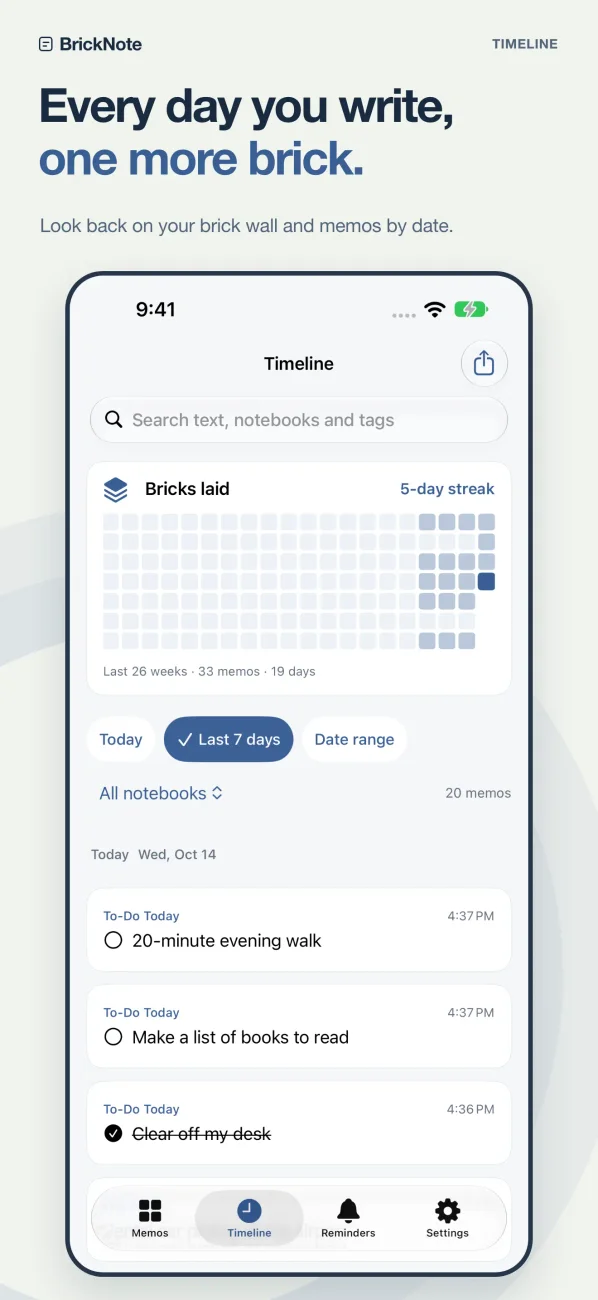
Every day you write adds a brick to your wall. See your streak and memos by date, and export them as Markdown.
■ TO-DOS AND REMINDERS
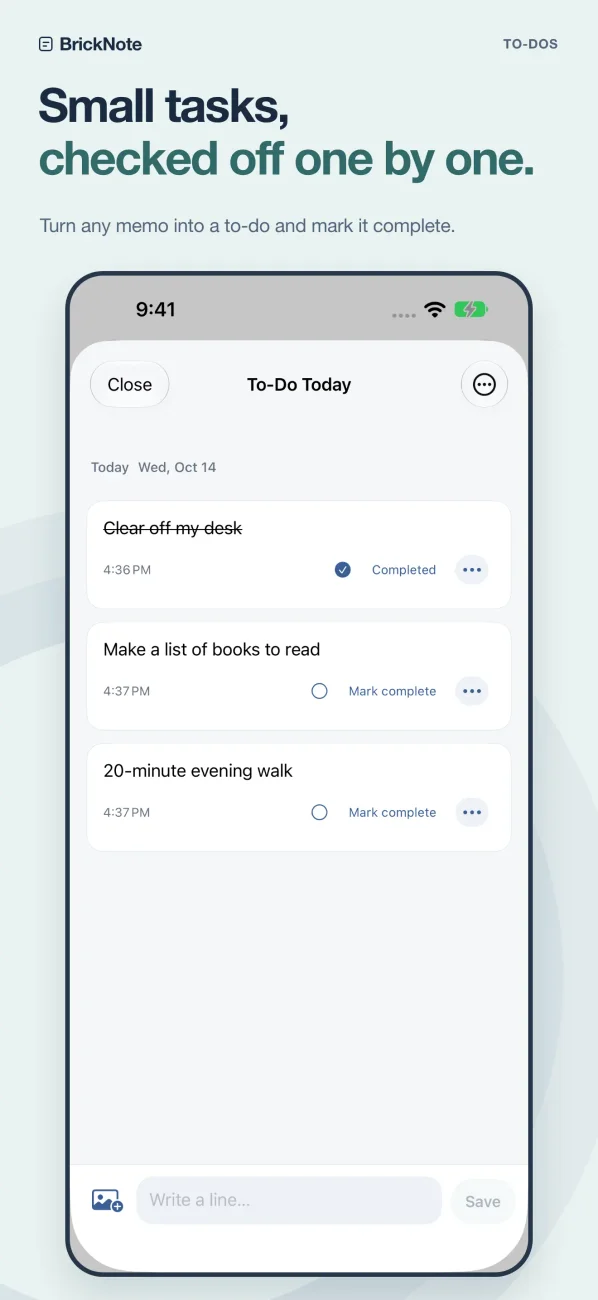
Turn any memo into a to-do, check it off, and get a reminder when you need it.
■ TEXT STYLE AND HIGHLIGHTER
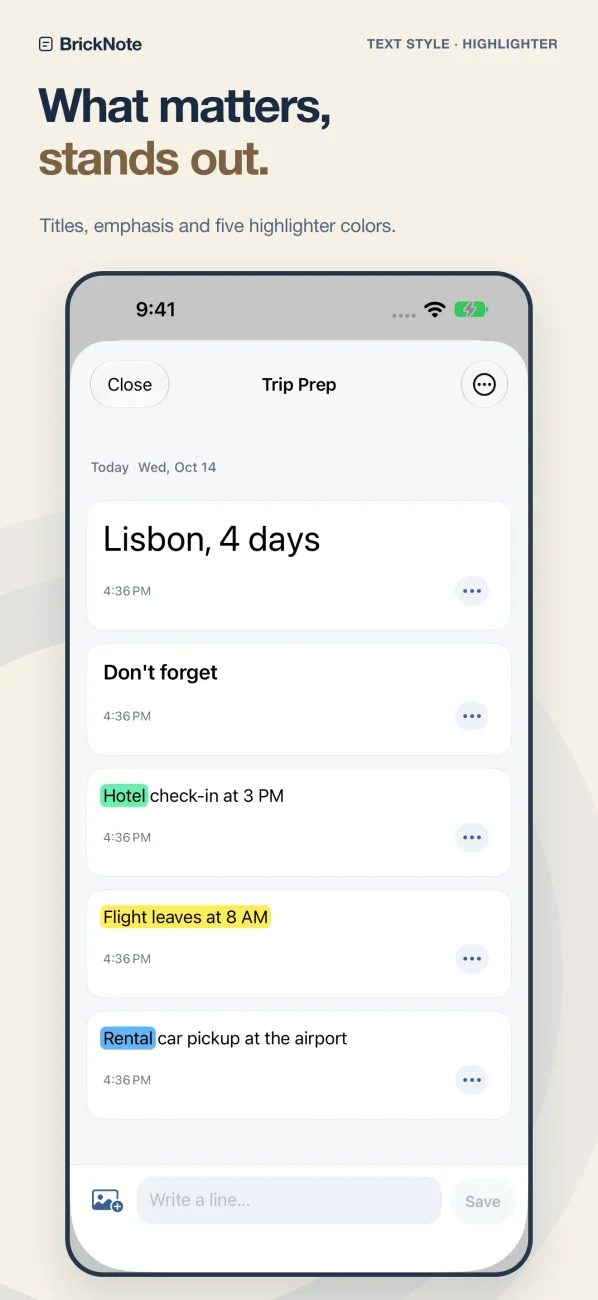
Titles, bold, italic, strikethrough and five highlighter colors.
■ SEARCH
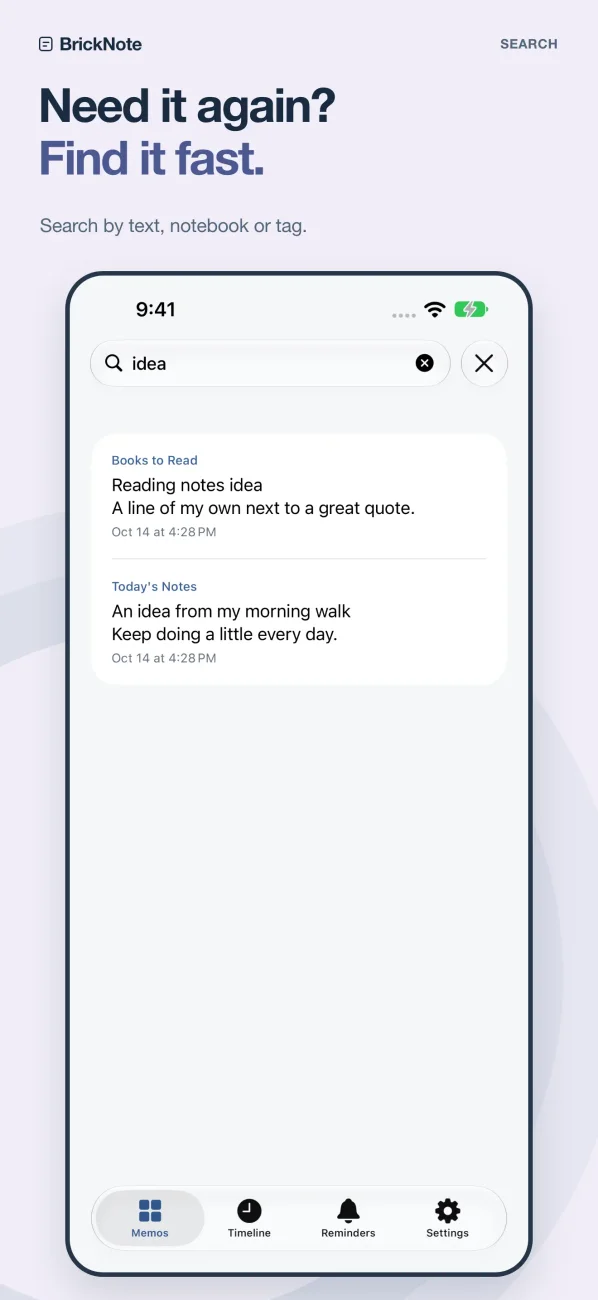
Find memos by text, notebook or tag, and open them right from Spotlight.
■ KEEP IT SAFE
- Lock notebooks with Face ID
- iCloud sync across iPhone and iPad
- Full backup and restore, Recently Deleted
■ WIDGETS AND SHORTCUTS
See recent memos on your Home Screen, and add memos with Shortcuts and Siri.
BrickNote Pro (one-time purchase, no subscription)
- Unlimited notebooks (3 free, not counting the quick memo notebook)
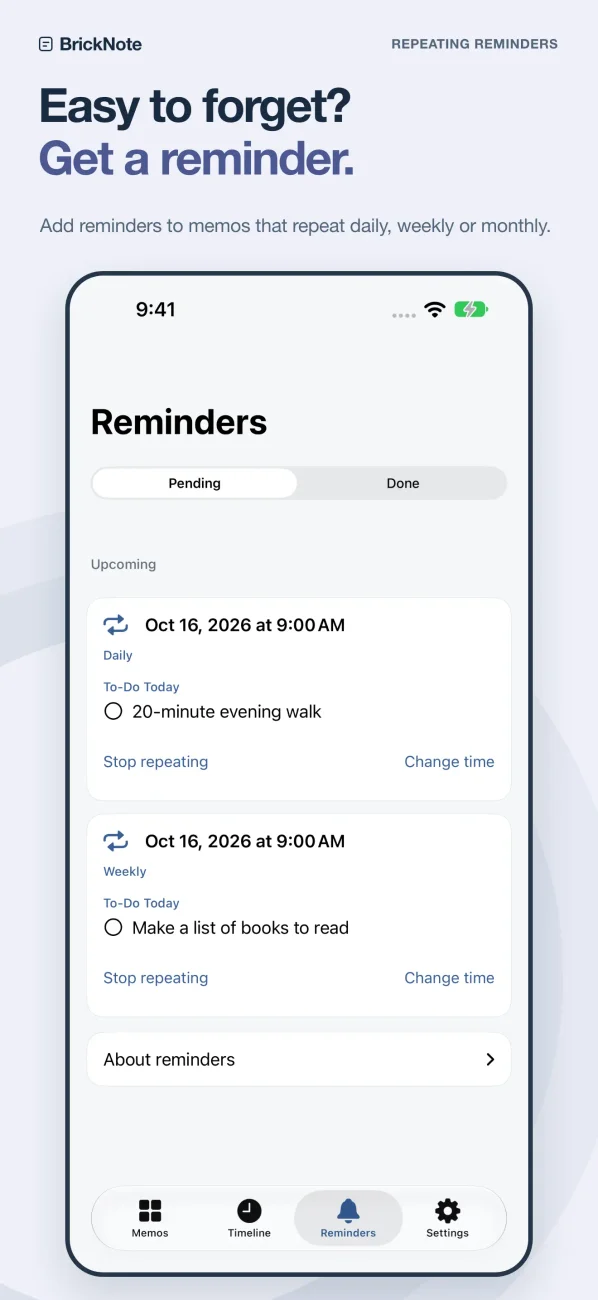
- Daily, weekly and monthly repeating reminders
- Check off memos in widgets, large and Lock Screen widgets
- Get text from photos
- 4 app icons
Notebook lock, iCloud sync, backup, export and the highlighter stay free.
If you bought BrickNote before version 1.2.0, Pro is already included.
What’s new
Version 1.2.0 · Oct 15, 2026
BrickNote is now free.
- Use up to 3 notebooks for free.
- Buy BrickNote Pro once for unlimited notebooks, repeating reminders, widget check-offs, large and Lock Screen widgets, text from photos and 4 app icons.
- If you bought BrickNote before, Pro is already included. No need to buy it again.
- Now available in English, Japanese and Simplified Chinese.
App privacy
What Youngbae Yoo declares on the App Store about how this app handles data.
-
Data not collected
The developer does not collect any data from this app.
Privacy practices may vary, for example with the features you use or your age.
Information
- Seller
- Youngbae Yoo
- Category
- Productivity
- Version
- 1.2.0
- Updated
- Oct 15, 2026
- Released
- Oct 15, 2026
- Size
- 8.0 MB
- Requires
- iOS 17.4 or later
- Age rating
- 4+
- In-app purchases
- Yes
- Languages
- English, Japanese, Korean, Simplified Chinese
- Copyright
- © 2026 Youngbae Yoo
You might also like
-
 Vellure - Lock Screen NotesNotes Live on Your Lock Screen
-
 Markdown to ImageMake Text Beautifu
-
 ALClip: Cross-Device ClipboardClipboard & File Sharing
-
 SharedList: Real-time ListReal-time tasks & checklist
-
 NoteFolio: Digital NotebookPencil-First Notes, No Clutter
-
 MindPad - Save tasks and notesProductivity
-
 Collie HerdAgent remote for herdr
-
 Oneline (todo)Simple todoist
-
 네모메모Productivity
-
 IdeaVault - Store Goals, IdeasNotes, Goal Tracking & Planner