
BRIDGE Business
Your Bridge to a Better Future
Designed for iPhone, iPad, iPod touch
Free
- Age rating17+
- CategoryFinance
- DeveloperBRIDGE BANK PLC.
- LanguagesEnglish+ 2 more
- Size62.6 MB
Links to the official App Store page
Download.org hosts no file of BRIDGE Business. The button opens its official App Store page, published by BRIDGE BANK PLC. Listing last checked on Nov 6, 2026.
Screenshots

About
BRIDGE Business App
Secure, Seamless Business Banking—Anywhere, Anytime
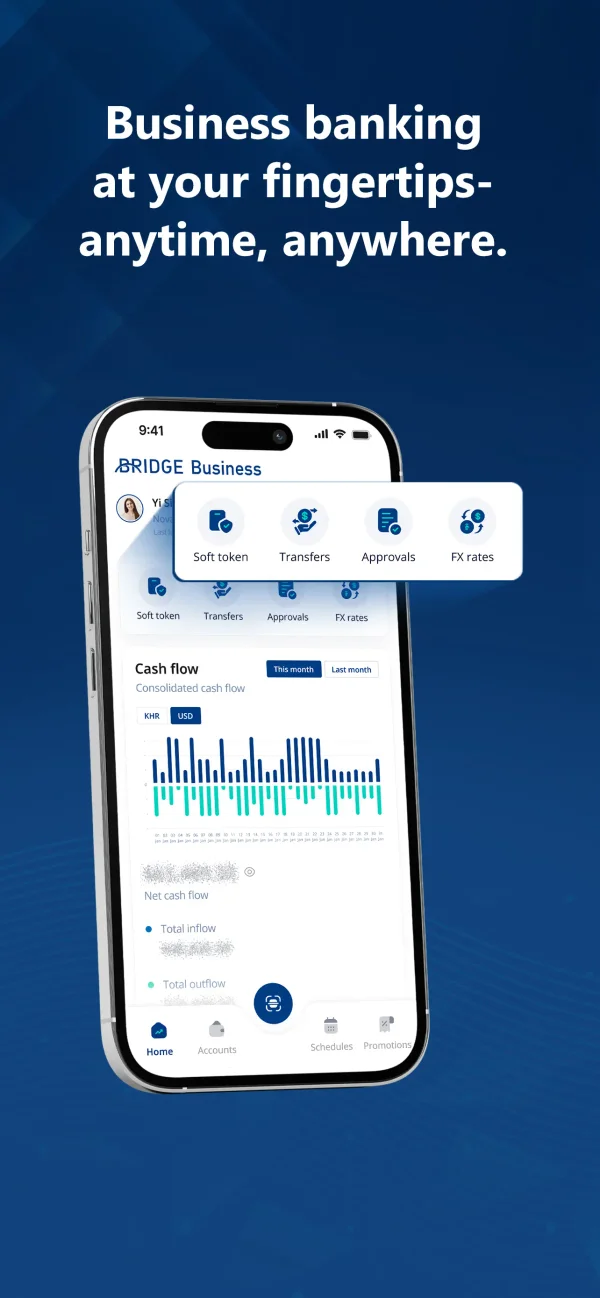
Introducing the BRIDGE Business App—your trusted partner for managing business finances on the move. Designed for efficiency and security, the app enables you to approve transactions, perform two-factor authentication (2FA), and manage your accounts effortlessly, all from your mobile device.
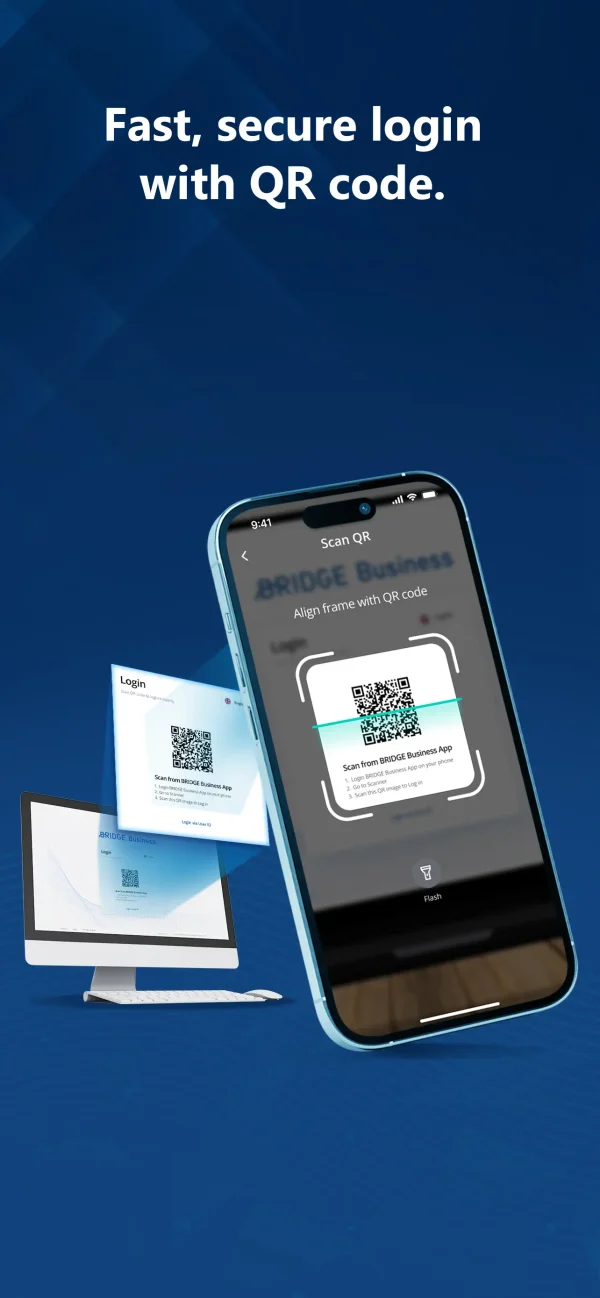
With secure login using Face ID or Fingerprint, you can confidently access your business account anytime. Authorize transfers and payments in just a few taps, ensuring your business operations continue without interruption.
Key Features
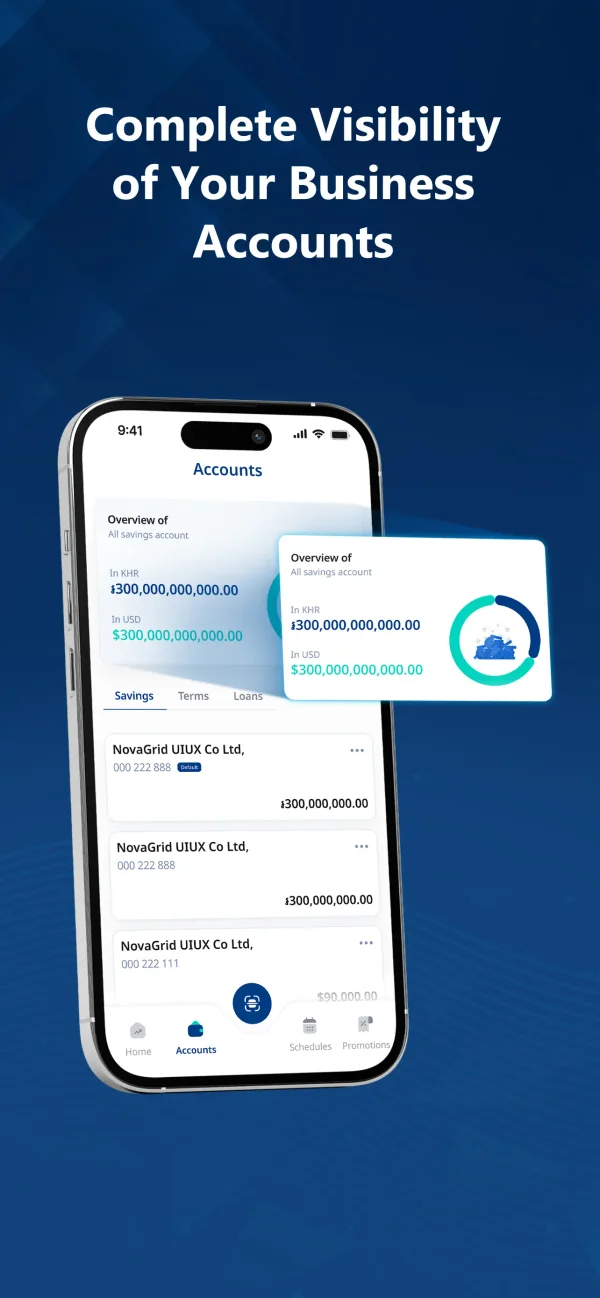
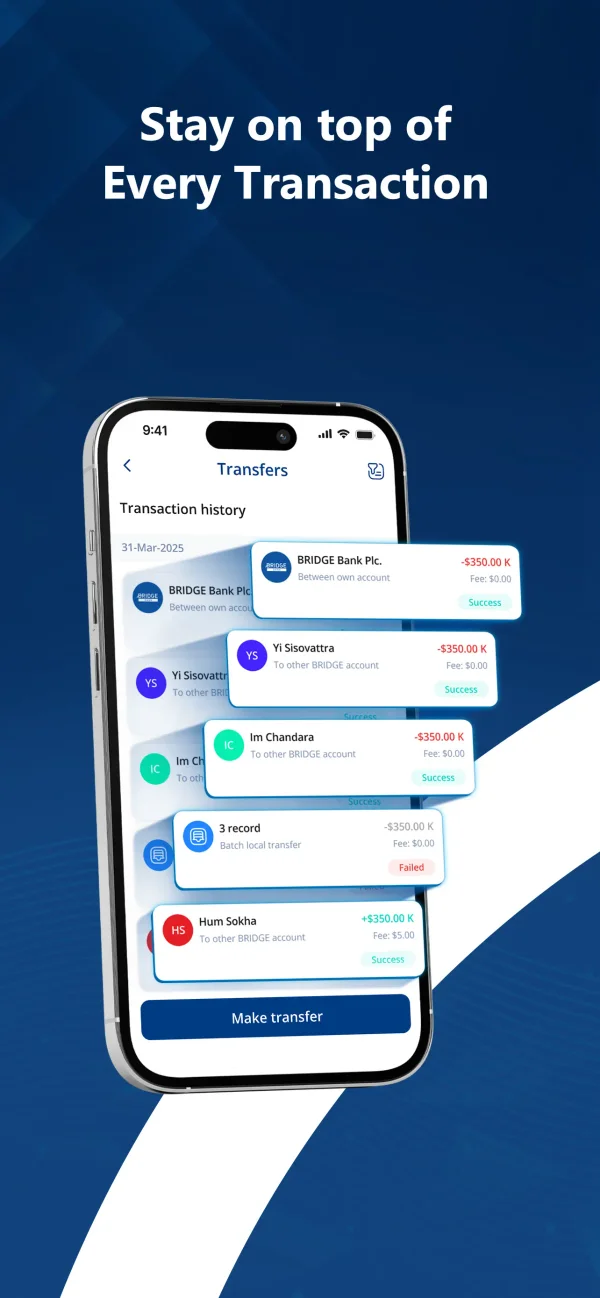
- Account Overview: View account balances, monitor transaction history, and download monthly account statements anytime.
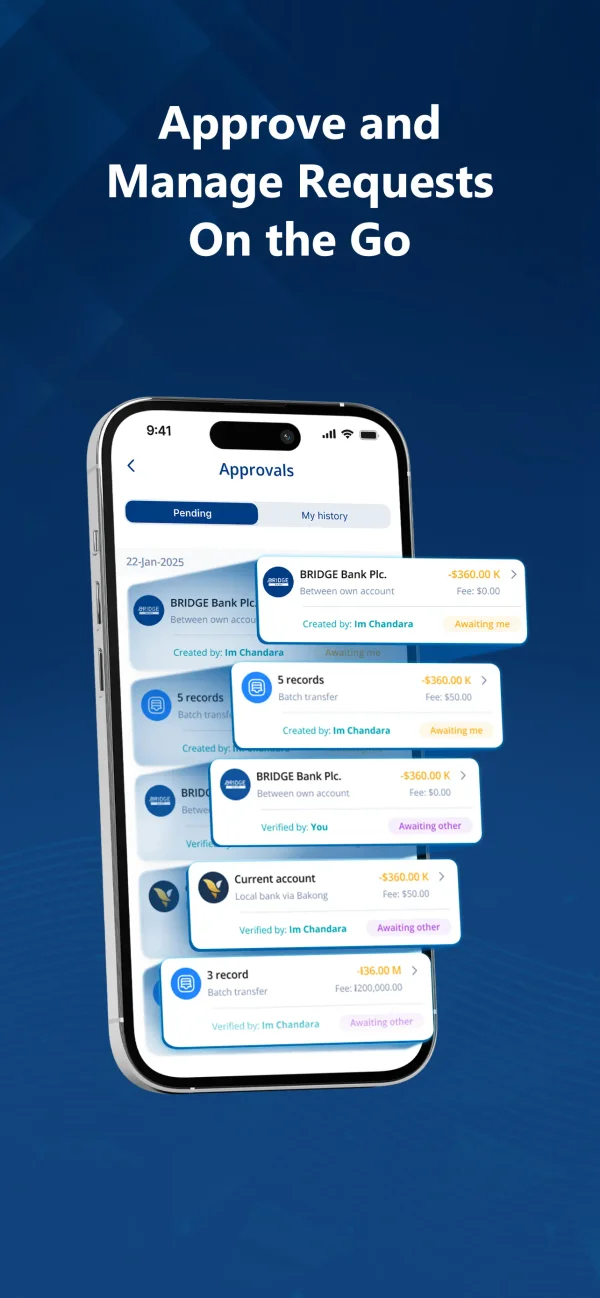
- Transaction Authorization: Quickly approve or reject financial and non-financial instructions directly from your mobile device.
- Secure Authentication: Perform 2FA authorization for transactions with enhanced security controls.
- Branch Locator: Easily find the nearest BRIDGE Bank branches when needed.
- And more...
Continuous enhancements to support your growing business needs.
Registration & Activation
The BRIDGE Business App is available exclusively for BRIDGE Business customers.
To activate your app:
1. Download and install the BRIDGE Business App
2. Launch the app and enter your credentials:
* Company ID
* User ID
* Password
3. Accept the Terms and Conditions
4. Select your preferred verification method (Email or SMS)
5. Enter the One-Time Password (OTP)
6. Set up your new password
7. Enable biometric authentication (Face ID or Fingerprint)
8. Your BRIDGE Business App is now ready to use
Security You Can Trust
At BRIDGE Bank, your security is our priority. The BRIDGE Business App is built with advanced safeguards to protect your data:
* No sensitive account or transaction data is stored on your device
* End-to-end encryption for all activities
* Secure authentication and authorization layers
Bank with confidence, knowing your business is protected by robust security standards.
App privacy
What BRIDGE BANK PLC. declares on the App Store about how this app handles data.
-
Data not collected
The developer does not collect any data from this app.
Privacy practices may vary, for example with the features you use or your age.
Information
- Seller
- BRIDGE BANK PLC.
- Category
- Finance
- Version
- 1.0.0
- Updated
- Oct 23, 2026
- Released
- Oct 22, 2026
- Size
- 62.6 MB
- Requires
- iOS 15.0 or later
- Age rating
- 17+
- Price
- Free
- Languages
- English, Cambodian, Simplified Chinese
- Copyright
- © @ 2026 BRIDGE Bank Plc
You might also like
-
 CIMB OCTO Biz KHFinance
-
 BK-SignBK-Sign
-
 S2Biz AuthenticatorAuthorize Transaction with OTP
-
 KB PRASAC CorporateFinance
-
 iBank KHiBank KH
-
 OctoBiz LiteFinance
-
 HLBCAM ConnectFirst MobileHong Leong Bank for Business
-
 Hattha AuthenticatorFinance
-
 Alpha Bank MobileA smarter digital banking app.
-
 Bongloy MobileBongloy Consumer Mobile App