
- Age rating12+
- CategoryBusiness
- DeveloperDPA-SA
- LanguagesEnglish
- Size52.4 MB
Links to the official App Store page
Download.org hosts no file of Bridge - Digital Forms. The button opens its official App Store page, published by DPA-SA. Listing last checked on Nov 23, 2026.
Screenshots




About
Overview
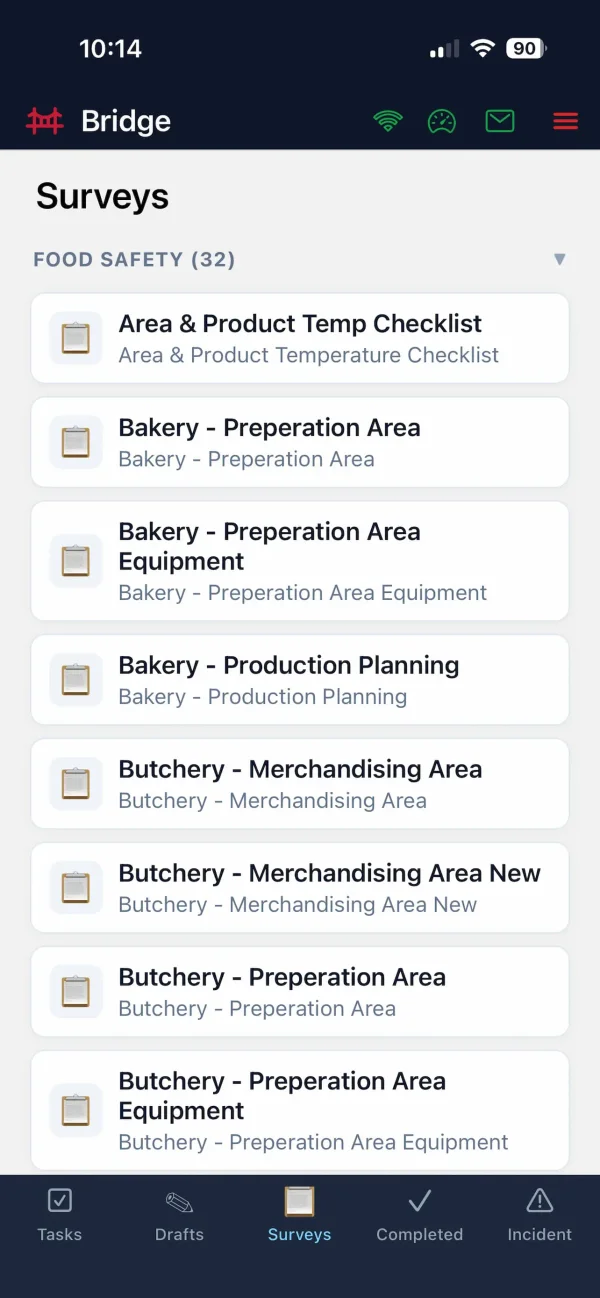
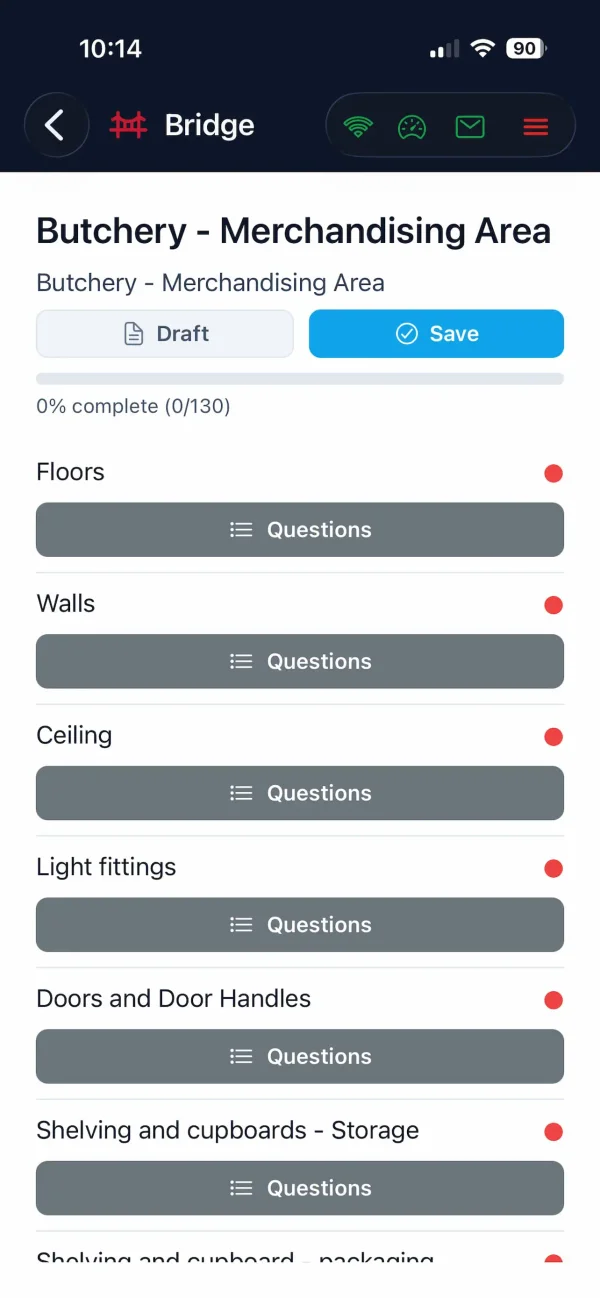
Bridge Mobile helps field teams complete inspections, surveys, and tasks faster with a mobile-first, offline-capable workflow. Teams can capture structured answers, photos, signatures, files, QR scans, and location data in one app, then sync automatically when connected. Managers get better control, visibility and insight through task scheduling, feedback submissions and information dashboards. Built-in validation and audit logging improve data quality and compliance across a variety of processes such as health and safety, food safety, equipment and vehicle inspections, site inspections and more.
Core capabilities
• Device registration and secure access with API-authenticated onboarding and user/session-aware behaviour.
• Task, Survey, Draft, and Completed workflows so teams can start, pause, resume, and finalise field work cleanly.
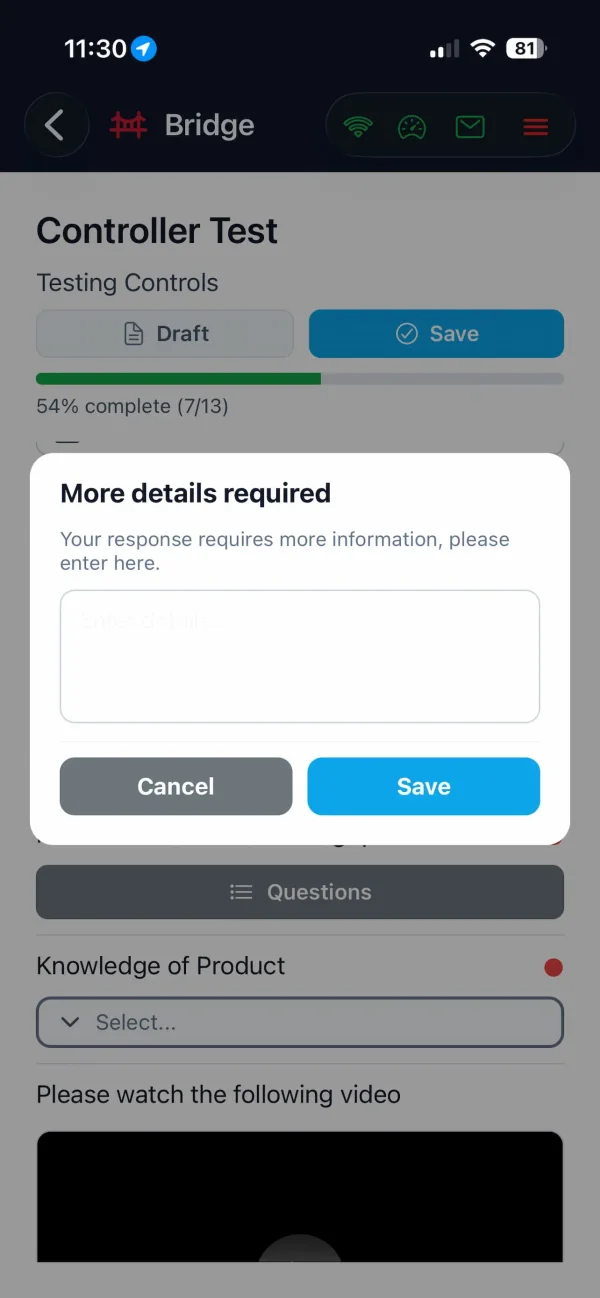
• Dynamic forms engine supporting many input types (text, numeric, decimal, date/time, single/multi select, checkboxes, triggers, sub-questions).
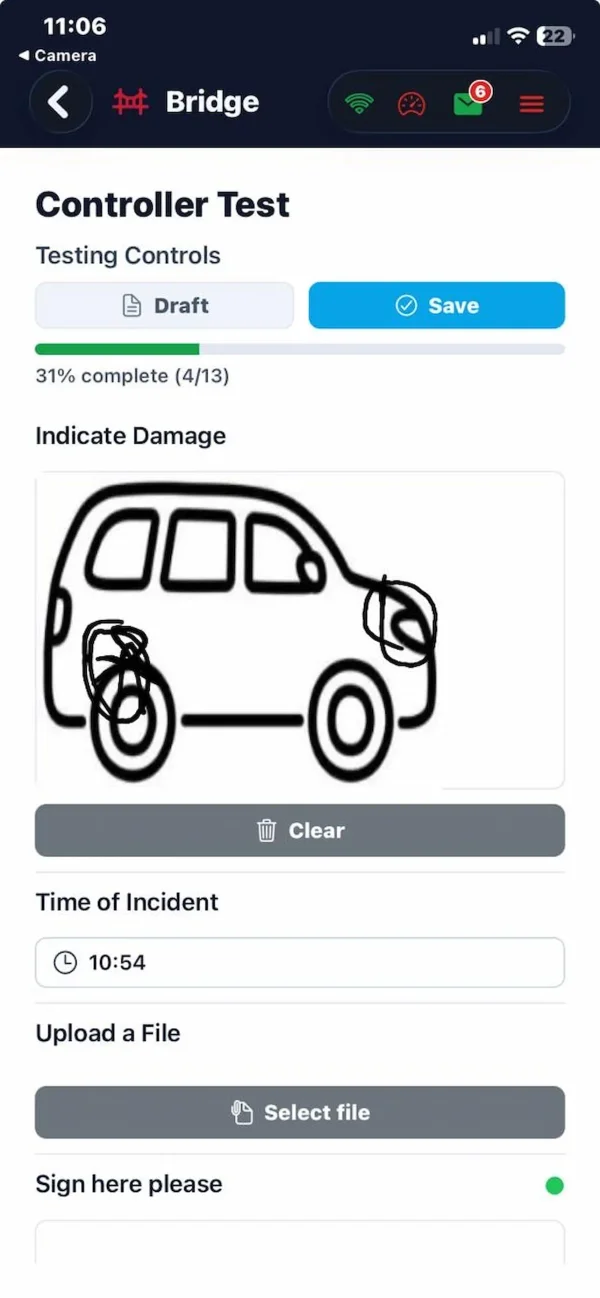
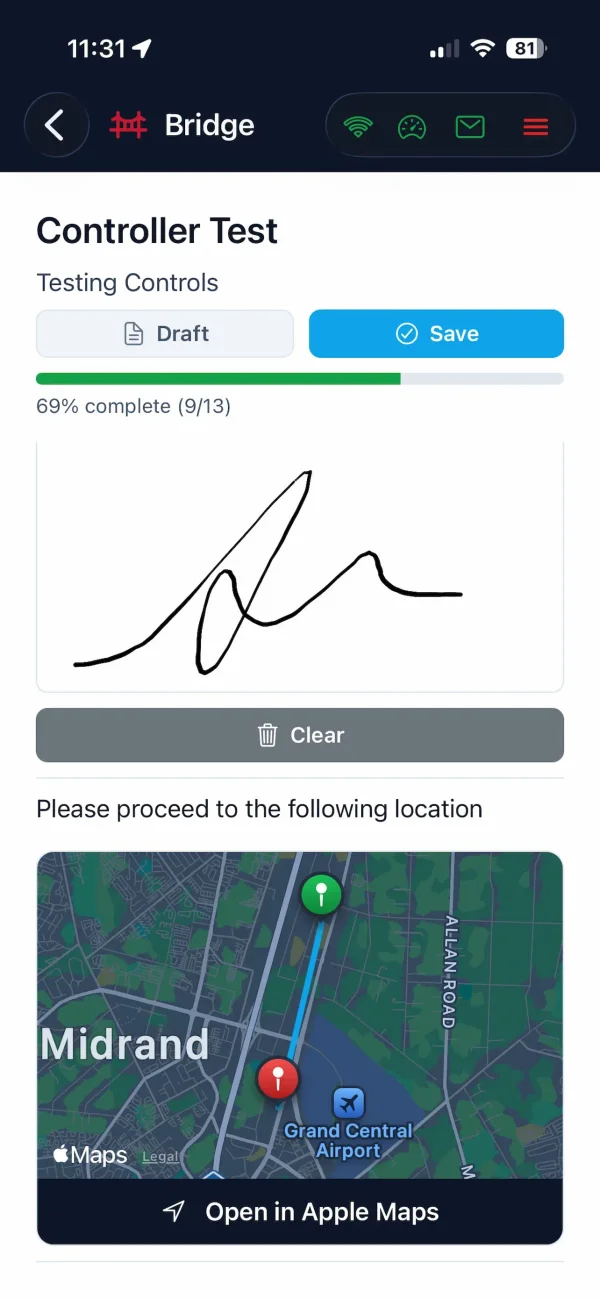
• Rich media capture, including camera photos, file attachments, signatures, canvas/sketch, QR scan, and video/watch-required flows.
• Location-aware data capture with coordinates support, map display, and proximity validation for required geo questions.
• Offline-first operation with local database persistence, then background sync when connectivity is available.
• Background sync and retry pipelines for responses, notifications, and operational logs.
• Push notification integration (dev/prod build compatible) with in-app notifications and unread indicators.
• Operational dashboards and lists for tasks/surveys/drafts/completed/incident records, with category grouping and fast navigation.
• Incident logging module for capturing field incidents with details and attached media.
• User-safety UX, such as unsaved-changes confirmation before leaving forms, and reducing accidental data loss.
• Configurable retention and local data hygiene for predictable storage behaviour and cleaner historical data handling.
• Built-in diagnostics and traceability via structured logging and sync/error tracking to help support teams troubleshoot quickly.
What’s new
Version 2.1.33 · Aug 13, 2026
1. Field operations questions now display in the correct order.
2. Improved stability when opening large or complex forms.
3. Smoother loading for media and map-related questions.
4. General performance and reliability improvements.
5. Bug fixes and polish for everyday form filling.
App privacy
What DPA-SA declares on the App Store about how this app handles data.
-
Data linked to you
May be collected and linked to your identity.
- Location
- User content
Privacy practices may vary, for example with the features you use or your age.
Information
- Seller
- DIGITAL PROCESS AUTOMATION (PTY) LTD
- Category
- Business
- Version
- 2.1.33
- Updated
- Aug 13, 2026
- Released
- May 26, 2026
- Size
- 52.4 MB
- Requires
- iOS 16.4 or later
- Age rating
- 12+
- Languages
- English
- Copyright
- Copyright © 2026 DPA-SA. All rights reserved.
You might also like
-
 Scan2xScan2x Mobile
-
 Jupitrr Cut - TeleprompterRecord Scene by Scene
-
 RecruitZA: Saffa Jobs AbroadVisa sponsored jobs worldwide
-
 DataBossHub AppDataBossHub: Data Manager
-
 Cora - Become HerDaily Challenges & Routines
-
 Black Star - A better way.A better way to invest
-
 Tabletop BattlesWarhammer game scorekeeping