
BrightLearn: Maths Classroom
Present, check & mark maths
Designed for iPhone, iPad, iPod touch
- Age rating4+
- CategoryEducation
- DeveloperMahdi Naser Moghadasi
- LanguagesEnglish
- Size38.5 MB
Links to the official App Store page
Download.org hosts no file of BrightLearn: Maths Classroom. The button opens its official App Store page, published by Mahdi Naser Moghadasi. Listing last checked on Nov 18, 2026.
Screenshots

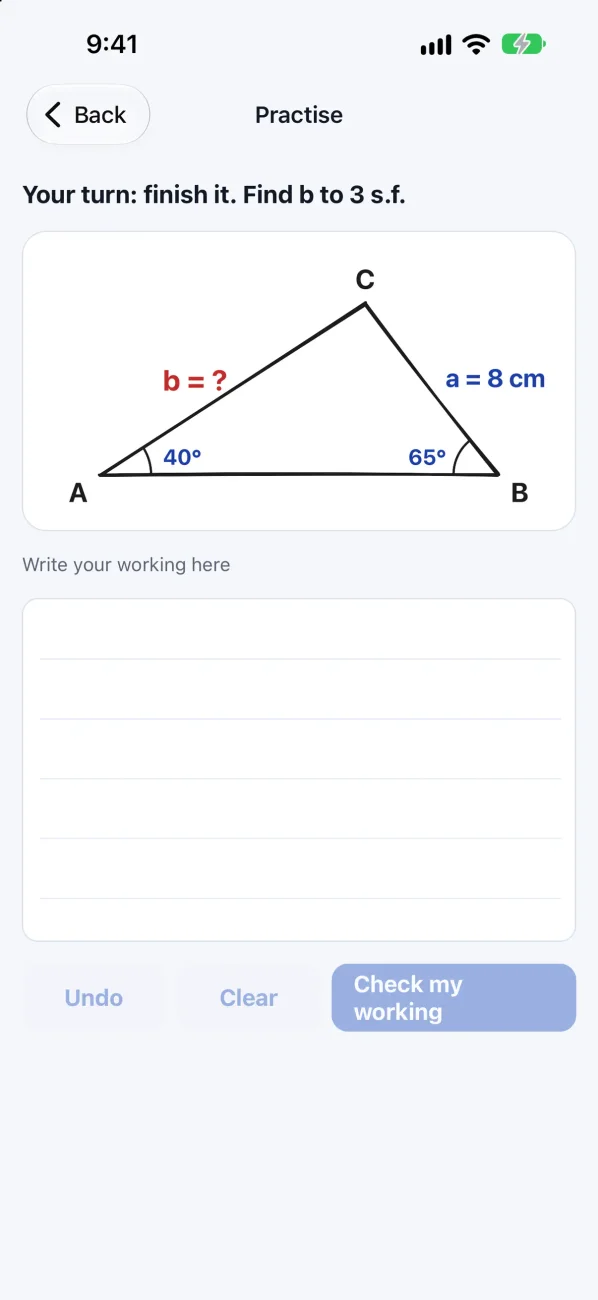

About
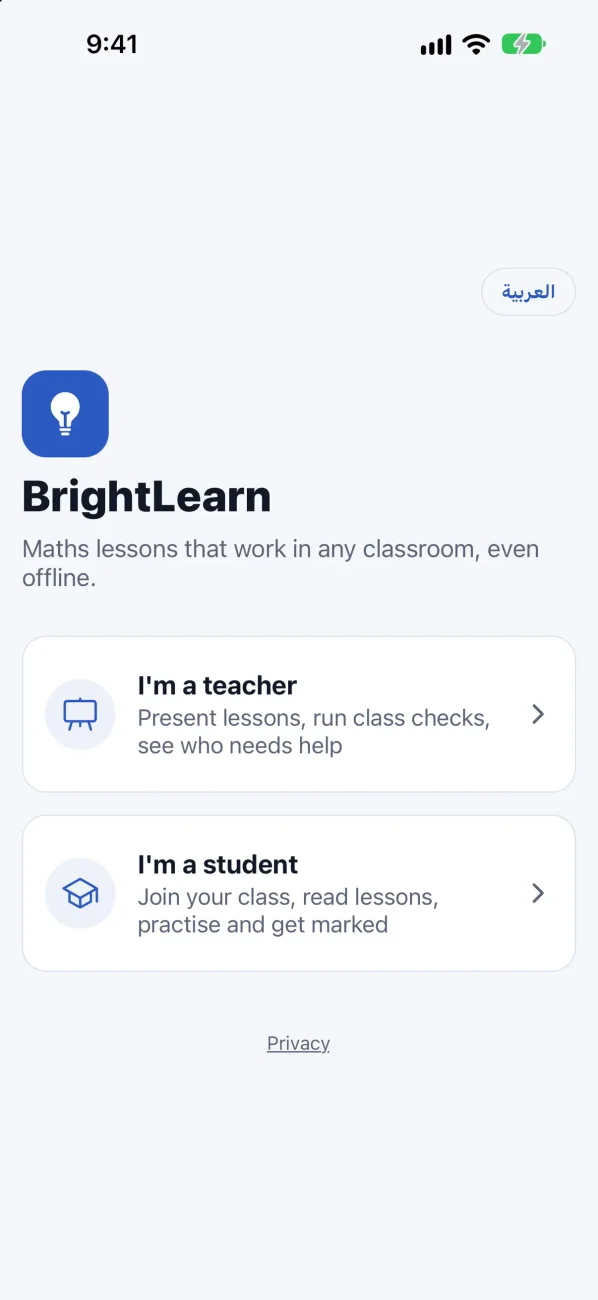
BrightLearn helps maths teachers run great lessons in any classroom, even when the school internet drops. Students follow along in English or Arabic and get their handwritten working marked step by step.
FOR TEACHERS
• Present your lessons full screen with big, always-visible arrows, a slide sorter and speaker notes
• Draw and highlight on any slide with your finger or Apple Pencil; your marks are saved per slide
• Download a lesson and present it with no internet at all
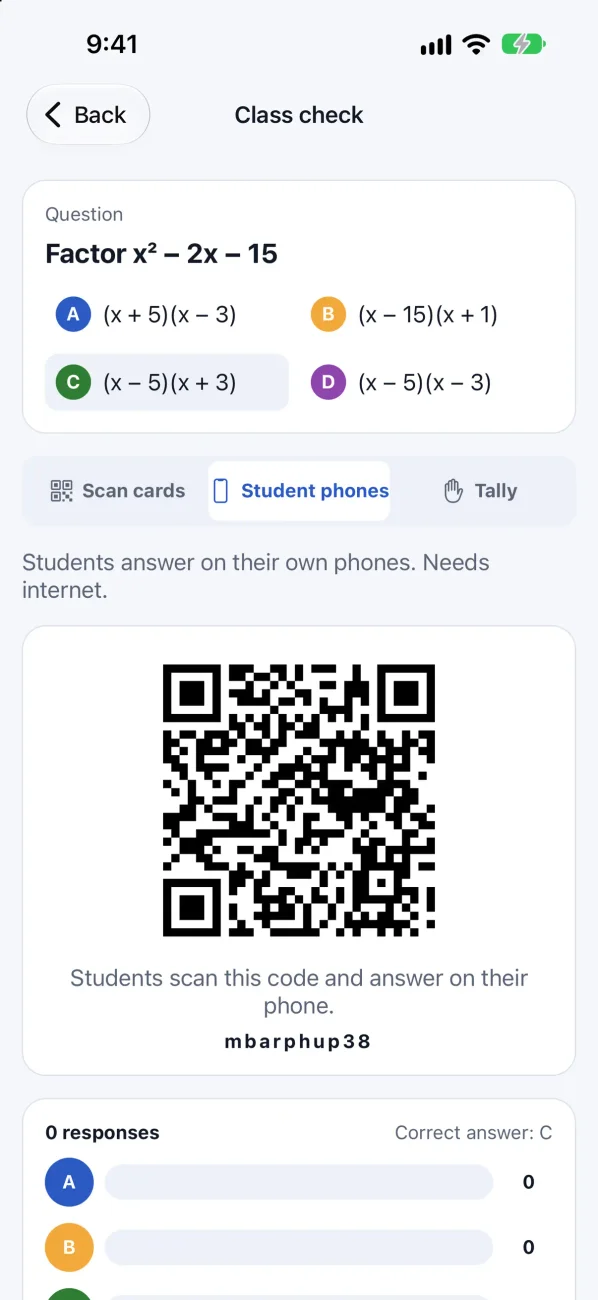
• Run a class check in seconds:
– Answer cards: students hold up printed, numbered cards and your iPhone camera reads the whole room
– Student phones: students answer on their own phones by scanning a QR code
– Tally: tap A, B, C or D as you count hands
• Print answer cards straight from the app
• See which students attempted the work and the most common mistakes
• Results sync to your BrightLearn account automatically when you are back online
FOR STUDENTS
• Join your class with the link or code from your teacher; no email or password needed
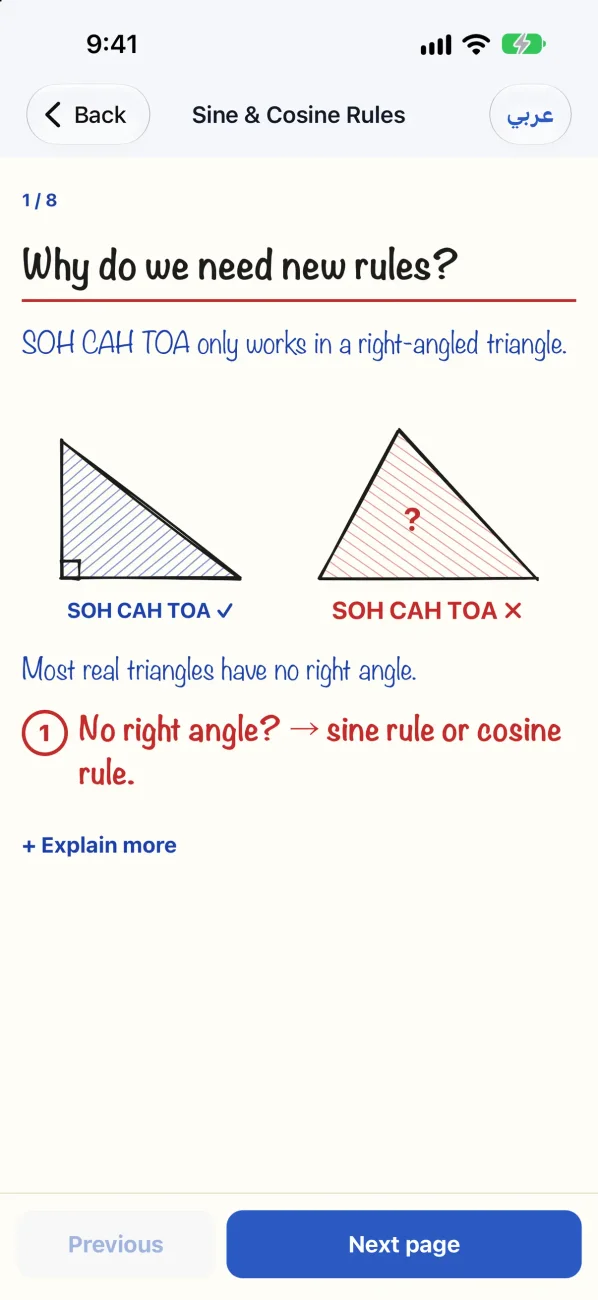
• Read handwritten-style notebook lessons that write themselves line by line, with key rules highlighted and exam traps flagged
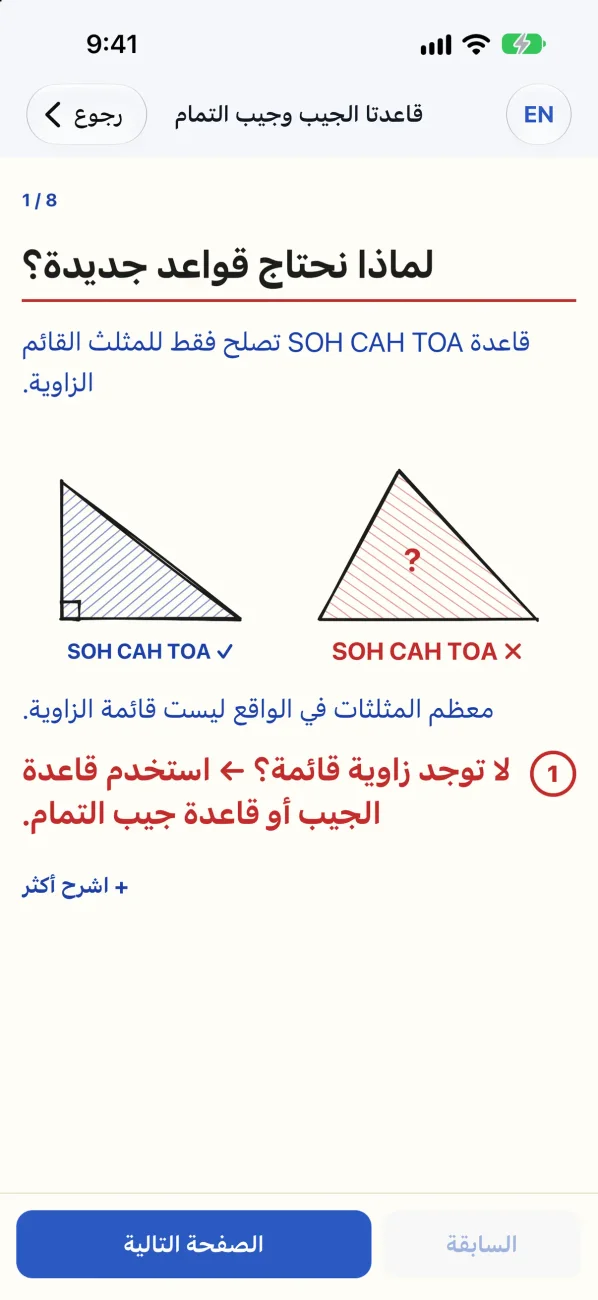
• Switch between English and Arabic at any time; maths always stays left to right
• Write your working with your finger or Apple Pencil and get step-by-step marking
• Revise downloaded lessons offline; answers are saved and marked when you reconnect
PRIVACY
• The class-check camera reads numbered cards on the device. No photos or video are saved or uploaded
• Cards are numbered, not named
• Students do not create accounts
BrightLearn works with your teacher account at brightlearn.app.
What’s new
Version 3.0.0 · Oct 13, 2026
A completely new BrightLearn, rebuilt for maths classrooms: offline presenting with pen, class checks with answer cards, bilingual notebook lessons and step-by-step marking of handwritten working.
App privacy
What Mahdi Naser Moghadasi declares on the App Store about how this app handles data.
-
Data linked to you
May be collected and linked to your identity.
- Contact info
- User content
-
Data not linked to you
May be collected but is not linked to your identity.
- Usage data
Privacy practices may vary, for example with the features you use or your age.
Information
- Seller
- Mahdi Naser Moghadasi
- Category
- Education
- Version
- 3.0.0
- Updated
- Oct 13, 2026
- Released
- Feb 4, 2026
- Size
- 38.5 MB
- Requires
- iOS 15.1 or later
- Age rating
- 4+
- Languages
- English
- Copyright
- © 2026 BrightMind AI
You might also like
-
 QbexEducation
-
 Light on the Hill Radio AppEducation
-
 EdTool AILearning Companion
-
 QHHT ForumForum for Practitioners
-
 Motherland School PokharaMotherland School Pokhara App
-
 Hern's HandbookSouth African Coins & Patterns
-
 Bhagavad Gita AISpiritual Gita Guidance
-
 HamClockA handy clock for ham radio!
-
 Model AcademyLearn how to be a Super Model
-
 CompTIA Network+ (N10-009)270 high-quality questions