
- Age rating4+
- CategoryBusiness
- DeveloperSAMSUNG SDS Co.,LTD
- LanguagesEnglish+ 6 more
- Size100.8 MB
Links to the official App Store page
Download.org hosts no file of Brity Meeting 브리티 미팅. The button opens its official App Store page, published by SAMSUNG SDS Co.,LTD. Listing last checked on Nov 14, 2026.
Screenshots


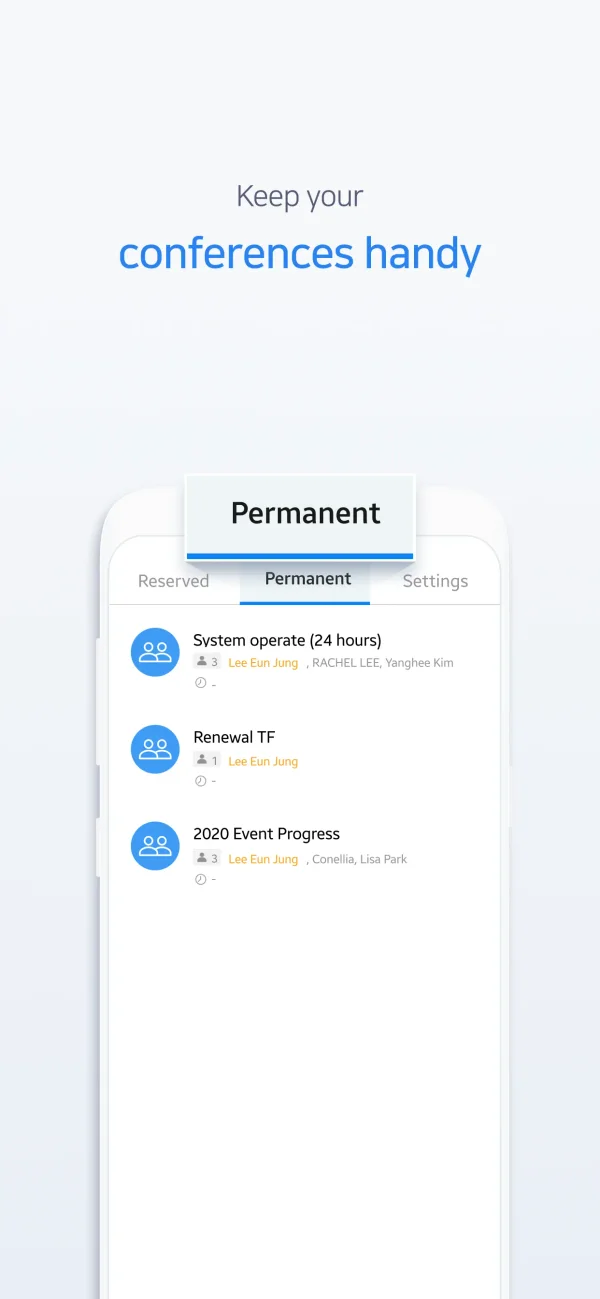

About
Brity Meeting can transform your collaboration anytime, anywhere.
Brity Meeting is a web conferencing service that enables users to communicate and collaborate anytime, anywhere through various devices such as PC and Mobile. With Mobile App, you can easily schedule and manage your Web Conference and easily join the meeting. You can also share voice, video, and documents during meetings, and communicate effectively through features such as annotation and real-time chat.
※ Apply for 1 month free trial on Samsung SDS website now!
▣ Various Conference Mode
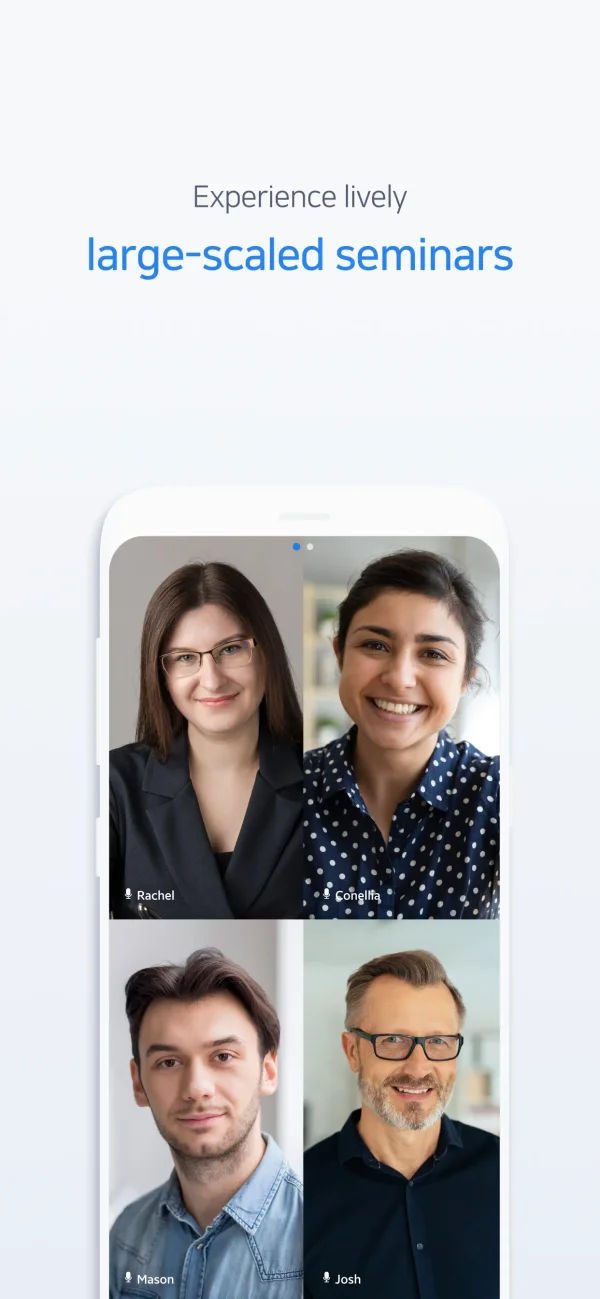
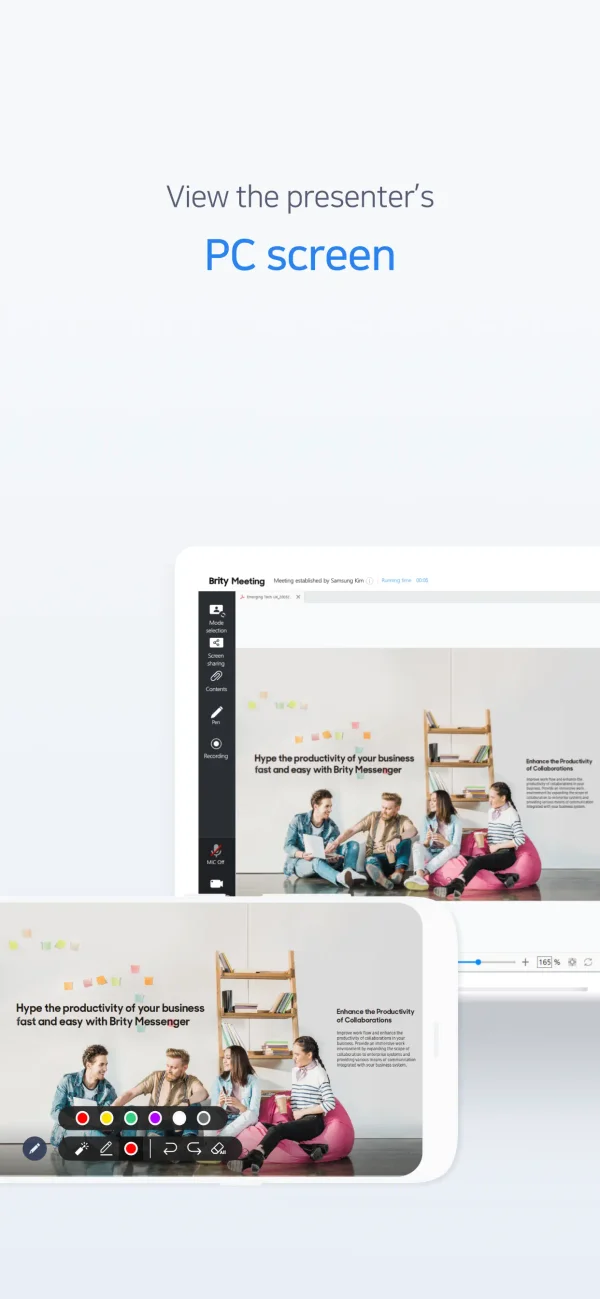
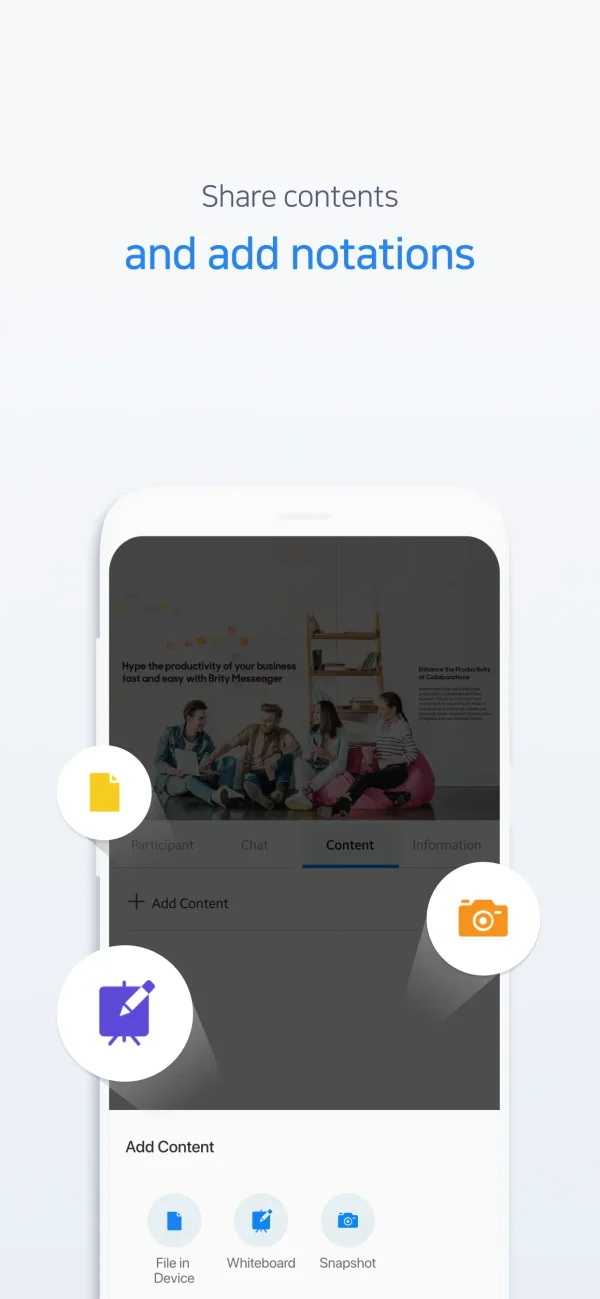
Brity Meeting supports video mode, document mode and screen sharing mode. Video mode enables lively meeting similar to offline meeting. In Document Mode, you can share contents and make a note on the screen. In Screen Sharing mode, you can see the shared PC screen in real-time. You can select and utilize the mode that is the most appropriate for your purpose.
▣ Simple and easy to start
You can start a meeting immediately by selecting participants from Contacts. Once meeting is reserved, an invitation email will be automatically sent to the participants. Also, you can reserve repeated meetings as “Permanent Conference” to reduce repetitive tasks.
▣ Interaction features
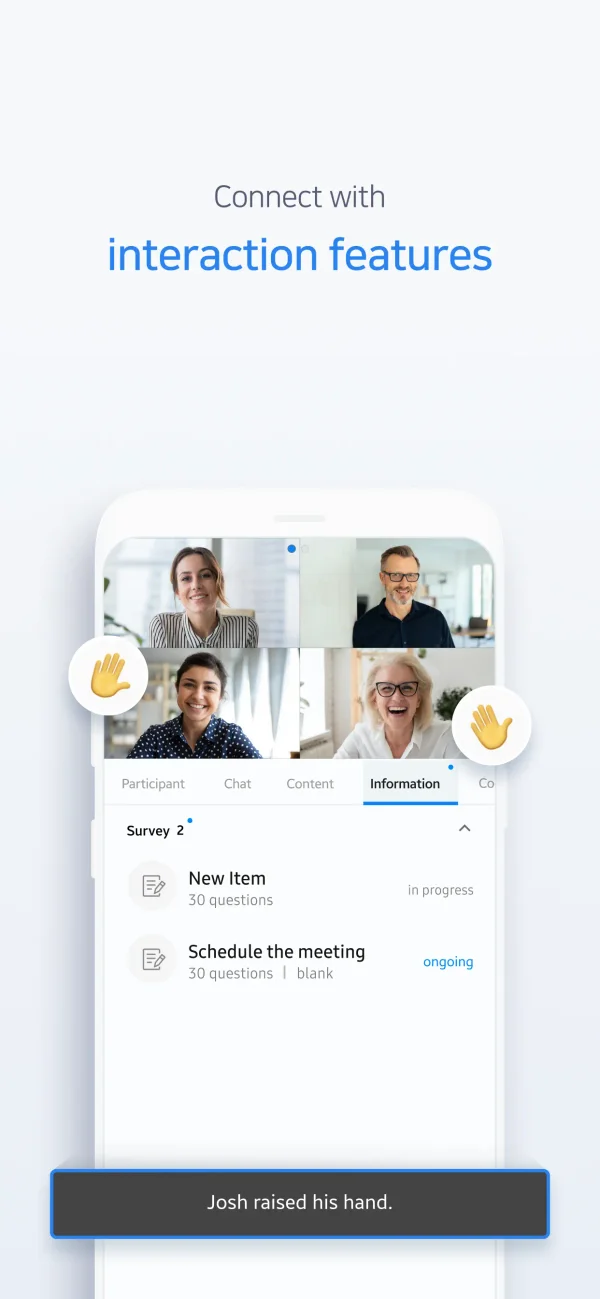
Interaction features, such as “Raise Hand” and “Poll,” make your conferences richer. Through the interaction features, the presenter can see the reactions of other participants in real time. If it is difficult for everyone to present, such as online education or a large seminar, the 'chat' function can be used to share opinions among participants.
[App permissions]
It is the access permissions used by Brity Meeting.
■ Mandatory permissions
: To use Square Meeting, all of the following items must be allowed.
- Camera: Used for video transmission during conference
- Microphone: Used for voice transmission during conference
■ Optional permissions
: You can use Square Meeting without allowing access, but the use of related features would be restricted.
- Contacts: Used for adding conference attendees
- Photos: Used for uploading contents for conference or as a profile picture
- Face ID: Used to unlock the screen with Face ID
What’s new
Version 2.7.26090801 · Sep 10, 2026
Improve usability and enhance stability
App privacy
What SAMSUNG SDS Co.,LTD declares on the App Store about how this app handles data.
-
Data linked to you
May be collected and linked to your identity.
- Contact info
- User content
- Identifiers
-
Data not linked to you
May be collected but is not linked to your identity.
- Contact info
- Contacts
- User content
- Identifiers
- Diagnostics
Privacy practices may vary, for example with the features you use or your age.
Information
- Seller
- SAMSUNG SDS Co.,LTD
- Category
- Business
- Version
- 2.7.26090801
- Updated
- Sep 10, 2026
- Released
- Apr 6, 2017
- Size
- 100.8 MB
- Requires
- iOS 13.3 or later
- Age rating
- 4+
- Price
- Free
- Languages
- English, French, Japanese, Korean, Simplified Chinese, Traditional Chinese, Vietnamese
- Copyright
- © Samsung SDS Inc.
You might also like
-
 ViiTALKBusiness
-
 RemoteMeetingProductivity
-
 Eyenak MeetingHTF Here The Future Co
-
 MeetingXCommunicate anytime, anywhere
-
 hitrolink meetingmeet beyond the distance
-
 G-Net MeetNowHold Meetings More Easily
-
 Zhumu随锐集团旗下视频云会议
-
 京ME-WorkplaceBusiness
-
 Matrx: Meeting & CollaborationPower Up Your Workforce
-
 AskLink-Remote DesktopSecure cross-platform access