
- Age rating17+
- CategoryUtilities
- DeveloperTomokazu Shinozaki
- LanguagesEnglish+ 9 more
- Size5.6 MB
Links to the official App Store page
Download.org hosts no file of BrowPane. The button opens its official App Store page, published by Tomokazu Shinozaki. Listing last checked on Nov 23, 2026.
Screenshots


About
Save repeatable browser actions as macros. You can also compare two pages on one screen with Split View. BrowPane is an iPhone browser.
MAKE A MACRO
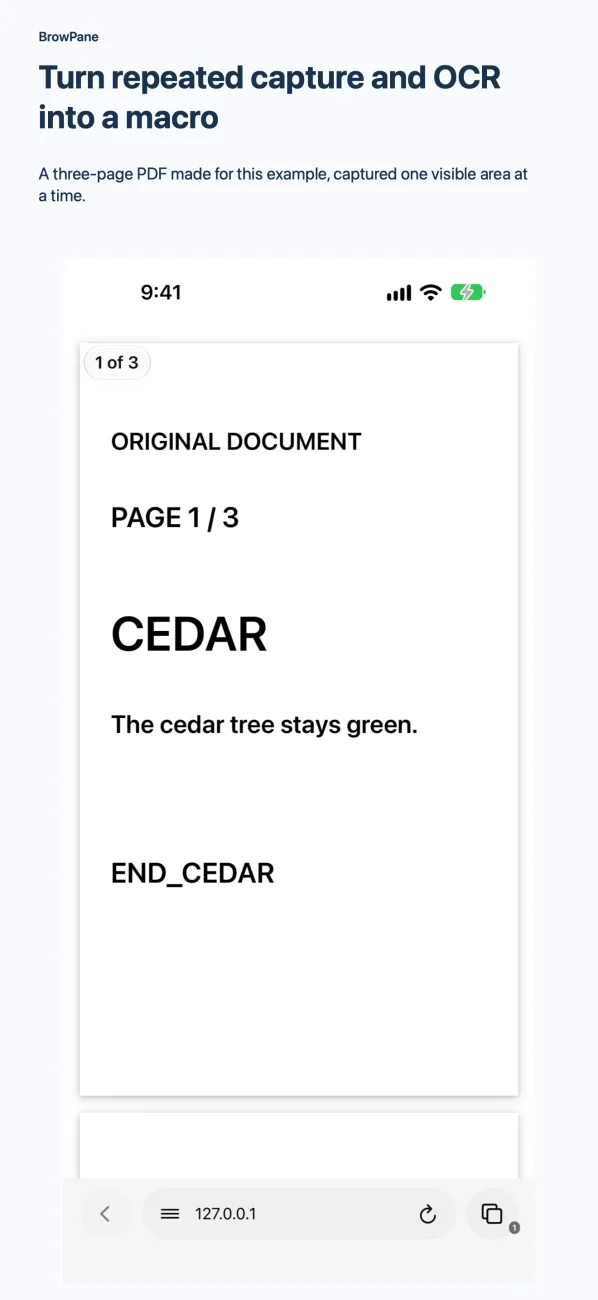
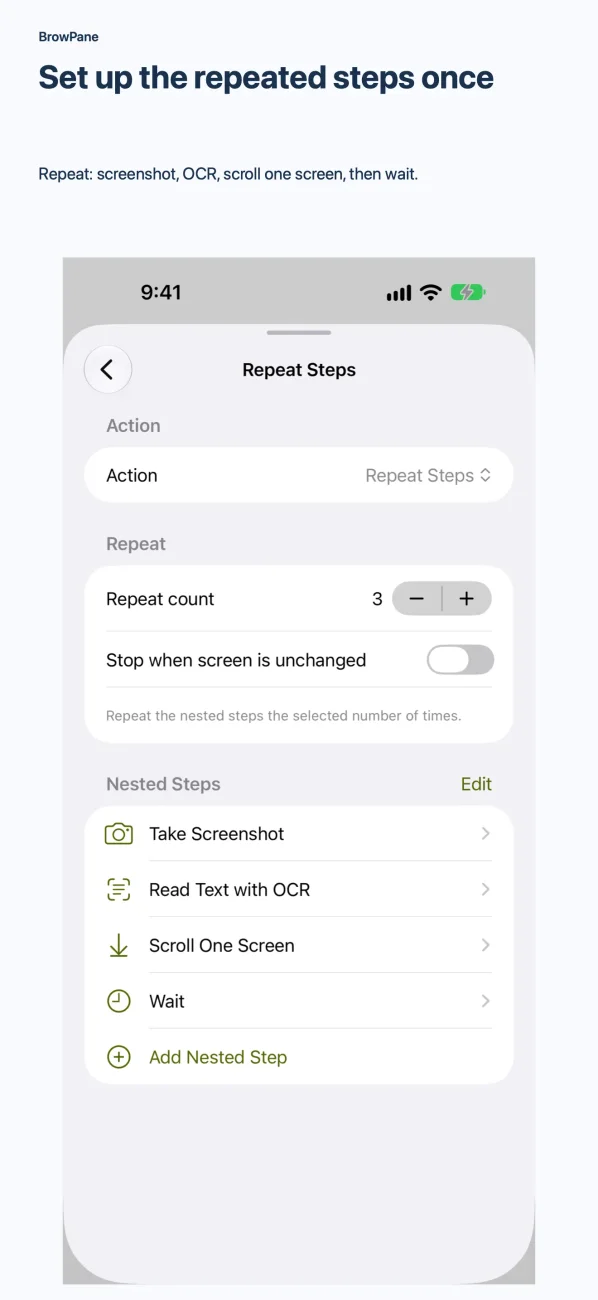
Try the Quick Start macro to open a URL, wait, and save a screenshot to Files. A separate built-in “Screenshot → Swipe Right” sample may appear in the list; it repeats screenshot, right-swipe, and one-second wait steps until the page stops changing, up to 10,000 times. Add taps, text entry, scrolling, or repeats, and edit a macro’s name and description. Website changes and loading can affect results; check the URL, text, and steps before running.
COMPARE TWO PAGES
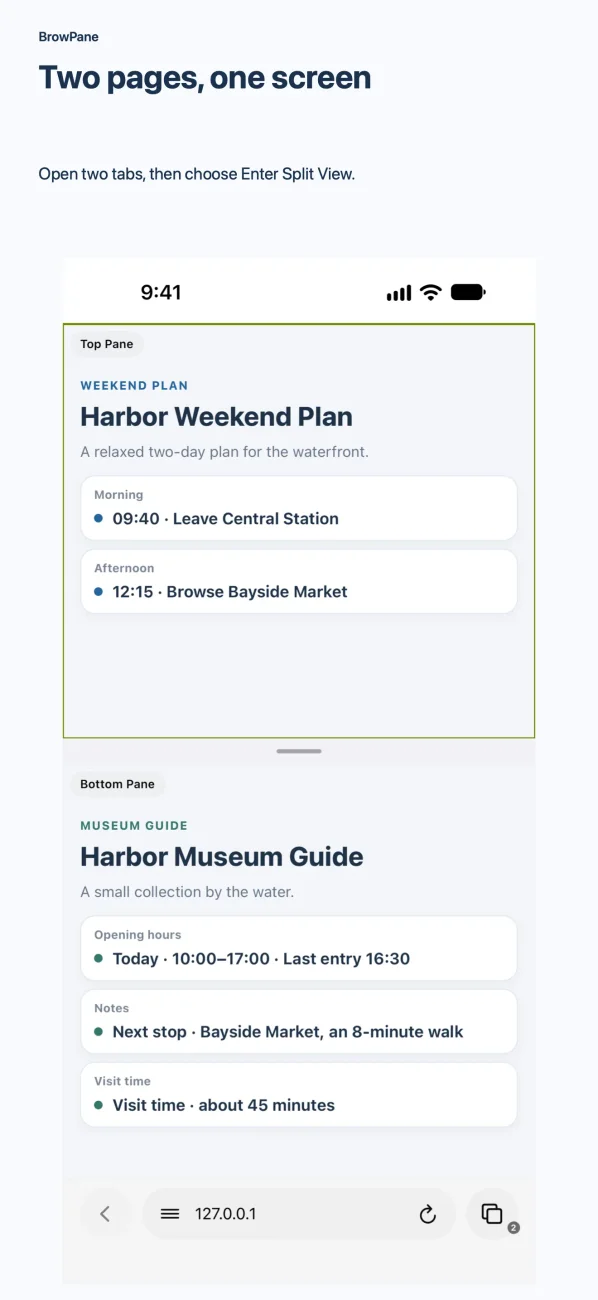
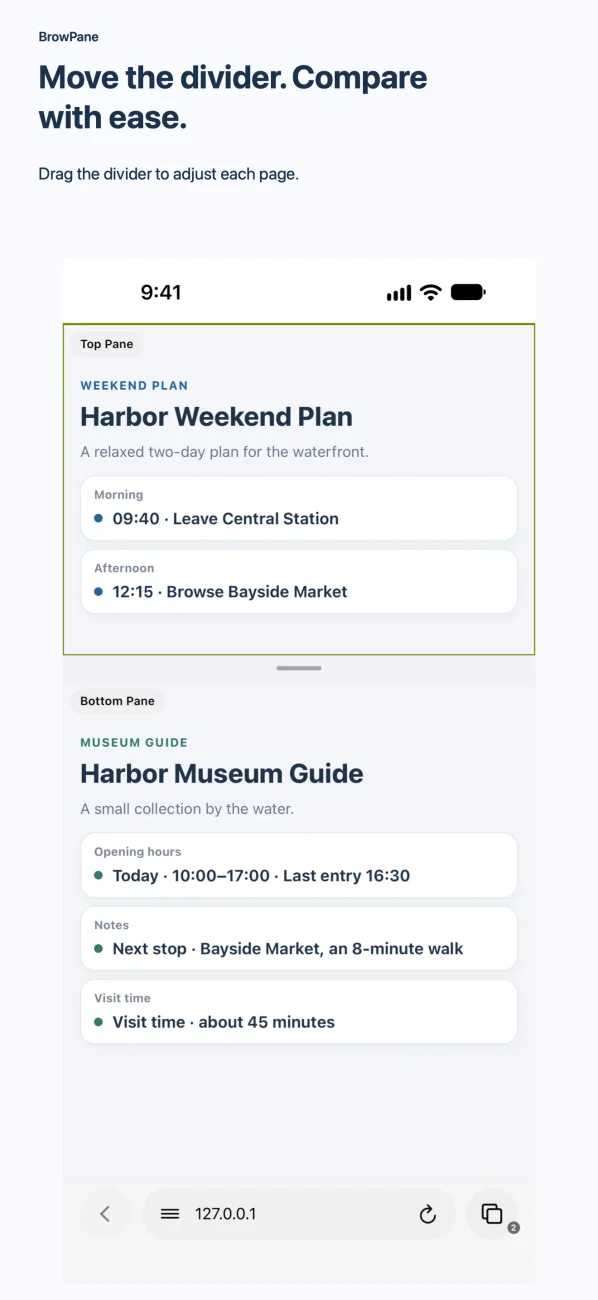
View pages one above the other and drag the divider to adjust. Compare an itinerary with a venue guide, for example. Open two pages in tabs and choose “Enter Split View” from the Page menu.
ORGANIZE BROWSING
Use regular and private tabs, swipe between tabs, reopen recently closed tabs, view history, search a page, choose Google, Bing, or DuckDuckGo, and download files to Files. From a link menu, open a link in a new tab, bookmark it, add it to Reading List, copy it, or share it. Bookmarks and Reading List save titles and URLs, not offline page content.
ADS AND PRIVACY
BrowPane targets some web ad requests and page overlays, but ads may remain. A clearly labeled native ad may appear only on regular-tab start pages. There is no persistent banner. If consent and ad settings allow requests, BrowPane may load a rewarded ad before a macro-run choice from either a regular or private tab. If an ad loads, choose to watch it once or cancel. The macro runs once only if a reward is earned. Cancel or close before the reward and it will not run. If consent or settings do not allow a request, or an ad is unavailable, the macro runs without an ad.
Private tabs are not added to BrowPane’s saved history and use a non-persistent website-data store. They do not hide activity from websites, search engines, or network providers, or automatically remove downloads and macro data. Text recognition runs on your device. A non-persistent website-data store does not turn off advertising SDK data processing. Ad-data handling may vary by region and consent; see the Privacy Policy and App Store privacy details.
Support: https://reishabu.tokyo/browpane-support/
What’s new
Version 1.1.3 · Nov 22, 2026
Refreshed the App Store screenshots and description to put macros first, followed by Split View. No app functionality changed.
App privacy
What Tomokazu Shinozaki declares on the App Store about how this app handles data.
-
Data used to track you
May be used to track you across apps and websites owned by other companies.
- Identifiers
-
Data linked to you
May be collected and linked to your identity.
- Location
- Identifiers
- Usage data
-
Data not linked to you
May be collected but is not linked to your identity.
- Location
- Identifiers
- Usage data
- Diagnostics
Privacy practices may vary, for example with the features you use or your age.
Information
- Seller
- Tomokazu Shinozaki
- Category
- Utilities
- Version
- 1.1.3
- Updated
- Nov 22, 2026
- Released
- Oct 5, 2026
- Size
- 5.6 MB
- Requires
- iOS 18.0 or later
- Age rating
- 17+
- Price
- Free
- Languages
- English, Hindi, Indonesian, Japanese, Korean, Portuguese, Simplified Chinese, Spanish, Traditional Chinese, Vietnamese
- Copyright
- © 2026 Tomokazu Shinozaki
You might also like
-
 Brilliance Private BrowserScreenshot-proof browsing
-
 Happy Browser by WokCodePrivate Web Browser
-
 ShadowShuttleSecure Network Tool
-
 Namu Browser: Watch BrowserFast Web Browser on Your Wrist
-
 Quiet BrowserBrowse and save on device
-
 Scout - Smallnet BrowserText only internet browser
-
 DuoScreen: Split BrowserDuo browsers, Uno screen
-
 Jazz Private BrowserPrivate tabs, ad block, VPN
-
 TubeOneAd-Free, PiP & Background Play
-
 Zixia Browser - Flash & ReaderRetro Games, Read Aloud & AI