BT Baseball Scoreboard
High Quality Scoreboard
Designed for iPhone, iPad, iPod touch
Free · In-app purchases
- Age rating4+
- CategorySports
- DeveloperThe Basketball Temple LLC
- LanguagesEnglish
- Size112.5 MB
Links to the official App Store page
Download.org hosts no file of BT Baseball Scoreboard. The button opens its official App Store page, published by The Basketball Temple LLC. Listing last checked on Nov 18, 2026.
Screenshots



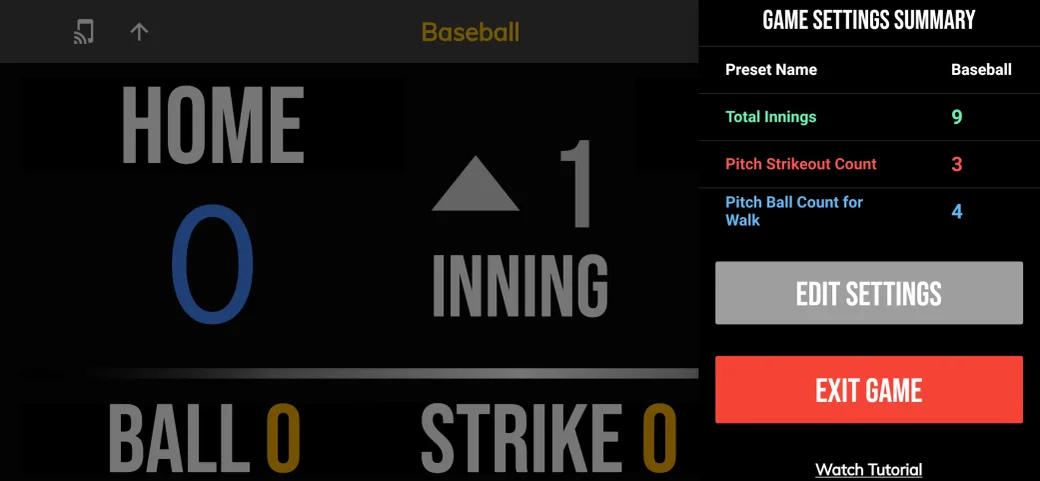

About
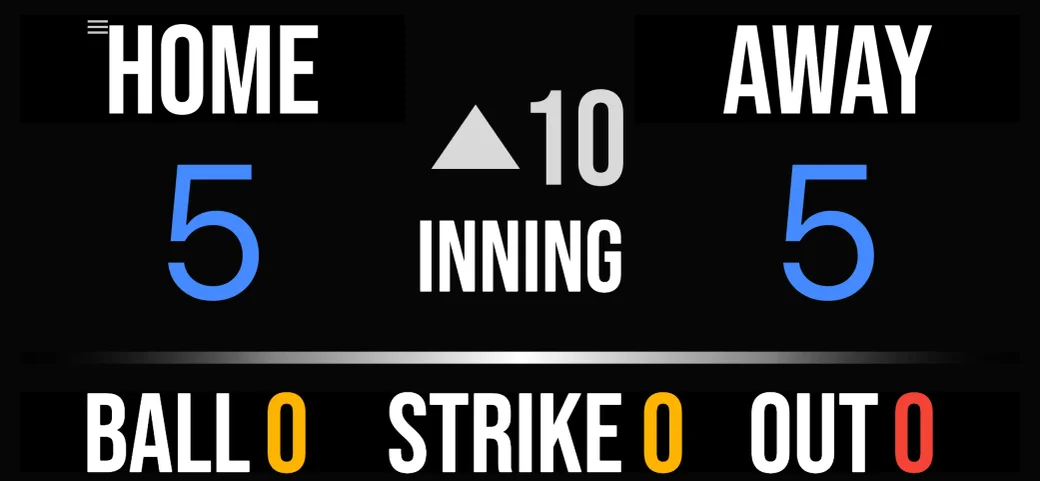
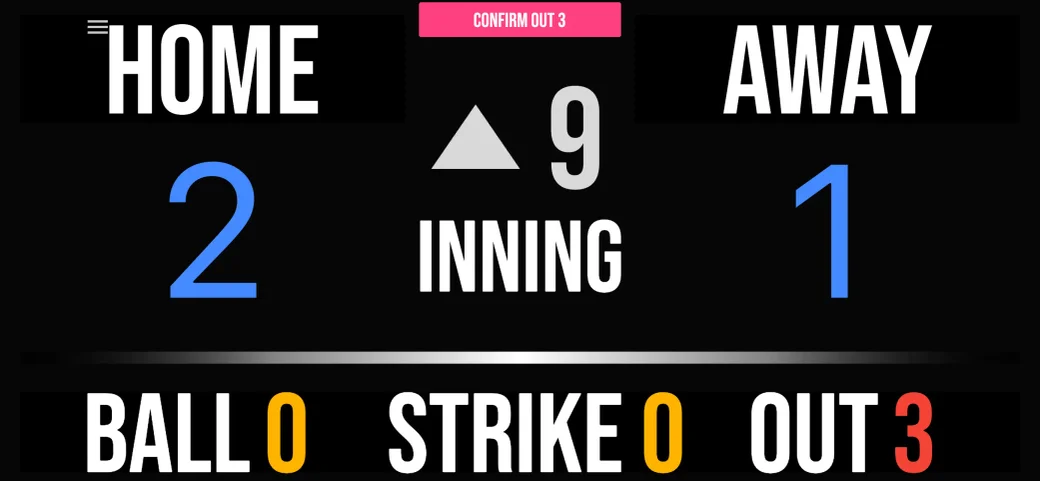
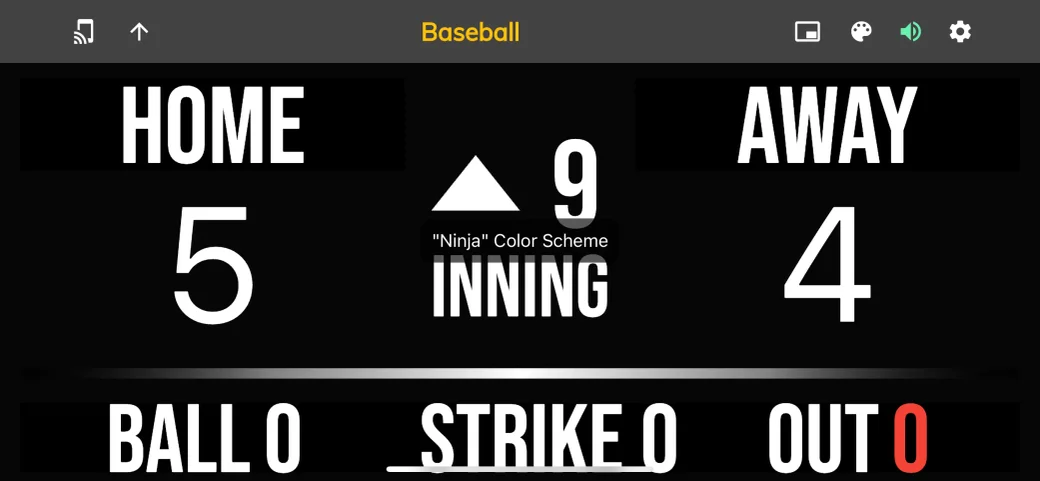
One of the cleanest baseball scoreboard apps on the market with many convenient features. The BT Baseball Scoreboard app is the next best option to investing in an expensive professional grade scoreboard. Scoreboard equipment which can cost you thousands is now available and affordable to everyone in the baseball community.
Synchronize Compatible Devices:
- Search on App Store "BT Baseball Camera"
- Search on App Store "BT Baseball Controller"
BT Baseball Scoreboard App Features:
- Clean design, no ads
- Intuitive direct tap and swipe controls
- Remotely control scoreboards, cameras, and other devices with WiFi or Bluetooth
- Fully customizable game in the settings
- Quick Start Documentation below
The BT Baseball Scoreboard app was created by The Basketball Temple Company. After the success of our basketball products, we have expanded into other sports. The Basketball Temple Company focuses on high quality basketball academies, basketball leagues, and technologies that are used to support those academies and leagues. We open our technology to the public so everyone in the basketball community can experience the same technologies that we use within our institutions.
# Remotely Synchronize Compatible Devices Quick Start Documentation:
- Tap on top-left connect icon (or swipe left-to-right on the left edge) to open connect menu
- Hit "Refresh" to find devices
- Tap on WiFi or Bluetooth icon to connect, green icon indicates connected
- If unable to connect or having connection errors try one of the following:
1) please ensure all devices are on the same WiFi network
2) please ensure bluetooth is turned ON on all devices
3) lastly, try to restart the app on all devices
For a full list of our other tutorials please visit: https://www.youtube.com/@btstatsco
Feel free to contact us at support@basketballtemple.com
Privacy Policy: https://www.basketballtemple.com/privacy
Terms of Use: https://www.apple.com/legal/internet-services/itunes/dev/stdeula/
What’s new
Version 1240 · Oct 1, 2026
- Fixed Away and Home team layout on score overlay for baseball convention
Please submit any issues to support@basketballtemple.com. Thank you for using the app!
App privacy
What The Basketball Temple LLC declares on the App Store about how this app handles data.
-
Data not collected
The developer does not collect any data from this app.
Privacy practices may vary, for example with the features you use or your age.
Information
- Seller
- The Basketball Temple LLC
- Category
- Sports
- Version
- 1240
- Updated
- Oct 1, 2026
- Released
- Nov 9, 2024
- Size
- 112.5 MB
- Requires
- iOS 15.0 or later
- Age rating
- 4+
- Price
- Free
- In-app purchases
- Yes
- Languages
- English
- Copyright
- © 2025 The Basketball Temple
You might also like
-
 Scoreboard in sportsMake scoring simpler
-
 All-Sports ScoreboardScore Keeper & Game Clock
-
 Baseball Scoreboard RetroSports
-
 Bleacher ScorekeeperSports
-
 ScoreboardTV: BasketballAffordable Gym Scorekeeping
-
 Baseball Score & ScoreboardSoftball · Pitch Count
-
 ScoreBuddy ProSports
-
 ScoreKeepers: Live ScoreboardScore keeper for any sport
-
 ScoreVision BaseballSports
-
 ICE HOCKEY PRO - SCOREBOARDSport PlayOut Media Player