
Bubble Level: Angle Finder AR
Spirit Level Inclinometer Tool
Designed for iPhone, iPad
Free · In-app purchases
- Age rating4+
- CategoryUtilities
- DeveloperJens Rieckhof
- LanguagesEnglish+ 19 more
- Size42.8 MB
Links to the official App Store page
Download.org hosts no file of Bubble Level: Angle Finder AR. The button opens its official App Store page, published by Jens Rieckhof. Listing last checked on Nov 22, 2026.
Screenshots
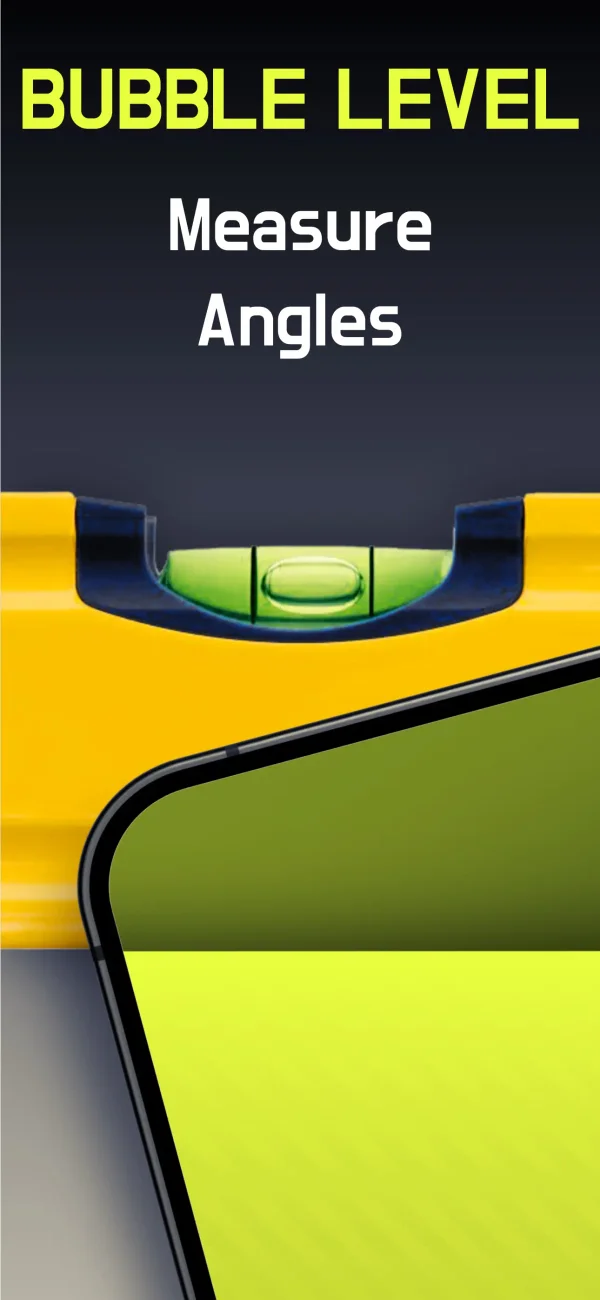

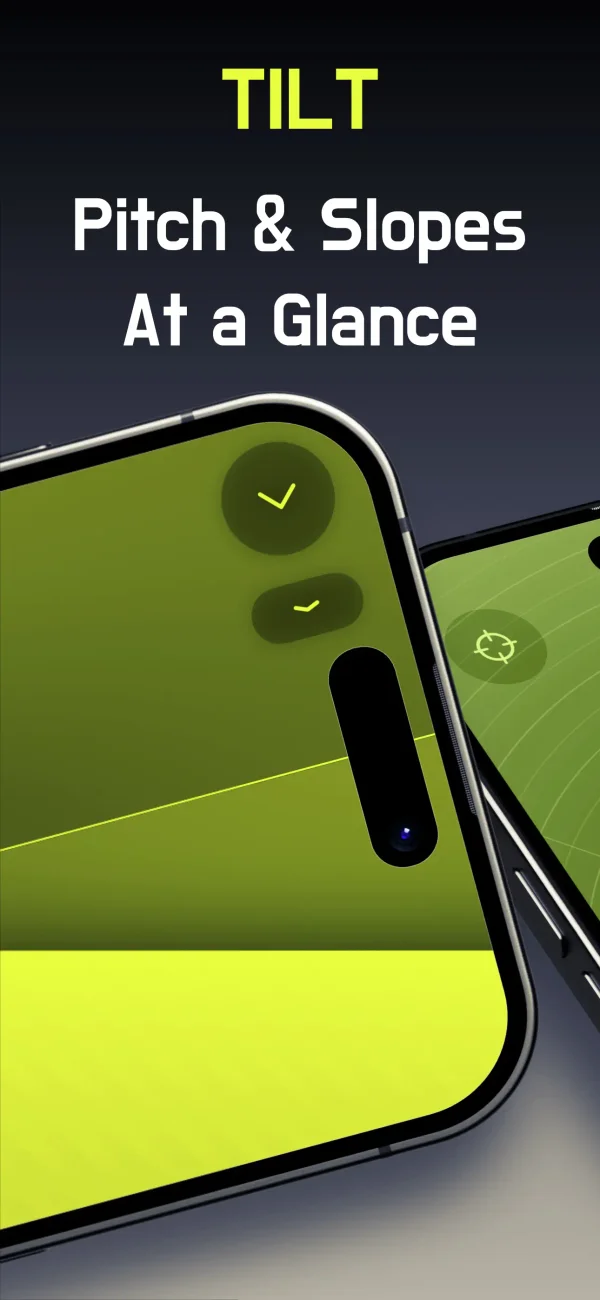
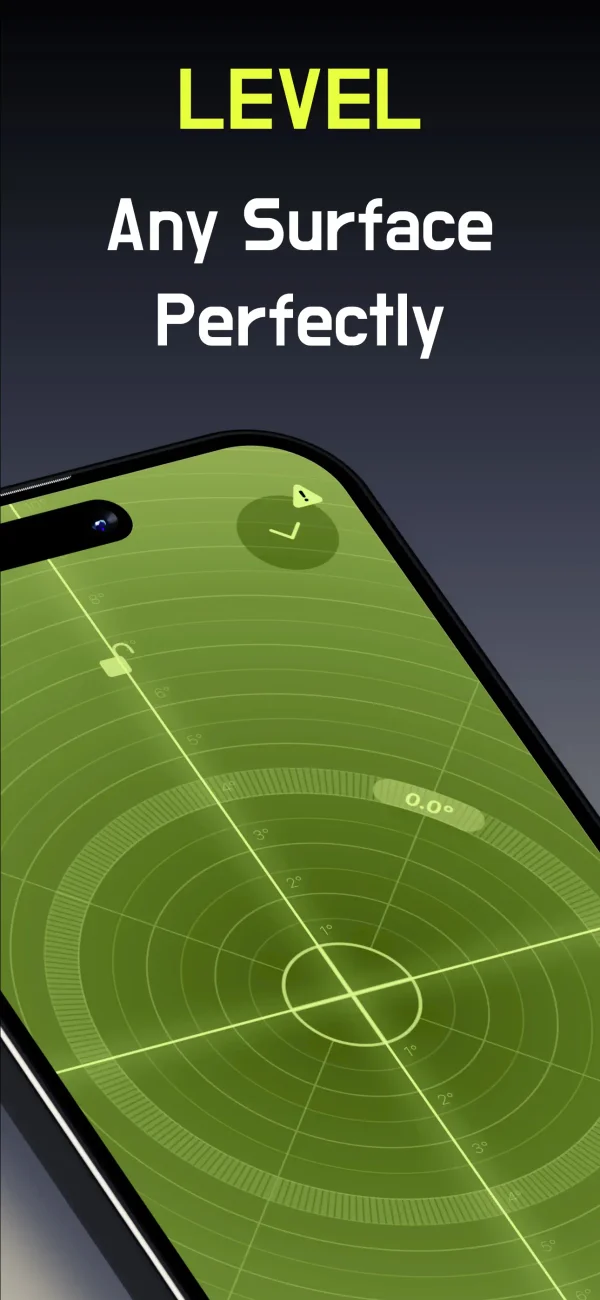
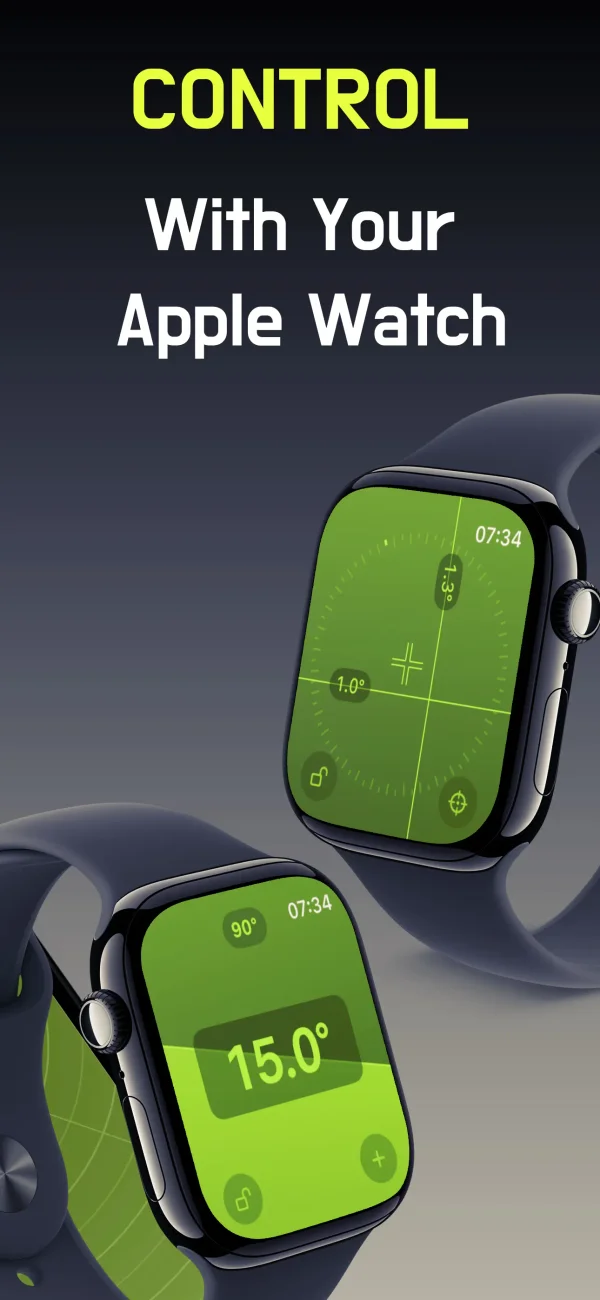
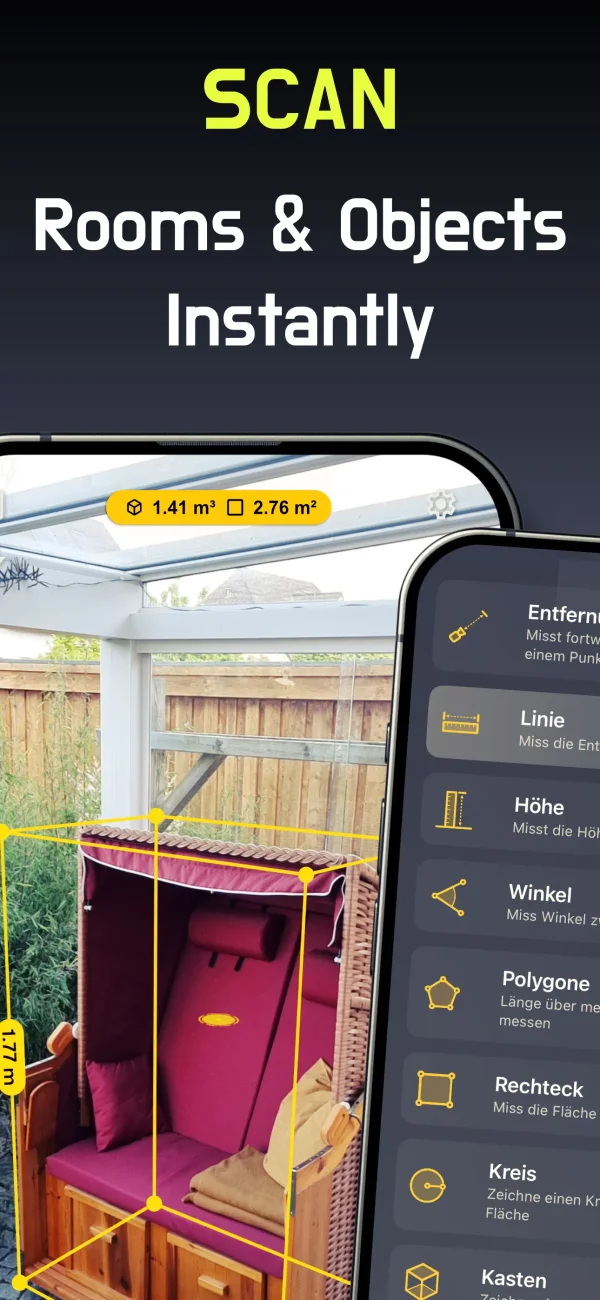
About
Transform Your Phone into a Precision Leveling Tool!
Over 450K users - 4.5 Star Average Rating
Introducing the Super-Easy Level: Turn your device into a highly accurate bubble level (spirit level) with ease. Ideal for both DIY aficionados and professional builders, our app delivers unparalleled precision for any leveling task.
Why Choose Super-Easy Level?
Versatile Measurement Tools: Not only can you check the level and inclination of surfaces, but with our camera integration, measuring lengths becomes a breeze.
Augmented Reality Features: Equipped with an augmented reality ruler and protractor for cutting-edge measurement accuracy.
Simplicity at Its Best: Enjoy a user-friendly interface that makes navigation a piece of cake on any smartphone or tablet.
Now on Apple Watch: Angle measurements appear live on your wrist. The Watch app mirrors your iPhone's mode and accent color in real time. In 1D mode, a full-screen artificial horizon tilts with your measured angle — choose degrees, slope %, or near-delta. In 2D mode, a dual-axis crosshair with a yaw compass ring tracks tilt on both axes simultaneously. Lock readings or save angles directly from your Watch; the last reading stays on screen even if the iPhone connection drops.
Key Features:
Ultra-Precise: Measures angles to the nearest tenth of a degree.
Effortless Calibration: Simple one-touch calibration keeps accuracy at your fingertips.
Clear Visual Display: Our interface is designed for clarity, ensuring your measurements are easy to read at a glance.
Robust Toolset: Whether it's a quick DIY project or a professional job, our app is up to the task.
Get Started in Seconds:
Align your phone with a known level or vertical edge.
Press the calibration button. Done!
Elevate your DIY and professional projects with Super-Easy Level — download now and level up your precision game!
Features:
◉ Accurate measuring to one tenth of a degree.
◉ Super easy angle calibration and handling.
◉ Precise and reliable measurements
◉ Ability to measure inclination/slope
◉ Easy to read display
◉ Calibration function for even more accurate results
◉ User-friendly interface and can be used on any smartphone or tablet.
◉ Apple Watch support — live angle readings, lock & save from your wrist.
How to calibrate:
◉ Align the phone with a level or vertical edge and hit the calibration button.
◉ That's it.
Terms of use (EULA):
https://www.apple.com/legal/internet-services/itunes/dev/stdeula/
What’s new
Version 1.537 · Nov 4, 2026
Improved measurement precision and responsiveness.
New angle editor for stored angles.
Apple Watch Support is here!
- Live angle readings on your wrist — mirrors your iPhone's current mode and accent color in real time
- 1D mode: full-screen artificial horizon tilts with the angle; display full degrees, slope %, or near-delta
- 2D mode: dual-axis crosshair with a yaw compass ring shows tilt on both axes simultaneously
- Lock a reading or save an angle directly from your Watch — last reading stays on screen even if iPhone connection drops
- Connection indicator shows pairing, reachability, and app status at a glance
Enjoying the app? Leaving a quick review helps us keep improving and reach more people who need it!
App privacy
What Jens Rieckhof declares on the App Store about how this app handles data.
-
Data used to track you
May be used to track you across apps and websites owned by other companies.
- Location
-
Data not linked to you
May be collected but is not linked to your identity.
- Location
- Diagnostics
Privacy practices may vary, for example with the features you use or your age.
Information
- Seller
- Jens Rieckhof
- Category
- Utilities
- Version
- 1.537
- Updated
- Nov 4, 2026
- Released
- Nov 7, 2021
- Size
- 42.8 MB
- Requires
- iOS 16.6 or later
- Age rating
- 4+
- Price
- Free
- In-app purchases
- Yes
- Languages
- English, Arabic, Danish, Dutch, French, German, Hindi, Indonesian, Italian, Japanese, Korean, Norwegian Bokmål + 8 more
- Copyright
- © 2026 | JRSoftworx Professional Measurement Tools
You might also like
-
 Measure Angles - Bubble LevelProtractor, Clinometer, Slopes
-
 Protractor for Angle MeasuringMeasure Angles in Few Taps
-
 Level Tool - Angle Measure AppLeveler: Surface & Slope Meter
-
 Level Tool · Angle FinderThe best level tool for you
-
 Protractor Angle Measure ToolAngle Finder, Meter & Level
-
 Bubble Level - Spirit LevelUtilities
-
 Angle Meter 360Convenient angle meter, finder
-
 Angle Finder: Level ToolMeasure & Check Surface Level
-
 Bubble Level 2022Level in the palm of your hand
-
 Pocket Bubble Level XXLEssential tool for handyman