
- Age rating4+
- CategoryFinance
- DeveloperShohidul Hoque
- LanguagesEnglish
- Size4.2 MB
Links to the official App Store page
Download.org hosts no file of Budlogs Tracker. The button opens its official App Store page, published by Shohidul Hoque. Listing last checked on Nov 13, 2026.
Screenshots



About
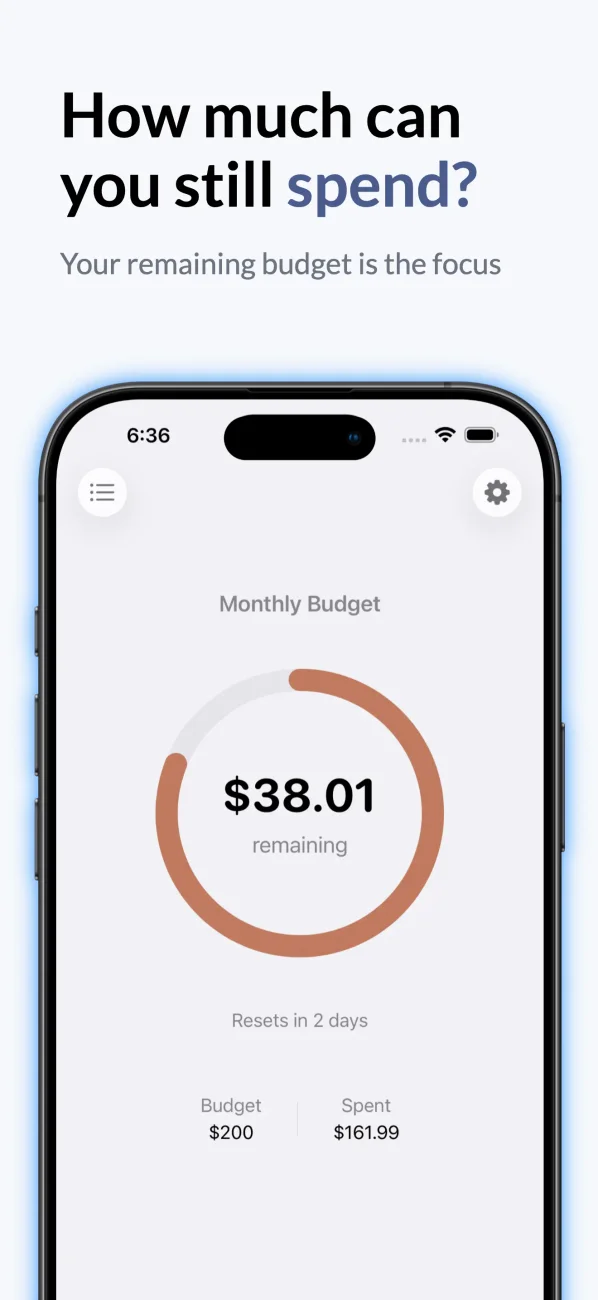
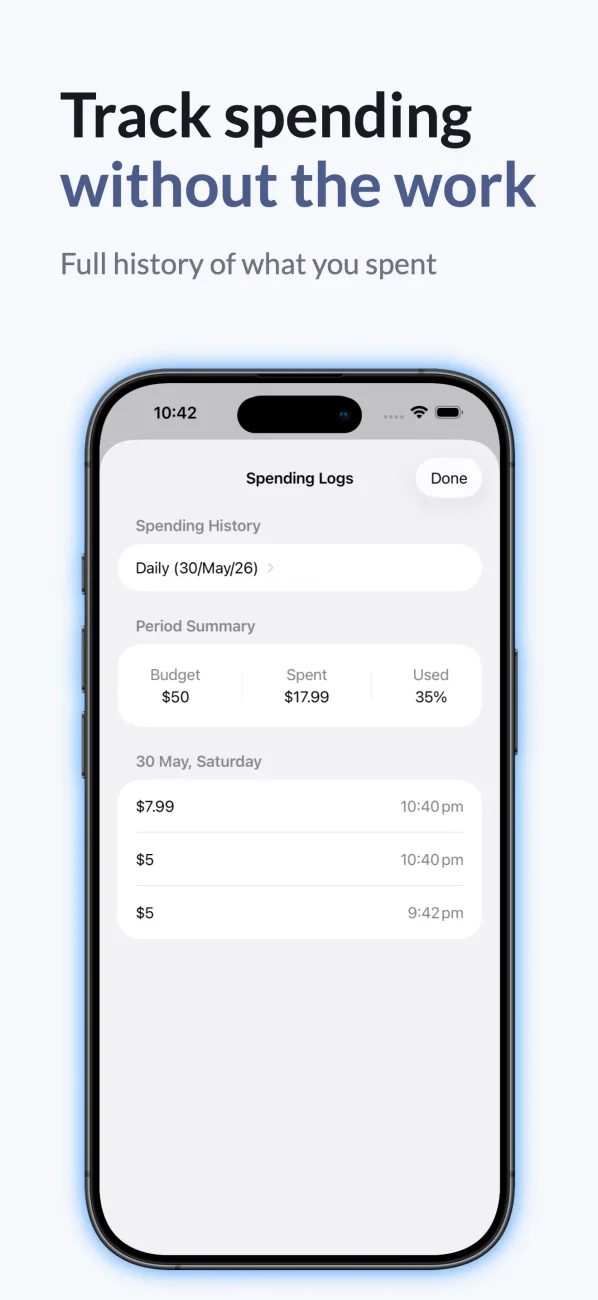
Stop budgeting like an accountant. Budlogs answers one question: how much can you still spend?
Set a limit. Log what you spend. See what's left.
No categories to pick. No transactions to label. No spreadsheet to maintain. Just tap your amount and get back to your day.
HOW IT WORKS
1. Set a daily, weekly, or monthly spending limit
2. Log spending as you go
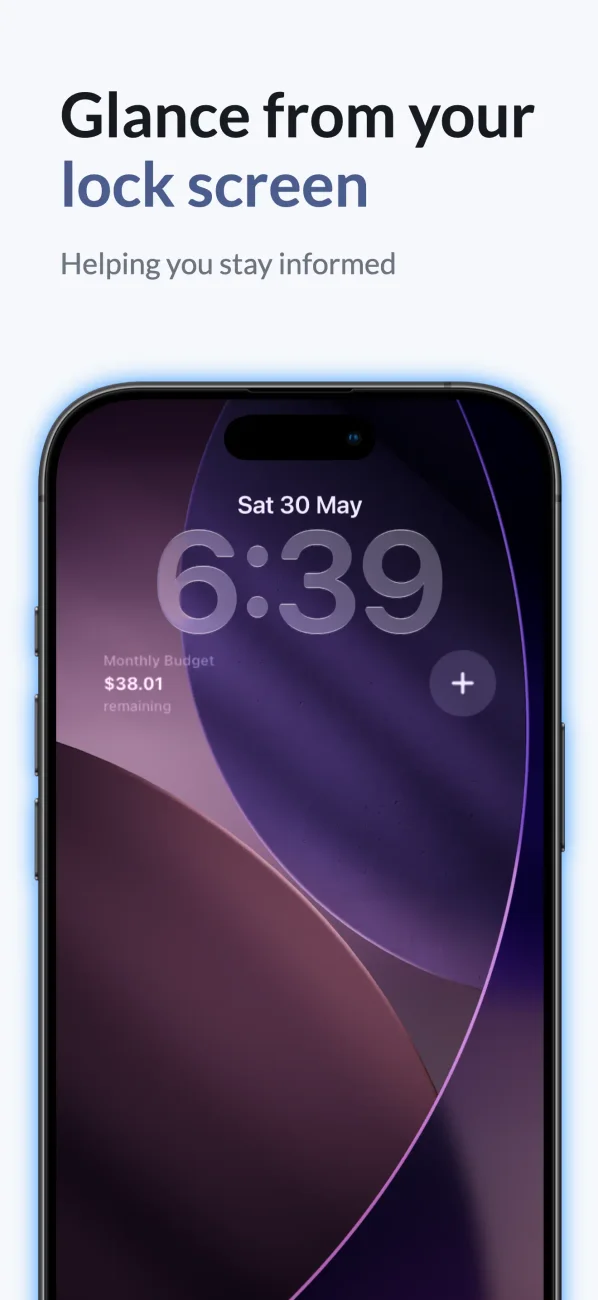
3. Check what's left — on your home screen, lock screen, or in the app
WHY NO CATEGORIES OR LABELS?
Most budget apps expect you to live like an auditor — labelling every coffee, categorising every purchase, colour-coding your life. That works for about a week. Then it becomes homework, and you stop. And once you stop, the app is useless.
Here's the thing: knowing you labelled something "Food & Drink" doesn't help you decide whether you can afford dinner tonight. What helps is one number — what's left to spend. That's it. No breakdowns. No pie charts. No labels. Just your budget minus what you've spent.
Budlogs is built around that one question: how much can you still spend?
FEATURES
- Home screen widgets — check what's left without opening the app
- Lock screen widgets — glance at your remaining budget without unlocking your phone
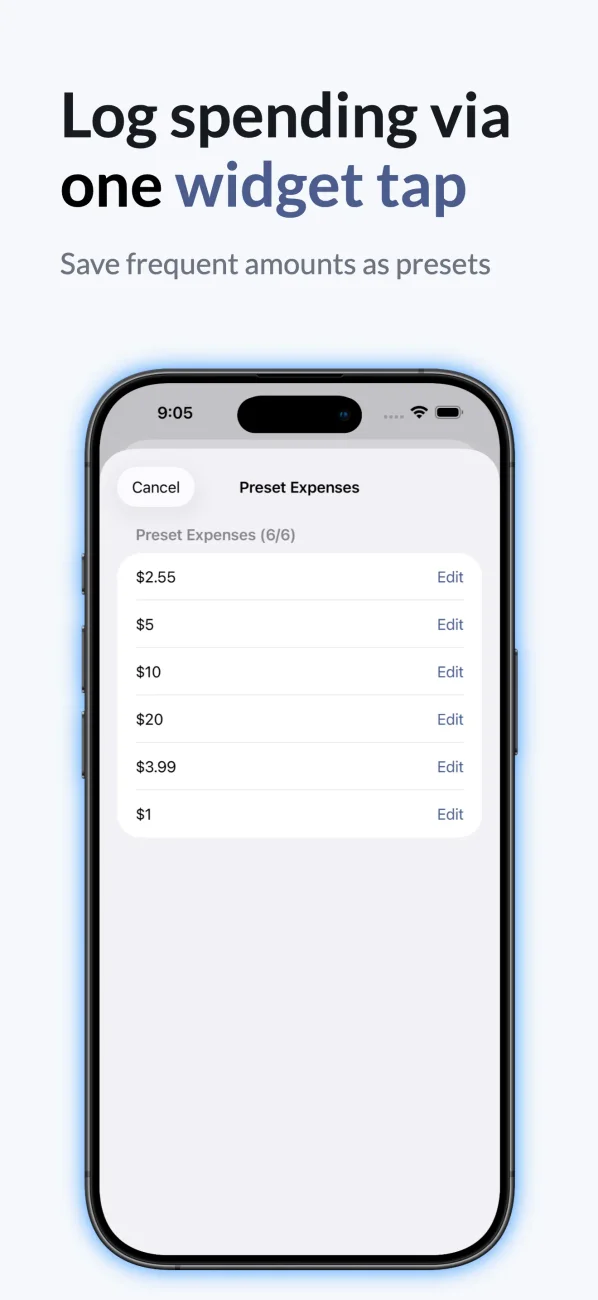
- Preset expenses — save frequent amounts, log them in one tap
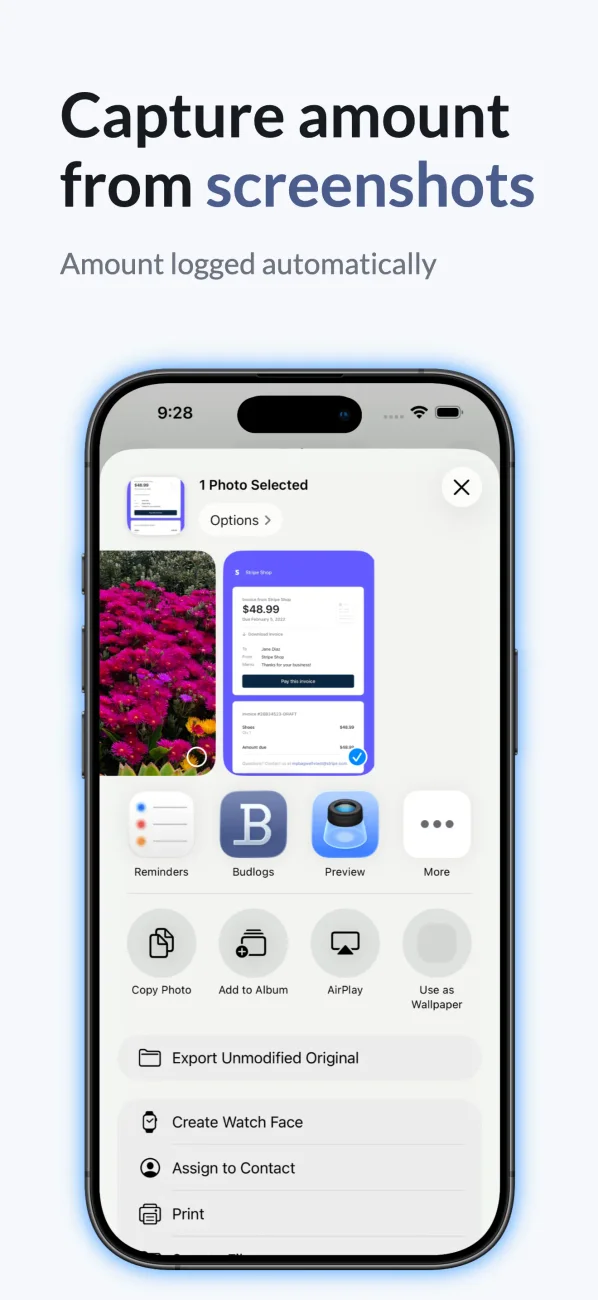
- Receipt scanning — share a photo, the amount is extracted on your device
- Spending history — view your complete spending logs across all periods
- 200+ currencies with proper formatting
- Automatic reset — your limit resets on your schedule
- Rollover — didn't spend it all? Carry the leftover into your next period
- Siri Shortcuts — log spending with your voice, hands-free
- Apple Pay auto-logging — tap to pay, and the amount is logged automatically
- Fully private — no accounts, no cloud, no tracking. All data stays on your phone
Terms of Use: https://budlogs.app/terms
App privacy
What Shohidul Hoque declares on the App Store about how this app handles data.
-
Data not collected
The developer does not collect any data from this app.
Privacy practices may vary, for example with the features you use or your age.
Information
- Seller
- Voceway Group Limited
- Category
- Finance
- Version
- 1.0
- Updated
- Jun 26, 2026
- Released
- Jun 25, 2026
- Size
- 4.2 MB
- Requires
- iOS 17.0 or later
- Age rating
- 4+
- In-app purchases
- Yes
- Languages
- English
- Copyright
- © 2026 Voceway Group Limited
You might also like
-
 SpendahSimple smart budgeting
-
 Savvy - Available balanceYour real available balance
-
 Mochi: Expense TrackerCalm Expense Tracker
-
 Talea - Budget PlannerKeep track of monthly budget
-
 BUWEE Weekly Budget TrackerExpense & Spending Planner
-
 Spenday - Daily BudgetKnow before you overspend
-
 Nesti · Budget PlannerExpense tracker, money left
-
 Simple Spend TrackerSimple Money Tracking
-
 Superfric: Suivi DépensesFinance
-
 Chestnut: Budget ManagerFinance