
Buffer Editor - Code Editor
Git Client, SFTP, SSH Terminal
Designed for iPhone, iPad
Free · In-app purchases
- Age rating4+
- CategoryDeveloper Tools
- DeveloperBlakzero Oy
- LanguagesEnglish
- Size44.7 MB
Links to the official App Store page
Download.org hosts no file of Buffer Editor - Code Editor. The button opens its official App Store page, published by Blakzero Oy. Listing last checked on Nov 12, 2026.
Screenshots
About
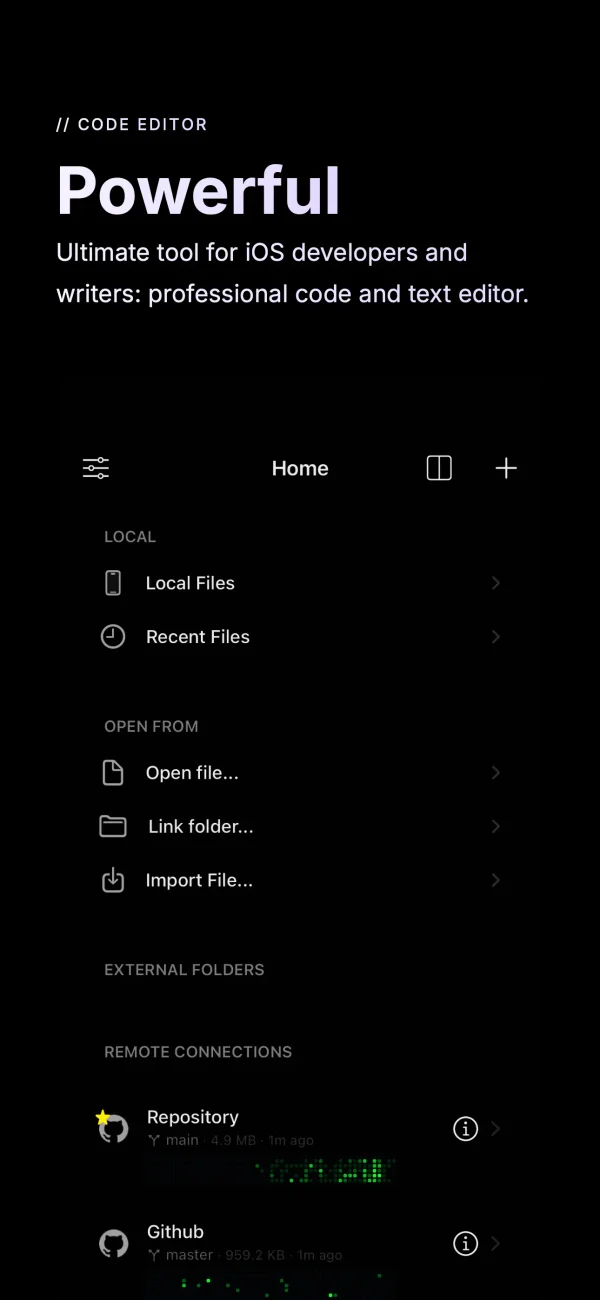
Buffer Editor is a POWERFUL code and text editor that lets you easily develop software, view code or take notes on the go. Enjoy an editing experience that is both versatile and intuitive, and take your productivity to the next level.
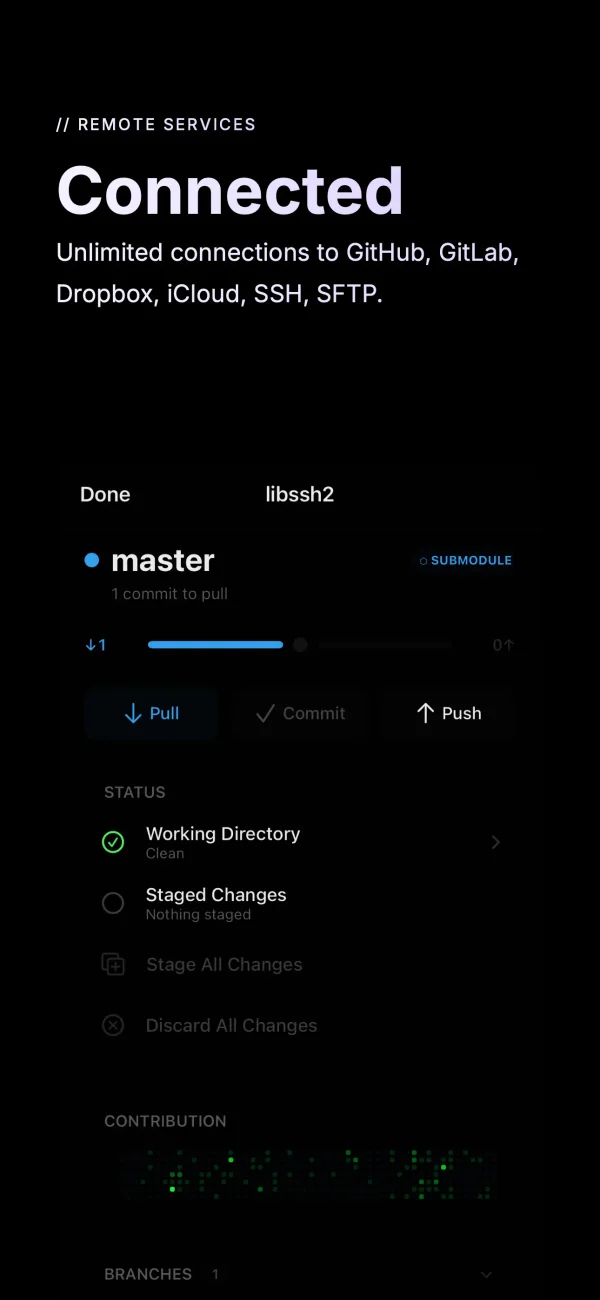
• Connect to GitHub, GitLab, BitBucket, Custom Git, Dropbox, iCloud, Google Drive, SFTP, SSH, and FTP servers
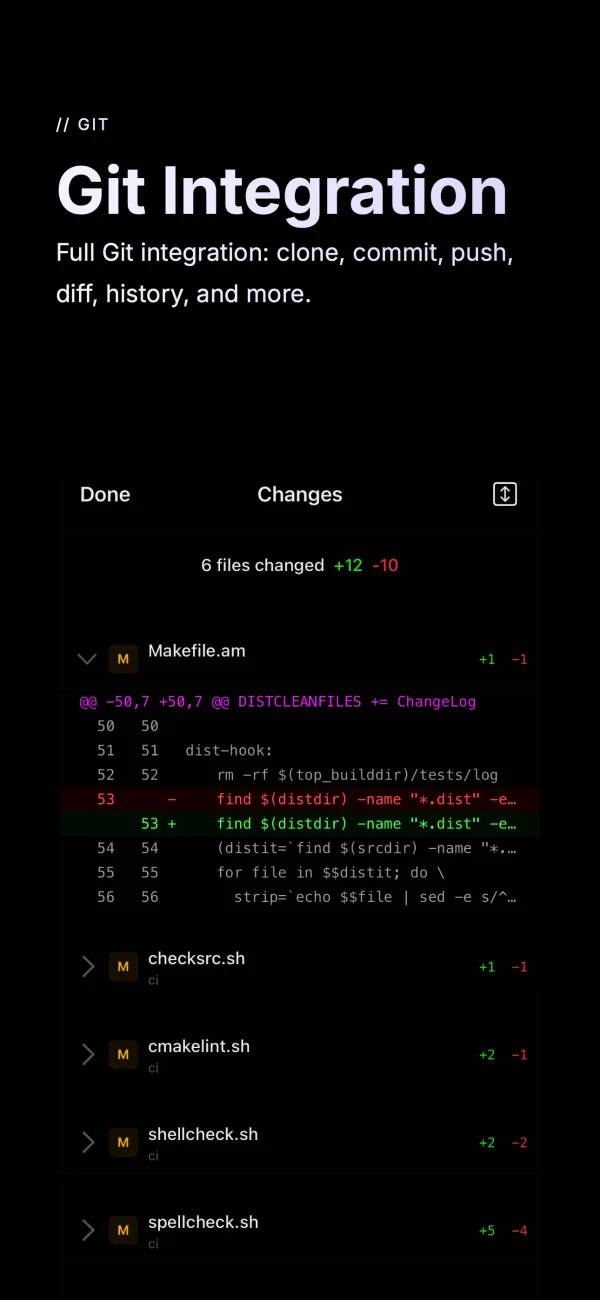
• Git Operations for easy repository management
• Git Visual Merge Tool to resolve merge conflicts.
• Git Visual Branch and Commits History.
• Live editing—open, edit, and save files directly to remote services
• Network monitoring for remote services (FTP, SFTP, SSH)
• Built-in Terminal (SSH Client) with multiple terminals in tabs.
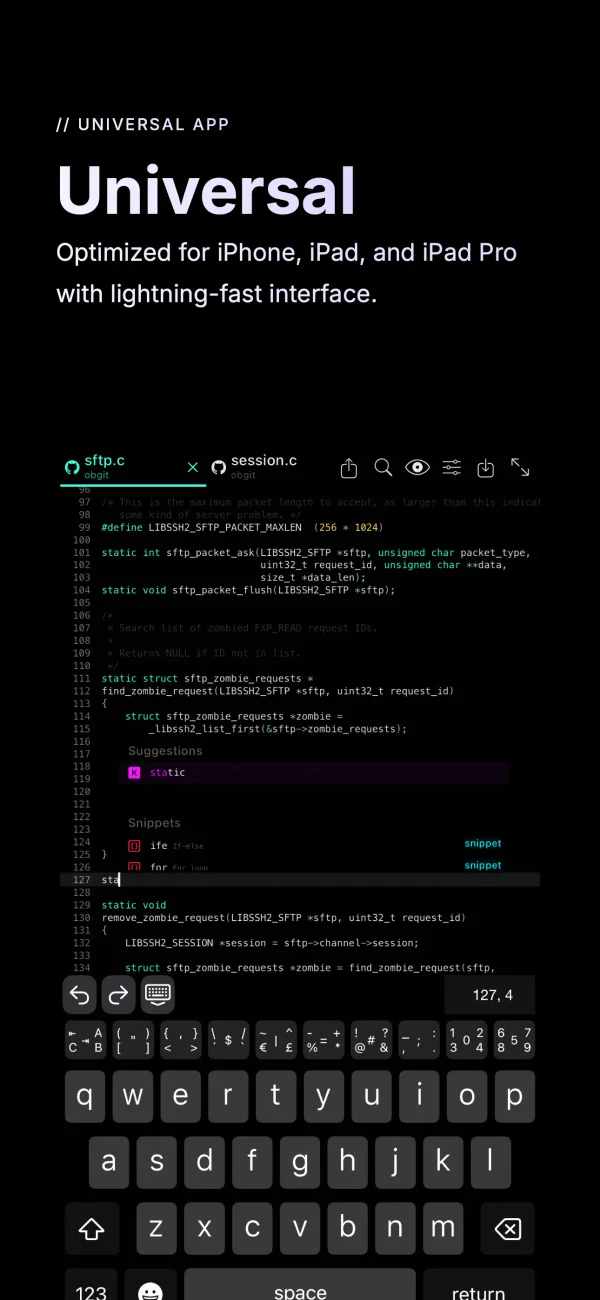
• Syntax highlighting & code autocomplete: ASP, AWK, ActionScript, Ada, Arduino, Bash, C, C++, C#, Clojure, Cobol, CSS, D, Dart, Dockerfile, Erlang, F#, Fortran, Gherkin, Go, HAML, Haskell, HTML (4 & 5), INI, Java, JavaScript, Julia, Kotlin, LaTeX, Common Lisp, Lua, Markdown, MATLAB, MQL (4 & 5), NSIS, Objective-C, Org Mode, Pascal, Perl, PHP, PowerShell, Progress, Prolog, Pug, Puppet, Python, Q/kdb+, R, reStructuredText, Ruby, Rust, Scala, Solidity, SQL, Stata, Swift, Terraform, TypeScript, TypeScript React, Verilog, VHDL, Visual Basic, Vue, x86 ASM, XML
• Vim mode support
• Symbol navigator / document outline
• Code autocompletion, with custom snippets.
• Find & replace with regular expression support
• Recursive file and content search—match and jump to any file at a specific line
• Find references in file and jump to any file
• Bracket matching and highlighting
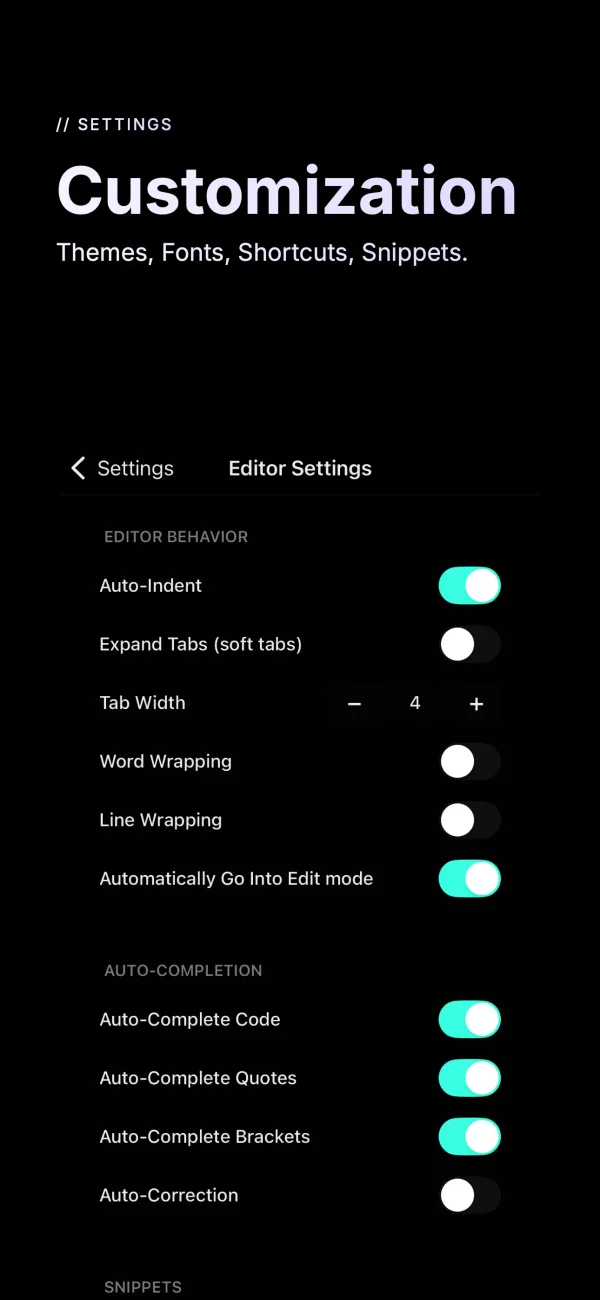
• Line and word wrapping
• Unicode support
• Multiple windows, Split View, and Slide Over support
• Tabs with automatic restore—quickly switch between files and terminals
• Full screen mode
• Extended keyboard with coding keys
• Bluetooth keyboard support with shortcuts manager
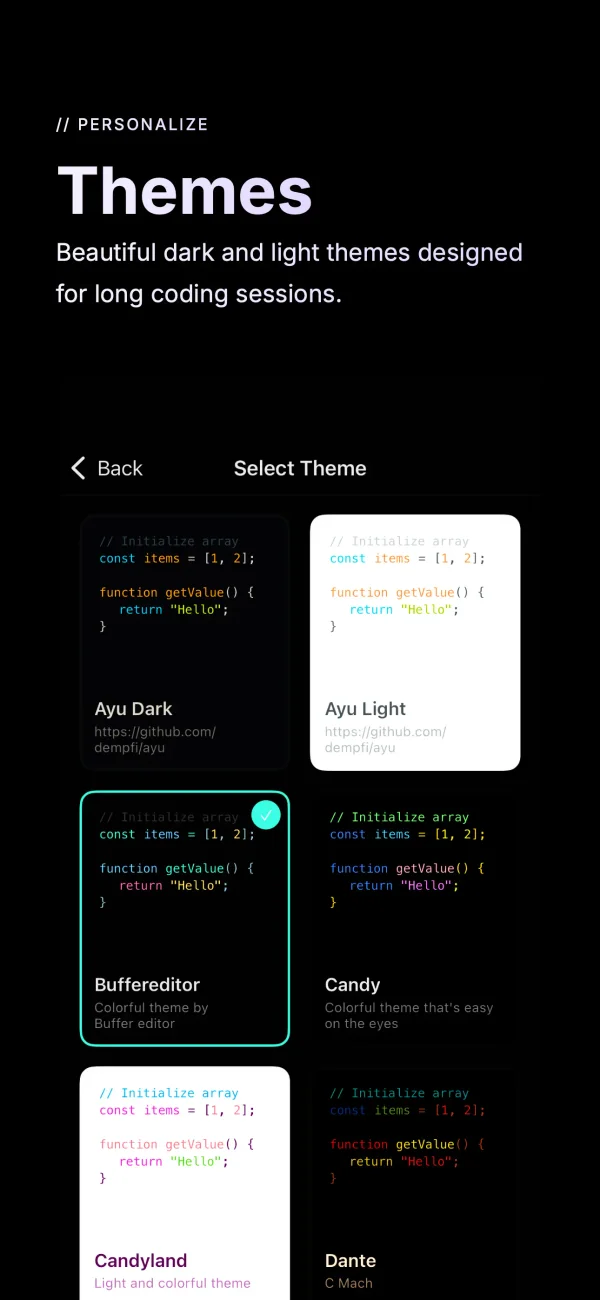
• Customizable fonts, font sizes, and over 300 dark and light themes
• Full iOS Files integration—link external folders, open multiple files, import from any supported cloud provider
• Local and Remote Preview for websites(HTML,JS,CSS)
• Preview images, PDFs, movies, and documents
• Send files by email
• iOS "Open In" support (to and from other apps)
• Touch ID / Face ID protection
SUBSCRIPTION:
- You can subscribe for Pro access to all app’s features.
- Subscription automatically renews unless auto-renew is turned off at least 24 hours before the end of the current period.
- Subscriptions may be managed by the user and auto-renewal may be turned off by going to the user's Account Settings after purchase.
- Any unused portion of a free trial period, if offered, will be forfeited when the user purchases a subscription to that publication, where applicable.
By using the app, you are agreeing to our Privacy Policy and Terms of Service:
https://www.buffereditor.com/privacy
https://www.apple.com/legal/internet-services/itunes/dev/stdeula/
What’s new
Version 21.4 · Mar 12, 2026
• Minor fixes and improvements.
Please note:
You can also send us bug reports / feature requests. support@blakzero.com
App privacy
What Blakzero Oy declares on the App Store about how this app handles data.
-
Data not collected
The developer does not collect any data from this app.
Privacy practices may vary, for example with the features you use or your age.
Information
- Seller
- Blakzero Oy
- Category
- Developer Tools
- Version
- 21.4
- Updated
- Mar 12, 2026
- Released
- Mar 2, 2012
- Size
- 44.7 MB
- Requires
- iOS 16.0 or later
- Age rating
- 4+
- Price
- Free
- In-app purchases
- Yes
- Languages
- English
- Copyright
- © Blakzero Oy
You might also like
-
 Termix Pro: SSH & SFTP ClientA powerful terminal emulator
-
 Scripting: AI Agent & ToolsScripts, Widgets & Automation
-
 Vibe SSH TerminalAI Voice SSH Client & SFTP
-
 Termix: SSH Client & TerminalMost powerful SSH, SFTP client
-
 Code - Editor Git and TerminalIDE with Git SSH Bash and FTP
-
 HTTPS Capture Traffic DecryptWeb API Debug & Packet Sniffer
-
 Web IDE - AI Code EditorAI Coding, Git, SFTP & SSH
-
 PythonIDE Python 3 Code EditorOffline IDE, Jupyter, SSH & AI
-
 Combine - Code Editor & GitCode Editor and Git Client
-
 CareServerSSH SFTP Terminal Forward