
BufferIt - Video Buffer Clips
Clip and save every moment
Designed for iPhone, iPad, iPod touch
Free · In-app purchases
- Age rating4+
- CategoryPhoto & Video
- DeveloperBrent Sproule
- LanguagesEnglish
- Size154.5 MB
Links to the official App Store page
Download.org hosts no file of BufferIt - Video Buffer Clips. The button opens its official App Store page, published by Brent Sproule. Listing last checked on Nov 12, 2026.
Screenshots
About
BufferIt – Smart Video Clipping Made Simple
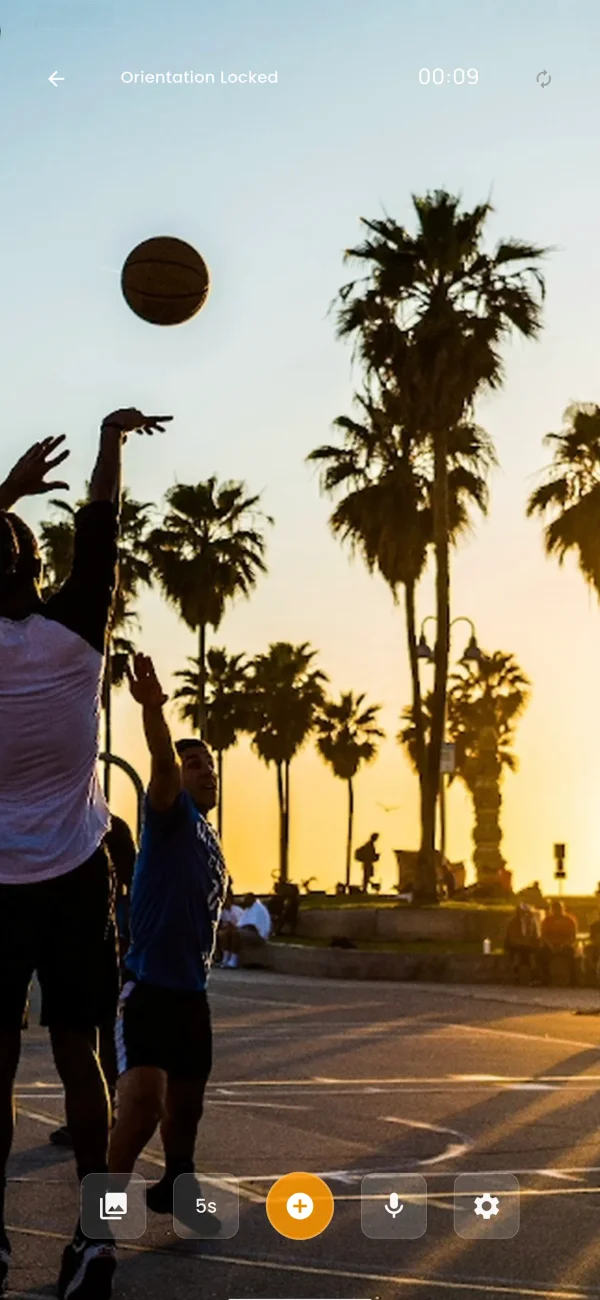
BufferIt helps you capture key moments without recording hours of footage. Whether you’re a coach, athlete, or just want to save highlights from a game or event, BufferIt makes it easy.
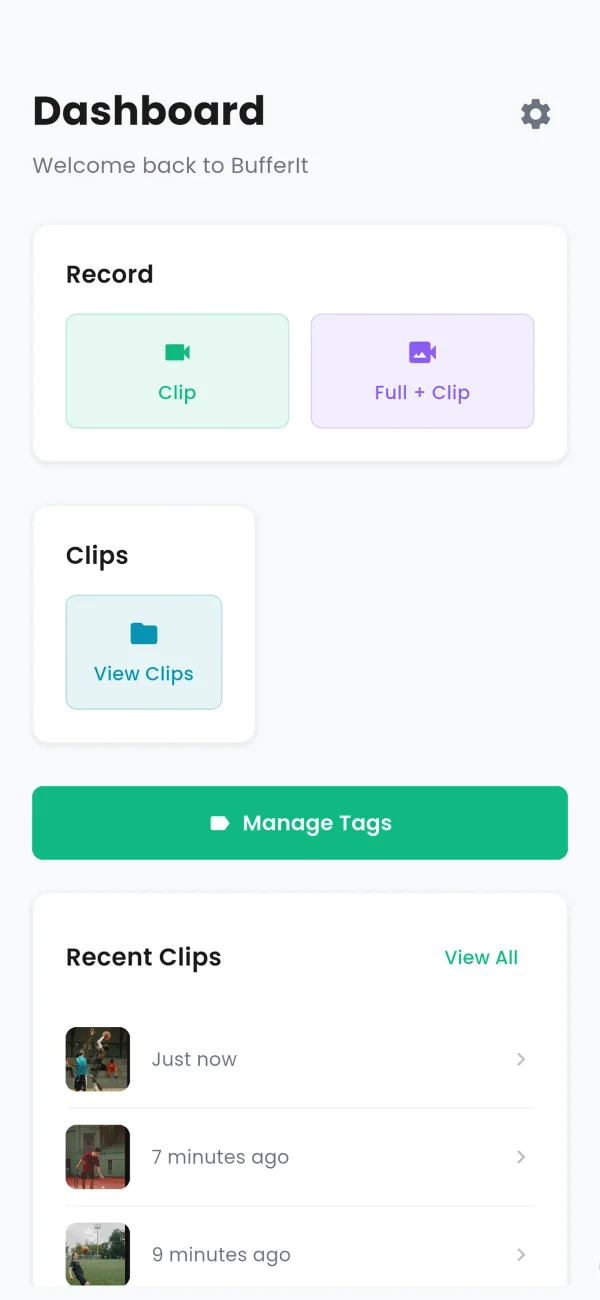
New: Record Full Games + Clip Key Moments
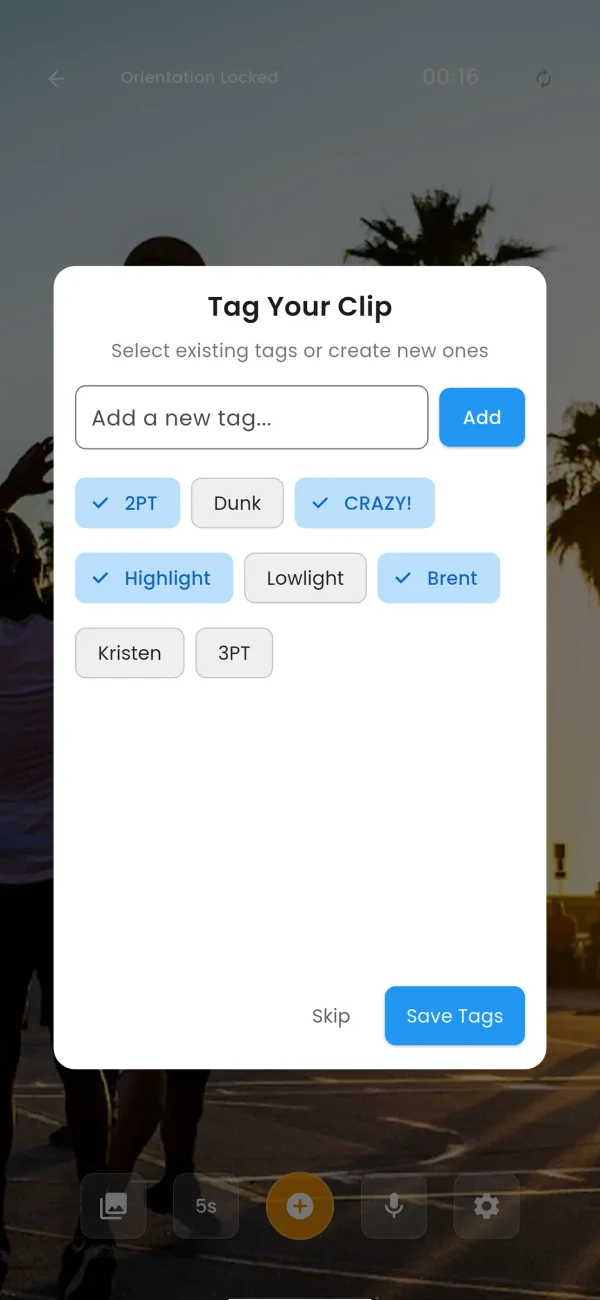
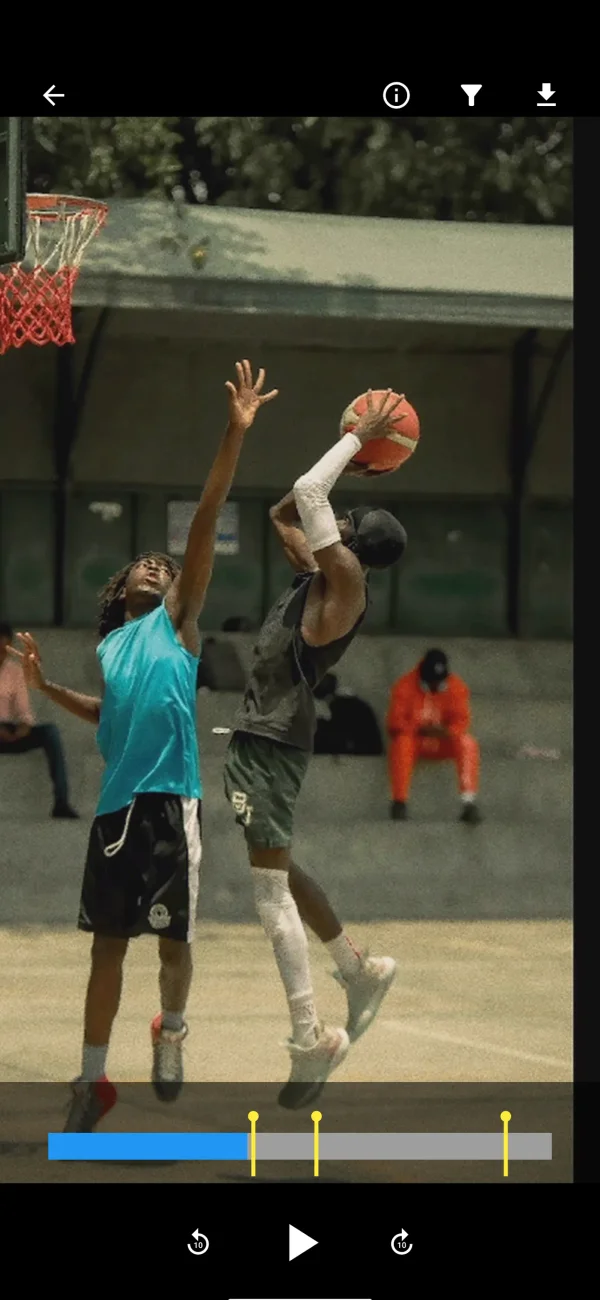
You can now record the entire game and tag moments as they happen. Afterwards, watch the full video or skip straight to your saved clips.
Key Features:
- Instant Clip Capture: Save only the moments that matter.
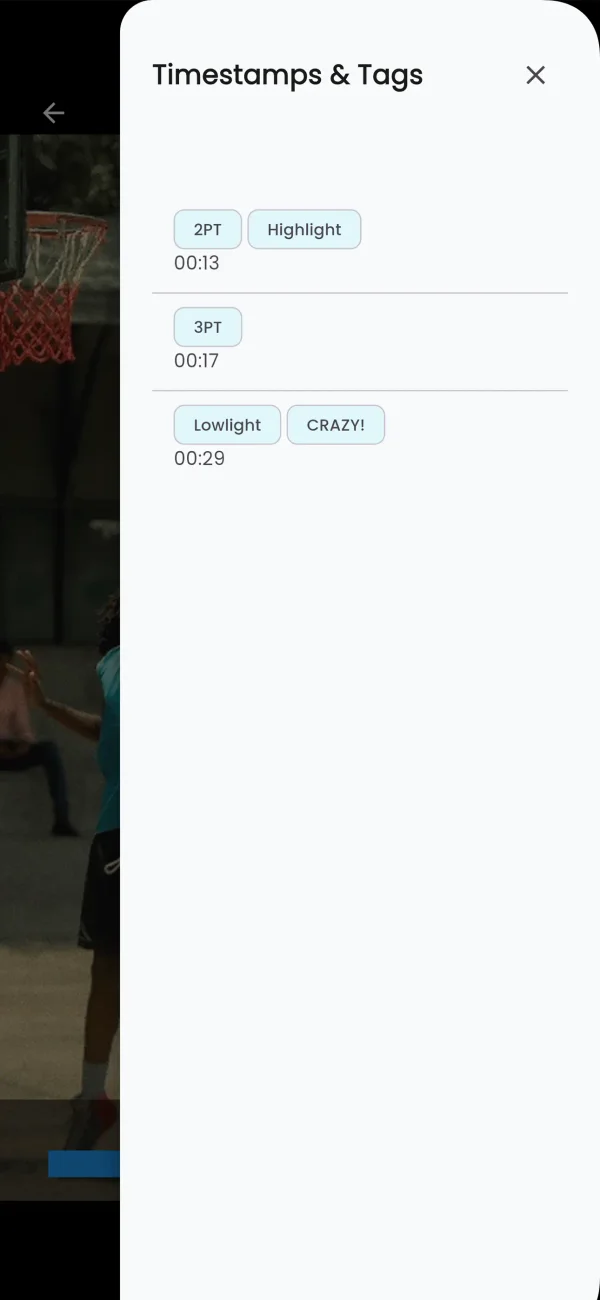
- Full Game Recording: Record full sessions with tag-based navigation.
- Tagging: Label key moments for easy access later.
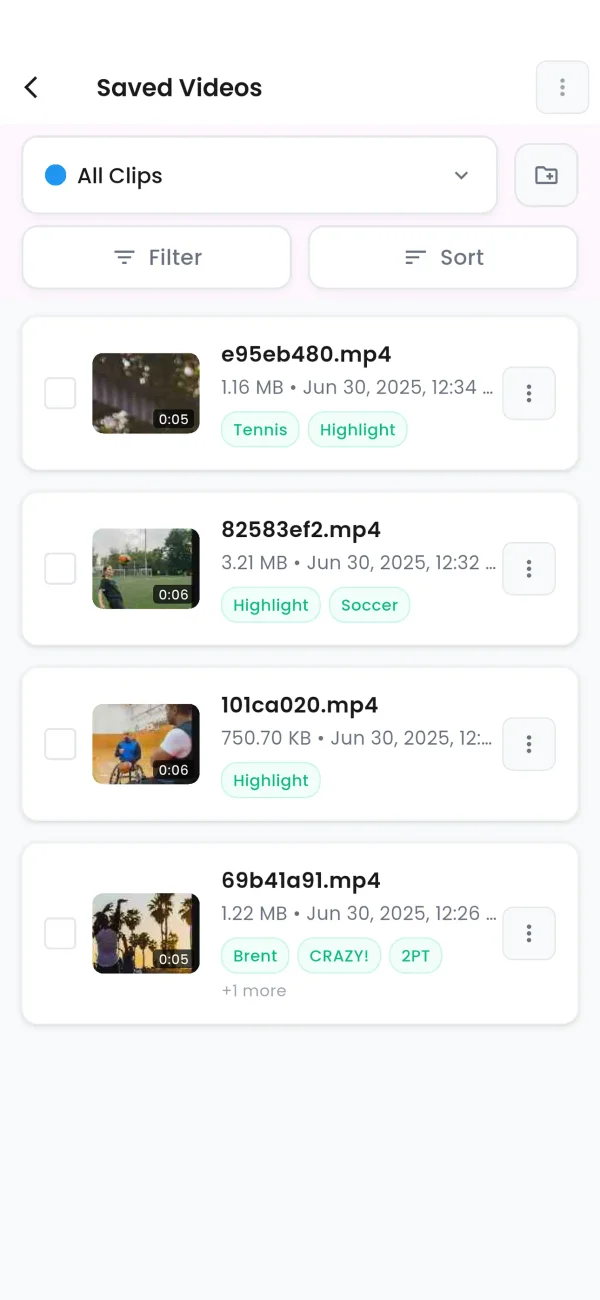
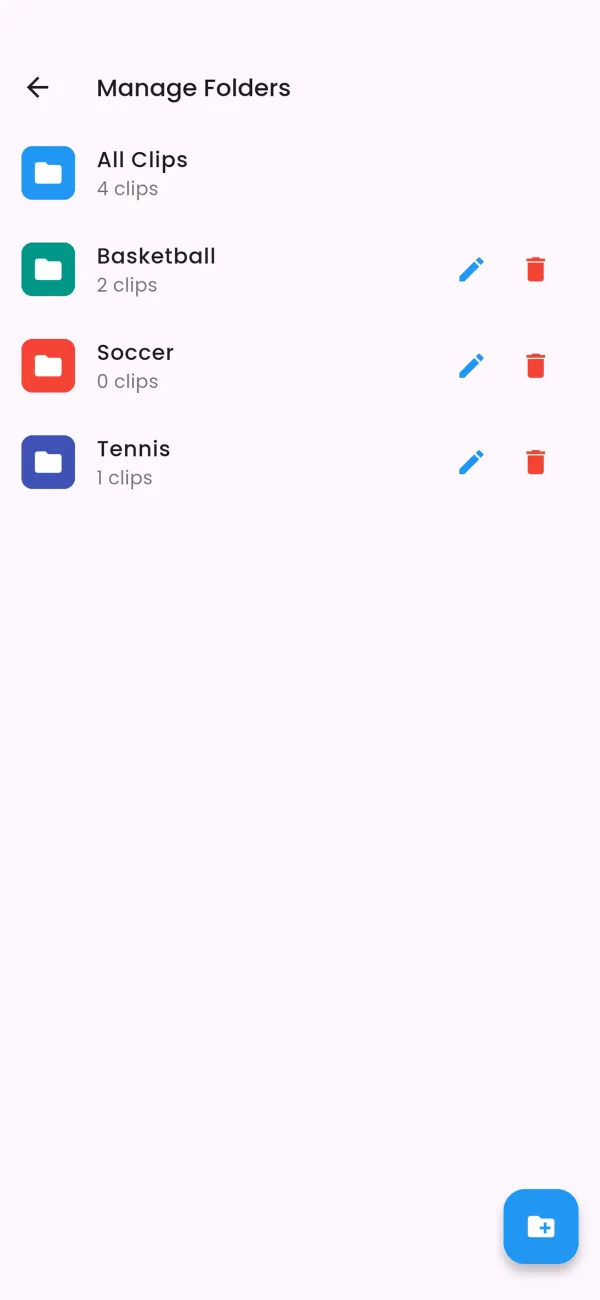
- Organise: Store clips in folders, with colour labels for quick sorting.
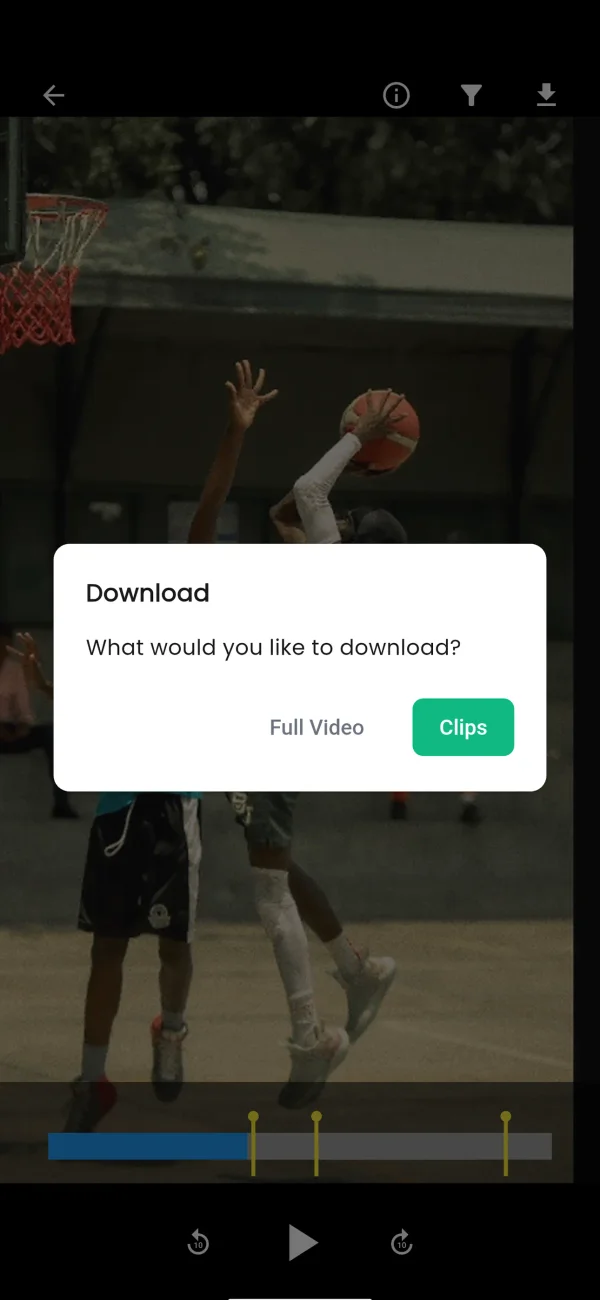
- Download & Share: Export single clips or combine them into one video.
- Easy to Use: A clean interface built for performance and simplicity.
- Orientation Lock: Recording locks your screen to avoid interruptions.
Stop wasting time scrubbing through footage. BufferIt keeps things simple, focused, and ready to go when you are.
Terms of Use EULA: https://www.apple.com/legal/internet-services/itunes/dev/stdeula/
What’s new
Version 1.5.4 · Aug 22, 2026
Improved tag management, including reordering, colours, playback bar matching and tag limits.
Improved Tag Templates, including loading, custom/standard tags, limits and subscription restrictions.
Improved clip management, including renaming, moving between folders, downloads and multi-select actions.
Improved iPad grid view with additional columns.
Improved recording sessions with session naming and exit warnings.
Improved navigation animations and general button/dialog layouts.
Added Group renaming.
Updated in-app subscription availability handling.
App privacy
What Brent Sproule declares on the App Store about how this app handles data.
-
Data not collected
The developer does not collect any data from this app.
Privacy practices may vary, for example with the features you use or your age.
Information
- Seller
- Brent Sproule
- Category
- Photo & Video
- Version
- 1.5.4
- Updated
- Aug 22, 2026
- Released
- Jan 29, 2024
- Size
- 154.5 MB
- Requires
- iOS 15.0 or later
- Age rating
- 4+
- Price
- Free
- In-app purchases
- Yes
- Languages
- English
- Copyright
- © 2025 Ascent Creative
You might also like
-
 Video Buffer Pre-Recorder 4KDual Camera Sports Highlights
-
 ReelGoFishing Camera & Trip Log
-
 Pre Record Camera - TimeBackVideo Buffer Action Camera
-
 Coach Play - Sports VideoTracking player Annotate video
-
 fishing camera -Action cameraReplace the sports camera
-
 PreReel: Pre-Record CameraRecord moments before you tap
-
 Wigglegrams3D photos from a single image
-
 Fishing Action CameraVoice control, time-lapse
-
 Googly Eyes Funny Photo AppAdd Silly Eyes Memes
-
 Meerabel - Photos Clean UpOrganize your storage your way