
- Age rating4+
- CategoryPhoto & Video
- DeveloperSAKHILE NKULULEKO GUMEDE
- LanguagesEnglish
- Size2.5 MB
Links to the official App Store page
Download.org hosts no file of Bulk Gallery Cropper. The button opens its official App Store page, published by SAKHILE NKULULEKO GUMEDE. Listing last checked on Nov 12, 2026.
Screenshots

About
Bulk Gallery Cropper crops many photos at once.
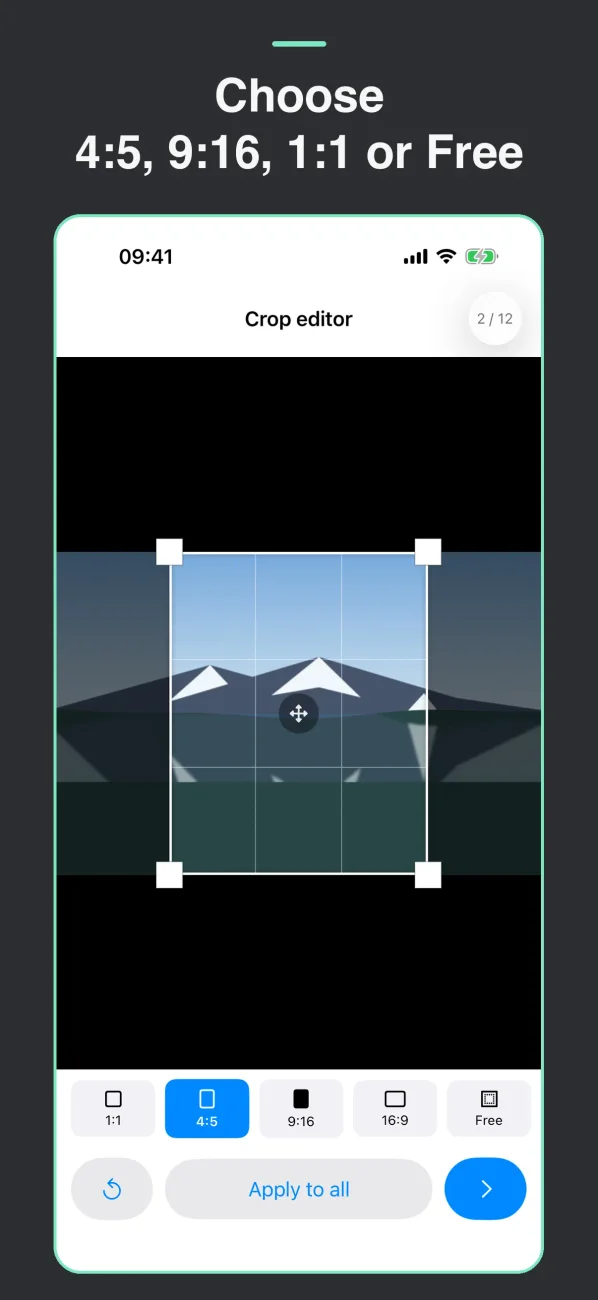
Select multiple photos from your library, choose an aspect ratio, and export cropped copies in a single pass.
ASPECT RATIOS
• 1:1 square
• 4:5 portrait
• 9:16 vertical
• 16:9 widescreen
• Free crop
CROP YOUR WAY
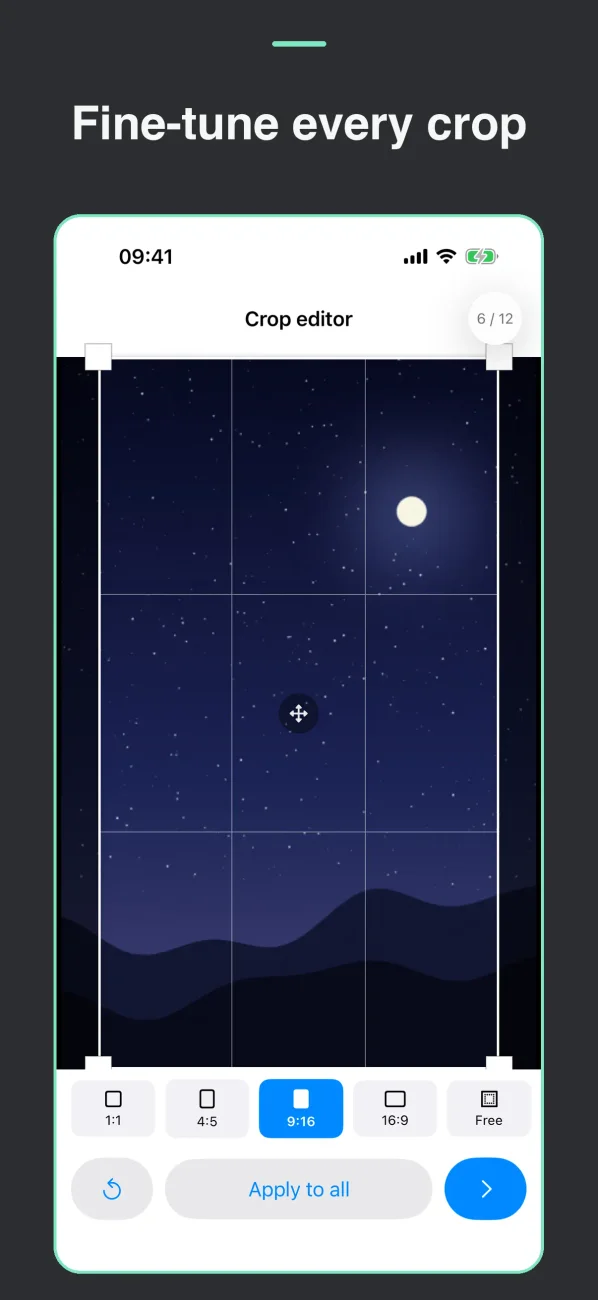
• Adjust the crop on each photo individually
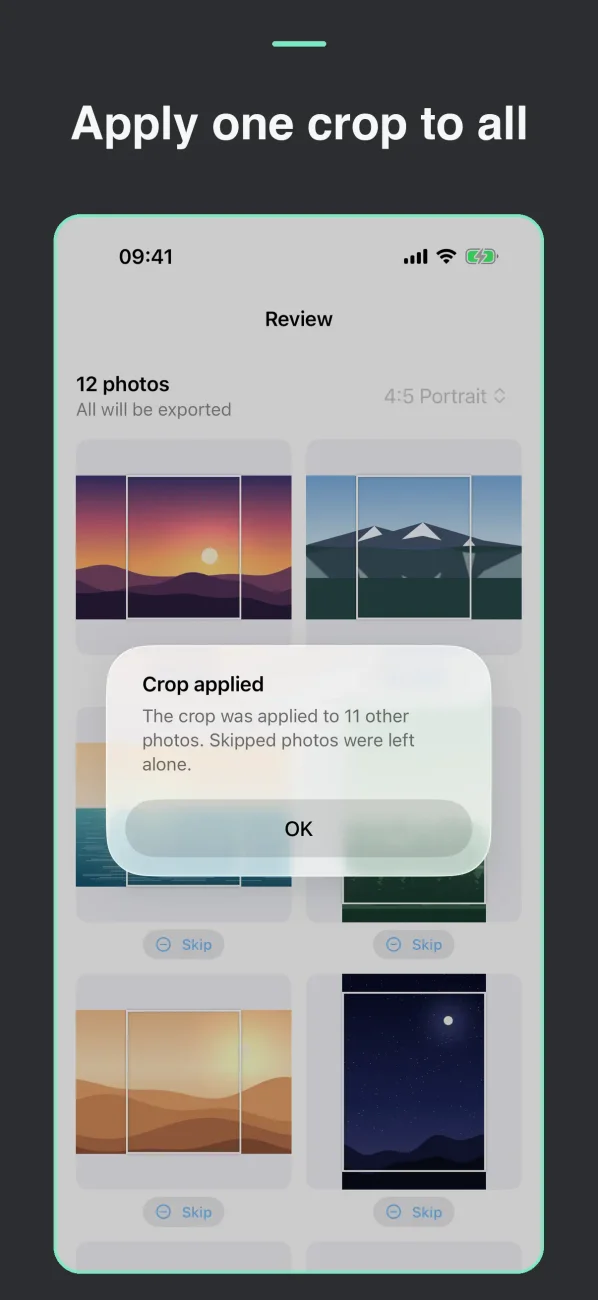
• Or set one crop and apply it to every selected photo
EXPORT
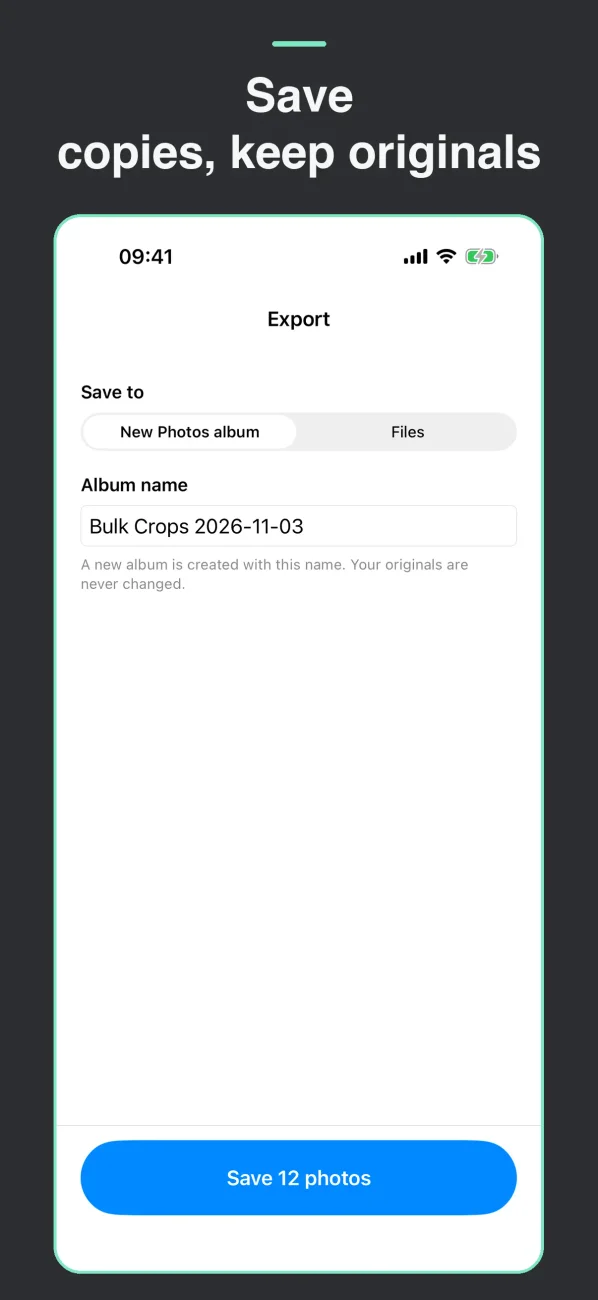
• Save cropped copies to a new album in Photos
• Or export them to the Files app
YOUR ORIGINALS ARE SAFE
Bulk Gallery Cropper always creates new copies. Your original photos are never modified.
PRIVATE BY DESIGN
Everything happens on your iPhone. No account, no uploads, no analytics.
App privacy
What SAKHILE NKULULEKO GUMEDE declares on the App Store about how this app handles data.
-
Data not collected
The developer does not collect any data from this app.
Privacy practices may vary, for example with the features you use or your age.
Information
- Seller
- SAKHILE NKULULEKO GUMEDE
- Category
- Photo & Video
- Version
- 1.0
- Updated
- Nov 8, 2026
- Released
- Nov 8, 2026
- Size
- 2.5 MB
- Requires
- iOS 17.0 or later
- Age rating
- 4+
- Price
- Free
- Languages
- English
- Copyright
- © 2026 Now Media Agency
You might also like
-
 Batch CroppingCrop & Resize images at once
-
 Multiple Photo CropCrop and resize photos
-
 Garim: Blur Faces Photo VideoPixelate license plate offline
-
 Batch Photo Editor: BatchlyBulk Resize Compress Watermark
-
 Photo Watermark - Logo & TextText & logo, batch & tile
-
 Photo Resizer: Image SizeResize, Compress & Batch
-
 FrameSnap: Perfect PhotosNever miss the perfect moment
-
 Photo Batch Resize & ConverterOptimize photos in one action.
-
 Cropper - Auto Screenshot CropKeep post, remove status bar
-
 Video to Photo: Frame ExtractAccurate Screenshot Grabber