
BulletsMind - Simple Outliner
Simple outliner like MindMap.
Designed for iPhone, iPad, Mac, iPod touch
Free · In-app purchases
- Age rating4+
- CategoryUtilities
- DeveloperYUKI TANAIKE
- LanguagesEnglish+ 18 more
- Size50.3 MB
Links to the official App Store page
Download.org hosts no file of BulletsMind - Simple Outliner. The button opens its official App Store page, published by YUKI TANAIKE. Listing last checked on Nov 21, 2026.
Screenshots
About
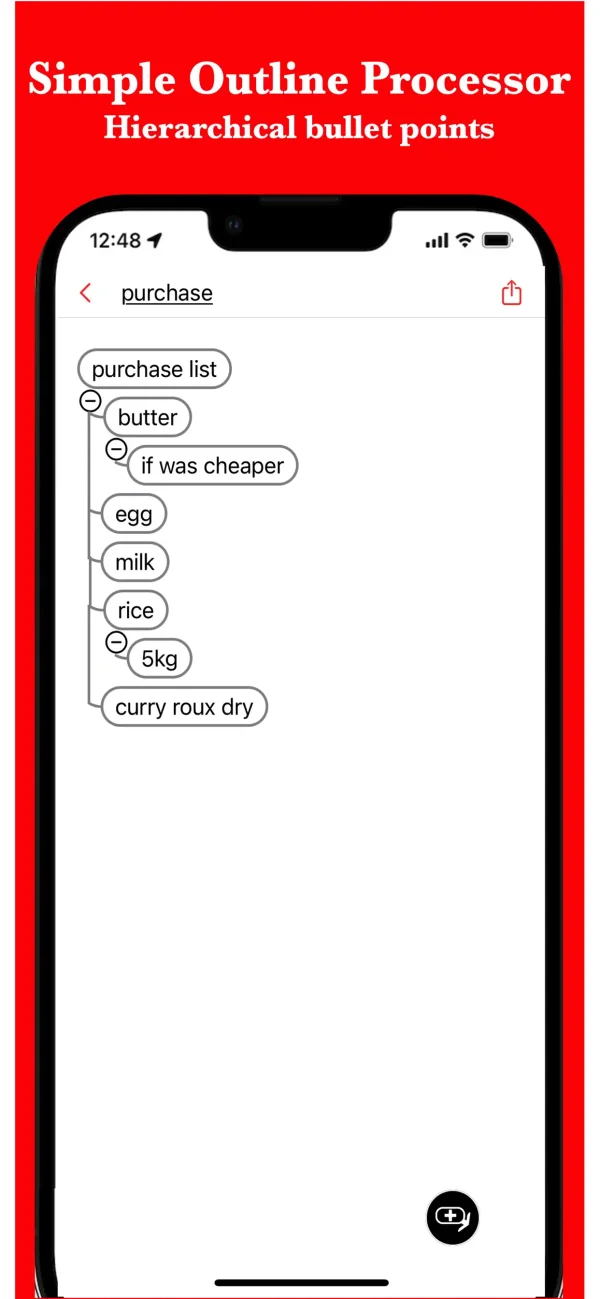
A simple and easy-to-use outline processor.
You can create hierarchical bulleted notes.
Bullets Mind works fast and helps you organize your ideas and information.
It applies the usability of the mind map application to the outline processor.
For example, it is used in the following situations.
* Notes for organizing ideas
* Organize information with bullet points
* Creating a table of contents
* Report creation
* Writing papers
* Proposal creation
* Task management
* Goal management
In addition to this, there are reports of various uses because it can be used for anything to manage outlines.
If you are looking for an outline organization or memo writing tool, please try it once.
It is also ideal for those who want a vertical mind map when creating a mind map on a smartphone.
# Features
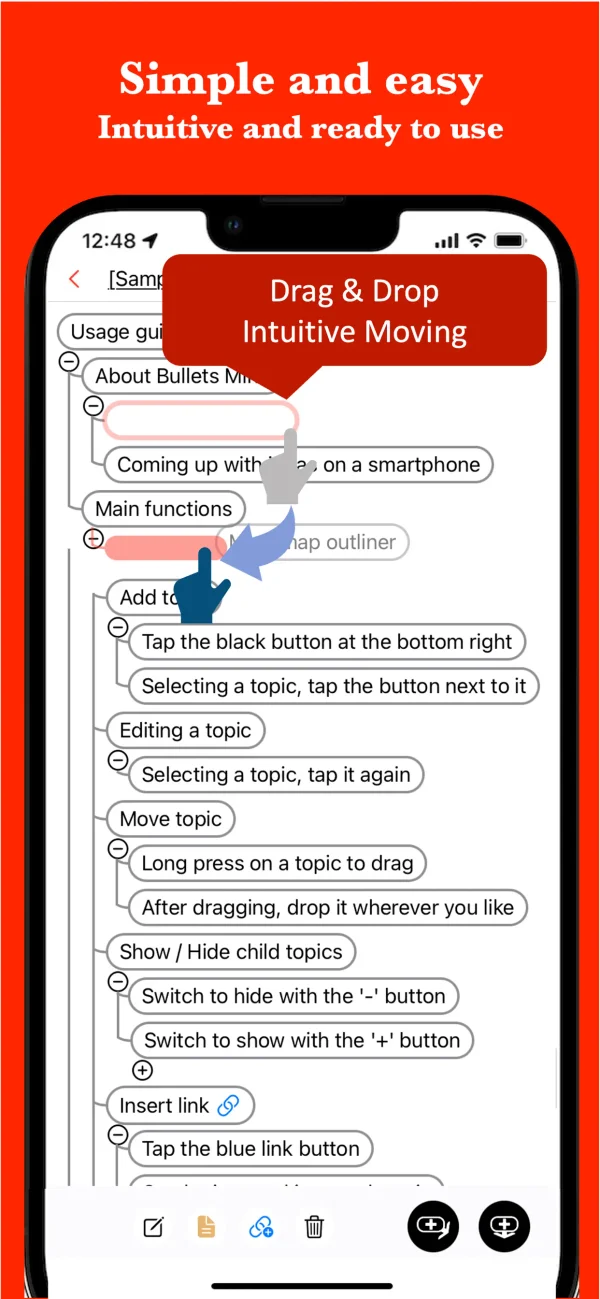
* Intuitive operability
Ease of use is the most important thing for simple functions.
It operates quickly and can be used intuitively for editing.
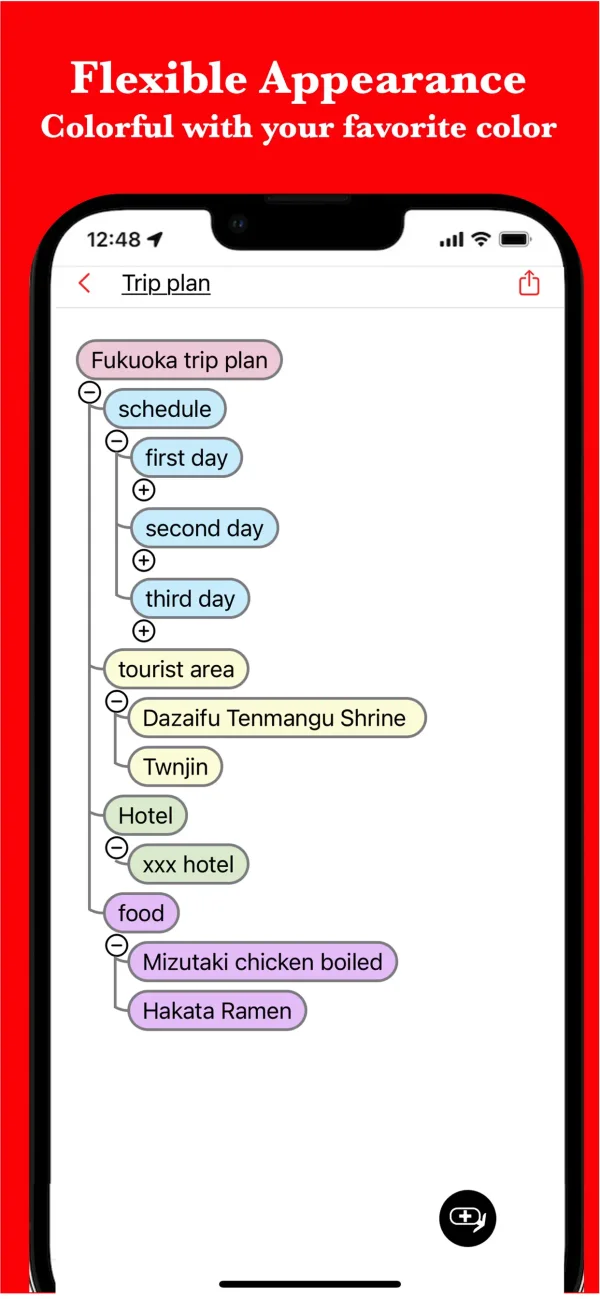
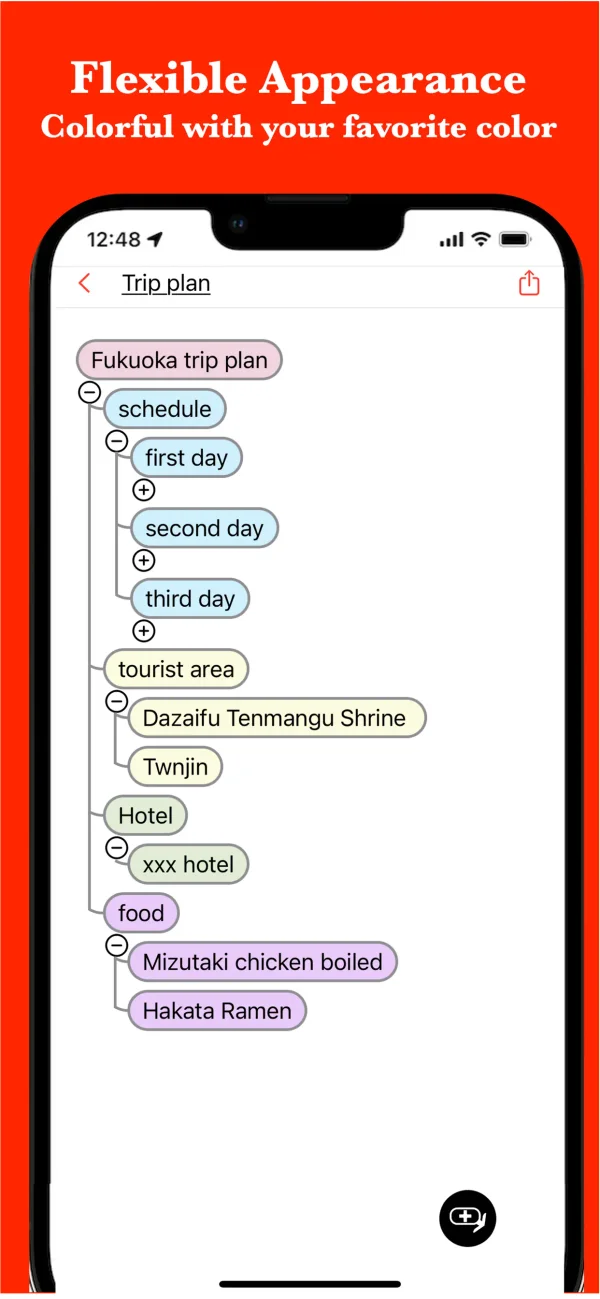
* Rich expression
It also supports coloring and can be expressed to your liking.
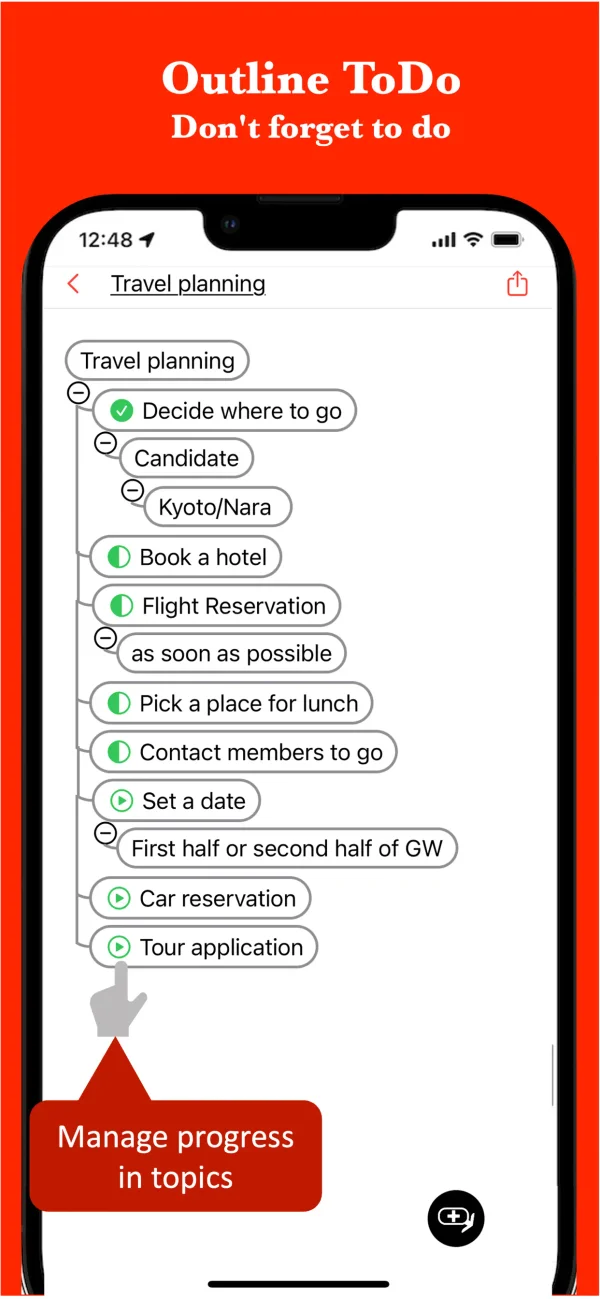
* To-do management
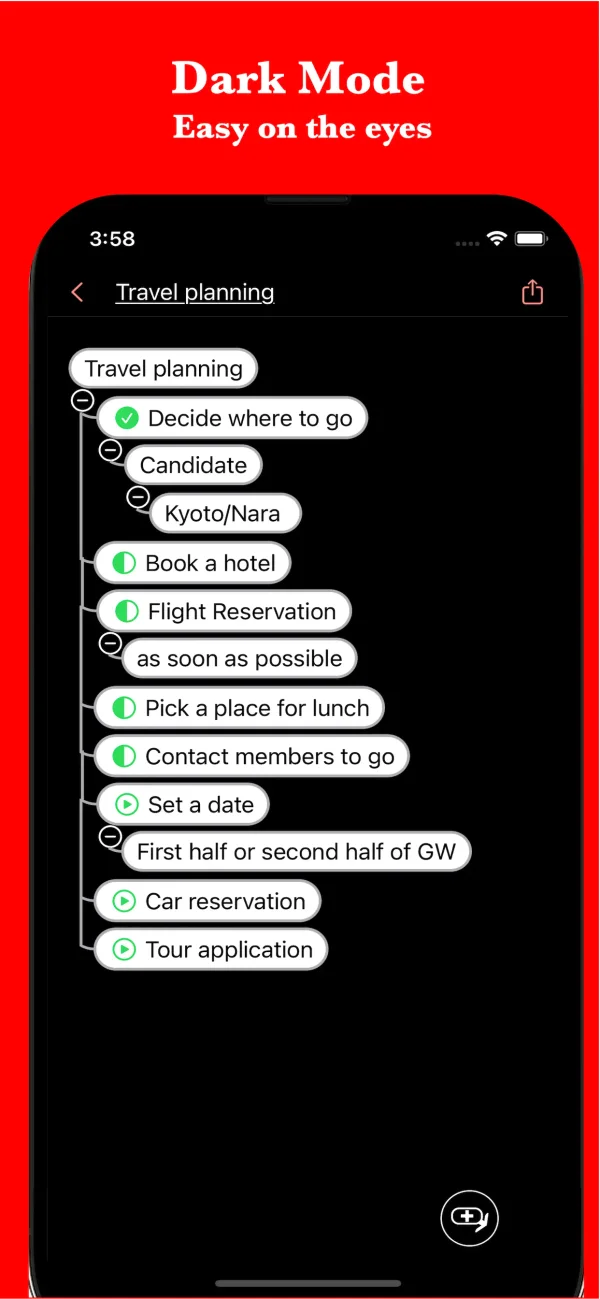
You can insert the progress rate for each topic and use it for ToDo management.
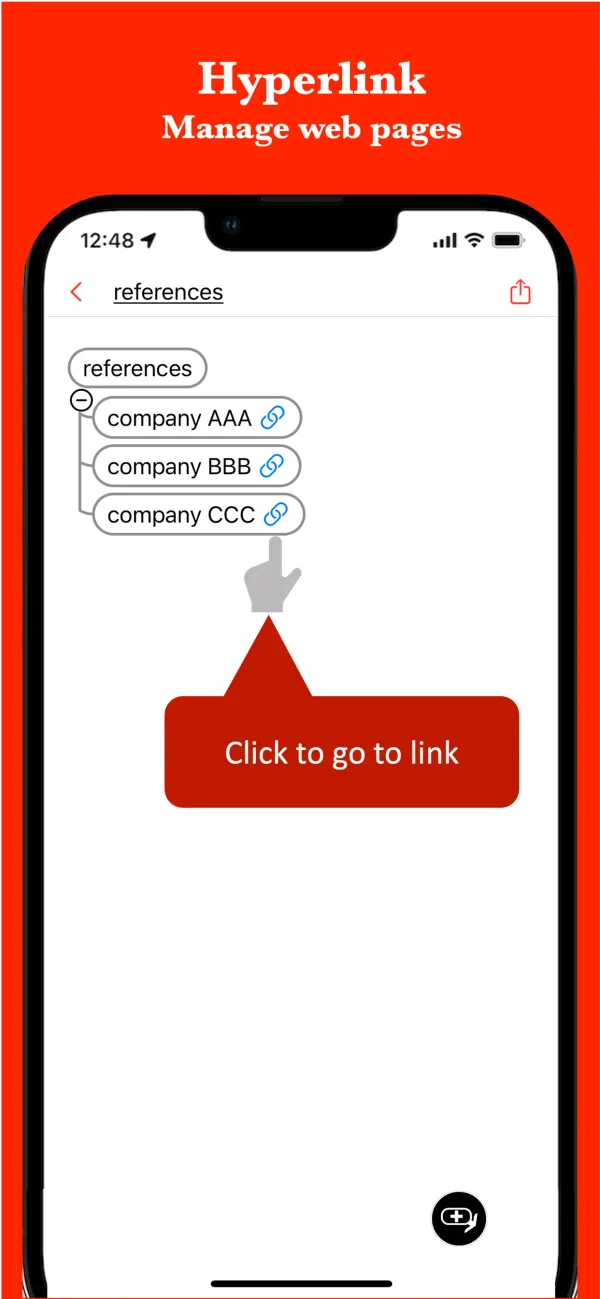
* Link
Links can be inserted for each topic, which is convenient when you want to manage reference sites.
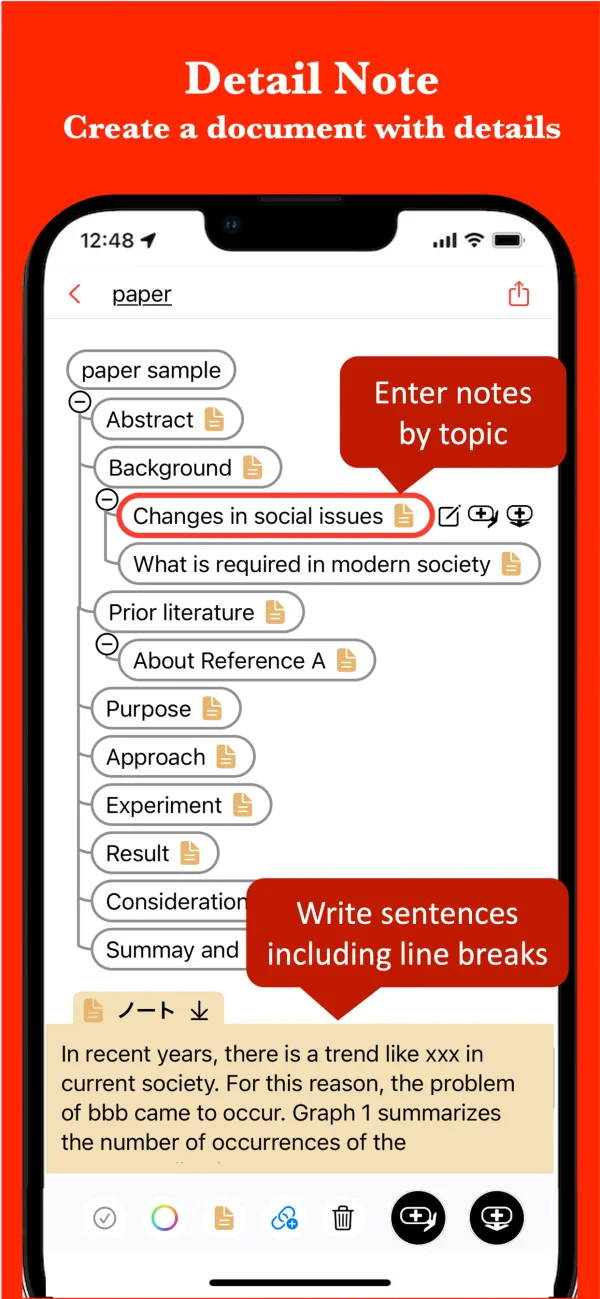
* Detailed note function
You can insert detailed explanations for each topic, so you can create sentences while organizing the outline with bullet points.
* Ready to use
You can use it immediately without registering an account.
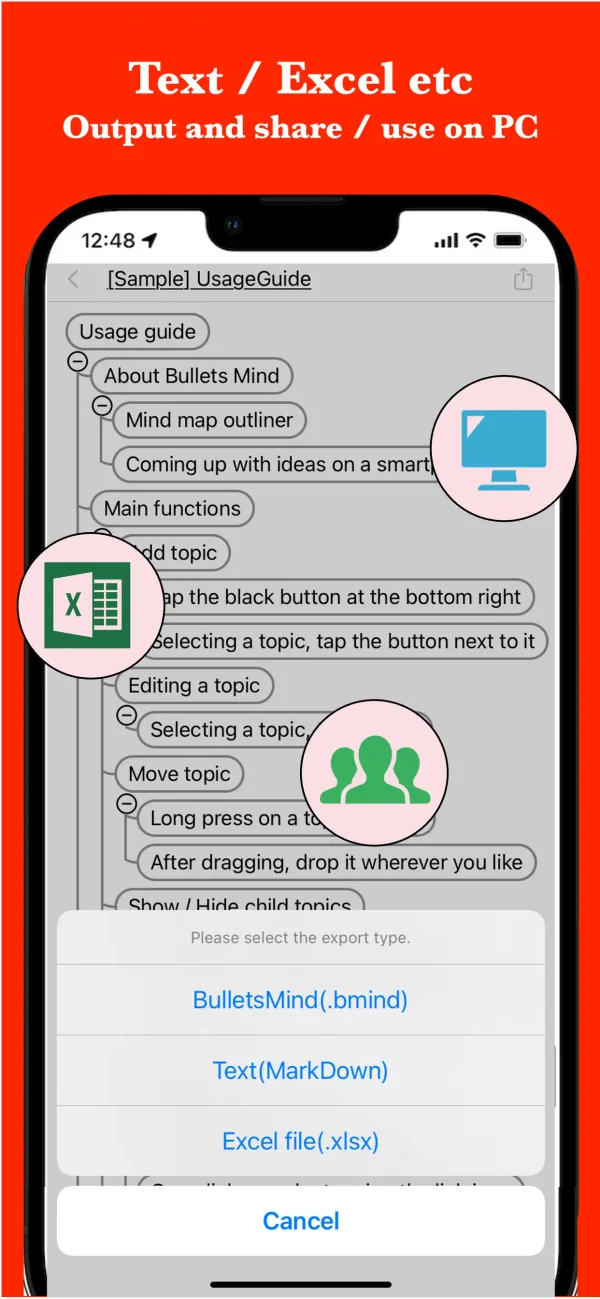
* Export and share
You can export the created outline information and share it or edit it on your PC.
* Multi-Device Support
Sync seamlessly across multiple devices via Google Drive.
* Dark theme support
Since it supports a dark theme, it is also ideal for use at night.
What’s new
Version 2.8.1 · Nov 18, 2026
Added file sharing and collaborative editing, as requested by many users.
App privacy
What YUKI TANAIKE declares on the App Store about how this app handles data.
-
Data not collected
The developer does not collect any data from this app.
Privacy practices may vary, for example with the features you use or your age.
Information
- Seller
- YUKI TANAIKE
- Category
- Utilities
- Version
- 2.8.1
- Updated
- Nov 18, 2026
- Released
- Jun 26, 2022
- Size
- 50.3 MB
- Requires
- iOS 15.6 or later
- Age rating
- 4+
- Price
- Free
- In-app purchases
- Yes
- Languages
- English, Bengali, Bulgarian, French, Gujarati, Japanese, Kannada, Kazakh, Lithuanian, Malayalam, Marathi, Oriya + 7 more
- Copyright
- © 2022 Yuki Tanaike
You might also like
-
 Hierarchical To-do Listcan layer tasks infinitely
-
 Tagged Notes App - Tag PadAvailable offline and online
-
 ShortMemo - Idea, Draft, etc.Jot down daily information.
-
 AchvLog|Visualize CalendarSimplest Habit-Forming App
-
 NoteIt: Collection & Note LogPhoto Journal, Rating & Tags
-
 ToDoリスト 買い物リスト&やることリストUtilities
-
 Nested List: OutlinerOutliner based on a document
-
 Timestamp & MemoTrack your time and activities
-
 Project Timer ~ Count worksTrack where your time goes
-
 Repeat Checklist MONOLISTPacking List, Routine List