
Business Card - Scanner Reader
Save Contacts, Digital QR Code
Designed for iPhone, iPad, iPod touch
In-app purchases
- Age rating4+
- CategoryBusiness
- DeveloperCodeCross
- LanguagesKorean+ 14 more
- Size67.6 MB
Links to the official App Store page
Download.org hosts no file of Business Card - Scanner Reader. The button opens its official App Store page, published by CodeCross. Listing last checked on Nov 12, 2026.
Screenshots


About
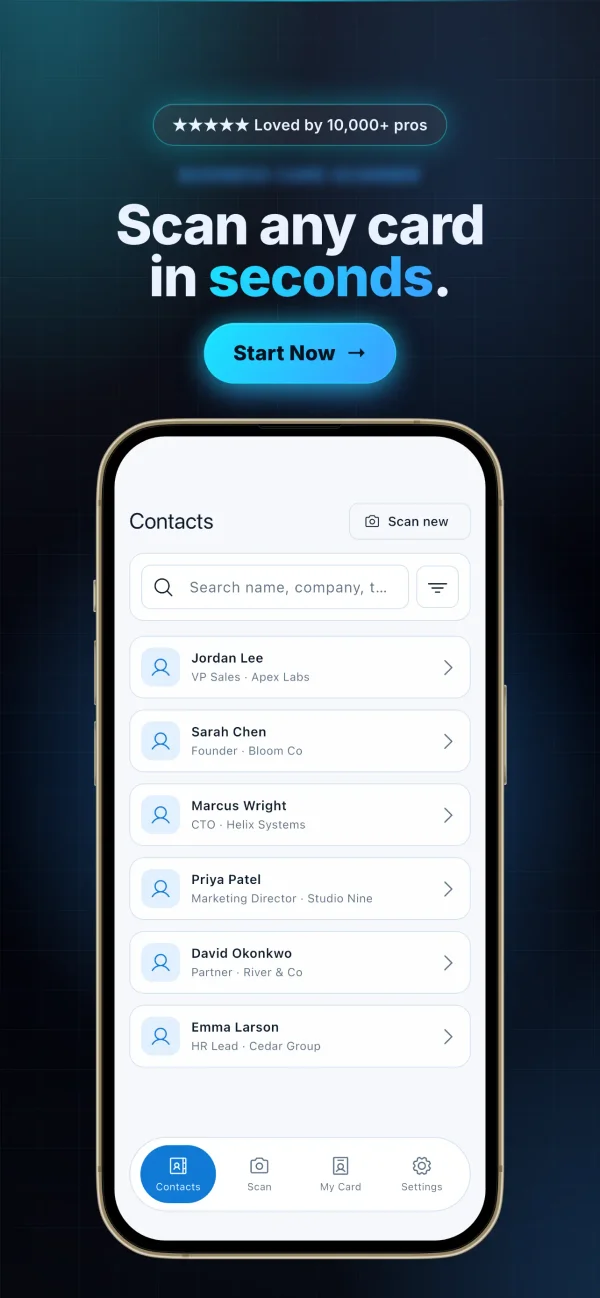
Business card scanner, name card reader and contact manager built for fast lead capture, networking and reliable follow up. Scan the front and back of any business card with OCR and AI extraction, then review and save clean contacts you can search, sync and share as a vCard or QR code. A lightweight CRM for anyone who collects cards.
KEY FEATURES:
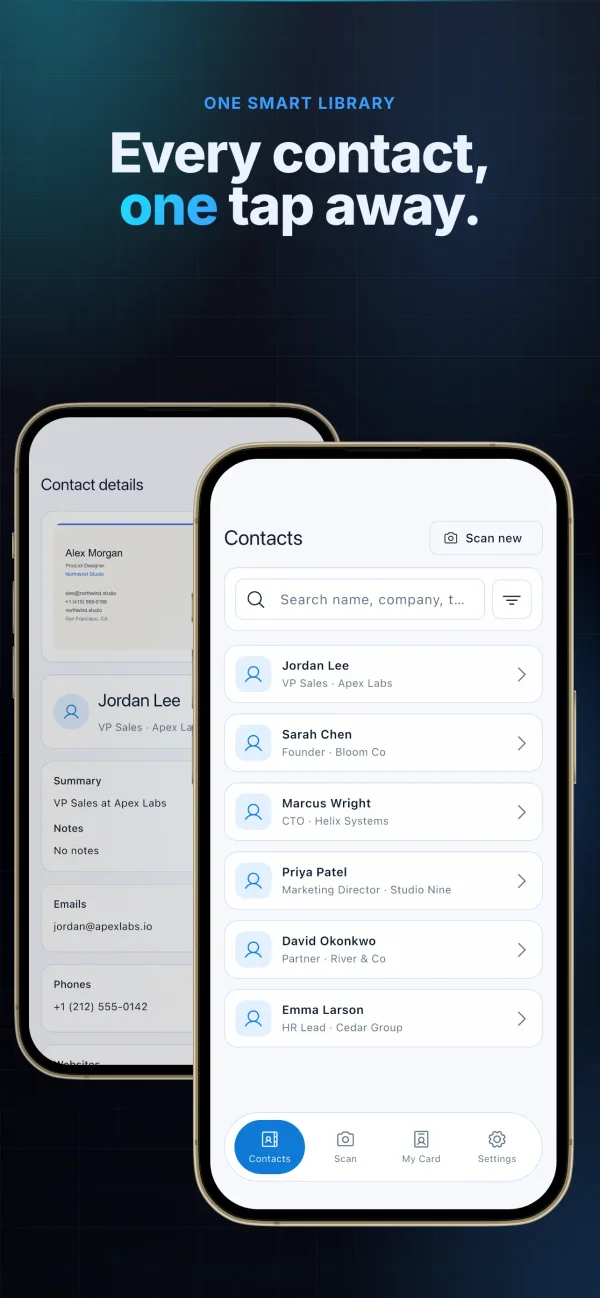
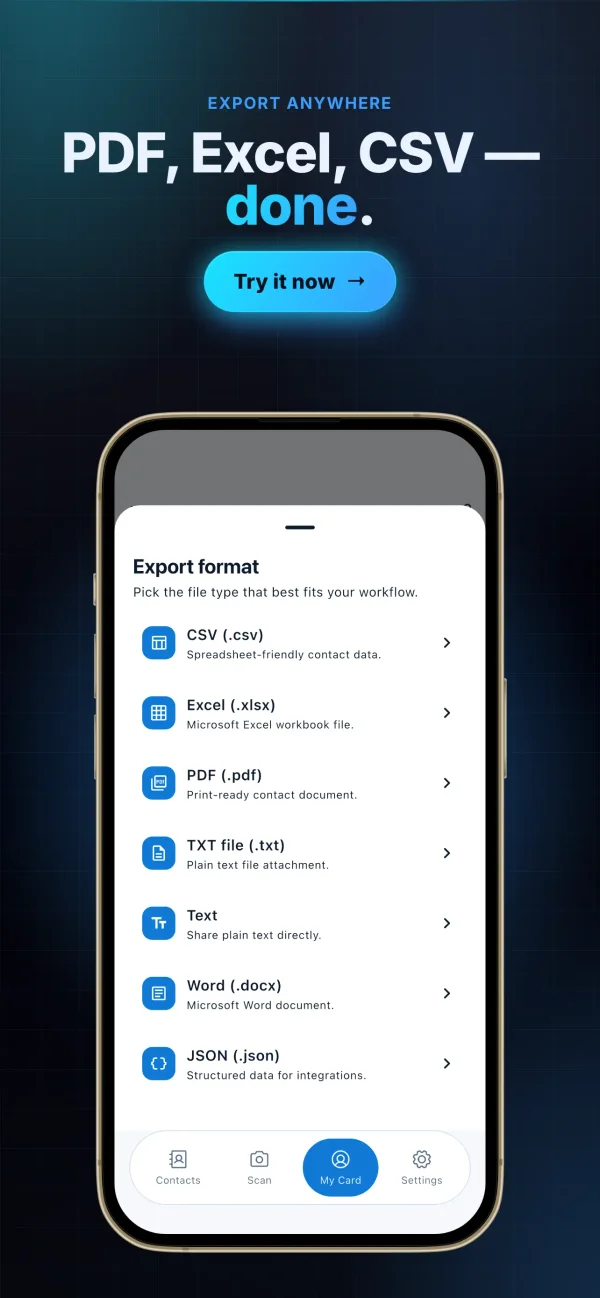
Extract name, phone, email, company, role, website, and address from card images. Search, sort, and manage contacts in one organized library. Share contacts through QR, vCard, PDF, CSV, JSON, TXT, or Excel export.
WORKFLOW:
Capture card images in seconds and validate every field before saving. Keep your pipeline clean with quick edits and structured contact storage.
PRICING AND SUBSCRIPTION:
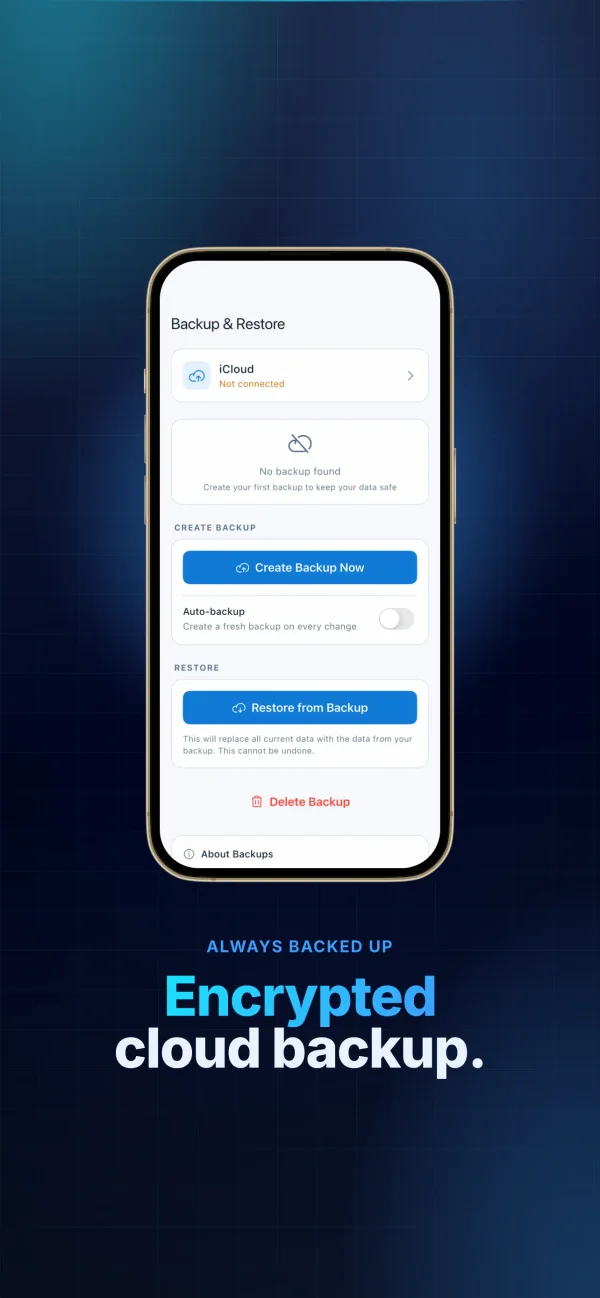
Your first card scan is free. Any additional card scans require an active subscription. Backup and Restore features require an active subscription.
USE CASES:
Designed for sales teams, founders, recruiters, consultants, and event networking. Convert offline meetings into trackable digital contacts without manual typing.
VALUE AND DIFFERENTIATORS:
- Accuracy: OCR plus AI extraction helps reduce manual entry errors before contacts are saved.
- Speed: Capture front and back card details in seconds during meetings and events.
- Data Quality: Review and edit fields before save so records remain clean and usable.
- Searchability: Structured fields make filtering by company, role, and location straightforward.
- Sharing: Export and share through QR, vCard, PDF, CSV, JSON, TXT, and Excel formats.
- Lead Follow Up: Turn paper cards into actionable digital contacts for faster next steps.
- Team Handoff: Keep contact data portable for sales, recruiting, operations, and account teams.
- Subscription Clarity: The first card scan is free; additional scans require an active subscription.
- Backup Access: Backup and Restore are available with an active subscription.
- Scalability: The workflow supports solo users and distributed teams with high capture volume.
- Continuity: Reliable capture and export reduce data loss between offline and online workflows.
- Business Impact: Improved capture quality and response speed can raise conversion performance.
- Meeting Readiness: Card details become searchable immediately after capture, reducing post-meeting backlog.
- Duplicate Control: Structured review helps prevent duplicate contacts before records enter your workflow.
- Field Confidence: OCR extraction is validated against manual edits to improve long-term data reliability.
- Pipeline Hygiene: Consistent formatting keeps contacts clean for outreach, routing, and segmentation.
- Event Throughput: High-volume capture stays organized during conferences, expos, and networking sessions.
- Follow Up Speed: Teams can assign owners and next actions as soon as a card is digitized.
- Channel Flexibility: Export options support CRM imports, spreadsheets, and messaging-based sharing.
- Contact Context: Company, role, and notes remain attached to each profile for better qualification.
- Recovery Safety: Subscription-based backup and restore protect continuity across device changes.
- Operational Fit: Sales, recruiting, partnerships, and consulting teams can use one shared process.
- Search Performance: Indexed fields make retrieval faster when working with large contact libraries.
- Conversion Support: Faster data capture shortens the gap between first meeting and first follow up.
- Collaboration Quality: Standardized records reduce handoff errors between team members.
Terms of Use: https://www.apple.com/legal/internet-services/itunes/dev/stdeula/
What’s new
Version 1.3 · Jun 25, 2026
This update makes the business card scanner faster and more accurate.
• Sharper OCR + AI scan of front & back — a real name card reader
• Clean scan to contacts: name, phone, email & company in one tap
• Build & share your own digital business card via QR code, vCard & PDF
• Smarter contact search, sorting, tags & address-book sync
• Smoother design, reliable offline scanning, CSV/Excel export & bug fixes
Thanks for using Business Card Scanner — your name card reader & digital card maker!
App privacy
What CodeCross declares on the App Store about how this app handles data.
-
Data used to track you
May be used to track you across apps and websites owned by other companies.
- Identifiers
-
Data not linked to you
May be collected but is not linked to your identity.
- Identifiers
- Usage data
- Diagnostics
Privacy practices may vary, for example with the features you use or your age.
Information
- Seller
- CODECROSS SMC-PRIVATE LIMITED
- Category
- Business
- Version
- 1.3
- Updated
- Jun 25, 2026
- Released
- May 12, 2026
- Size
- 67.6 MB
- Requires
- iOS 15.5 or later
- Age rating
- 4+
- In-app purchases
- Yes
- Languages
- Korean, Dutch, Danish, German, Russian, Norwegian Bokmål, Swedish, Spanish, English, Italian, Japanese, Simplified Chinese + 3 more
- Copyright
- © CodeCross, LLC
You might also like
-
 Scandy: Business Card ScannerScan, organize, connect
-
 Business Card Scanner - AICapture Contacts with AI
-
 BC2C: Business Card ScannerCard to contact. Offline OCR
-
 ClientFolio -CRM Sales ManagerCustomers & sales, simplified
-
 BizScan Pro AIHigh-Accuracy AI OCR & Team
-
 Contact Card ScannerOn-device AI, privacy-first
-
 Business Card Scanner: OCRScan to Contacts, CRM & vCard
-
 Private Card Case & ContactsOffline Business Card Scanner
-
 Insuraim WorkspaceInsurance CRM & Workflow
-
 名刺ばこBusiness