
Buzzer: Big Red Button Sound
Soundboard & Game Night Host
Designed for iPhone, iPad
Free · In-app purchases
- Age rating4+
- CategoryUtilities
- DeveloperOmari Sopromadze
- LanguagesEnglish+ 2 more
- Size31.4 MB
Links to the official App Store page
Download.org hosts no file of Buzzer: Big Red Button Sound. The button opens its official App Store page, published by Omari Sopromadze. Listing last checked on Nov 16, 2026.
Screenshots

About
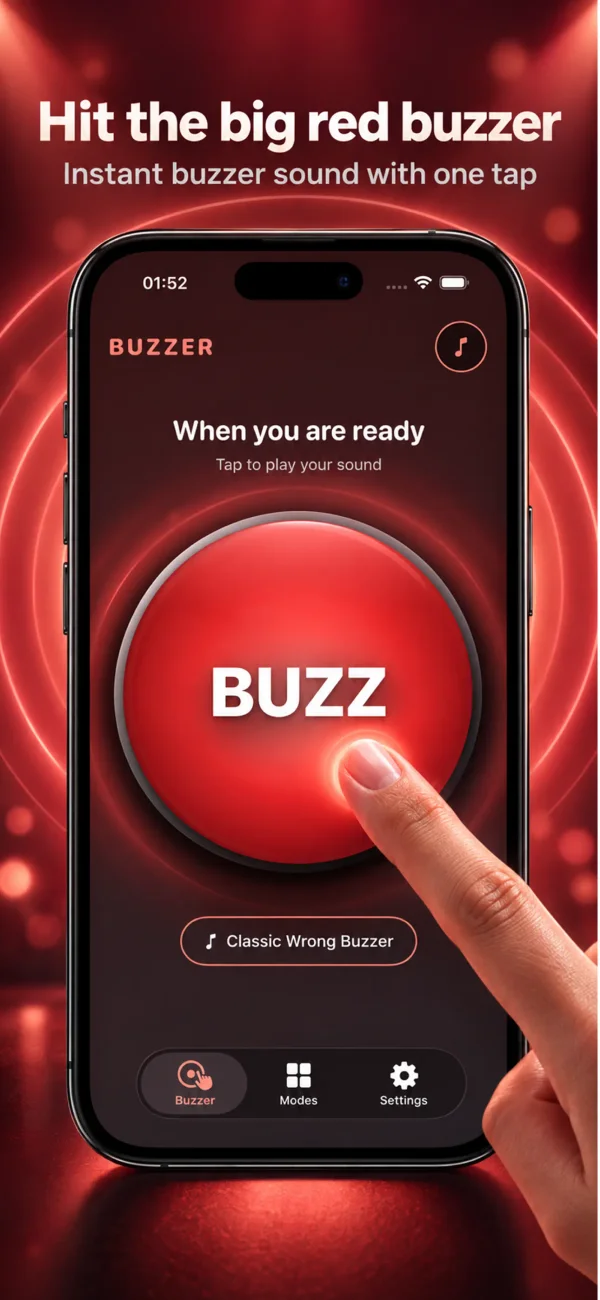
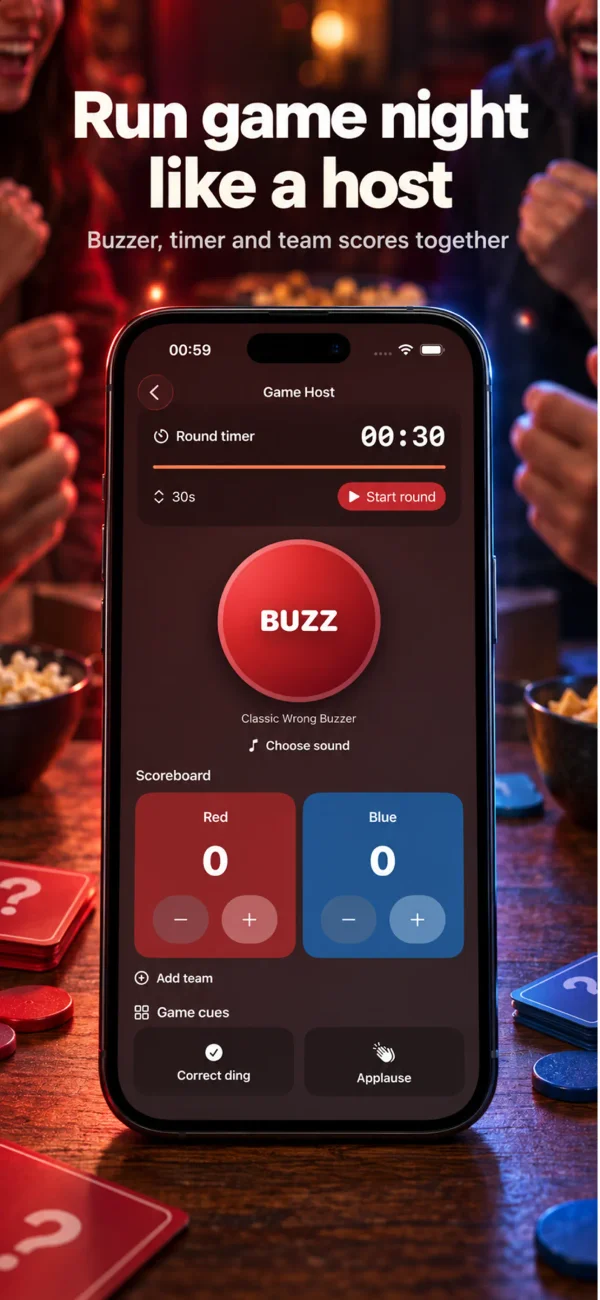
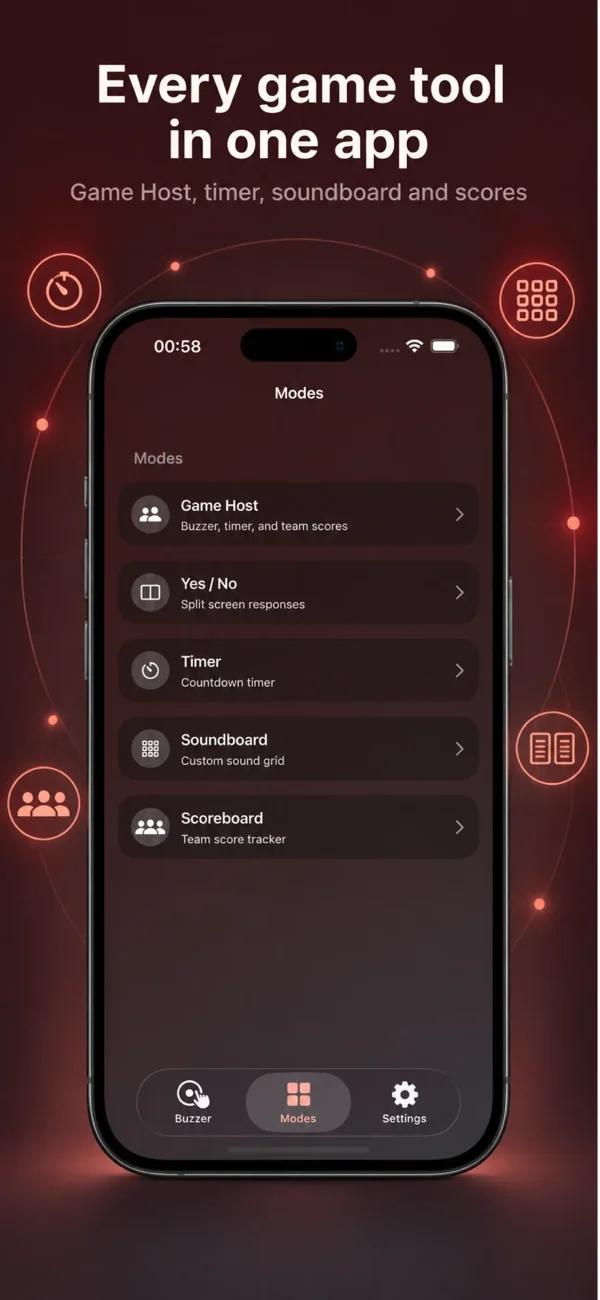
Make quiz night feel like a game. Tap the big red buzzer for an instant sound and haptic feedback, or open Game Host to run a round on one iPhone.
BUZZ, THEN PLAY
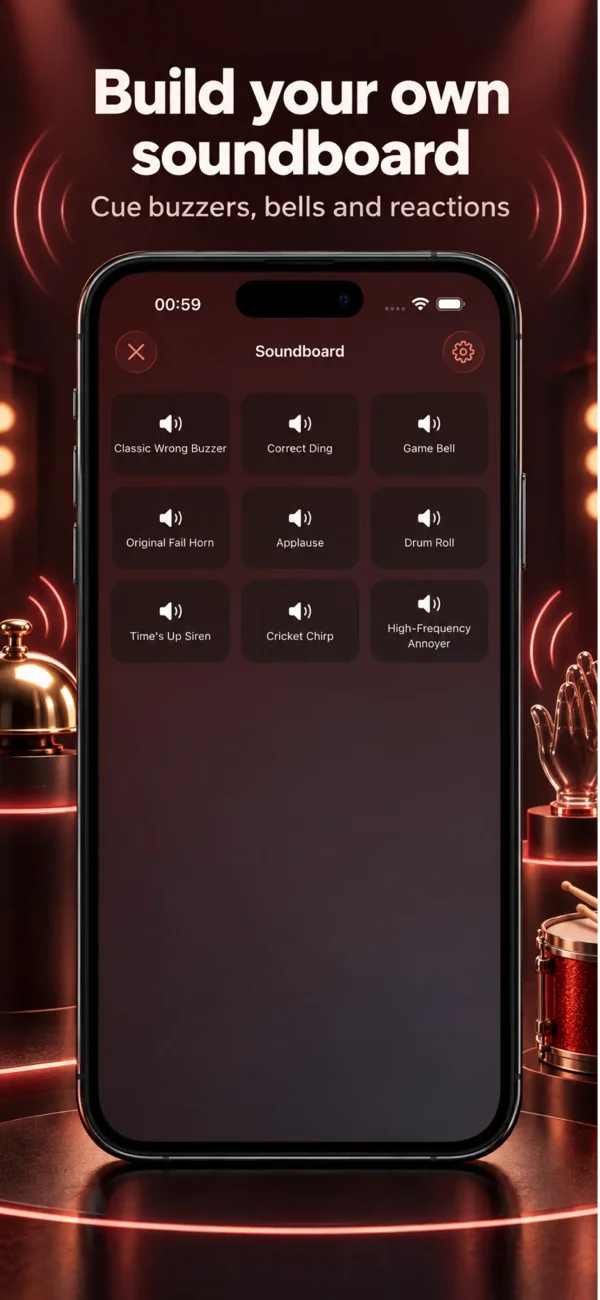
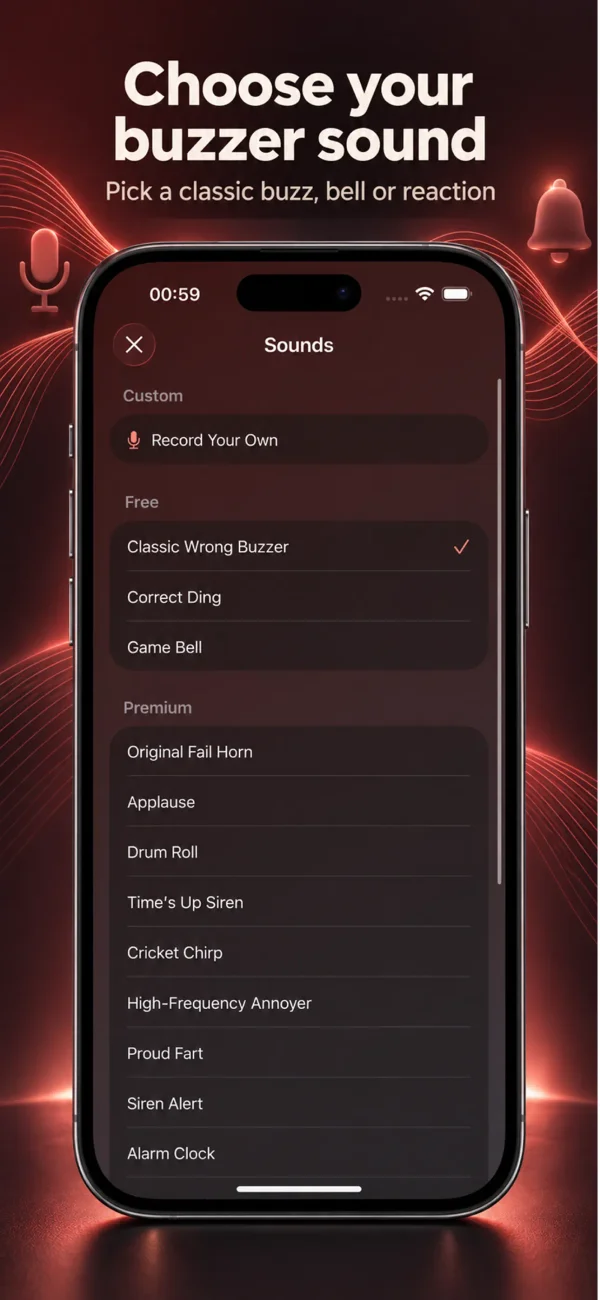
• Choose from 20 bundled sounds, including a wrong-answer buzzer, correct ding, game bell, applause and sirens.
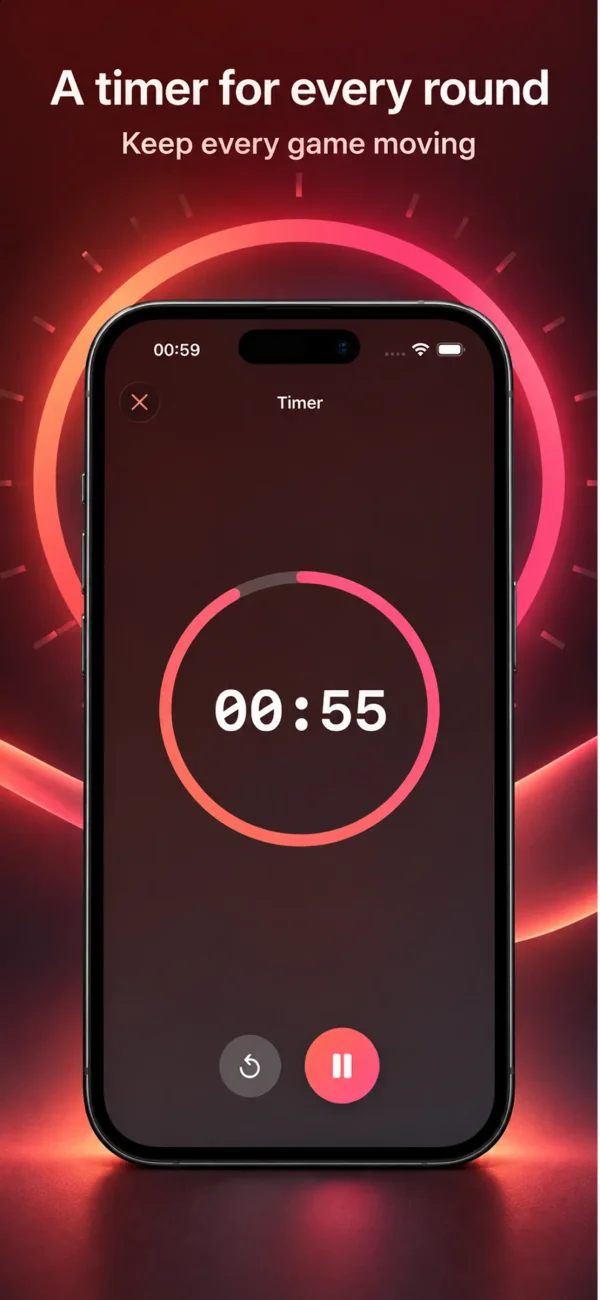
• Run timed rounds with team scores and sound cues in Game Host.
• Tap the Yes or No button for quick responses.
• Record and use your own sounds with Buzzer Pro.
Game Host starts free with a 30-second timer and two teams. Buzzer Pro adds longer and custom timers, up to four teams, premium sounds, sound cues and saved setups. Recording your own sounds also requires Pro.
Use Buzzer for trivia nights, classroom activities, party rounds, or a quick sound effect. No account is required.
Buzzer Pro is an optional auto-renewing subscription. The price, trial and renewal terms are shown before purchase. Manage or cancel subscriptions in your Apple account settings.
Privacy Policy: https://green-chips-b04.notion.site/Privacy-Policy-Buzzer-2a663820dc898072837fd9c47c9d65a4
Terms of Use: https://green-chips-b04.notion.site/Terms-of-Use-Buzzer-2a663820dc8980b79ff4e6bc651a756d
What’s new
Version 2.2.0 · Oct 7, 2026
Save your own recordings in the Soundboard and play them with one tap.
New
• With Buzzer Pro, record sounds directly from Soundboard setup or choose from your saved recordings.
• Build a board with up to 50 sound pads, mixing your recordings with built-in sounds.
• Preview, rename, and delete recordings from your sound library. Adding a recording to the Soundboard leaves your main buzzer sound unchanged.
Improved
• A larger, clearer name field makes recordings easier to name when saving.
• The Custom sounds onboarding preview now shows how to save recordings and use them in your Soundboard.
App privacy
What Omari Sopromadze declares on the App Store about how this app handles data.
-
Data not collected
The developer does not collect any data from this app.
Privacy practices may vary, for example with the features you use or your age.
Information
- Seller
- Omari Sopromadze
- Category
- Utilities
- Version
- 2.2.0
- Updated
- Oct 7, 2026
- Released
- Nov 11, 2025
- Size
- 31.4 MB
- Requires
- iOS 18.6 or later
- Age rating
- 4+
- Price
- Free
- In-app purchases
- Yes
- Languages
- English, French, German
- Copyright
- © 2025 Omari Sopromadze
You might also like
-
 Buzzer App – Simple & OnlineBig red button for game night
-
 Fast Buzzer - Game Show BuzzerGame buzzer and score keeper
-
 CallBellUtilities
-
 Red Panic ButtonUtilities
-
 Klaxo: Buzzer & ScoreboardQuiz Buzzer Button & Sounds
-
 Random Timer GeneratorA random countdown timer
-
 Podium - Trivia Score KeeperQuiz & Game Show Scoreboard
-
 Keep Score: Game ScorekeeperBoard & Card Game Counter
-
 Scoreboard: Keep Score, PointsFor games, sports & cards
-
 People CounterMaximum capacity