
Byeori: Brain Dump Notes
Messy notes in, AI tidies up
Designed for iPhone, iPad, iPod touch
- Age rating4+
- CategoryProductivity
- DeveloperWOOCHEOL SHIN
- LanguagesEnglish+ 1 more
- Size36.5 MB
Links to the official App Store page
Download.org hosts no file of Byeori: Brain Dump Notes. The button opens its official App Store page, published by WOOCHEOL SHIN. Listing last checked on Nov 23, 2026.
Screenshots

About
Notes apps just hold what you put in. Byeori tidies it up.
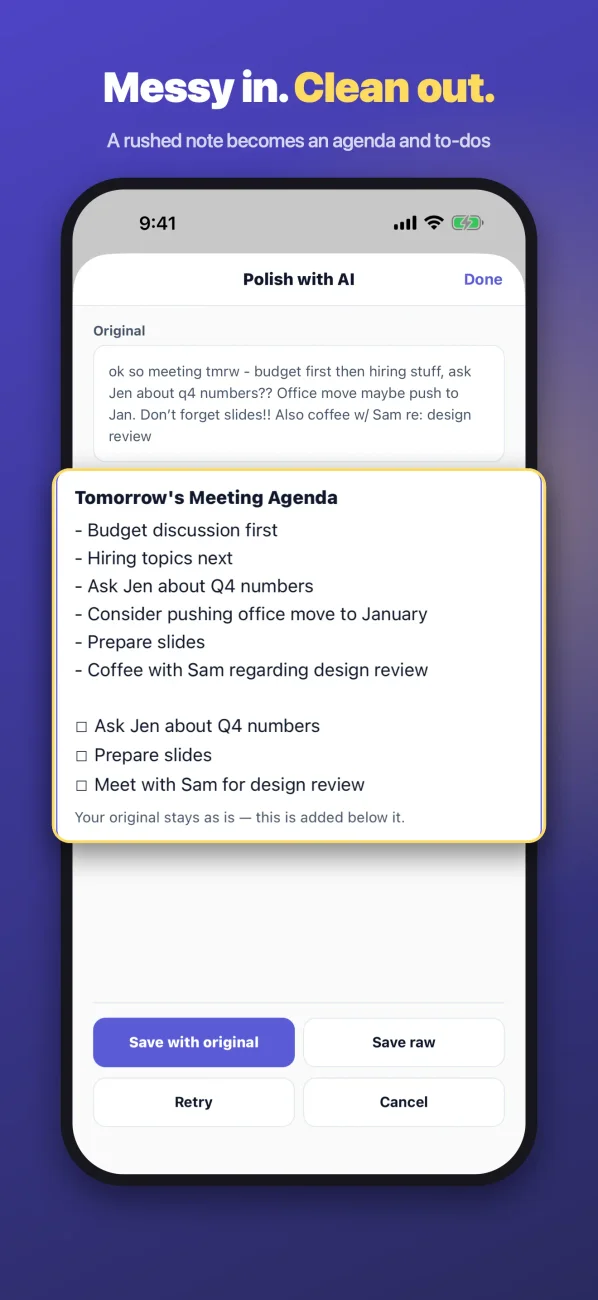
Write it, say it, or snap it — messy is fine. One tap, and Byeori's AI turns it into something you can use. Your original always stays; the result is added below it.
■ Capture in one tap
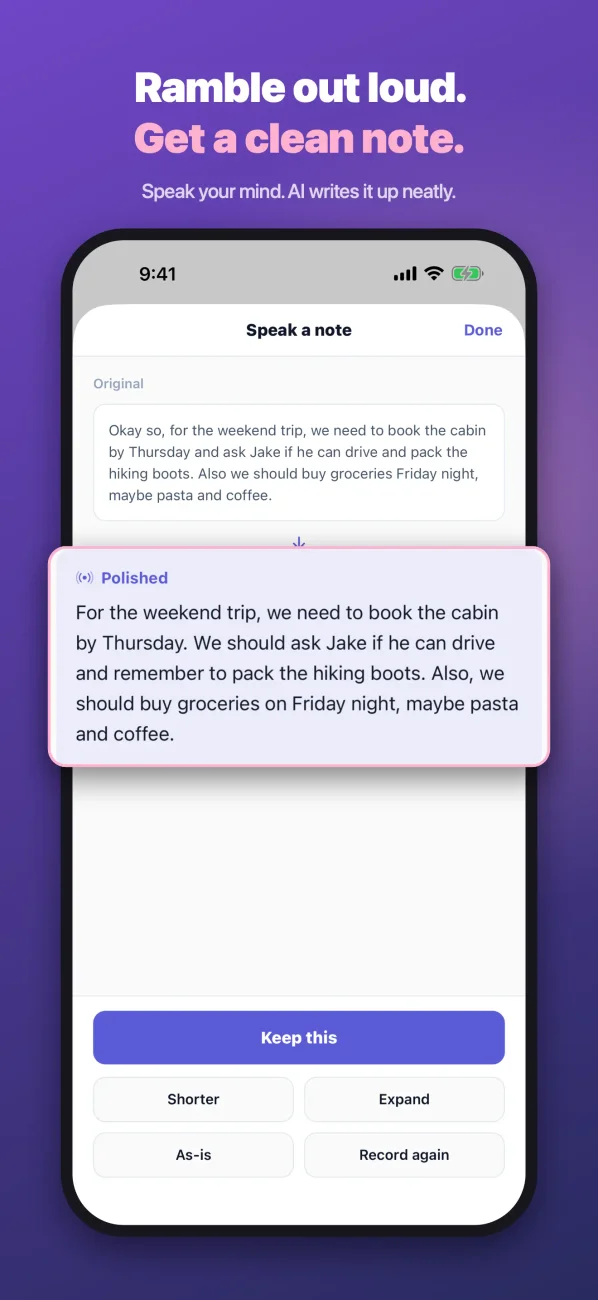
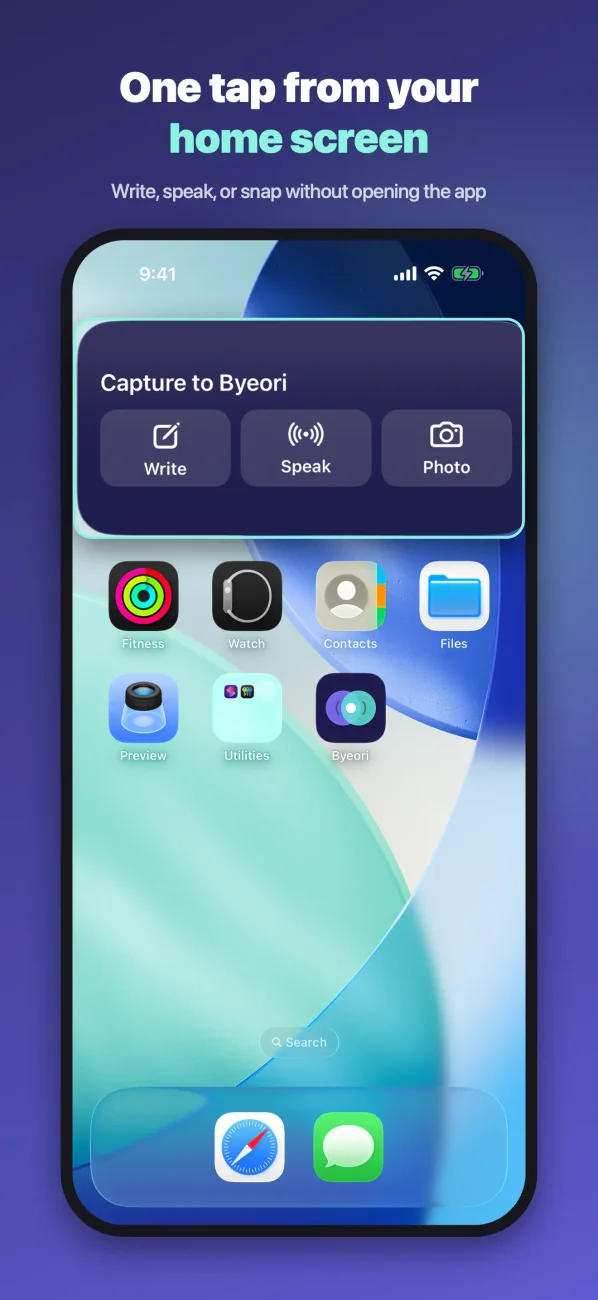
Type a quick memo, say it out loud, or take a photo. Put the Byeori widget on your home screen and you're writing before the thought is gone.
■ Messy in, clean out
• Checklist — "milk eggs call mom fix bike" becomes a list you can tick off
• Tidy — rambling thoughts become clear sentences
• Summary — a long memo becomes a few lines
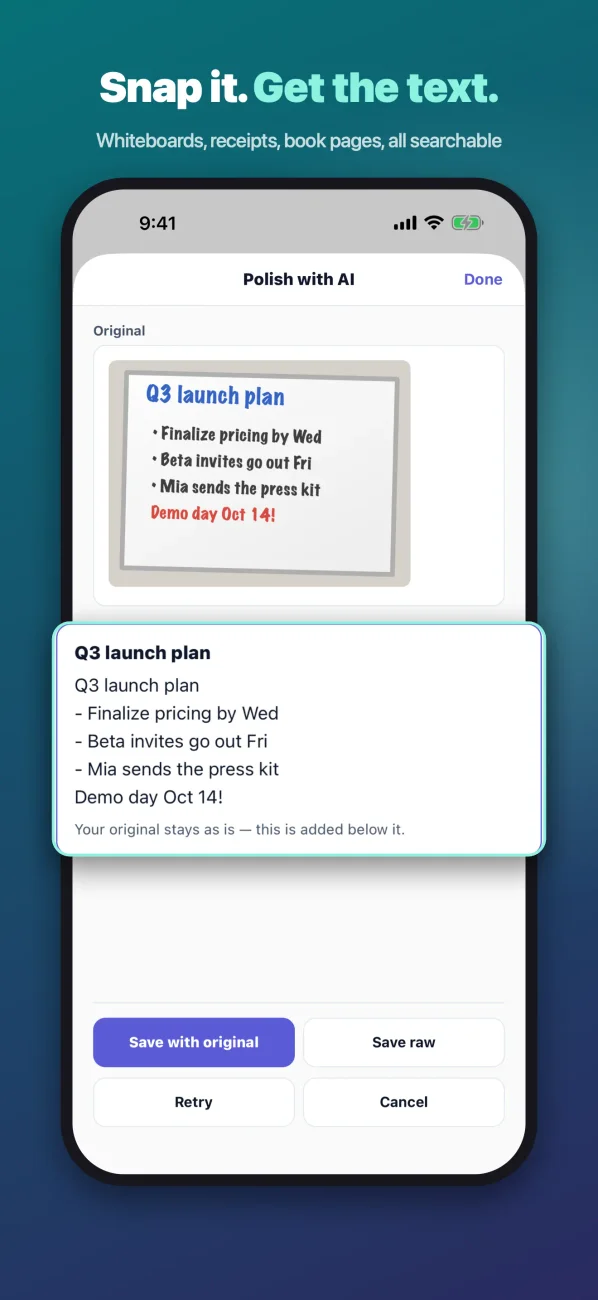
• Photo text — snap a whiteboard, receipt or page and get the text
■ Times become reminders
Write "dentist Thu 3pm" and Byeori offers to remind you then. The notification shows the first line of your memo.
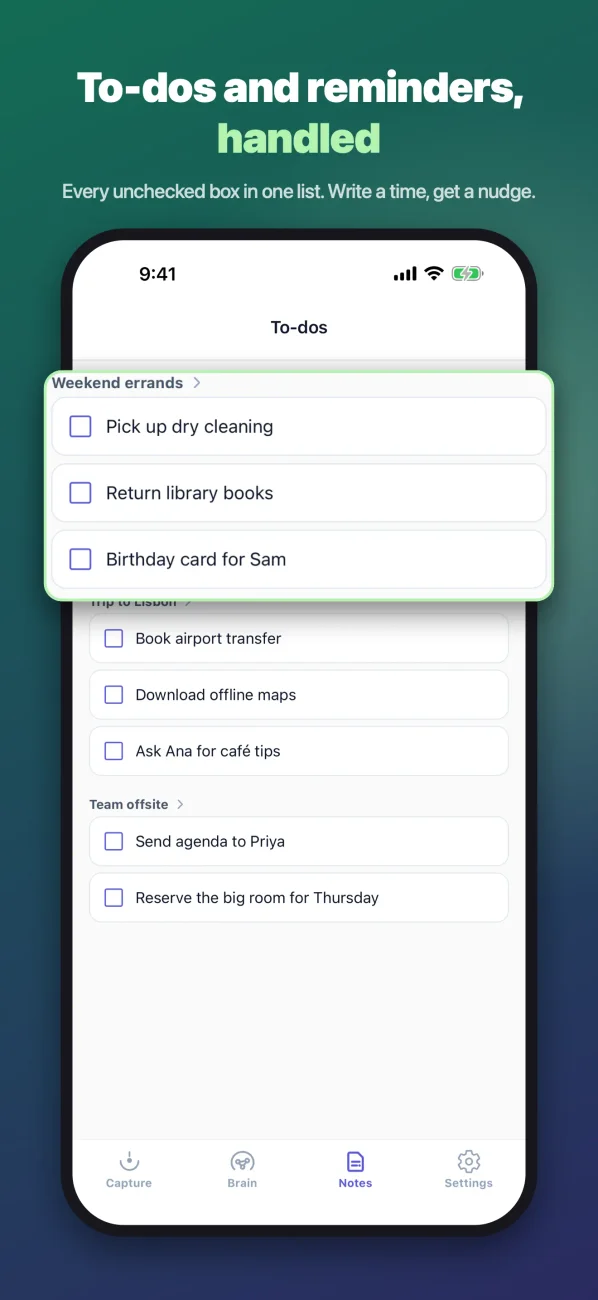
■ Every to-do in one place
Unchecked items from all your memos are gathered into one list. Check one off there and the memo updates too.
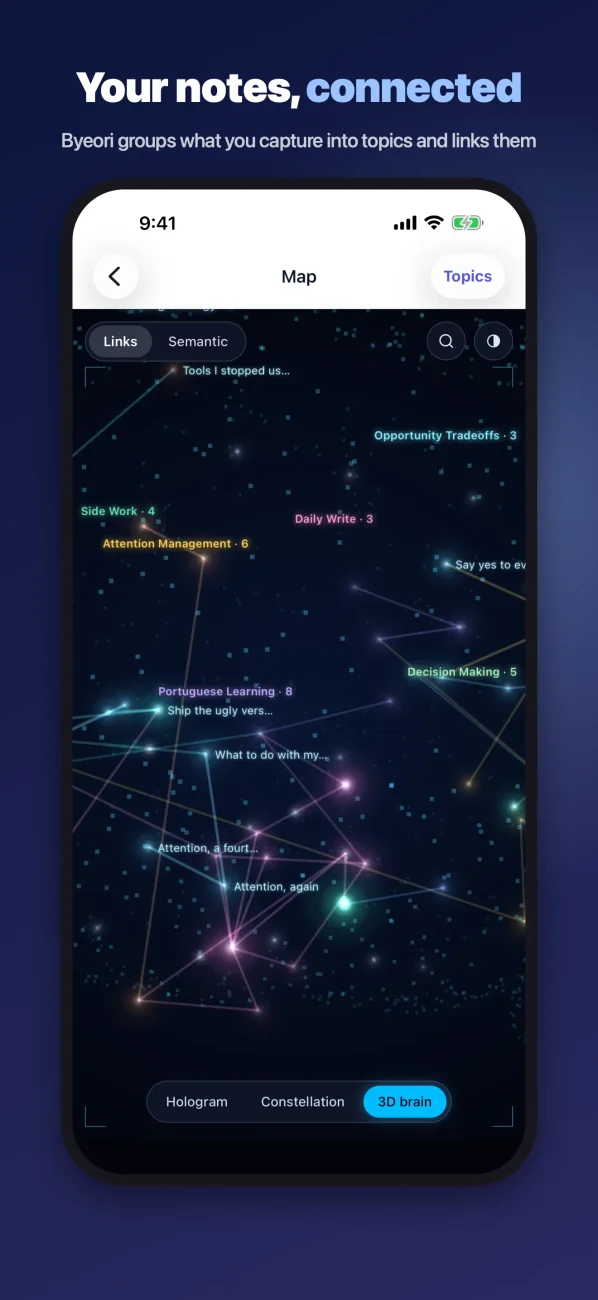
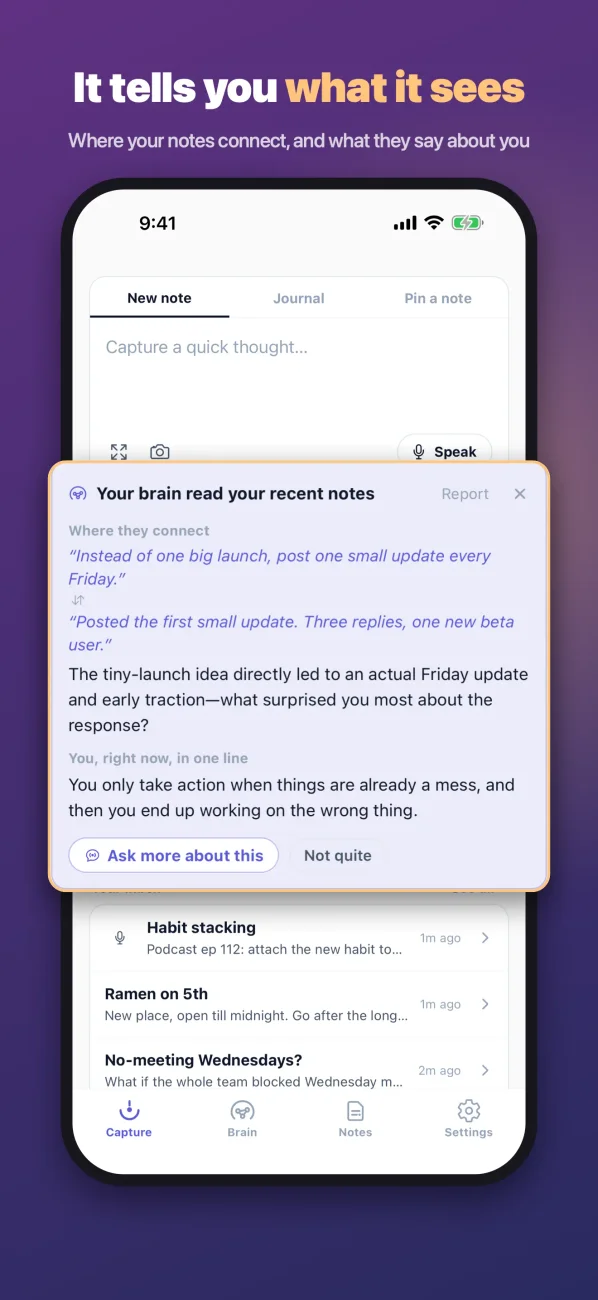
■ And it connects the dots
As your memos add up, Byeori links related ones and, once there's enough, writes you a recap of what you keep coming back to.
AI features use OpenAI's API (not used for training). You can turn AI off in Settings. You can also bring in your Apple Notes, Notion or Obsidian exports right in the app.
Free to use right now.
What’s new
Version 1.0.6 · Nov 19, 2026
New home-screen widget: write, speak, or snap straight into Byeori. Plus small fixes.
App privacy
What WOOCHEOL SHIN declares on the App Store about how this app handles data.
-
Data linked to you
May be collected and linked to your identity.
- Contact info
- User content
- Identifiers
- Usage data
- Diagnostics
Privacy practices may vary, for example with the features you use or your age.
Information
- Seller
- WOOCHEOL SHIN
- Category
- Productivity
- Version
- 1.0.6
- Updated
- Nov 19, 2026
- Released
- Oct 6, 2026
- Size
- 36.5 MB
- Requires
- iOS 15.1 or later
- Age rating
- 4+
- Languages
- English, Korean
- Copyright
- © 2026 Woocheol Shin
You might also like
-
 Tukd: Screenshot OrganizerA home for what you screenshot
-
 CortextAI: AI WorkspaceOn-Device AI for Work and Life
-
 AnnotoMark up & search screenshots
-
 CelioAIProductivity
-
 SigmaNoteBuild your AI knowledge base
-
 Executive NotesA Notes App For Executives
-
 Thrive: AI Daily SchedulePlanner, ADHD & Goal Tracker
-
 Bookmark Manager - MarkfullySave links, read later & focus
-
 ZenGate - FocusSteal your focus back
-
 All Notes AsideANA(All Notes Aside)