BYOK Studio
Draft, plan, and organize
Designed for iPhone, iPad, iPod touch
Free · In-app purchases
- Age rating4+
- CategoryProductivity
- DeveloperBYOK LLC
- LanguagesEnglish
- Size47.1 MB
Links to the official App Store page
Download.org hosts no file of BYOK Studio. The button opens its official App Store page, published by BYOK LLC. Listing last checked on Nov 20, 2026.
Screenshots



About
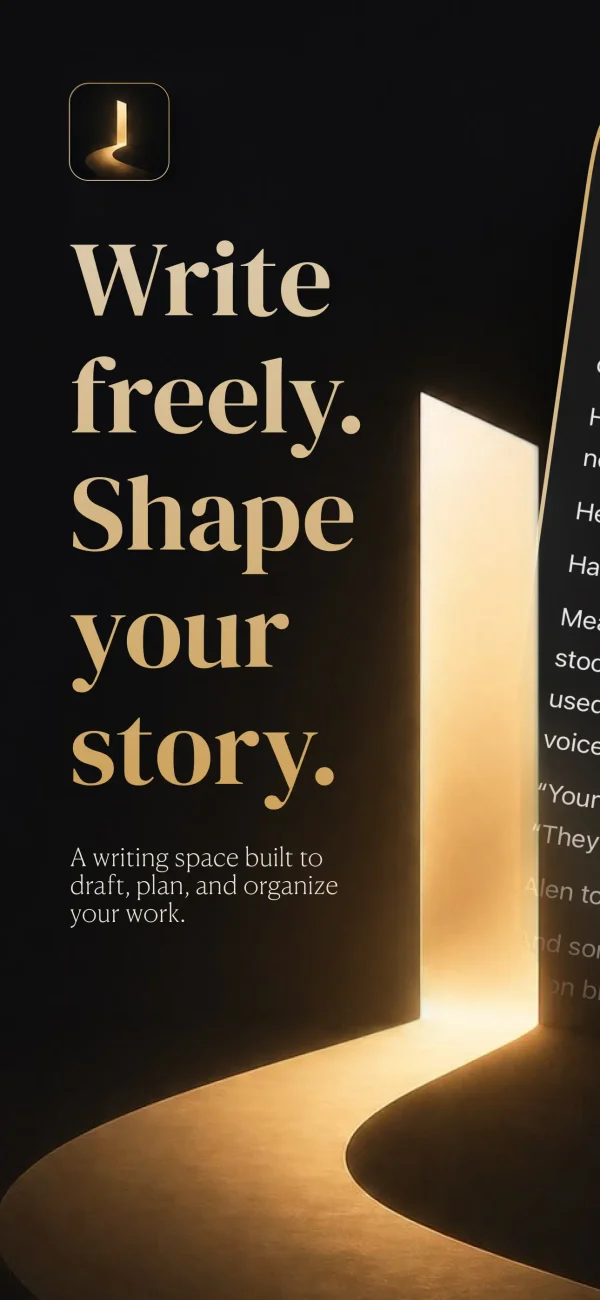
Studio is a writing space built for writers and writing projects.
Draft scenes, organize notes, plan chapters, build manuscripts, map ideas, and keep your work together in one purpose-built environment.
Whether you are writing a novel, memoir, essay, screenplay, journal, research project, or long-form draft, Studio gives you a flexible place to move from first idea to structured work.
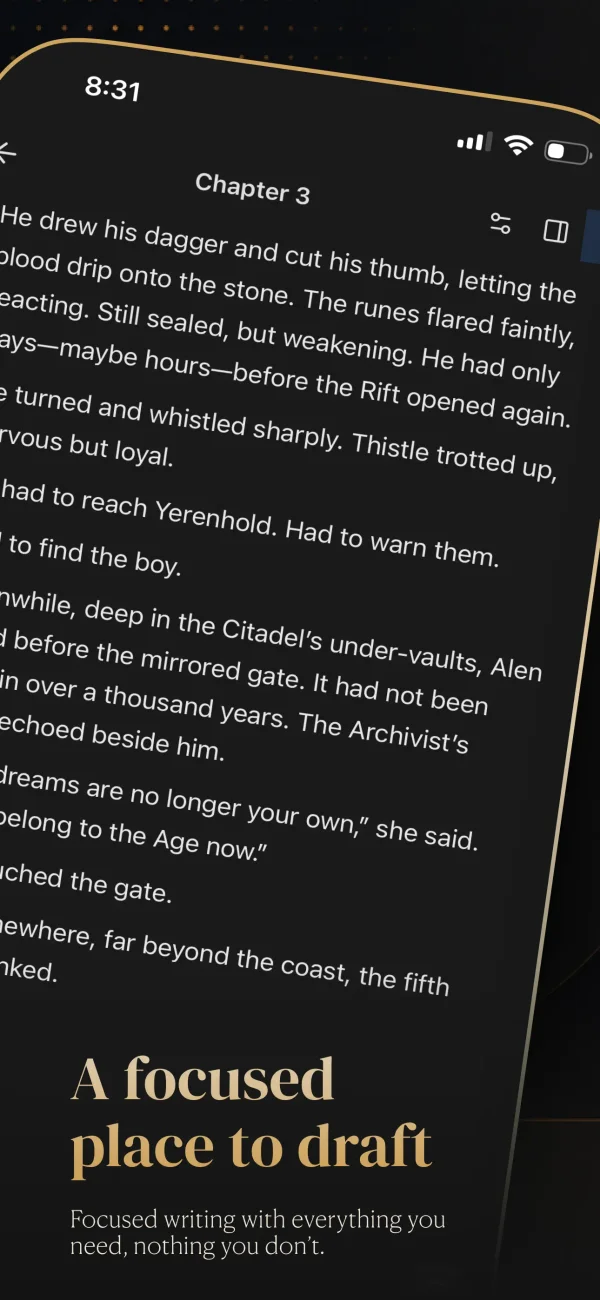
Write in a focused editor
Draft chapters, scenes, notes, essays, and long-form projects in a clean editor designed to keep the work in front of you.
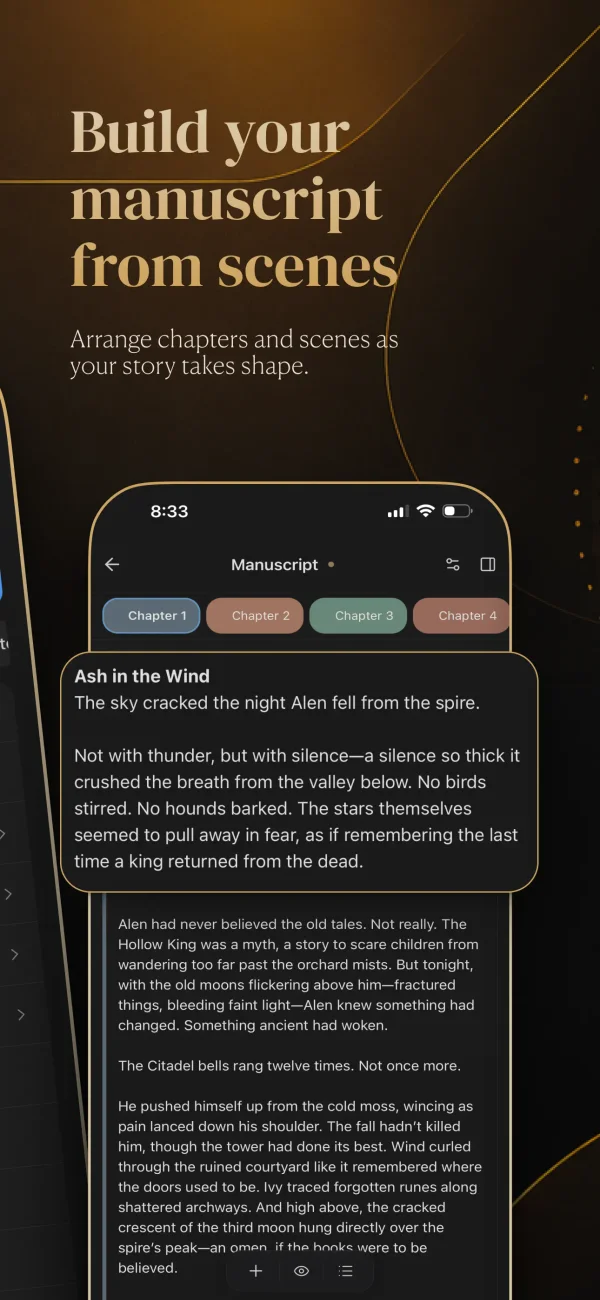
Build manuscripts from scenes
Bring separate files, chapters, and sections together into a larger manuscript so your project can take shape piece by piece.
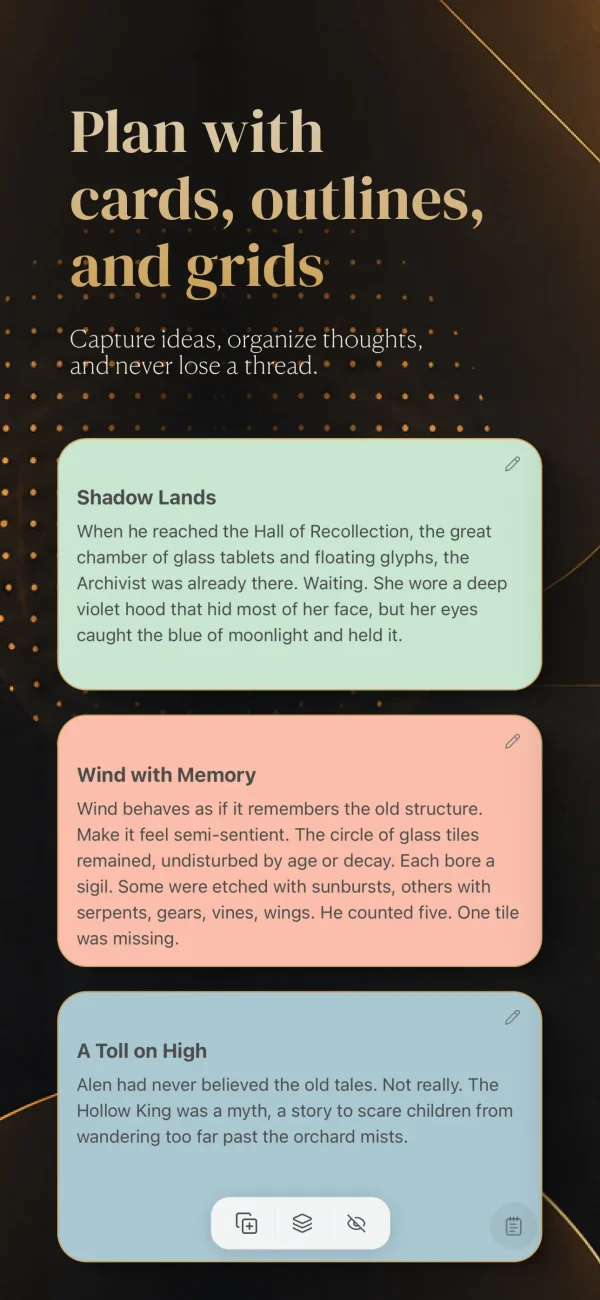
Plan with cards and outlines
Capture scene ideas, research, structure, notes, and beats using flexible cards and hierarchical outlines.
Map your ideas visually
Use the Grid Map to create mind maps, flow charts, relationship maps, timelines, and visual plans with shapes and connection lines.
Create a project wiki
Keep track of characters, places, concepts, research, worldbuilding, and other reference material in a living wiki for your project.
Use the Scratchpad for quick ideas
Capture loose thoughts, reminders, and checkable tasks before they disappear. Scratchpad entries can also be created from your BYOK device.
Keep every project organized
Use the Project Drawer to store and organize files, folders, drafts, notes, cards, outlines, grids, wiki entries, and other project materials.
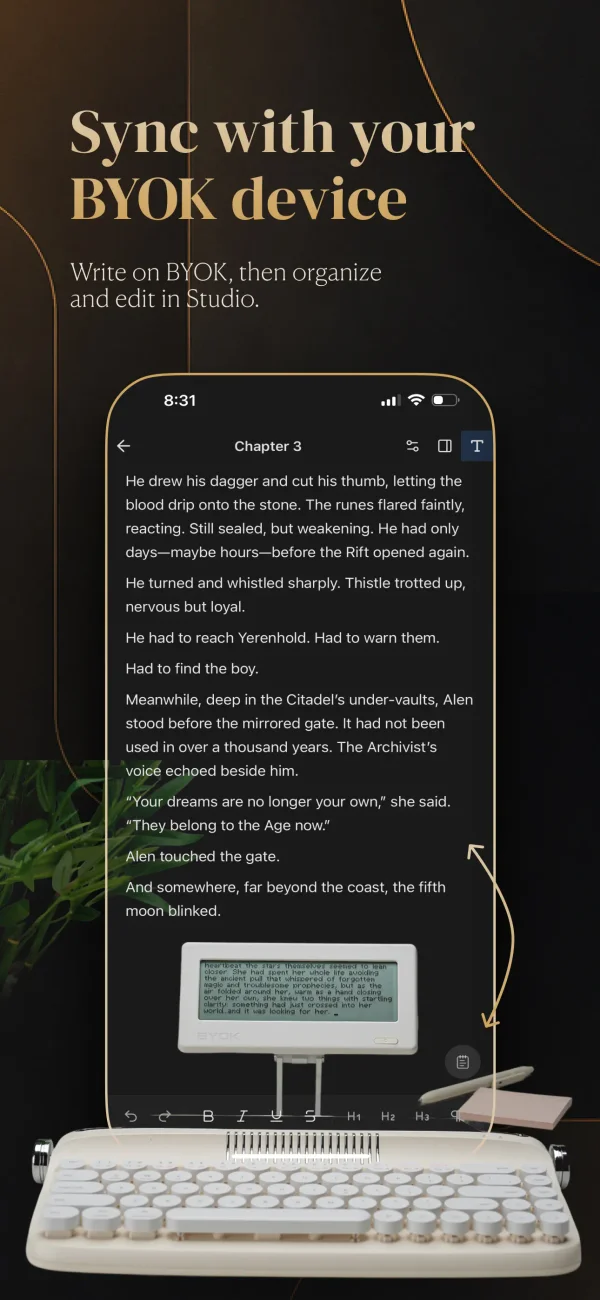
Connect with BYOK
Studio is designed to work alongside the BYOK writing device, giving you a place to continue organizing, editing, and shaping the drafts you start elsewhere.
Studio is more than a blank page. It is a writing environment for the whole project behind the words.
Terms of Use: https://www.apple.com/legal/internet-services/itunes/dev/stdeula/
What’s new
Version 1.3.1 · Nov 17, 2026
What's new in 1.3.1
• Paper theme
• A daily word goal next to your session goal
• Markdown shortcuts as you type: headings, lists, quotes, bold, italic, strikethrough and code
• Duplicate a file from its menu
• Name a new file and pick its color in one step
• Link cards show their description
• Edits to outlines, card stacks, grids and wikis are no longer lost or overwritten
• Many fixes
App privacy
What BYOK LLC declares on the App Store about how this app handles data.
-
Data linked to you
May be collected and linked to your identity.
- Contact info
- User content
- Identifiers
- Usage data
-
Data not linked to you
May be collected but is not linked to your identity.
- Diagnostics
Privacy practices may vary, for example with the features you use or your age.
Information
- Seller
- BYOK LLC
- Category
- Productivity
- Version
- 1.3.1
- Updated
- Nov 17, 2026
- Released
- May 13, 2026
- Size
- 47.1 MB
- Requires
- iOS 15.1 or later
- Age rating
- 4+
- Price
- Free
- In-app purchases
- Yes
- Languages
- English
- Copyright
- © 2026 BYOK LLC
You might also like
-
 NEO PocketFiction without the Friction
-
 Novalist - Novel WritingThe workspace for novelists
-
 pensiv: Writing app for novelsWrite novels and screenplays.
-
 ButterDocsWrite together without chaos
-
 Parchment: Agenda & Daily NoteStay Organized Stay Productive
-
 Idea ThreadsEasily capture ideas on the go
-
 Vondel: Writing AppWrite novels, stories & books
-
 SolarWriter: E-Ink TypewriterKeyboard for E-Reader Screens
-
 OmniOutliner 6Your thoughts, in order.
-
 iA Writer: Get FocusedWrite in plain text