ByWhen: Deadline Task Planner
Task Reminders for Due Dates
Designed for iPhone
Free · In-app purchases
- Age rating4+
- CategoryProductivity
- DeveloperNiONlite LLC
- LanguagesEnglish
- Size11.0 MB
Links to the official App Store page
Download.org hosts no file of ByWhen: Deadline Task Planner. The button opens its official App Store page, published by NiONlite LLC. Listing last checked on Nov 23, 2026.
Screenshots
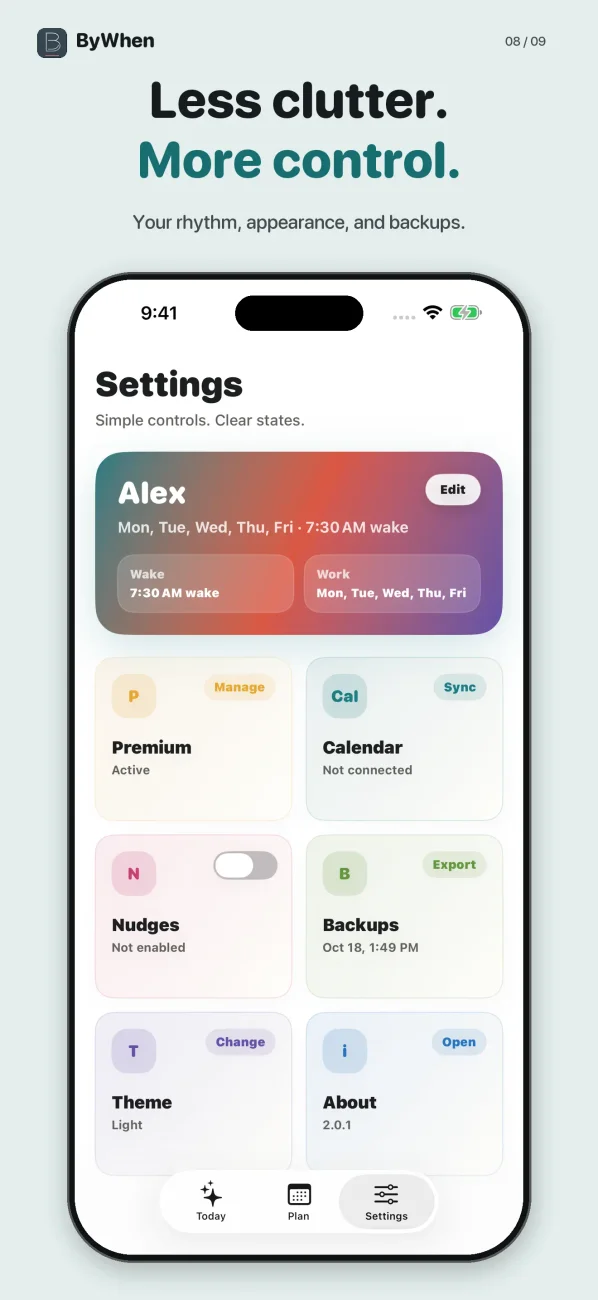
About
A deadline is not just a date. It is a promise your future self needs help keeping.
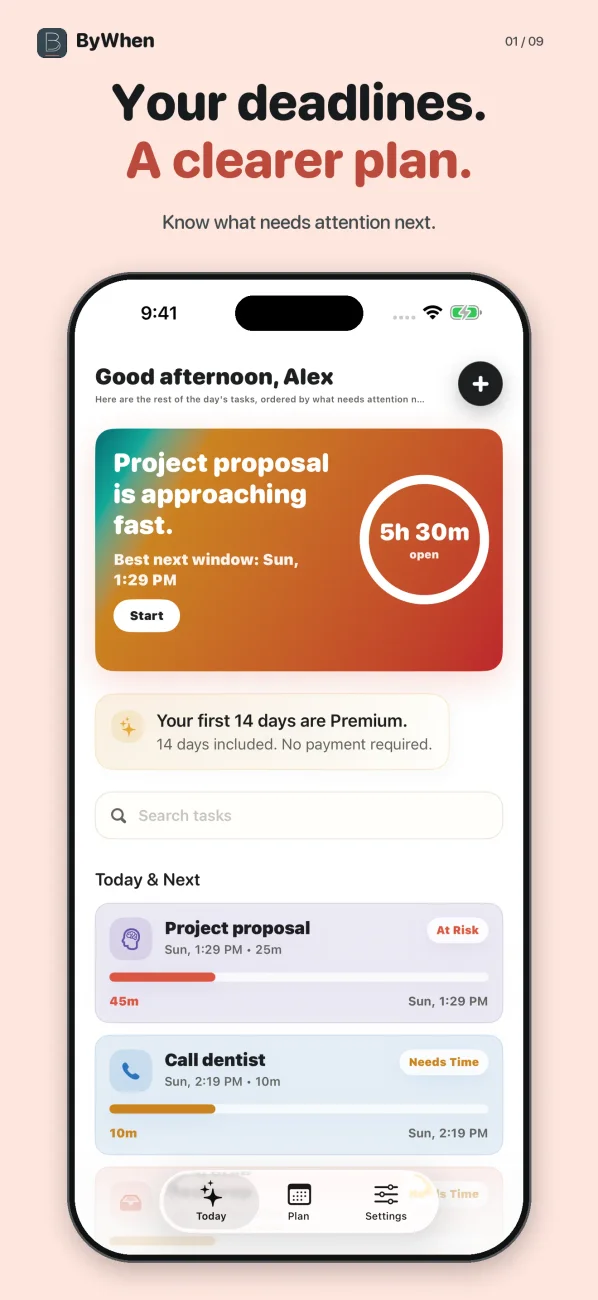
ByWhen helps you turn important tasks into practical reminder plans. Instead of relying on one alert, ByWhen looks at what needs to be done, when it is due, how long it may take, what kind of attention it needs, and when your day has realistic space for it.
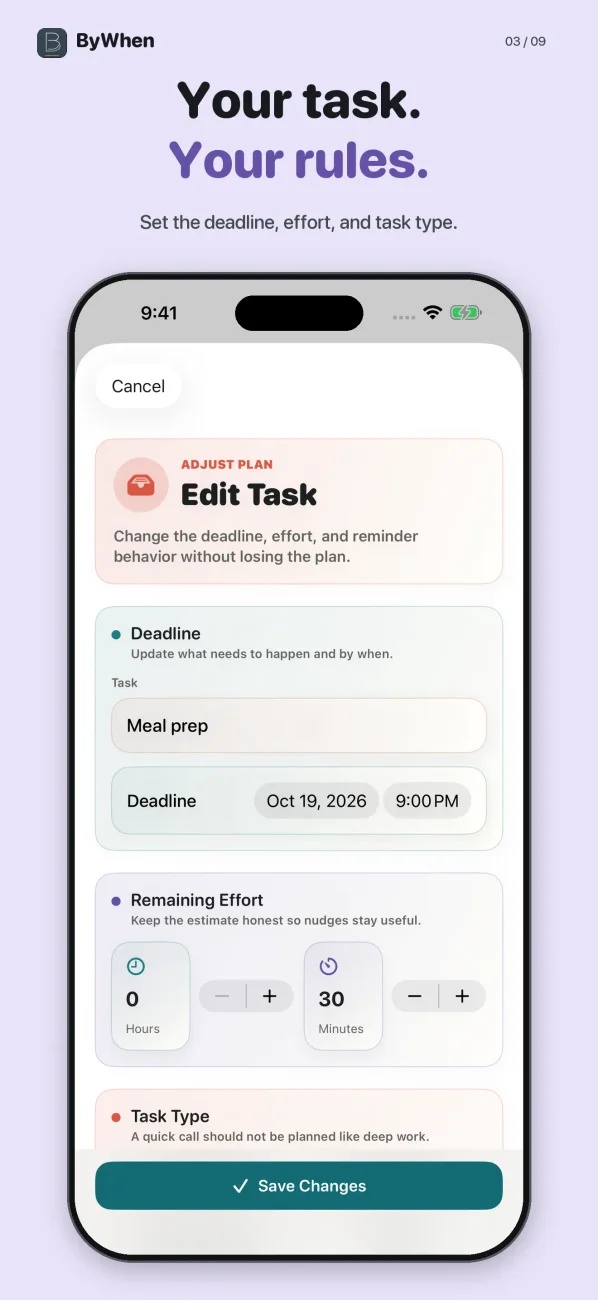
Add a task, set the due date, estimate the effort, choose the task type, and ByWhen helps you stay aware of the work before it turns into last-minute pressure.
ByWhen is built for:
- Work projects with real due dates
- Assignments, exams, and study sessions
- Calls, forms, paperwork, and admin tasks
- Errands that need time away from home or work
- Personal tasks that are easy to postpone
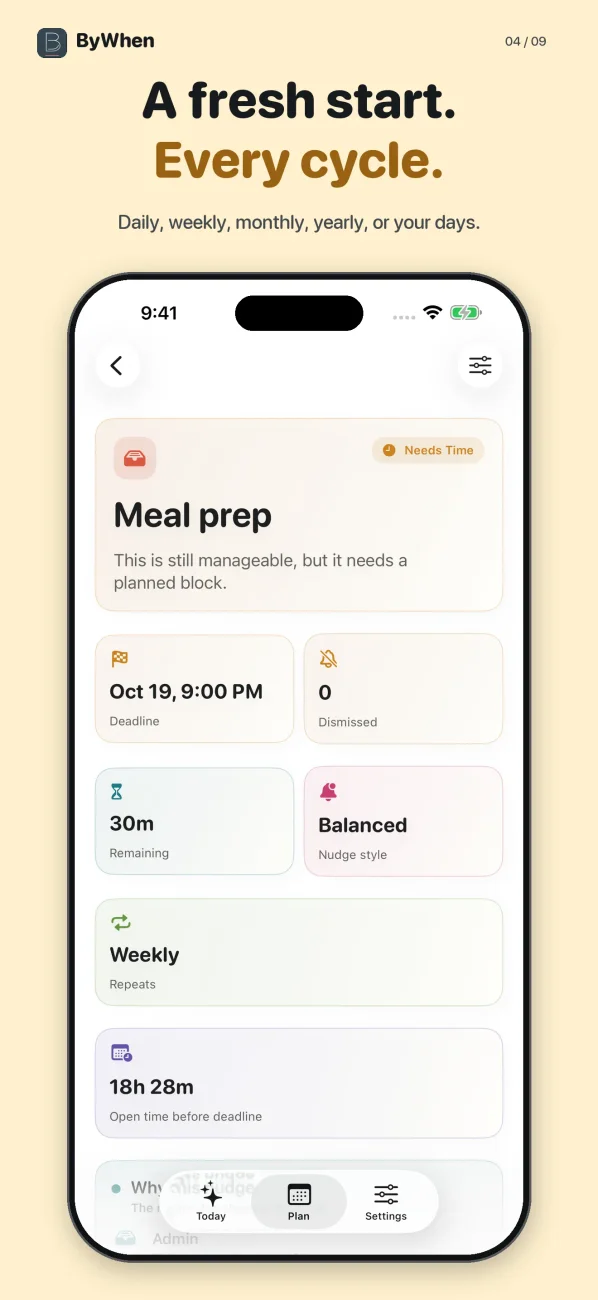
- Daily, weekly, monthly, yearly, and selected-day routines
DEADLINE PLANS
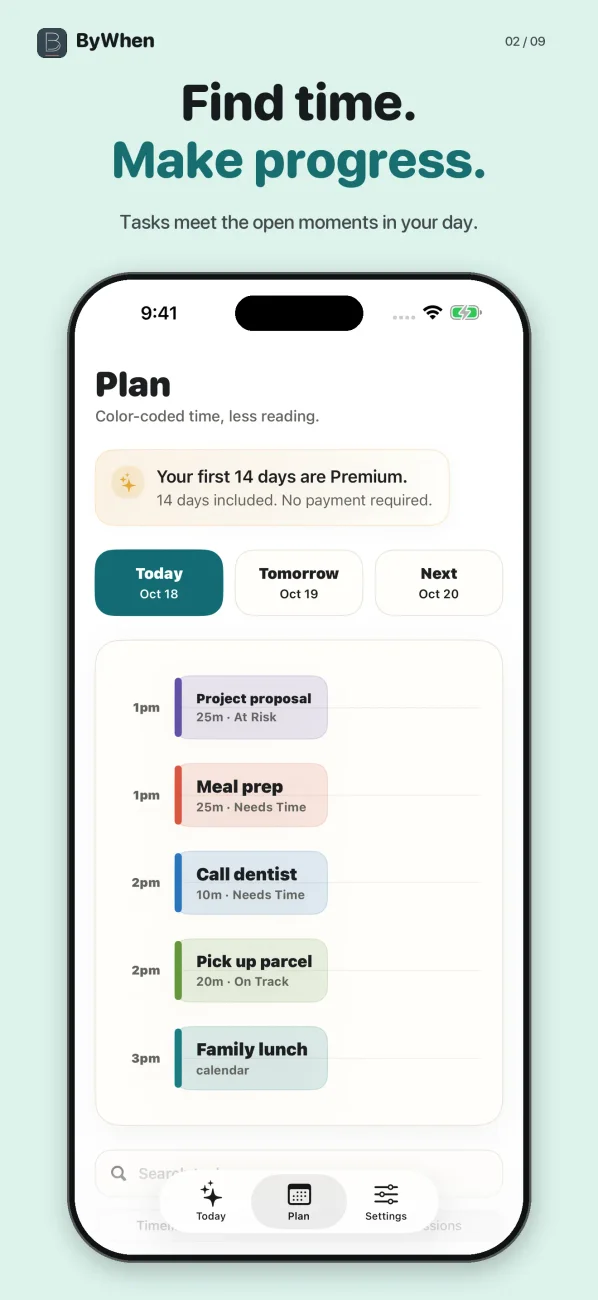
ByWhen helps you think beyond a simple due date. It considers time remaining, estimated effort, task priority, task type, and available windows in your day.
A short call can fit differently than a focused work session. An errand that requires leaving home can be treated differently from a quick task you can do during a break.
REMINDERS WITH CONTEXT
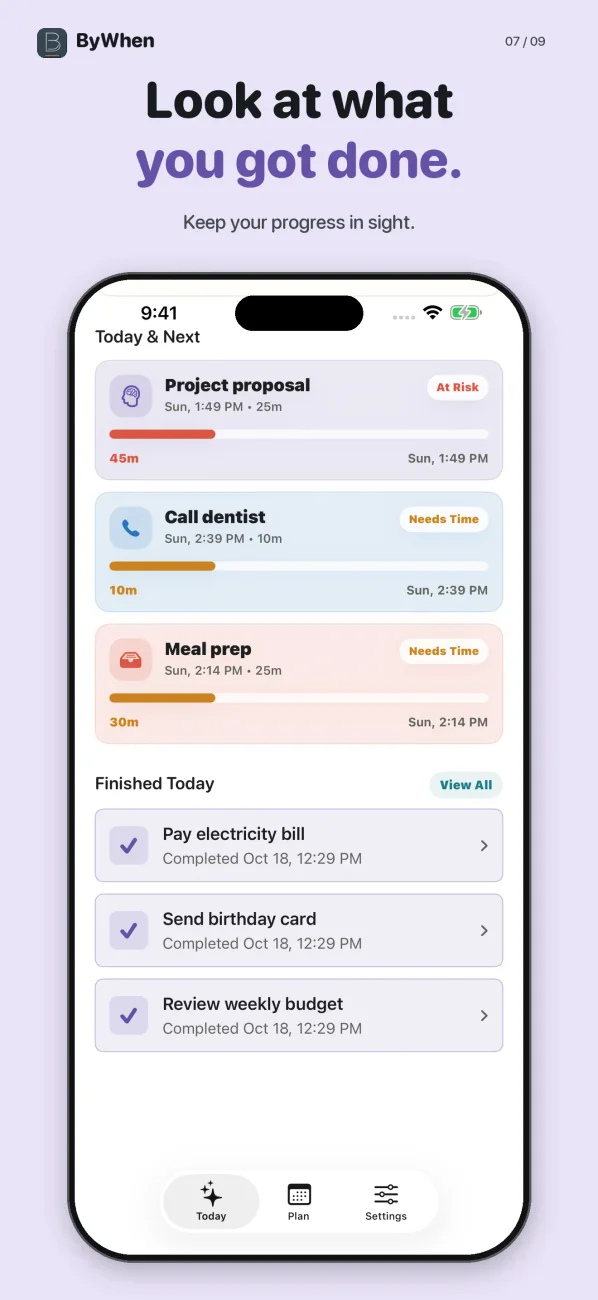
ByWhen keeps the deadline visible as time passes. It highlights whether a task is on track, needs attention, is at risk, or has become critical.
If you do not act on a reminder right away, the task remains part of your plan so you can return to it later.
OPEN-TIME PLANNING
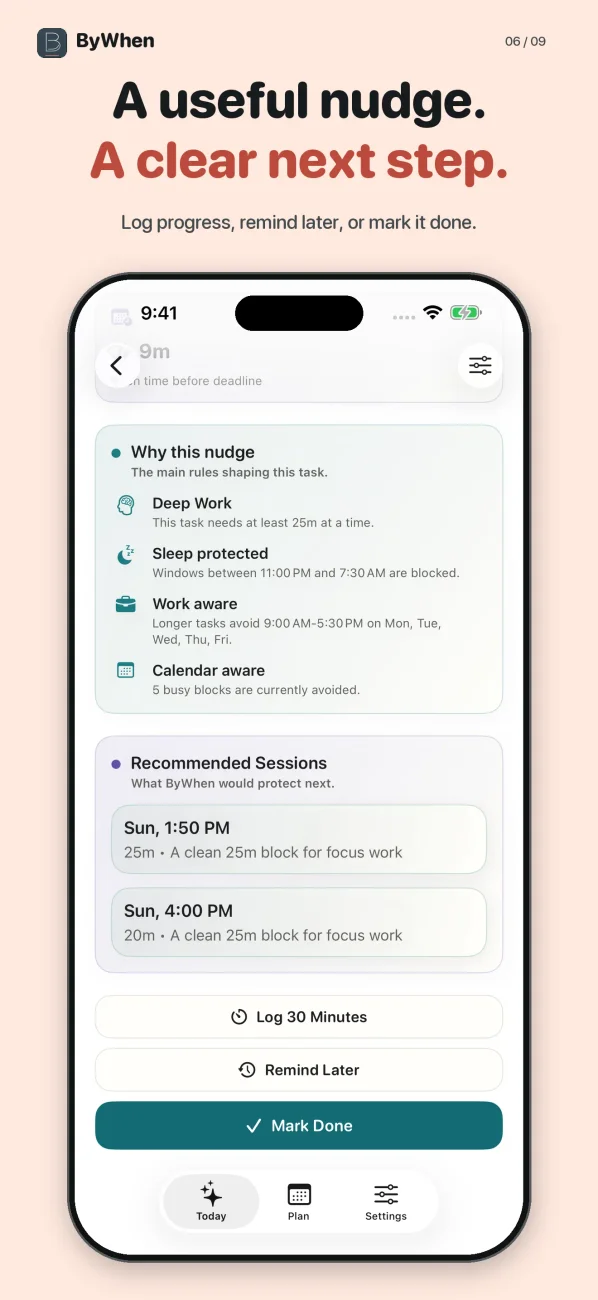
With your permission, ByWhen can use calendar busy blocks to avoid suggesting times that are already occupied. You can choose what to include, ignore imported blocks, and keep control of your schedule.
ROUTINE SETTINGS
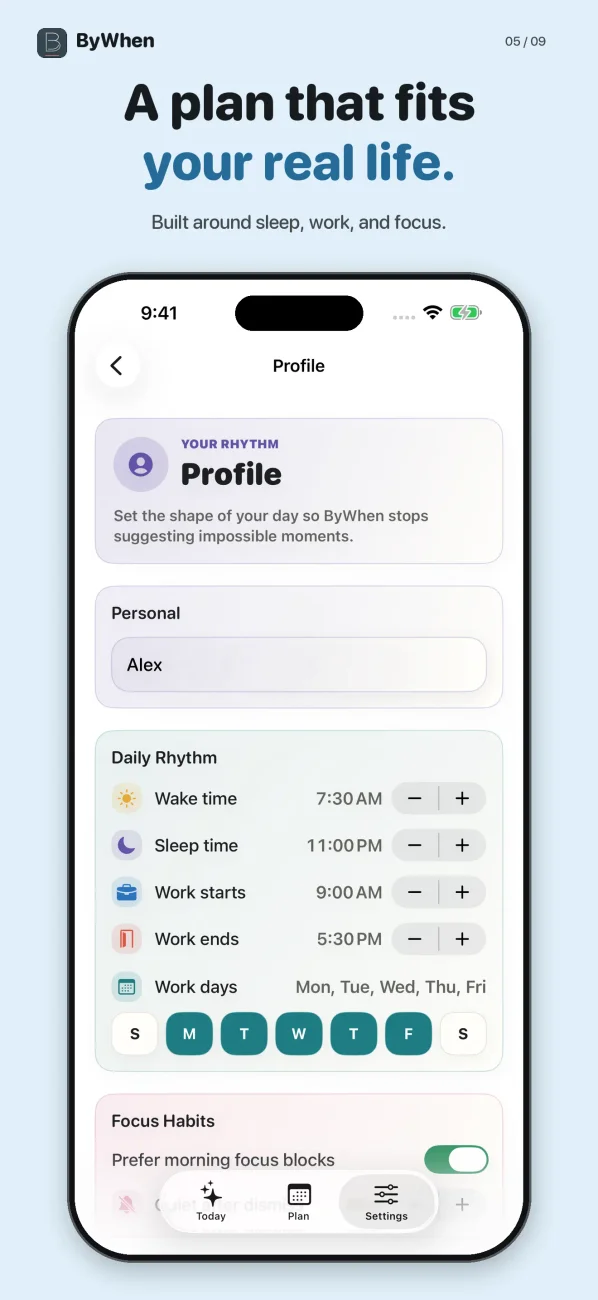
Set your wake time, sleep time, work hours, and workdays so reminder timing fits your real life. ByWhen can avoid unhelpful times and protect parts of the day when reminders would not make sense.
TASK TYPES
Different tasks need different kinds of time. ByWhen supports task types such as focused work, admin, calls, study, errands, and away-from-home tasks.
This helps ByWhen suggest more realistic moments instead of treating every reminder the same way.
REPEATING TASKS
Create repeating tasks for daily, weekly, monthly, yearly, or selected days of the week. When you complete a repeating task, ByWhen moves the next cycle forward so you are not reminded again for the period you already finished.
QUICK ACTIONS
Act from a reminder when possible. Start work, be reminded later, log time, or mark the task done so your plan can stay up to date.
PRIVATE BY DESIGN
ByWhen is built with privacy in mind. Your tasks, schedule blocks, routine settings, and reminder plans stay on your device.
No account is required to start. If you choose to export a backup, it goes to your own selected destination.
BYWHEN PREMIUM
Your first 7 days are ByWhen Premium. During this time, all smart planning features are available.
ByWhen Premium keeps every reminder active and unlocks the full planning experience, including unlimited active reminders, deadline plans, open-time planning, task-specific reminder styles, repeating tasks, quick actions, and routine personalization.
After the first 7 days, your reminders stay safe, but Premium is required to keep all smart reminders active.
Download ByWhen and give your deadlines a plan you can trust.
Privacy Policy: https://nionlite.com/bywhen-privacy.html
Terms of Use: https://nionlite.com/bywhen-terms.html
What’s new
Version 2.0.9 · Nov 20, 2026
Users can now set the number of days before the nudges are not turned ON for a task during task creation stage. This will reduce the number of notifications and improve user experience.
App privacy
What NiONlite LLC declares on the App Store about how this app handles data.
-
Data not collected
The developer does not collect any data from this app.
Privacy practices may vary, for example with the features you use or your age.
Information
- Seller
- NiONlite LLC
- Category
- Productivity
- Version
- 2.0.9
- Updated
- Nov 20, 2026
- Released
- Jun 27, 2026
- Size
- 11.0 MB
- Requires
- iOS 17.0 or later
- Age rating
- 4+
- Price
- Free
- In-app purchases
- Yes
- Languages
- English
- Copyright
- © NiONlite LLC, USA
You might also like
-
 PndgTrack follow ups. Close loops.
-
 ObGitSyncGit sync for Obsidian vaults
-
 KairoProjectDecide priorities faster
-
 Krin: Homework Planner AIHomework tracker & organizer
-
 CommitNow - Focus TimerUnignorable Accountability
-
 WP Project ManagerTrack Tasks & Team Progress
-
 TaskLens - AI Productivity HubAI Tasks, Habits, AI Reminders
-
 2-Minute Start: Focus TimerStop procrastination fast
-
 Takt - Notes & Tasks togetherA secure place for your notes
-
 NotiffyReminders that feel like care