
C Code Develop
C/C++ Development Environment
Designed for iPhone, iPad, Mac, iPod touch
$0.99
- Age rating4+
- CategoryDeveloper Tools
- Developer铖 邢
- LanguagesEnglish+ 1 more
- Size201.0 MB
Links to the official App Store page
Download.org hosts no file of C Code Develop. The button opens its official App Store page, published by 铖 邢. Listing last checked on Nov 7, 2026.
Screenshots
About
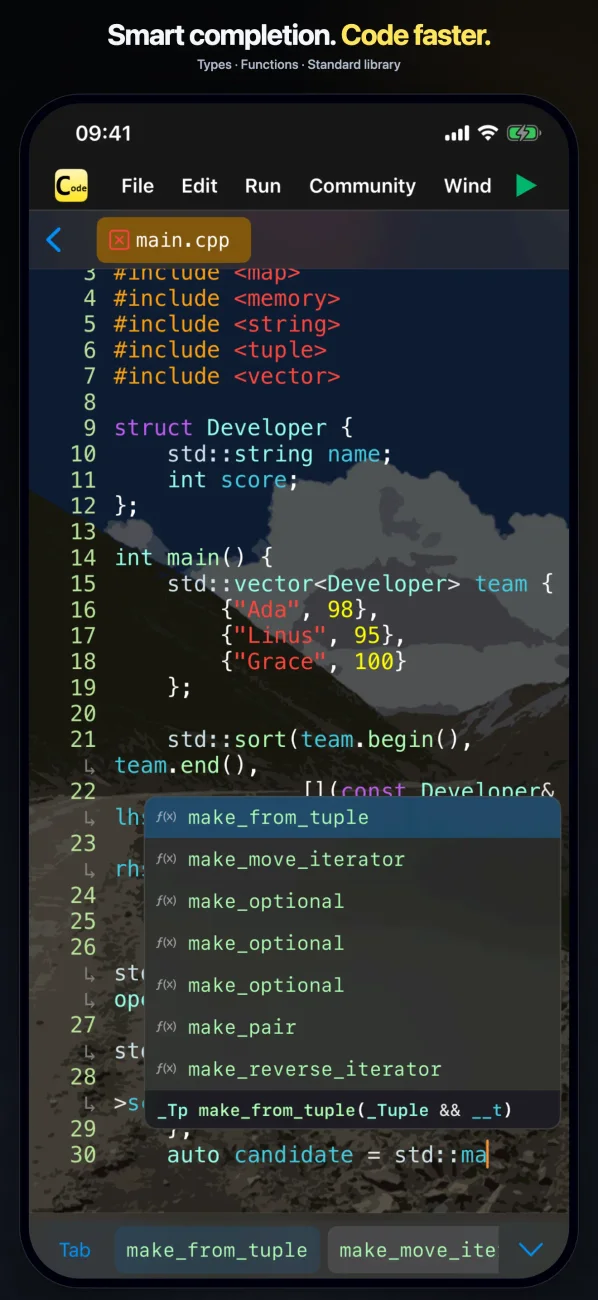
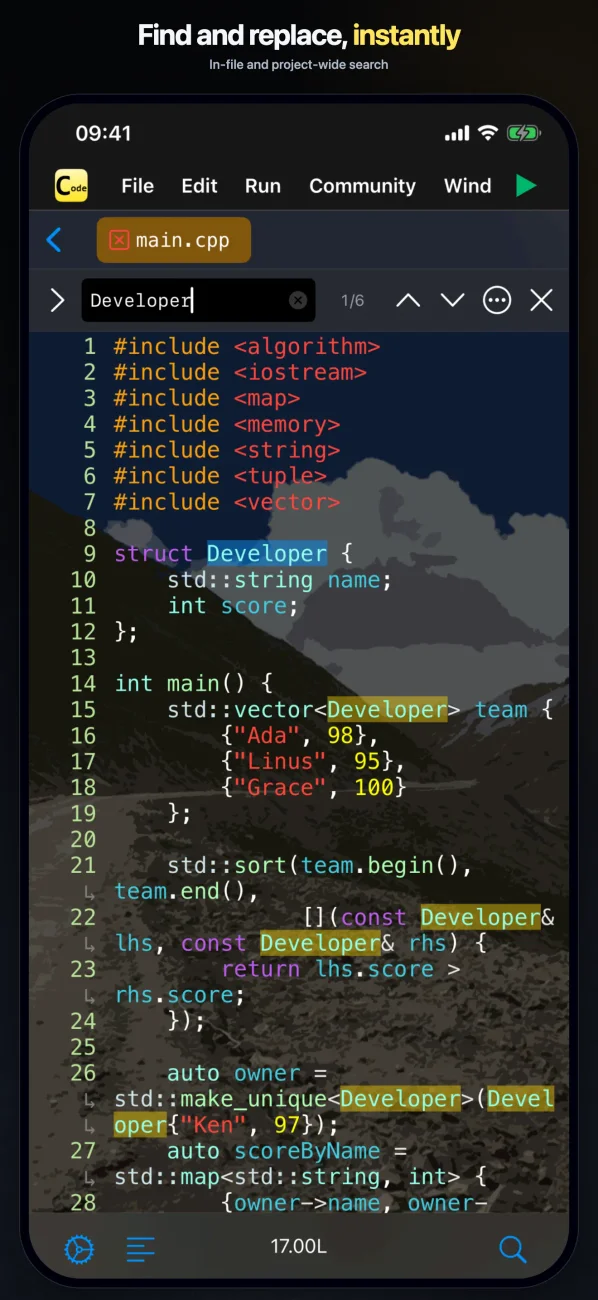
-- Code completion and automatic code formatting;
-- Debugging with breakpoints;
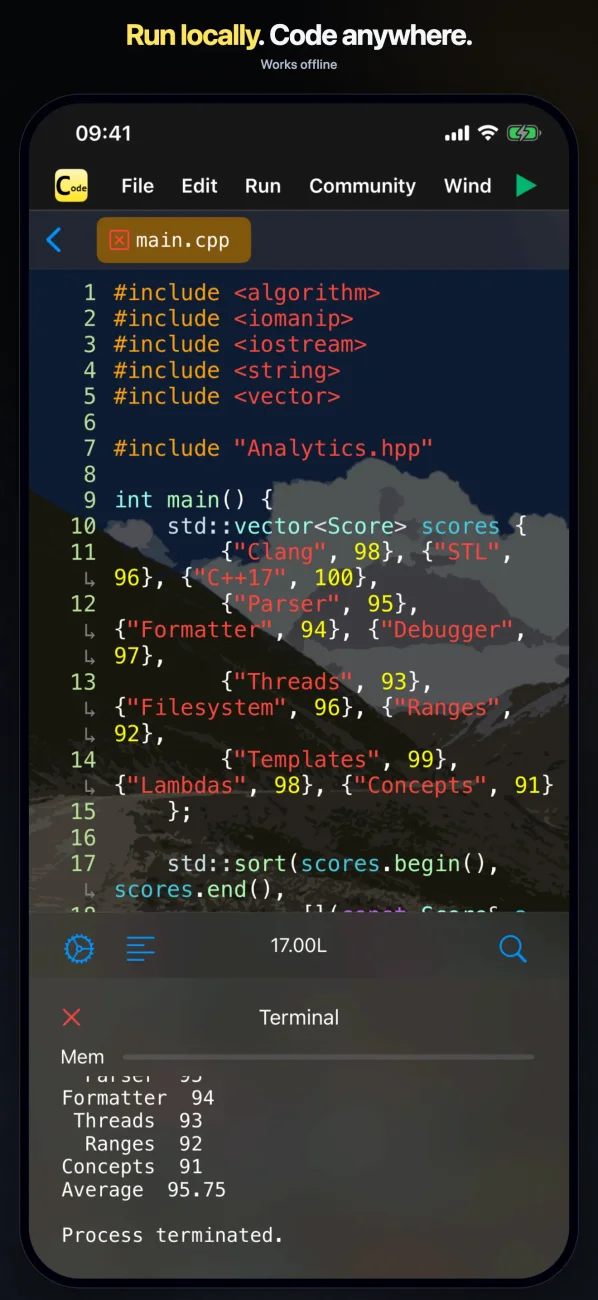
-- Offline code execution, file I/O, interactive input and output, and running multiple programs;
-- Project references;
-- Nested project folders;
-- Local learning notes with rich text editing and links to code;
-- Community posts, replies, messages, and project sharing.
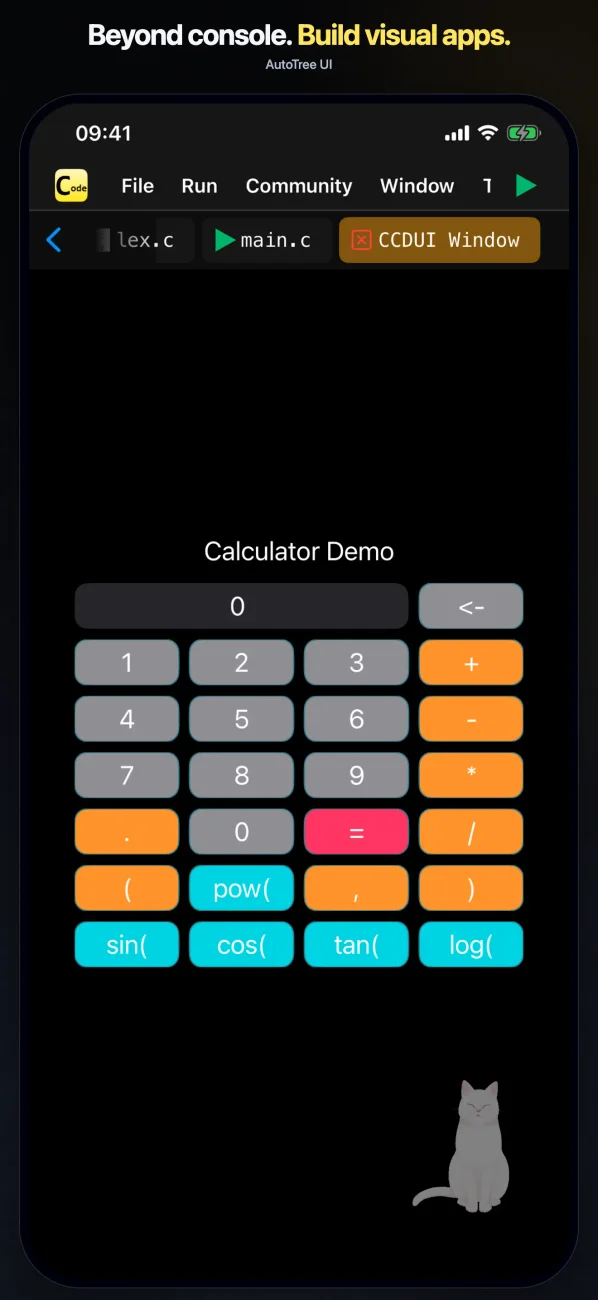
C Code Develop is a compact C/C++ development environment with project management, header file references, and local code execution.
For coding enthusiasts and computer science students, it includes data structure projects that you can run and modify.
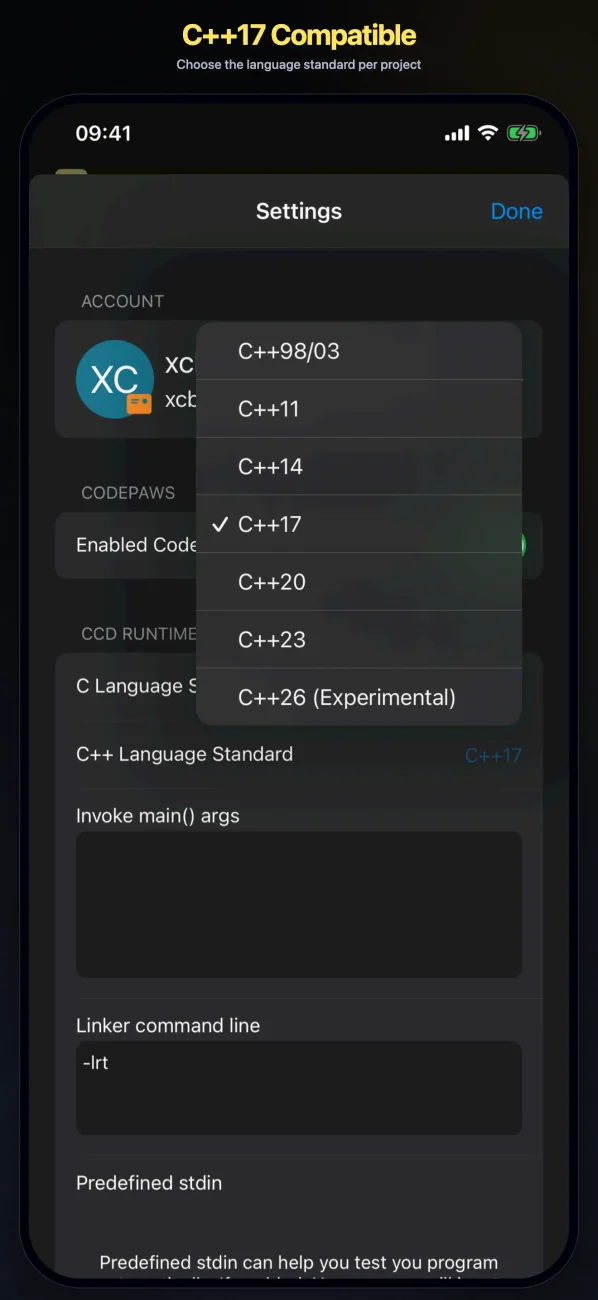
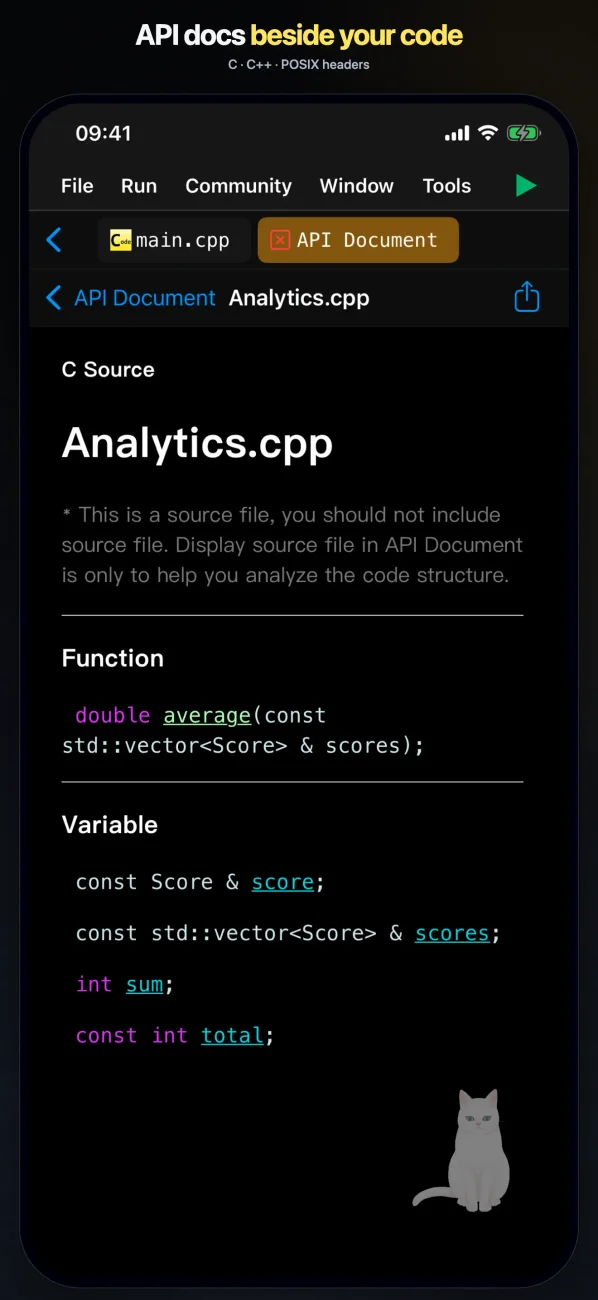
Write and run C/C++ projects on your device, or export a project to compile and run on your computer. The app provides a local C/C++ runtime; see the in-app API documentation for supported headers, functions, and extensions. For safety reasons, inline assembly and some other unsafe syntax are not supported.
Organize project files in nested folders, and rename, move, or delete files and folders. Build artifacts appear directly in the project.
Keep local learning notes with notebooks, search, images, rich text editing, and automatic saving. Write the title and body in one editor. Open linked code locations from notes on the home screen, or view and create linked notes from the current code file.
Browse and publish Community posts, reply to discussions, view messages and profiles, and share images, videos, and projects.
1. The editor supports code completion, automatic formatting, and long-press access to documentation.
2. The terminal supports stdin and stdout. Programs can use fopen() for file I/O within the project.
What’s new
Version 5.2.5 · Nov 3, 2026
1. Added learning notes with rich text, images, and two-way links to code snippets.
2. Bug fixes.
App privacy
What 铖 邢 declares on the App Store about how this app handles data.
-
Data not collected
The developer does not collect any data from this app.
Privacy practices may vary, for example with the features you use or your age.
Information
- Seller
- 铖 邢
- Category
- Developer Tools
- Version
- 5.2.5
- Updated
- Nov 3, 2026
- Released
- Jan 6, 2021
- Size
- 201.0 MB
- Requires
- iOS 14.0 or later
- Age rating
- 4+
- Price
- $0.99
- Languages
- English, Simplified Chinese
- Copyright
- ©2020 Xing Cheng
You might also like
-
 Enable EverythingEnable Everything
-
 JSON Navigator for SafariJSON reader & API debugger
-
 SourceView Pro - Web InspectorProfessional HTML & Meta Tool
-
 YAML Tools: Editor & ValidatorJSON Schema, Convert & Diff
-
 C/C++ LLVM ClangGood Helper in C/C++ Language
-
 Logo Maker, App icon GeneratorDesign Business Card With AI
-
 Word to HTML Converter#1 HTML Converter
-
 Flutter CheatsDart & Flutter Cheat Sheets
-
 Python SandboxOffline Python Compiler
-
 App Icon ExtractorFind & Save Any App Icon