
Cabinet Transfer App
Transfer WITHOUT Internet
Designed for iPhone, iPad, iPod touch
In-app purchases
- Age rating4+
- CategoryProductivity
- DeveloperCabinet Limited
- LanguagesEnglish
- Size57.9 MB
Links to the official App Store page
Download.org hosts no file of Cabinet Transfer App. The button opens its official App Store page, published by Cabinet Limited. Listing last checked on Nov 12, 2026.
Screenshots

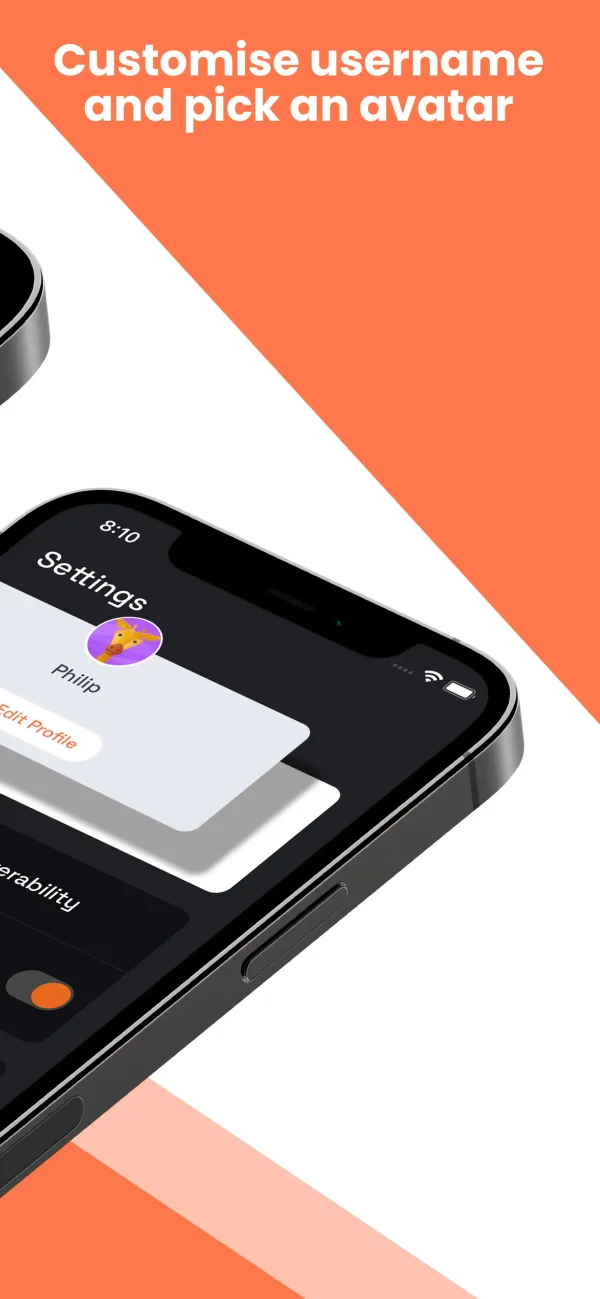

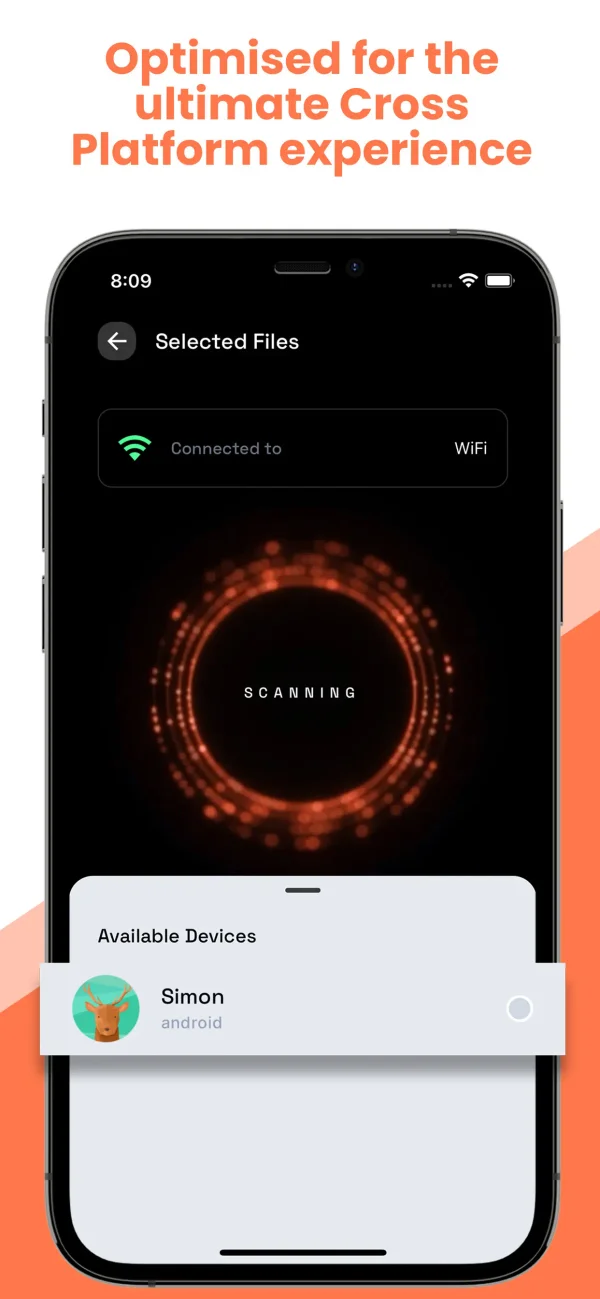

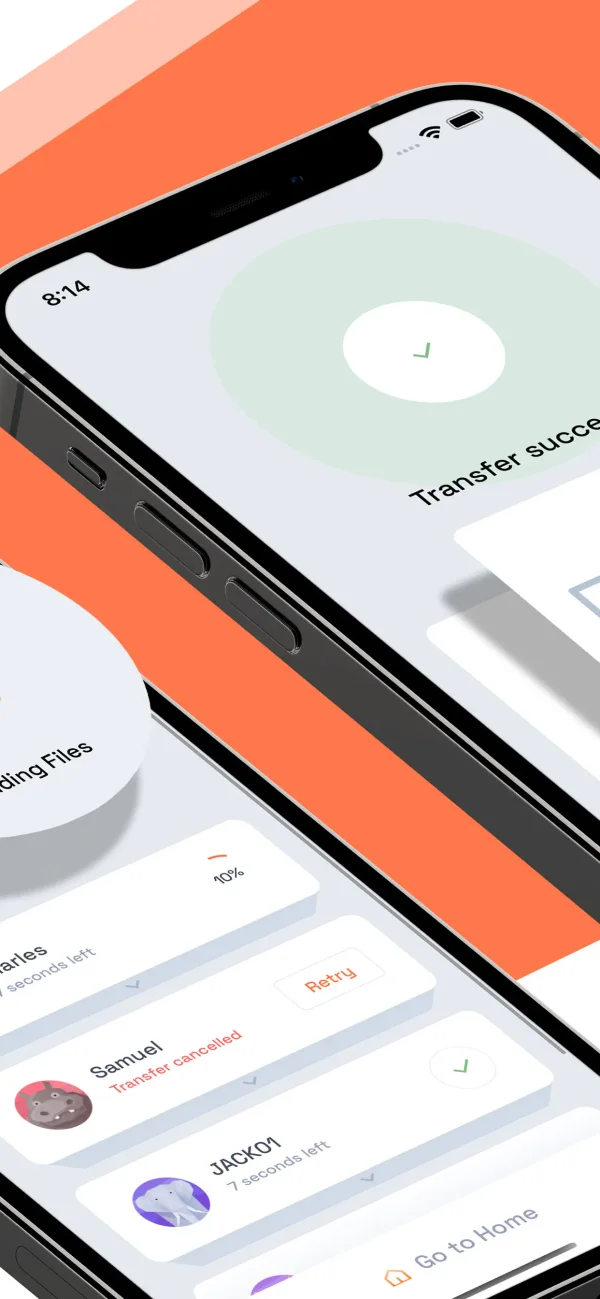
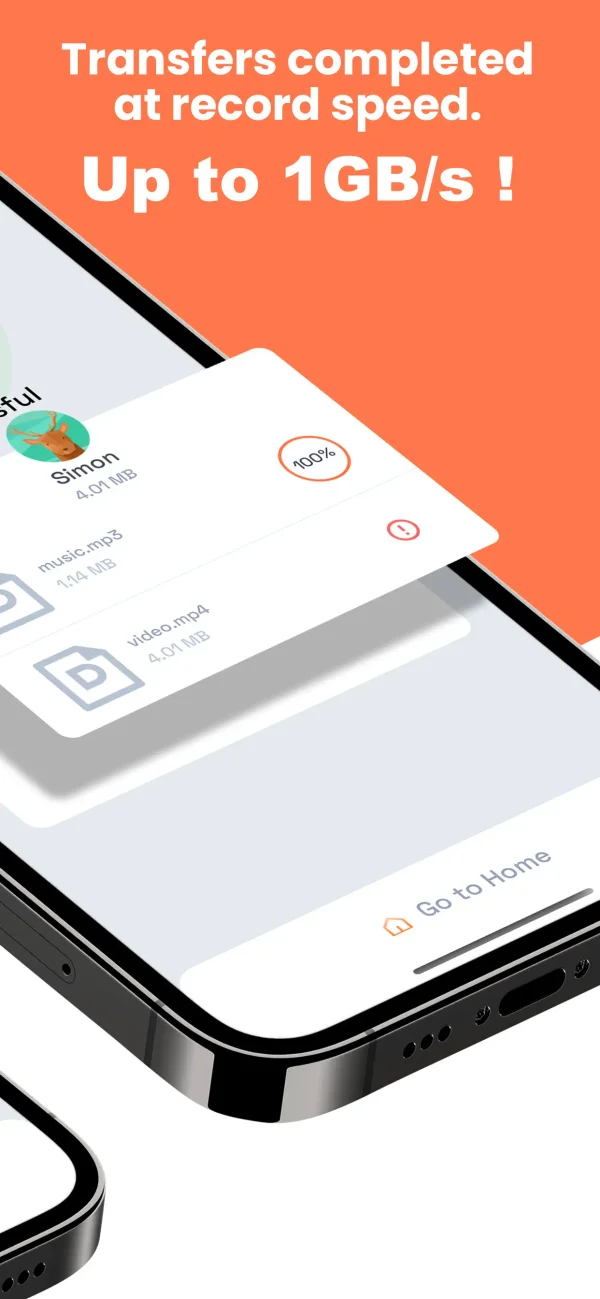
About
Tired of struggling to share big files through the internet? Need a secure way to store and transfer media from device to device? Sick of paying for high-speed file transfer services that don’t offer cross-platform support?
It’s time to try something new with the Cabinet app. The world’s first file sharing app with a focus on cross-platform support, lossless transfer, and local area network connectivity, you’ll never need to pay for another file transfer service again.
It’s Time To Cut Costs & Save Time
Whether you’re a student, a business owner, or a private citizen using your mobile device to send, receive, transfer, and manage files or media, you’re likely paying for some form of storage. And if you’re not, then you’re likely paying for some sort of file transfer service in order to move a file from your smartphone to your tablet – or vice versa.
With Cabinet, you no longer have to worry about spending extra money on Cloud storage or file transfer services because our app does it all.
• Quick Transfer
• Lossless Transfer
• Cross-Platform Support (Android & iOS)
• Media Storage
• File Management
How It Works
Download the app on your iOS or Android smartphone and follow the steps below to get started!
1. Take a look at the steps below to get started.
2. Download the app and sign up with your email address.
3. Verify your email address and complete your account registration.
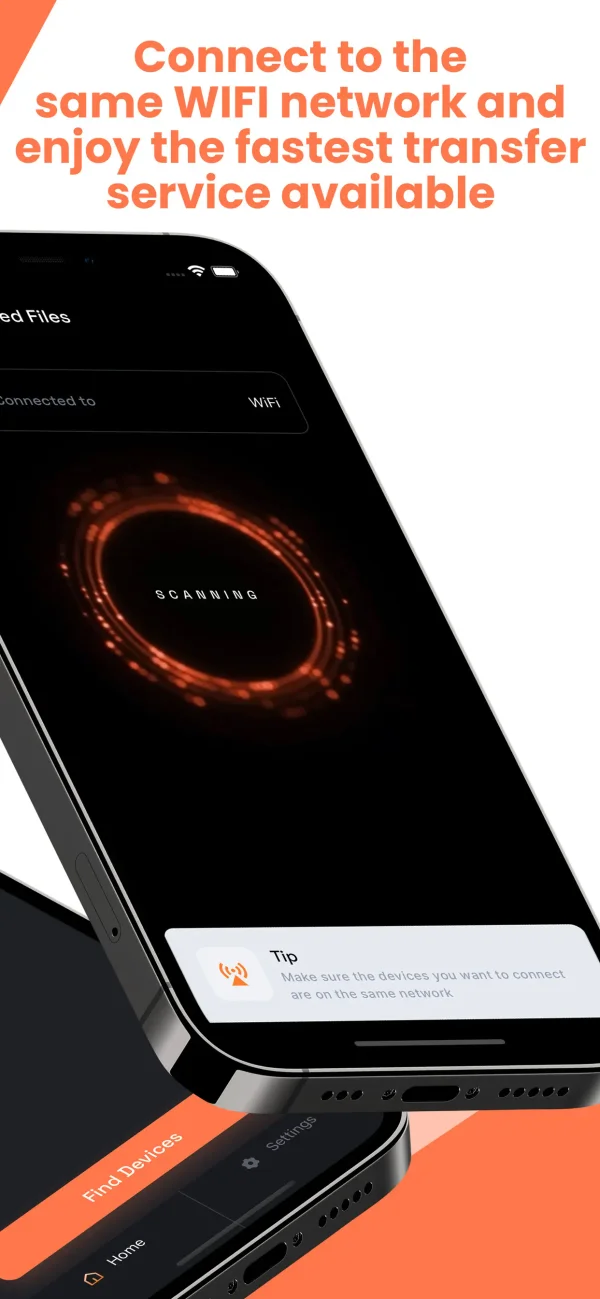
4. Open the app on your mobile device, sign in, and connect to your local secured WiFi network.
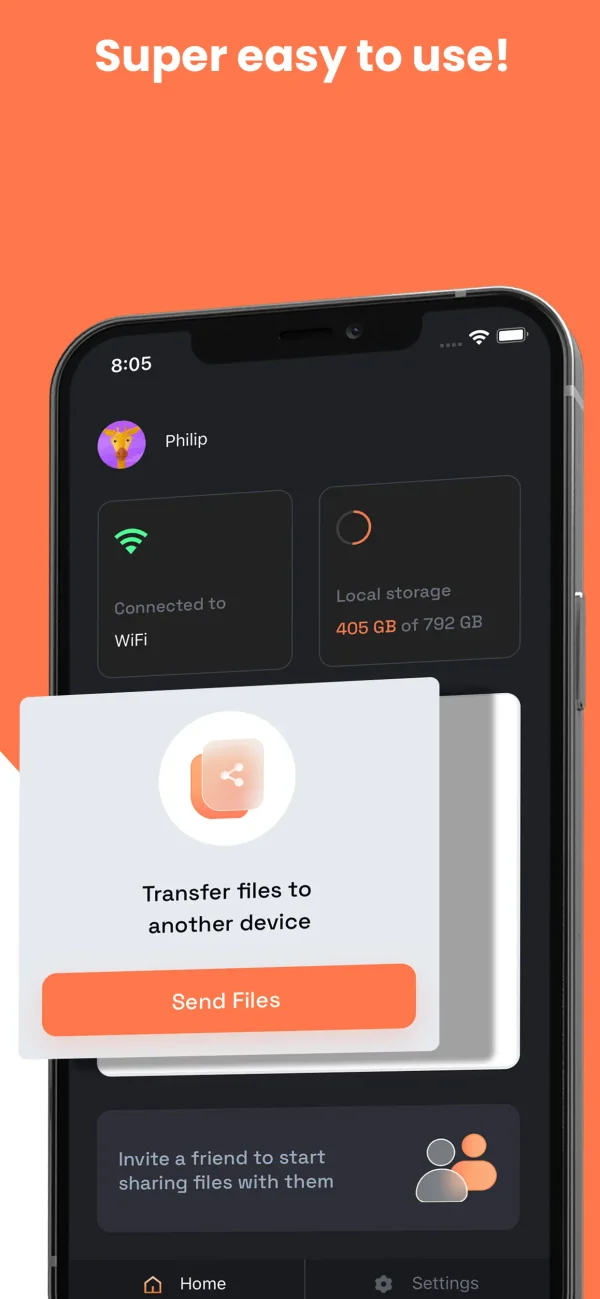
5. View your available file storage and click the button to “send files.”
6. Send files and media to any user on the Cabinet app who is connected to the same WiFi network. Be sure to share Cabinet to any users who aren’t already registered on the app.
7. View visible recipients on your WiFi network and send files/media directly to them through cross-platform connectivity.
8. You and your recipient can accept/decline transfers in a flash!
No Internet Connectivity Required
Because Cabinet relies upon the signal from your local WiFi router, you do not need internet to transfer files. Instead, all you have to do is connect to your WiFi router with your local password, and you can send, receive, store, and manage your files and media seamlessly.
No Membership Needed!
The Cabinet app does not require a subscription service to use! All you have to do is create your account, pay the one-time fee, and cross-platform file transfer is available at your fingertips.
Limitless Transfers & File Sizes
Transfer as many files as you want with absolutely no size restrictions. With lossless transfer, you never have to worry about downgraded quality when sending large or high-quality files or media.
With so many applications, Cabinet is poised to become the fastest growing file transfer app in the market today.
What’s new
Version 3.0 · Apr 27, 2026
Major change and Tablet support
App privacy
What Cabinet Limited declares on the App Store about how this app handles data.
-
Data not linked to you
May be collected but is not linked to your identity.
- Location
- Contact info
- User content
- Identifiers
- Usage data
- Diagnostics
Privacy practices may vary, for example with the features you use or your age.
Information
- Seller
- Cabinet Limited
- Category
- Productivity
- Version
- 3.0
- Updated
- Apr 27, 2026
- Released
- Sep 6, 2023
- Size
- 57.9 MB
- Requires
- iOS 15.1 or later
- Age rating
- 4+
- In-app purchases
- Yes
- Languages
- English
- Copyright
- © 2021 Cabinet Ltd.
You might also like
-
 Say-What?Communication Simplified
-
 LeadDecLeadDec
-
 clixifix® LITEOffline Defect Capture
-
 Air Transfer - SnapdropTransfer File For Snap Drop
-
 Split: Web Browser ViewMultitasking duel Web Browser
-
 Unzip Extractor - zip, rar, 7zZip file opener and compressor
-
 Momentumly: Habit TrackerStreaks Habit Tracker
-
 My Imperial CampusProductivity