Cadence: Stage Timer & Clock
Speaker countdown & TV display
Designed for iPhone, iPad
Free
- Age rating4+
- CategoryProductivity
- LanguagesEnglish
- Size2.5 MB
Links to the official App Store page
Download.org hosts no file of Cadence: Stage Timer & Clock. The button opens its official App Store page, published by . Listing last checked on Nov 12, 2026.
Screenshots
About
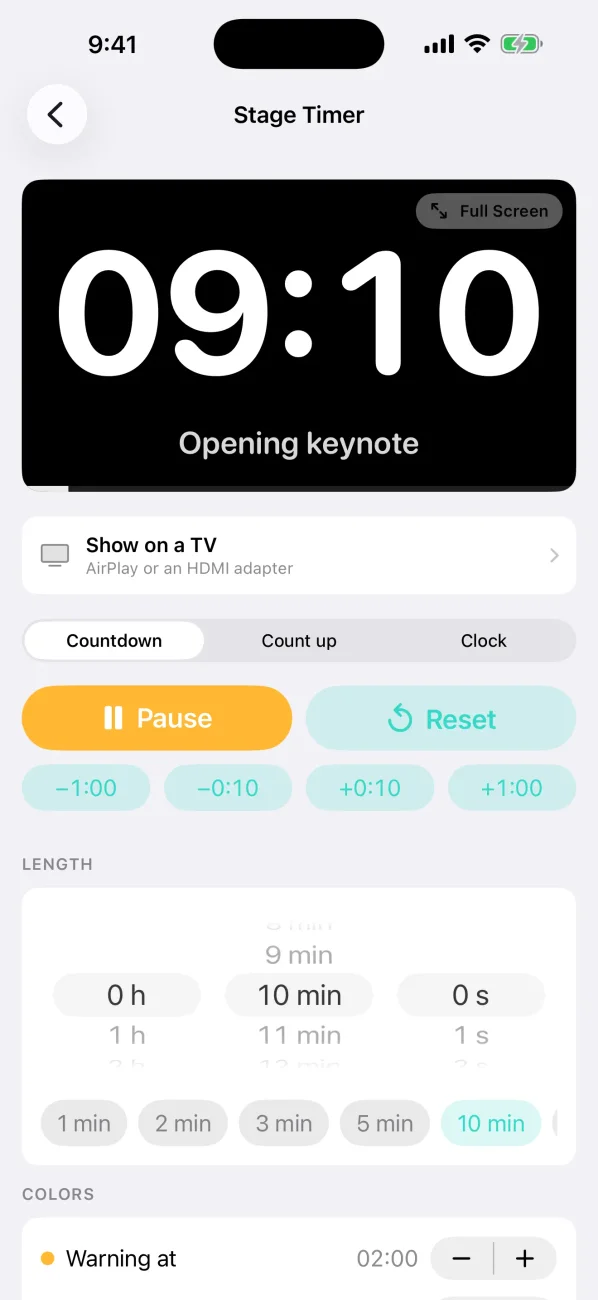
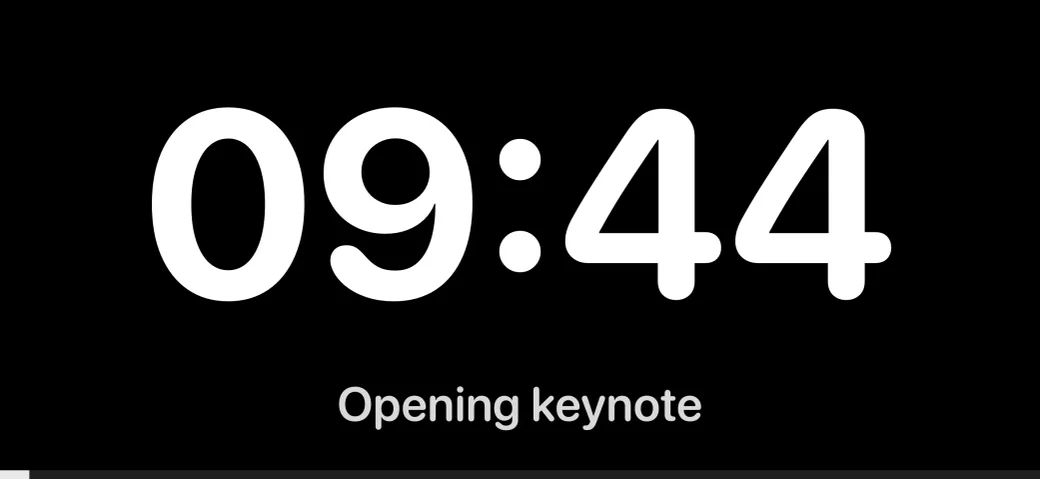
Cadence puts a big, clear countdown in front of your speakers: on this iPhone or iPad, or on a TV over AirPlay or HDMI.
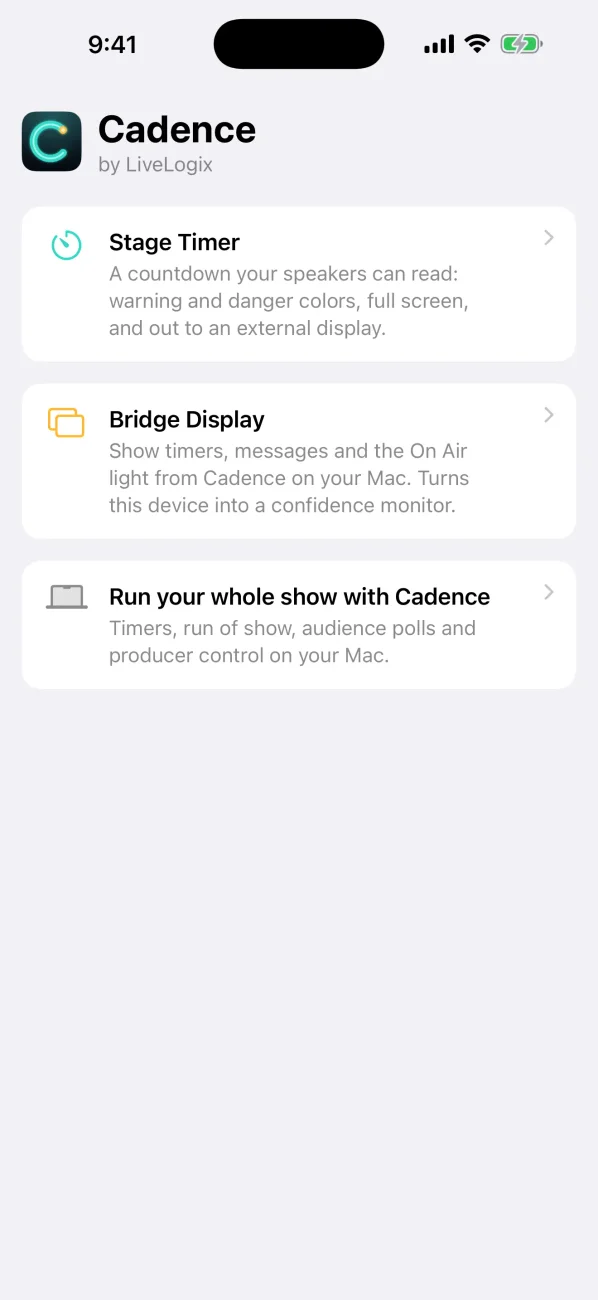
STAGE TIMER
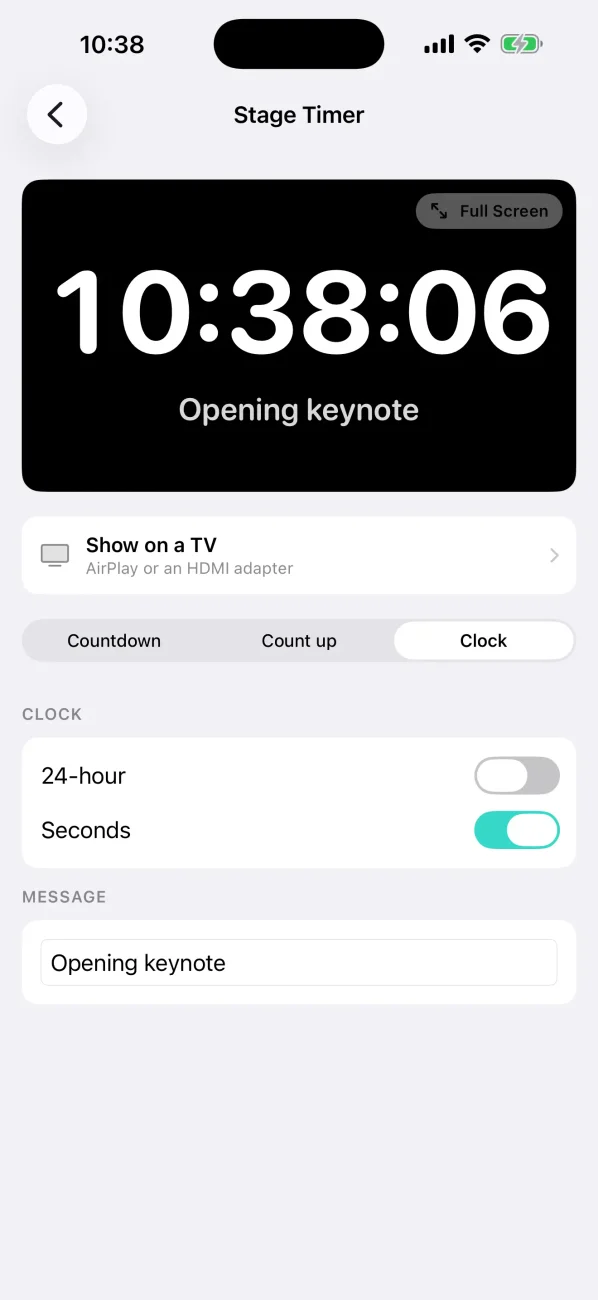
• Countdown, count-up or time of day, in huge digits that read from across the room
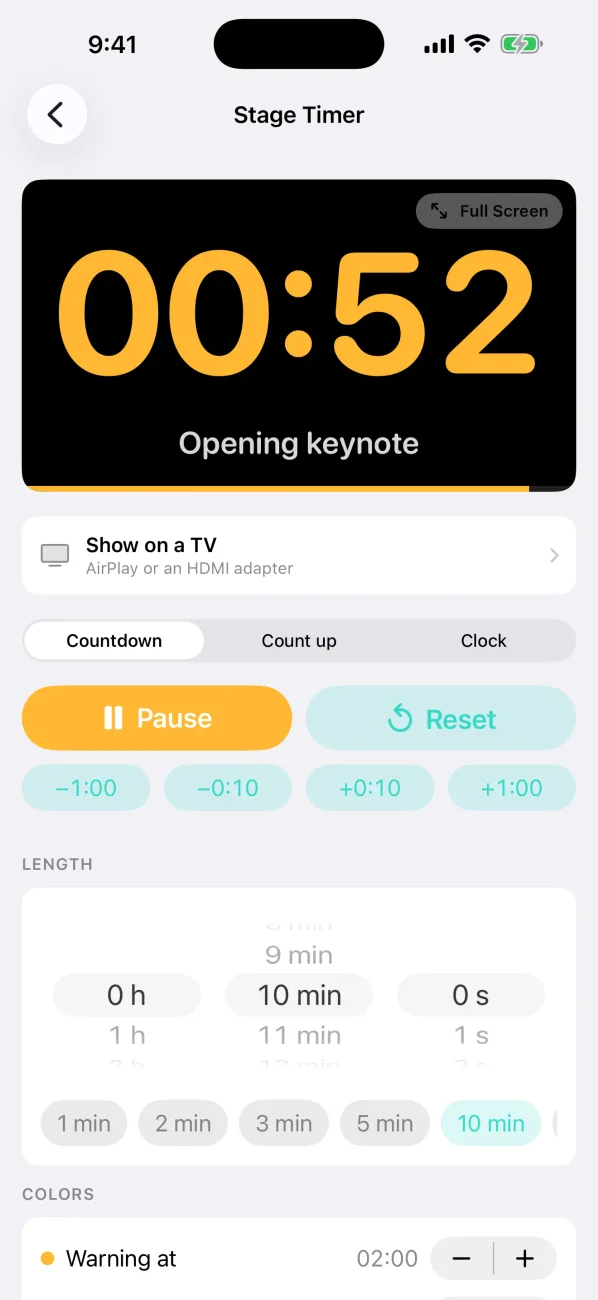
• Warning and danger colors: amber at 2:00 and red at 0:30, or whenever you choose
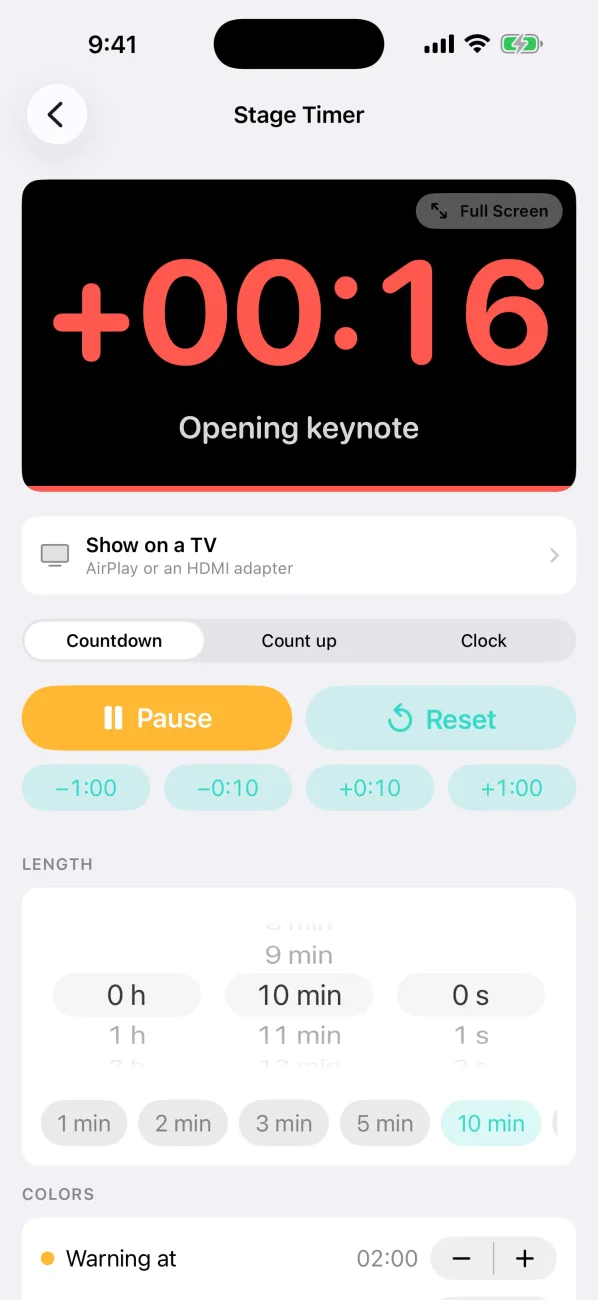
• Keep counting past zero in red, or stop at 0:00, and flash at zero
• A message line under the time, like "Wrap up" or the next speaker's name
• A progress bar
• Quick lengths from 1 to 60 minutes, or any length on the wheels. New lengths wait for Set, so a running timer is never bumped by accident
• Start, pause and reset, and nudge by 10 seconds or a minute
• Full Screen turns the device into the display
• Close the app and the timer carries on where it would be
SHOW IT ON A TV
Mirror to an Apple TV or AirPlay TV, or plug in an HDMI adapter. The TV shows a clean timer with no controls while you run it from your device.
BRIDGE DISPLAY, WITH CADENCE FOR MAC
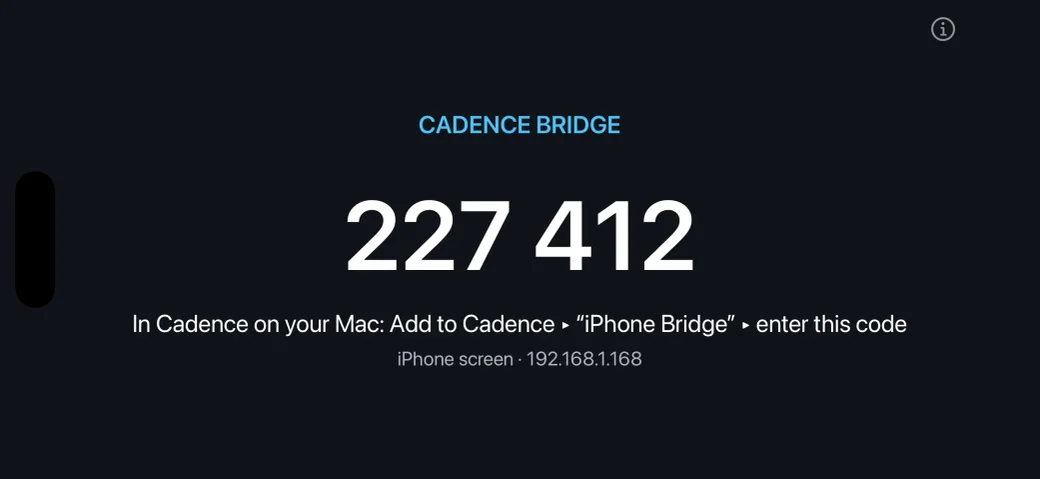
Turn this iPhone or iPad into a screen for Cadence on your Mac: its timers, messages and On Air light, on the same network or over the internet. Pair it once with a 6-digit code.
CADENCE FOR MAC
Cadence for Mac runs your whole show: every clock, timer, message and audience poll, on every screen, from displays to NDI, SDI and the web. Learn more at cadence.livelogix.app.
No account, no ads, no tracking.
App privacy
What declares on the App Store about how this app handles data.
-
Data not linked to you
May be collected but is not linked to your identity.
- Identifiers
Privacy practices may vary, for example with the features you use or your age.
Information
- Seller
- Jason Vandergrift
- Category
- Productivity
- Version
- 1.0
- Updated
- Nov 7, 2026
- Released
- Nov 7, 2026
- Size
- 2.5 MB
- Requires
- iOS 17.0 or later
- Age rating
- 4+
- Price
- Free
- Languages
- English
- Copyright
- © 2026 LiveLogix
You might also like
-
 Soapbox: Speaker TimerCountdown and cues for talks
-
 Xenia: Your ConstellationBecome a super connector
-
 Rostrum - Speaker TimerSilent countdown for talks
-
 Speech Timer PRO Speaker ClockPresentation Countdown Timer
-
 VisitorReach MobileNurture visitor growth
-
 WorshipStorm Projector ClassicProject with Planning Center
-
 TeleprompterPADMirror mode & remote control.
-
 TouchMix-8/16 ControlProductivity
-
 Metaroom - 3D Room ScannerGet 3D Models & 2D Floor Plan
-
 Brightspeed WiFiProductivity