
- Age rating4+
- CategoryProductivity
- DeveloperFranck Reyherme
- LanguagesEnglish
- Size7.2 MB
Links to the official App Store page
Download.org hosts no file of Cal Countdown. The button opens its official App Store page, published by Franck Reyherme. Listing last checked on Nov 18, 2026.
Screenshots


About
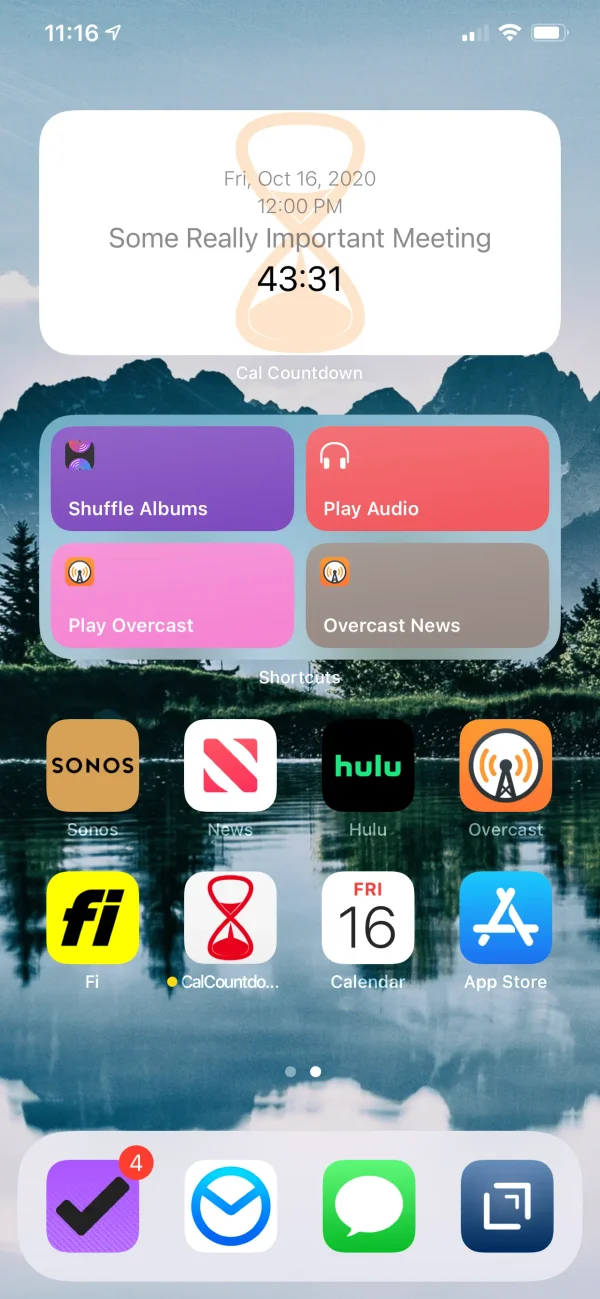
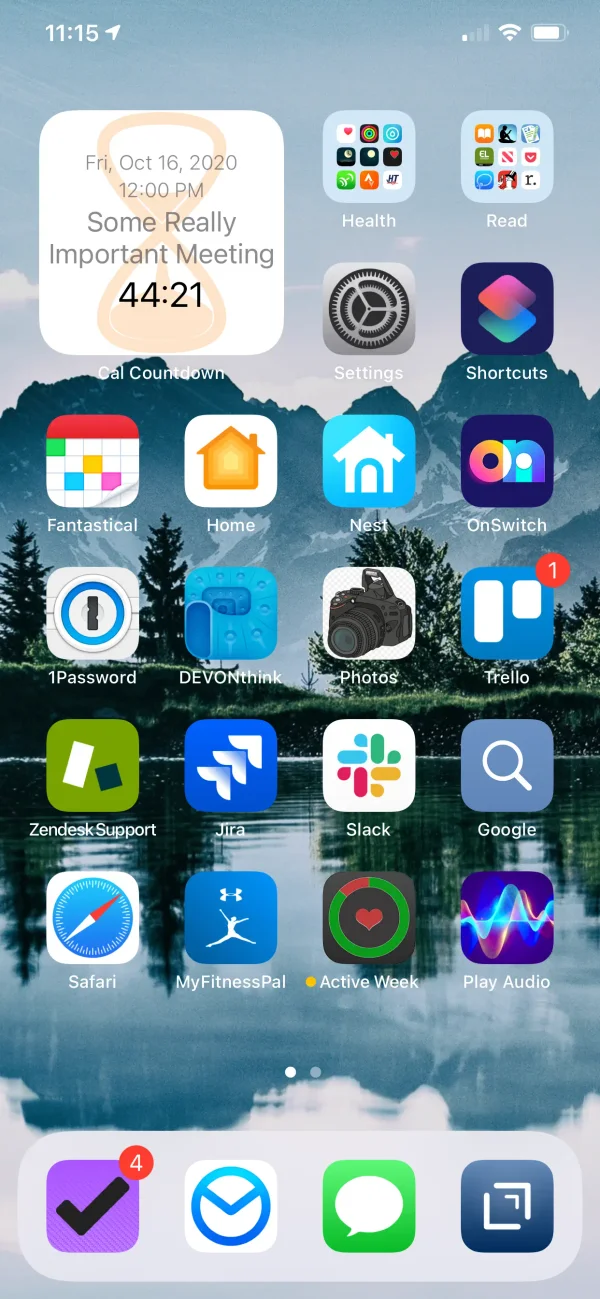
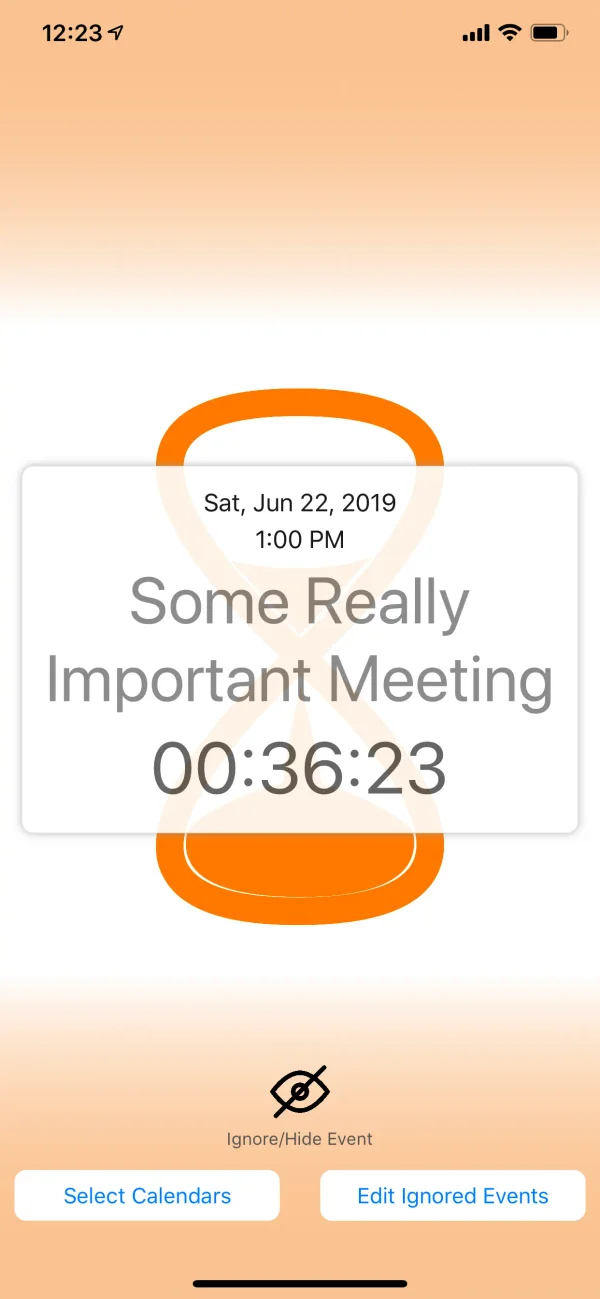
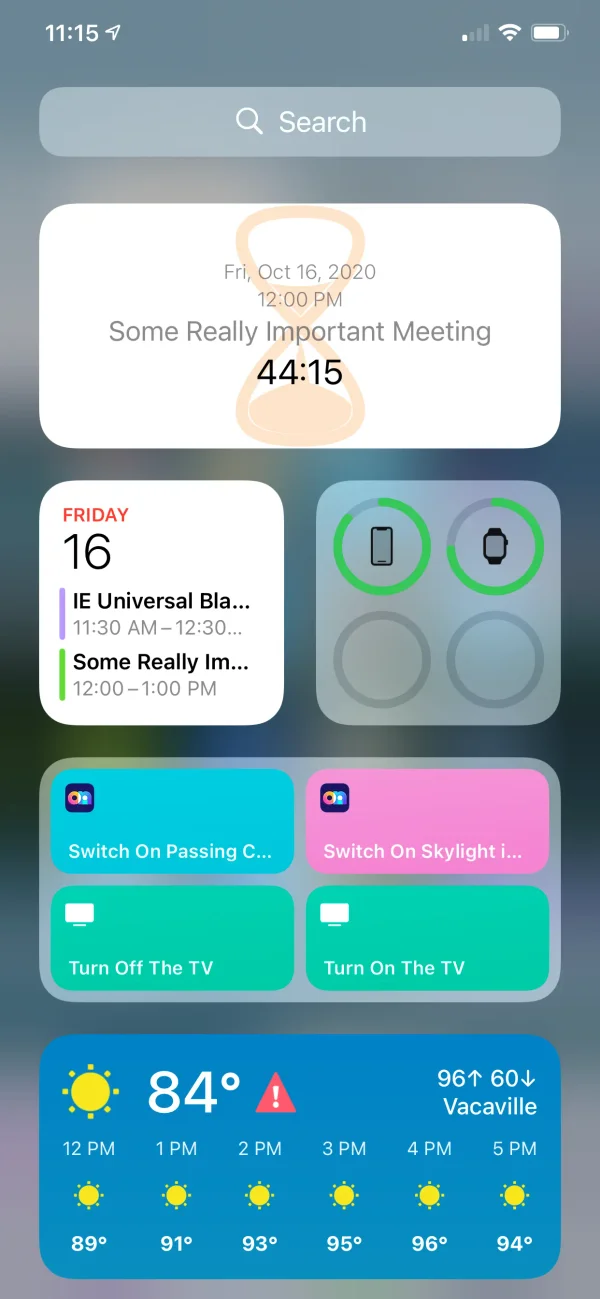
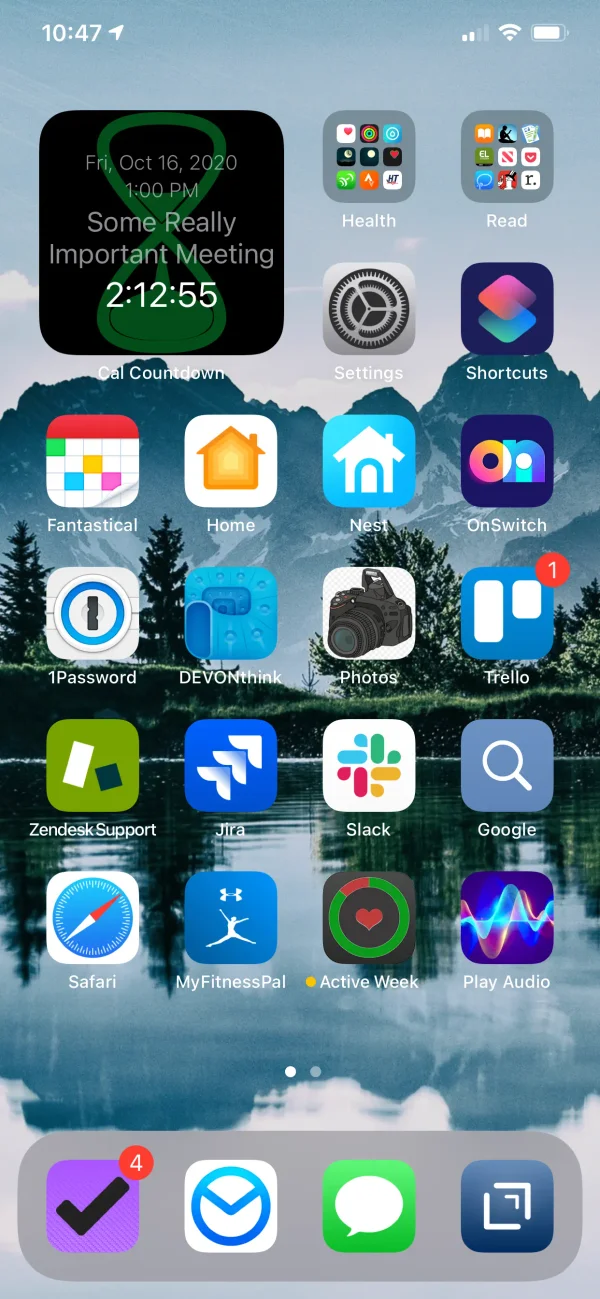
"Cal Countdown" is a free, simple iOS & Apple Watch app that automatically creates a color-coded countdown to the next event on your calendar and displays it on your Apple Watch face and/or your "Today" screen. The app is primarily intended to be used as a complication on your Apple Watch or as a widget.
If your days are anything like ours, packed with various meetings scattered throughout the day, every time you check your calendar, you're trying to figure out one thing: How much time do I have until my next appointment?
So, you glance at your watch, note the start time of your next appointment, and calculate the difference between the current time and your next event. We got tired of doing this mental calculation many times a day, but much to our surprise, we could not find an existing iOS application that would do this chore for us. So we decided to build it ourselves.
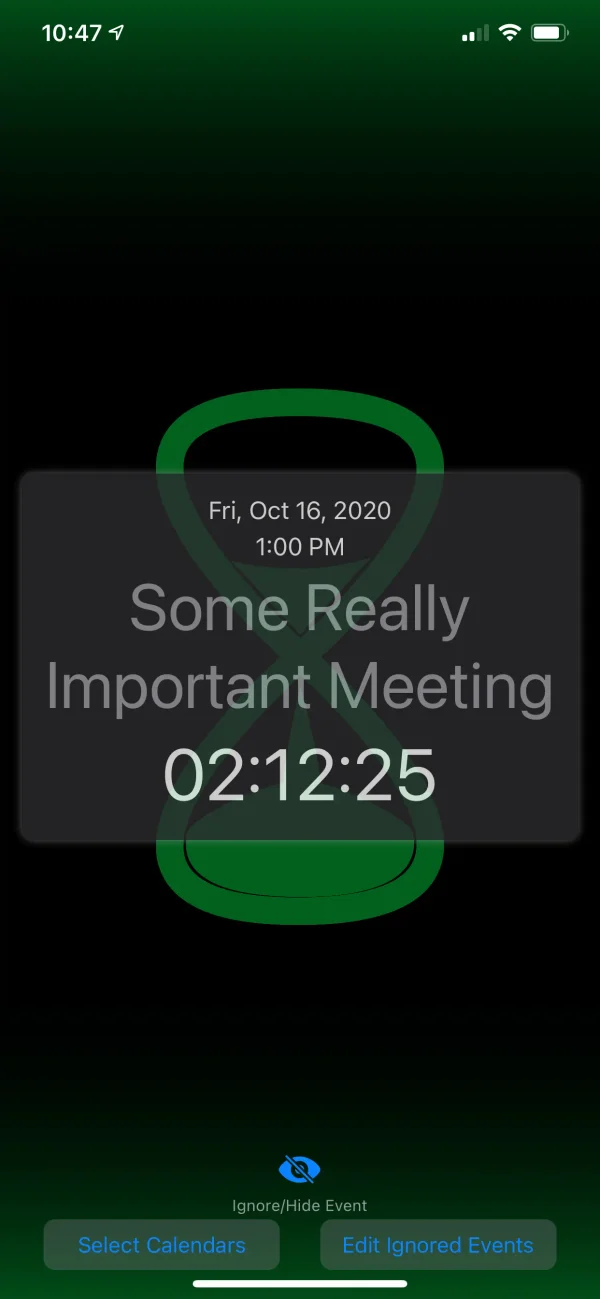
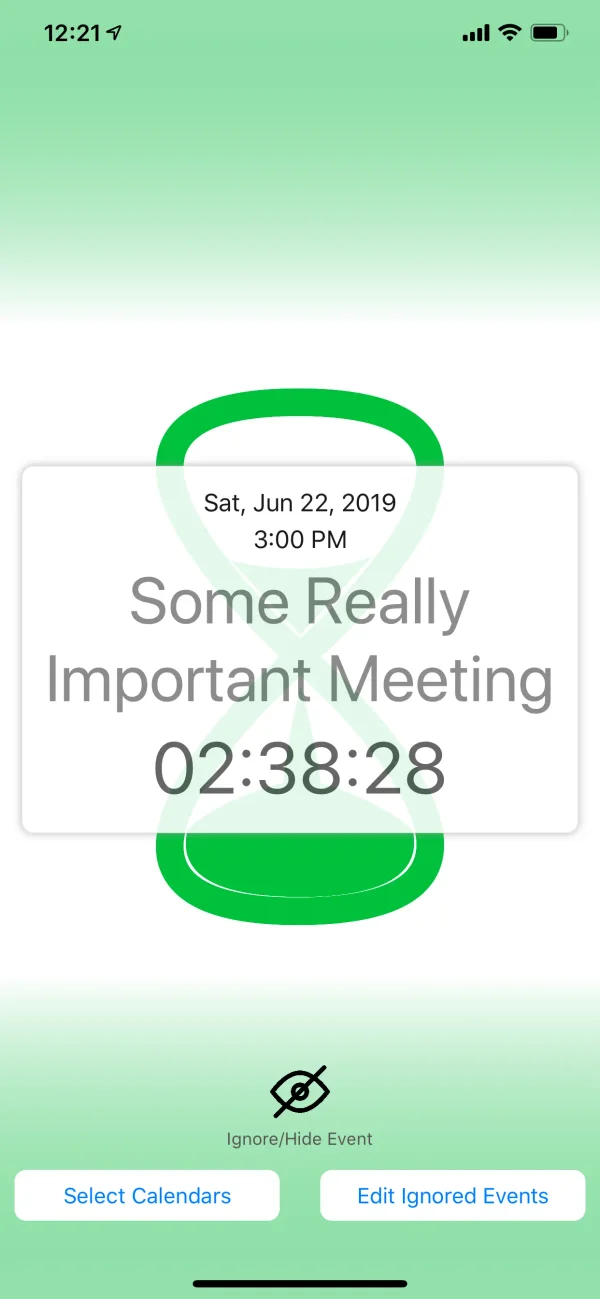
Now, every time we glance at our watch, it immediately tells us what we want to know: How much time do I have until my next appointment? The app's color changes from blue to green to yellow to orange to red as you approach the start of your next event. (6+ hours = Blue, 2-6 hours = Green, 1-2 = Yellow, 30-60 mins = Orange, 0-30 mins = Red)
Cal Countdown supports all the different Apple Watch complications. All Apple Watch complications that support multi-color will be color-coded (but not all watch complications support multiple colors.)
Using "Cal Countdown" is as easy as it gets. It uses the calendar data already on your phone; no signing in; no entering any usernames or passwords. The app lets you select the calendars you want to include or not in your calendar countdowns.
Don't have an Apple Watch? You can still use Cal Countdown on your phone as an iPhone/iPad app with a "Today" widget.
Cal Countdown does not require an account. It does not even require an internet connection. The app uses the calendar data already on your iPhone. It's completely secure. Your calendar data remains completely private, and never leaves your phone.
Cal Countdown also has the ability to ignore or skip certain events on your calendar. This feature is especially useful if you have shared calendars with your family, friends, or colleagues. We often have events on our calendars that we need to know about, but may not be attending ourselves. If you want Cal Countdown to ignore or skip these events and start counting down to the following event on your calendar, just tap the "Ignore" button, and Cal Countdown will immediately start a countdown to the following event.
What’s new
Version 2.1 · Oct 27, 2026
Added support for live activities. Added support for the watchOS Smart Stack. Updated watch complications. Performance enhancements and bug fixes.
App privacy
What Franck Reyherme declares on the App Store about how this app handles data.
-
Data not collected
The developer does not collect any data from this app.
Privacy practices may vary, for example with the features you use or your age.
Information
- Seller
- Franck Reyherme
- Category
- Productivity
- Version
- 2.1
- Updated
- Oct 27, 2026
- Released
- Nov 23, 2018
- Size
- 7.2 MB
- Requires
- iOS 26.0 or later
- Age rating
- 4+
- Price
- Free
- Languages
- English
- Copyright
- © 2018 Franck Reyherme
You might also like
-
 Coming NextComplication & Widgets
-
 ADHD Organizer: Llama LifeFocus timer, habits, routines
-
 Ellie - Daily PlannerTime Blocking & Brain Dump
-
 Weel Planner: ADHD CalendarVisual 24-Hour Daily Schedule
-
 Amie - Todos, calendarJoyful productivity
-
 OmniFocus 4Accomplish More Every Day
-
 TimeFinder: Schedule PlannerDaily & Hourly Time Blocking
-
 SuperwhisperAI Keyboard & Dictation
-
 SunsamaDaily planner
-
 Countdown Widget - Days SinceBirthday, Vacation, Retirement