
Calculator AiO
Basic, Advanced, Scientific
Designed for iPhone, iPad
Free · In-app purchases
- Age rating4+
- CategoryUtilities
- DeveloperMatteus Barhaido
- LanguagesEnglish
- Size41.3 MB
Links to the official App Store page
Download.org hosts no file of Calculator AiO. The button opens its official App Store page, published by Matteus Barhaido. Listing last checked on Nov 16, 2026.
Screenshots


About
Introducing Calculator AiO — the calculator that adapts to how you work. Type on a crisp keypad, snap a photo of a problem, draw on a grid, chat with Math-AI, plot graphs, convert units and currency, and keep private media in a secure Vault. Your calculation history is always saved.
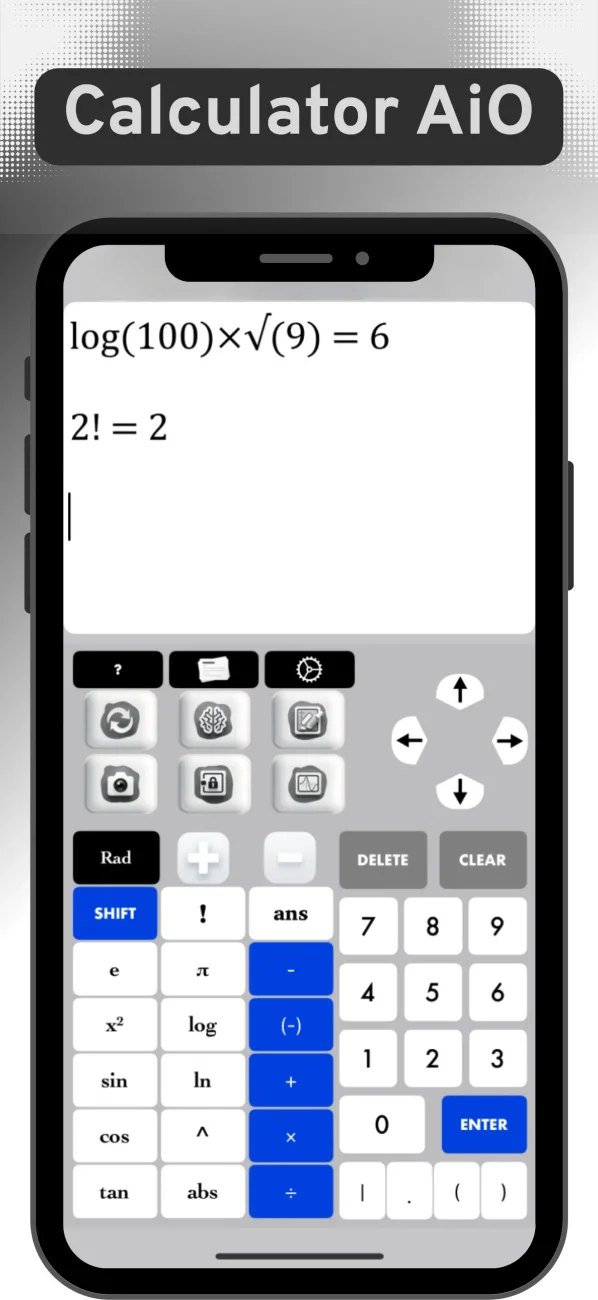
1) Calculator • All-in-One
A fast, accurate keypad with advanced operators, history/tape, and undo/redo. Designed for clarity and speed.
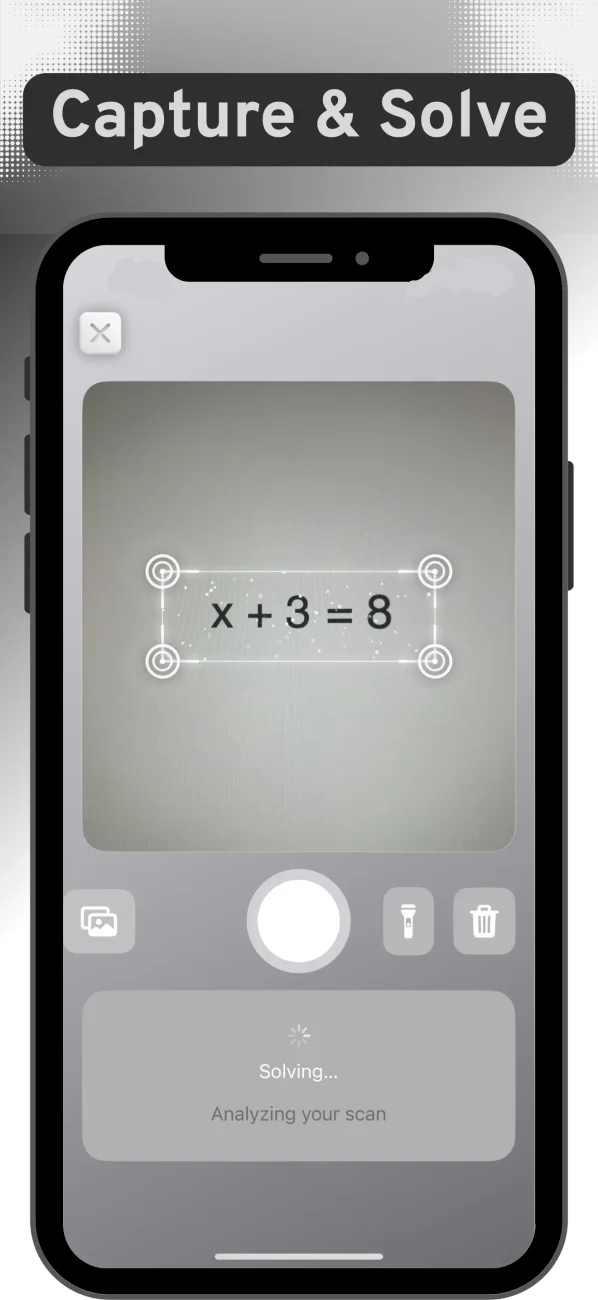
2) Capture & Solve (Photo Math)
Take a picture of an equation and get the step-by-step solution in seconds. Great for checking work anywhere.
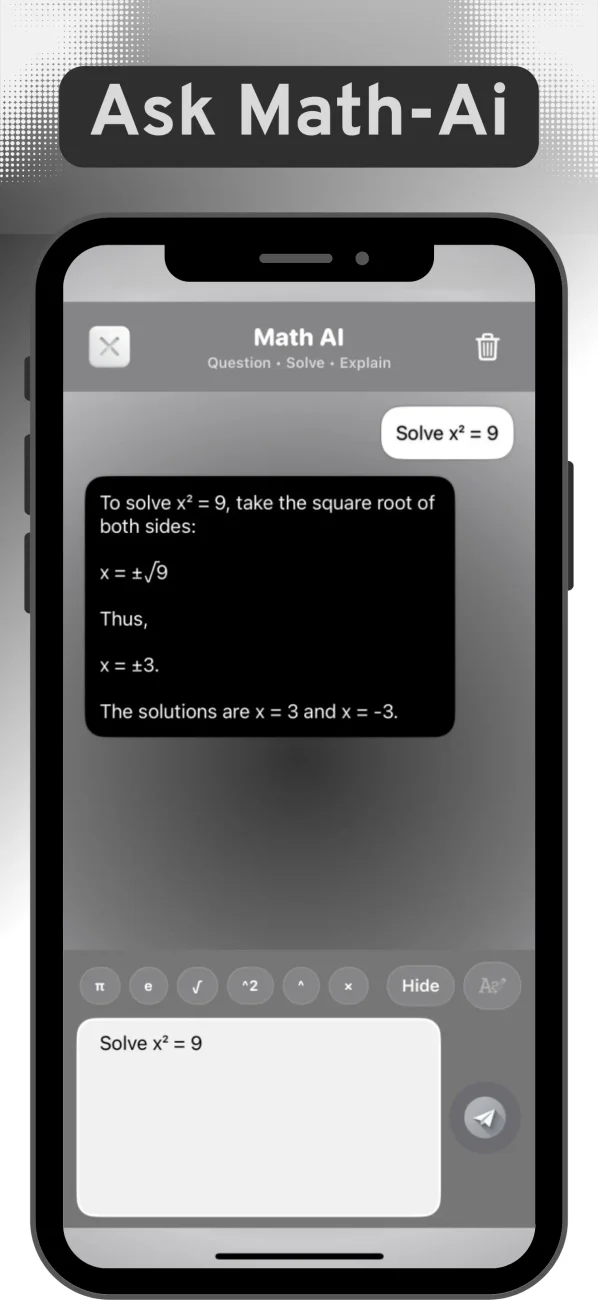
3) Ask Math-AI to Solve
Chat with a built-in math assistant. From quick arithmetic to tougher problems, get concise, plain-text steps and explanations.
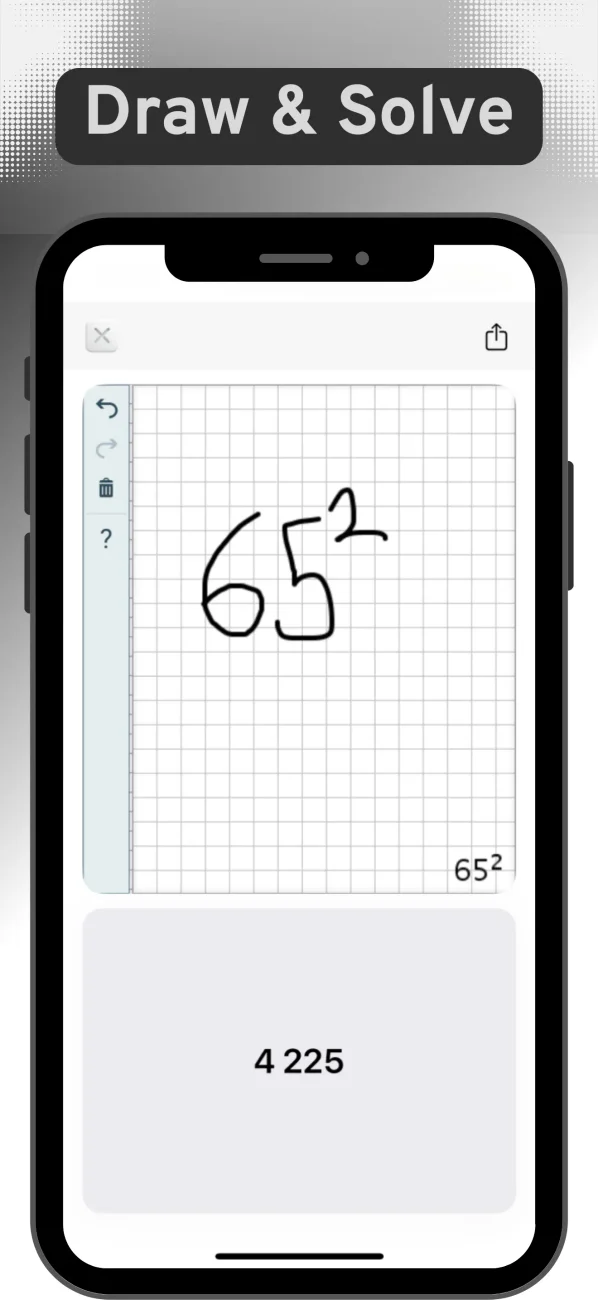
4) Draw & Get Instant Results
Write on a clean grid and see the expression recognized and evaluated immediately.
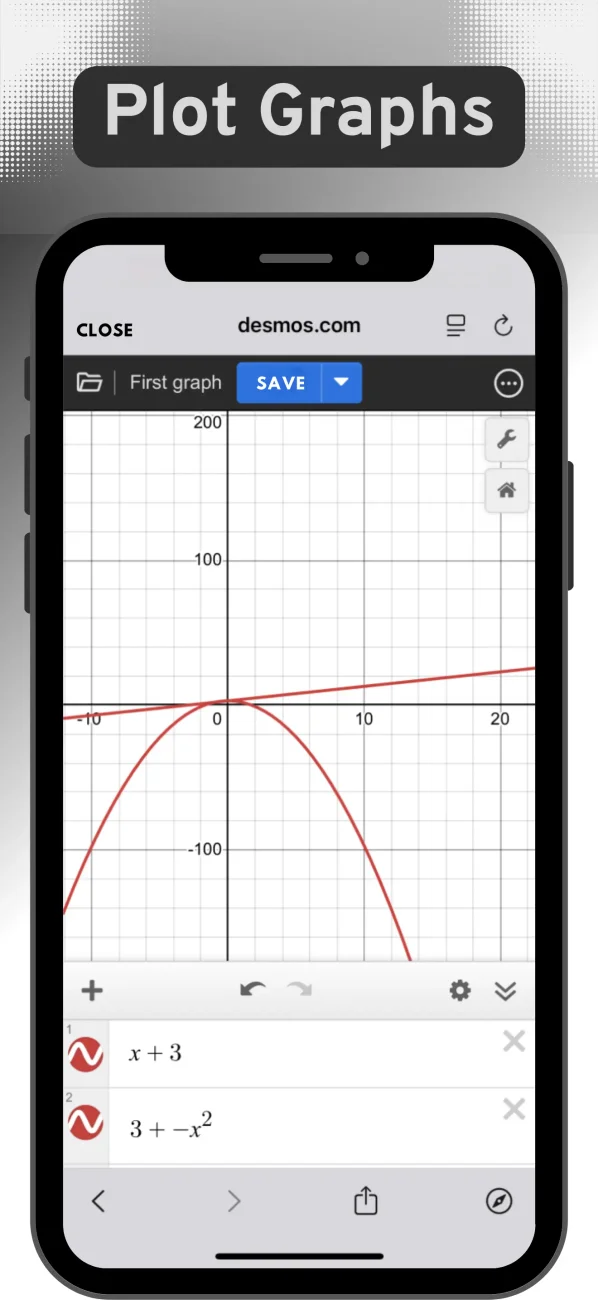
5) Plot Graphs & Inspect
Plot linear, quadratic, polynomial, trigonometric, and more. Pan/zoom smoothly and inspect roots and intercepts.
6) Secure Images & Videos (Vault)
Lock private media behind passcode/biometrics. Your files stay private and organized the way you want it.
7) Convert Units & Currency
Quickly convert lengths, weights, temperatures, and more — plus live currency conversion.
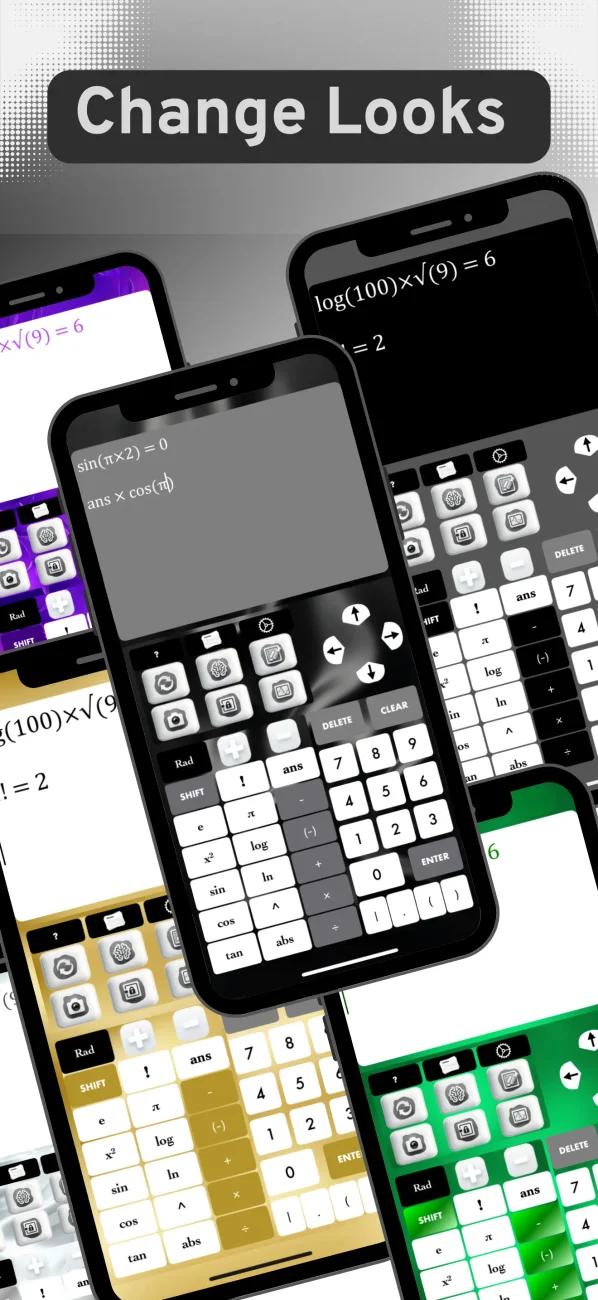
8) Change Color Themes
Personalize your workspace with multiple themes and adjustable font sizes.
Why you’ll love it
• Ad-free, privacy-minded design
• Multiple input modes: keypad • camera • handwriting • Math-AI chat
• Saved history you can revisit and reuse
• Beautiful, responsive UI with thoughtful haptics
• Angle units: degrees • radians • gradians (gon)
• Advanced math: powers, roots, logs, trig, calculus helpers, and more
Calculator AiO turns every kind of input — photo, drawing, text, or chat — into fast, reliable results with clean explanations and powerful tools. All in one.
Terms of Use: https://www.apple.com/legal/internet-services/itunes/dev/stdeula/
Privacy Policy: https://spectralmoose.com/privacy
What’s new
Version 3.0.1 · Aug 13, 2026
• Amplified UI: a full visual overhaul for a cleaner, faster, more accessible experience.
• Bug fixes
App privacy
What Matteus Barhaido declares on the App Store about how this app handles data.
-
Data used to track you
May be used to track you across apps and websites owned by other companies.
- Identifiers
-
Data linked to you
May be collected and linked to your identity.
- Identifiers
-
Data not linked to you
May be collected but is not linked to your identity.
- User content
- Usage data
Privacy practices may vary, for example with the features you use or your age.
Information
- Seller
- Matteus Barhaido
- Category
- Utilities
- Version
- 3.0.1
- Updated
- Aug 13, 2026
- Released
- Oct 20, 2023
- Size
- 41.3 MB
- Requires
- iOS 18.0 or later
- Age rating
- 4+
- Price
- Free
- In-app purchases
- Yes
- Languages
- English
- Copyright
- © Spectral Moose 2026
You might also like
-
 Big Yellow CalculatorCustom Layout Calculator
-
 Voice-calculatorUtilities
-
 My Talking CalculatorUtilities
-
 Cuspart: myCalScientific & Unit Converter
-
 Calculator83Utilities
-
 Voice Calculator HD+Feel wonderful of UI design
-
 AICountHave an intelligent calculator
-
 Calc: Multiline calculatorQuick calculator
-
 iCalc Lite - CalculatorThe calculator for your iPad
-
 Scientific CalcScientific Calculations