Calculator+ Secure Vault
Protect everything in safe
Designed for iPhone, iPad
Free · In-app purchases
- Age rating17+
- CategoryProductivity
- DeveloperAhmet Selman Durak
- LanguagesEnglish
- Size72.4 MB
Links to the official App Store page
Download.org hosts no file of Calculator+ Secure Vault. The button opens its official App Store page, published by Ahmet Selman Durak. Listing last checked on Nov 27, 2026.
Screenshots

About
Calculator Vault – Hide Photos, Videos & More
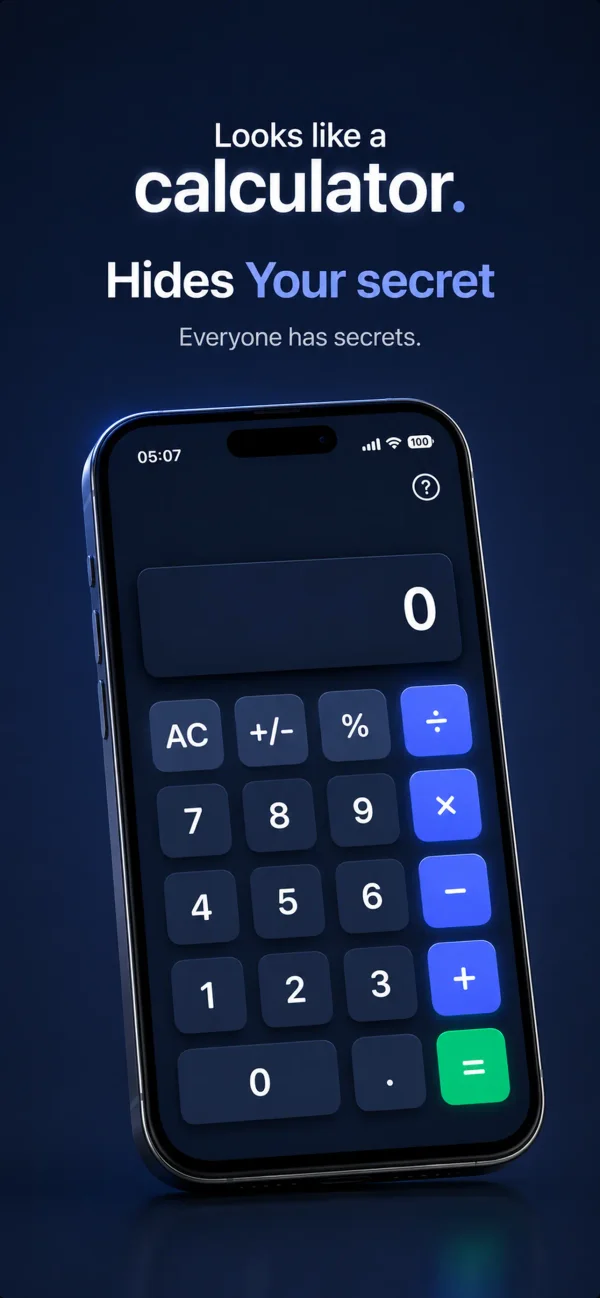
Calculator Vault is a powerful privacy app that looks and works like a normal calculator, but behind a secret passcode lies your private vault.
Protect your personal files, sensitive information, and private memories in a secure, encrypted space that only you can access.
Disguised as a Calculator
A fully functional calculator on the outside. Your private vault on the inside. Enter your secret passcode to unlock hidden content.
Hide Photos & Videos
Store private photos and videos safely away from your gallery. Your files remain protected and accessible only to you.
Secure Important Information
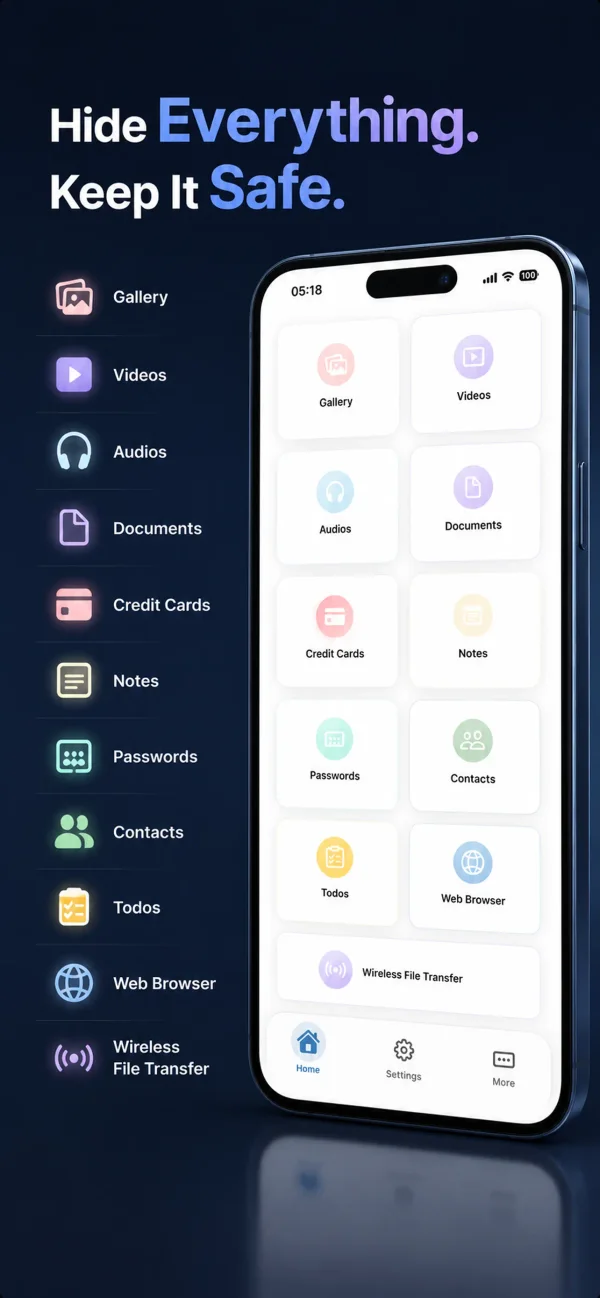
Keep your personal data organized and protected:
• Photos
• Videos
• Audio Files
• Documents
• Notes
• Passwords
• Contacts
• Credit Card Information
• To-Do Lists
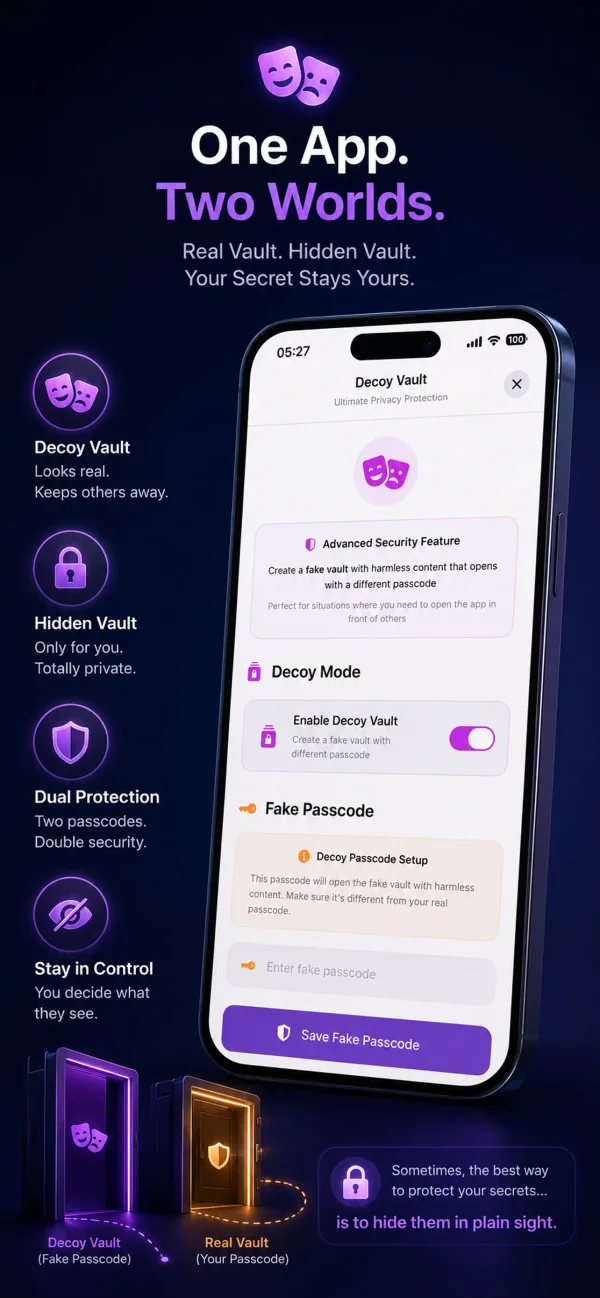
Decoy Vault
Create a second vault with a different passcode. If someone asks to open the app, show a harmless vault while your real data remains hidden.
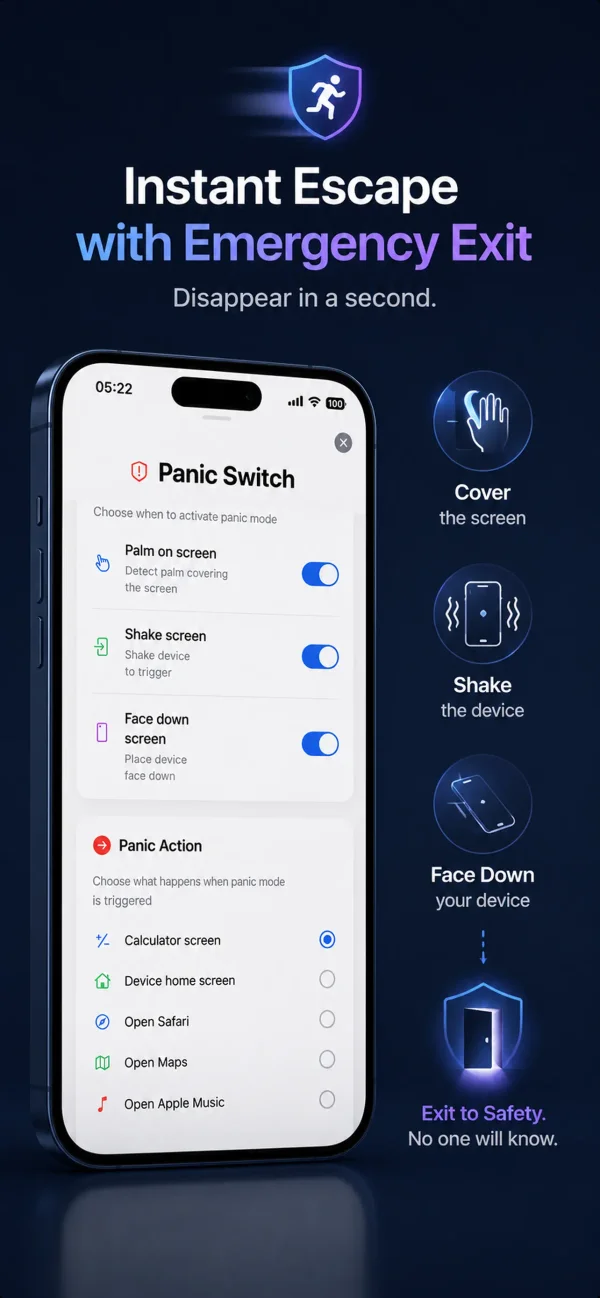
Panic Switch
Instantly exit your vault when needed.
Trigger emergency actions by:
• Covering the screen
• Shaking the device
• Placing the phone face down
Choose what happens next:
• Open Calculator Mode
• Return to Home Screen
• Open Safari
• Open Maps
• Open Music
Secret Camera
Capture photos and videos directly from the calculator interface using custom gestures.
• No flash
• No shutter sound
• Fast and discreet access
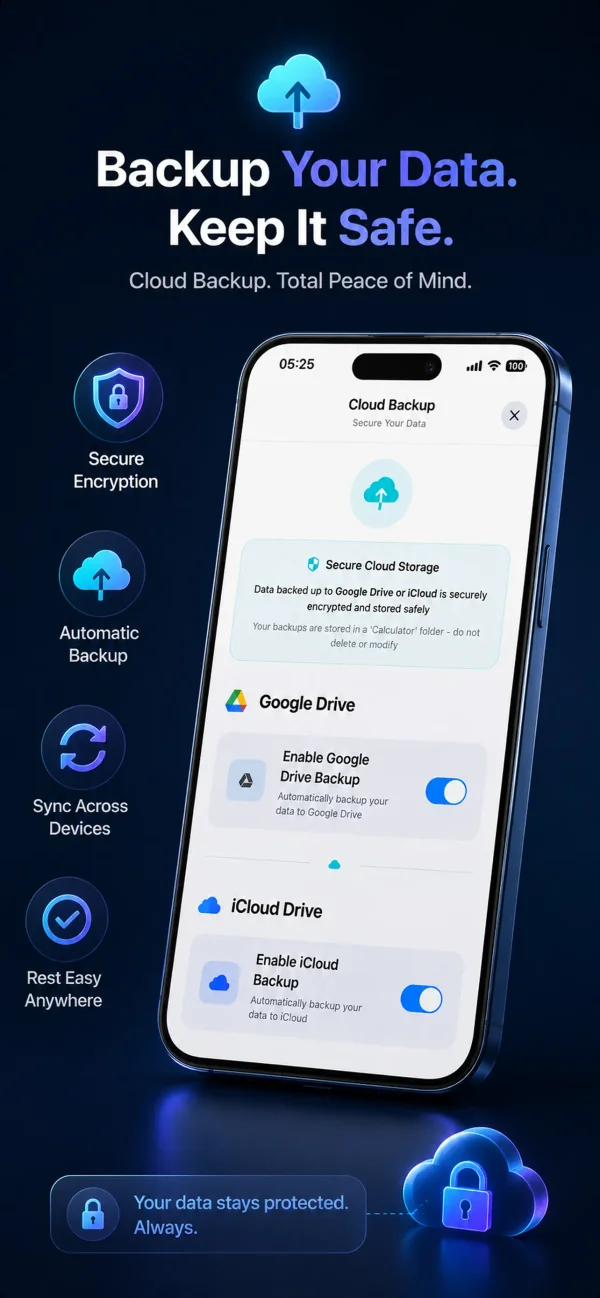
Secure Cloud Backup
Protect your data with encrypted backups.
• Google Drive support
• iCloud Drive support
• Automatic backup options
• Sync across your devices
Advanced Security
• Passcode Protection
• Face ID / Touch ID Support
• Encrypted Storage
• Decoy Vault Protection
• Panic Exit System
Wireless File Transfer
Transfer files between your devices quickly and securely without complicated setup.
Terms of Use: https://www.apple.com/legal/internet-services/itunes/dev/stdeula/
What’s new
Version 3.1 · Sep 29, 2026
Minor bugs fixed
App privacy
What Ahmet Selman Durak declares on the App Store about how this app handles data.
-
Data used to track you
May be used to track you across apps and websites owned by other companies.
- Identifiers
- Usage data
-
Data linked to you
May be collected and linked to your identity.
- Contact info
- Usage data
-
Data not linked to you
May be collected but is not linked to your identity.
- Identifiers
- Usage data
- Diagnostics
Privacy practices may vary, for example with the features you use or your age.
Information
- Seller
- Ahmet Selman Durak
- Category
- Productivity
- Version
- 3.1
- Updated
- Sep 29, 2026
- Released
- Jun 2, 2025
- Size
- 72.4 MB
- Requires
- iOS 18.0 or later
- Age rating
- 17+
- Price
- Free
- In-app purchases
- Yes
- Languages
- English
- Copyright
- © Ahmet Selman
You might also like
-
 Secret Calculator Photo Vault'Private Locker: Pics & Videos
-
 Secret Vault InfinitySecret Photo Vault
-
 Pond: Photos & PasswordsPhotos no one else can open
-
 App Lock™ - Locked Apps VaultPrivate Photos & Block Videos
-
 V Calculator: Hidden Vault +-=Secure Vault, Hide Photo Video
-
 Secure Folder - Private Vault™hide photo, videos - vault app
-
 Secret Message : Hide MessageSecret Text, Photo & File
-
 Vault - Hide photos & videoskeep photo safe & hide privacy
-
 Private Vault:Lock PhotosEncrypted Storage • Passwords
-
 Gurru – Your AI AssistantThe only AI app you need