
- Age rating4+
- CategoryUtilities
- DeveloperXiao Hou Yi Sheng Traditional Chinese Medicine Technology (Shenzhen) Co., Ltd
- LanguagesEnglish
- Size16.5 MB
Links to the official App Store page
Download.org hosts no file of Calculator T. The button opens its official App Store page, published by Xiao Hou Yi Sheng Traditional Chinese Medicine Technology (Shenzhen) Co., Ltd. Listing last checked on Nov 13, 2026.
Screenshots

About
● Functional Features:
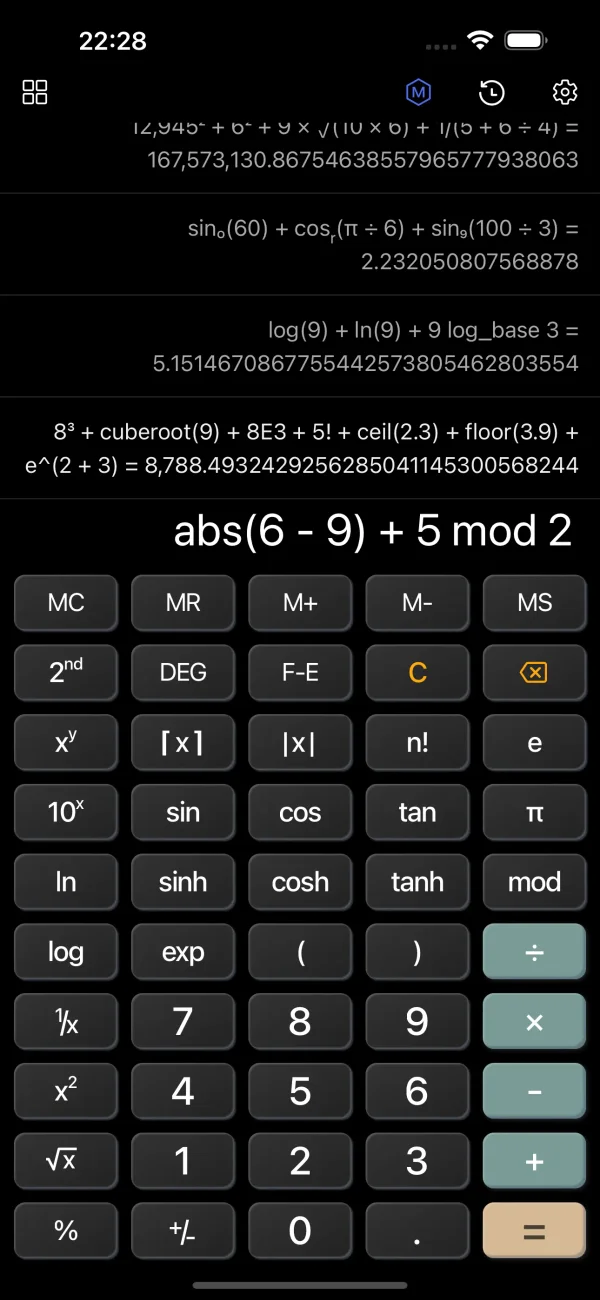
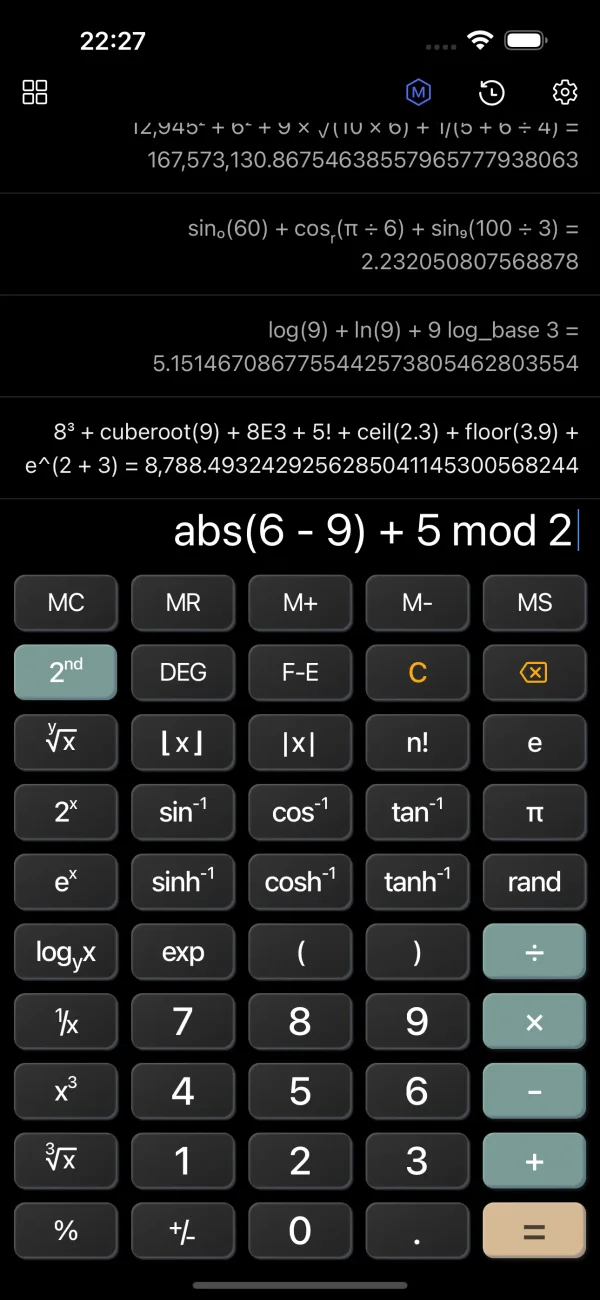
1. Supports standard and scientific function modes.
2. Supports many unit conversion.
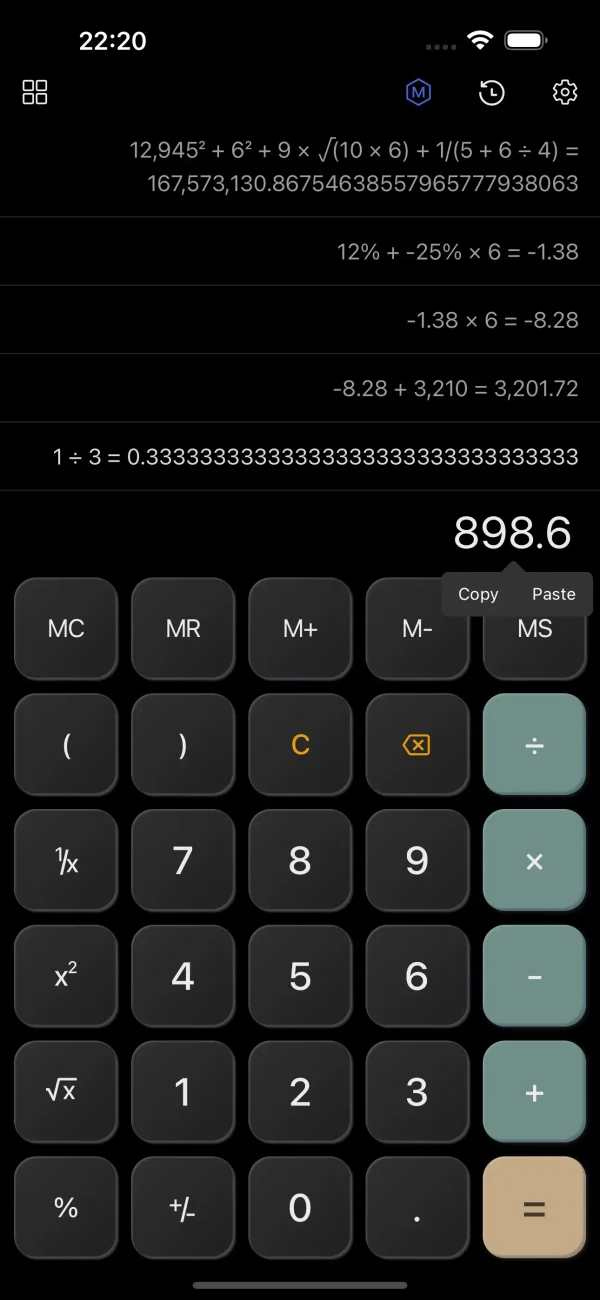
3. Displays both the equation & the result.
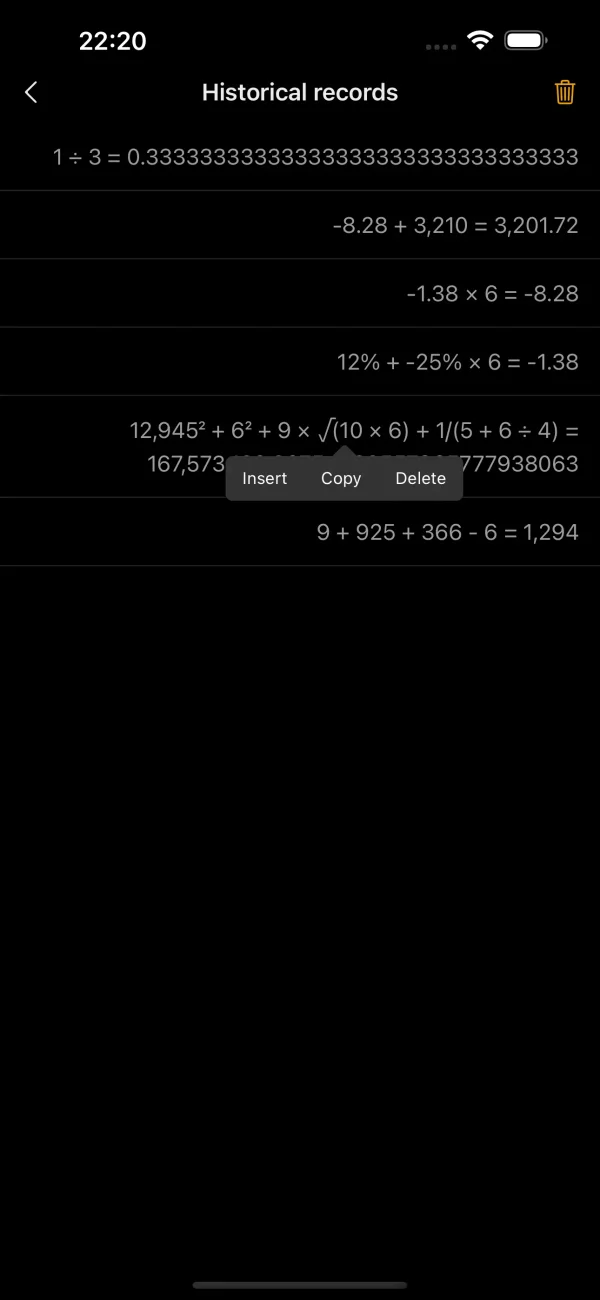
4. History Tape View - the most recent 100 historical records are automatically saved on your device, you can get them when you open the APP next time.
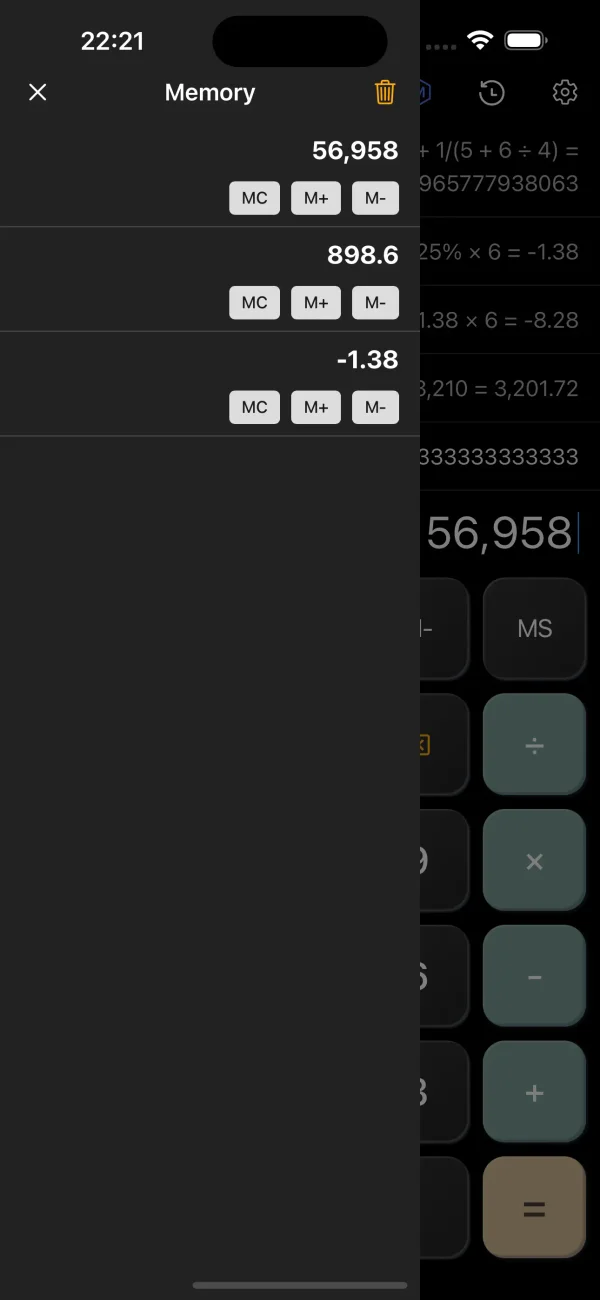
5. Supports 5 memory buttons and multiple memory records: MS (M Save), M+, M-, MR (M Recall) and MC (Clear Memory), If you often use Windows calculators, then you should be familiar with them. ^_^
6. Supports copying for both current input and historical records by tap & hold on it - you can copy the equation/expression or the result to the clipboard.
7. Supports pasting equation/expression into input box with robust expression parsing capabilities from the clipboard.
8. Supports long equation/expression input - maximum 1500 characters.
9. Supports insert the equation or result of the historical record into the input box by tap & hold on it.
10. Optimized the layout for iPad, designed with elegant, easy and intuitive interface.
11. Turn on the F-E button to force convert the result to E-notation (scientific notation).
12. When you press the equals button, the APP will automatically fill in any unclosed parentheses in the equation.
13. Supports Equals Repeat function - the APP will automatically repeat it if the last calculation is simple arithmetic operations (+, -, ×, ÷).
14. No ads.
● Math & ALGEBRA Features:
1. Supports 32-bit input precision & calculation precision, this means you can enter 32-bit integer or 32 decimal places.
2. Supports input of maximum scientific notation exponent "9999", eg. 999999E9999.
3. Supports big integer & rational number:
For the factorial calculation of positive integer, up to 10000! (about 2.846E+35659).
For the calculation result, maximum support 9.999E+99999999.
4. Support constants π, e.
5. Supports switching three angle units (RAD, DEG, GRAD), instead of applying it to the entire equation, we identify the unit of angle for each trigonometric function, so you get a clearer understanding of what the equation means.
6. Supports advanced calculations, including n!, ^, mod, √, log, ln, cube, square, cube root, y root, abs, ceil, random, floor and exponential functions etc.
7. Supports trigonometric functions (sin, cos, tan, asin, acos, atan) and hyperbolic functions (sinh, cosh, tanh, asinh, acosh, atanh).
● Unit Converter Features:
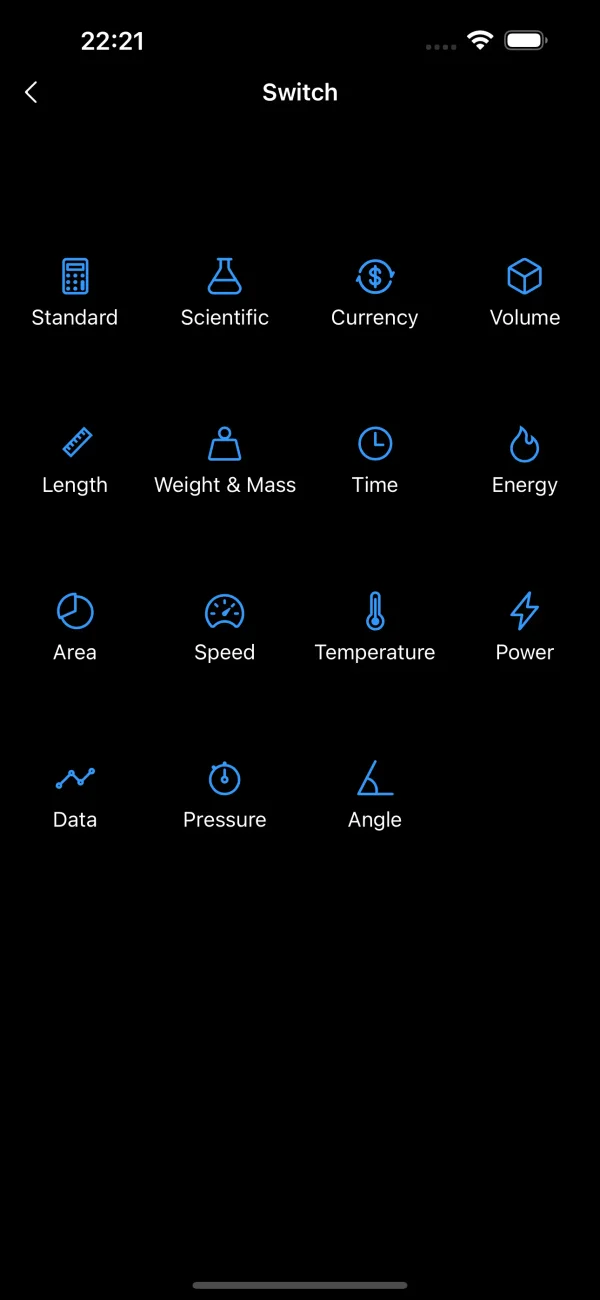
1. Supports multiple weight and measurement unit conversions - Volume, Length, Weight & Mass, Time, Energy, Area, Speed, Temperature, Power, Data, Pressure and Angle.
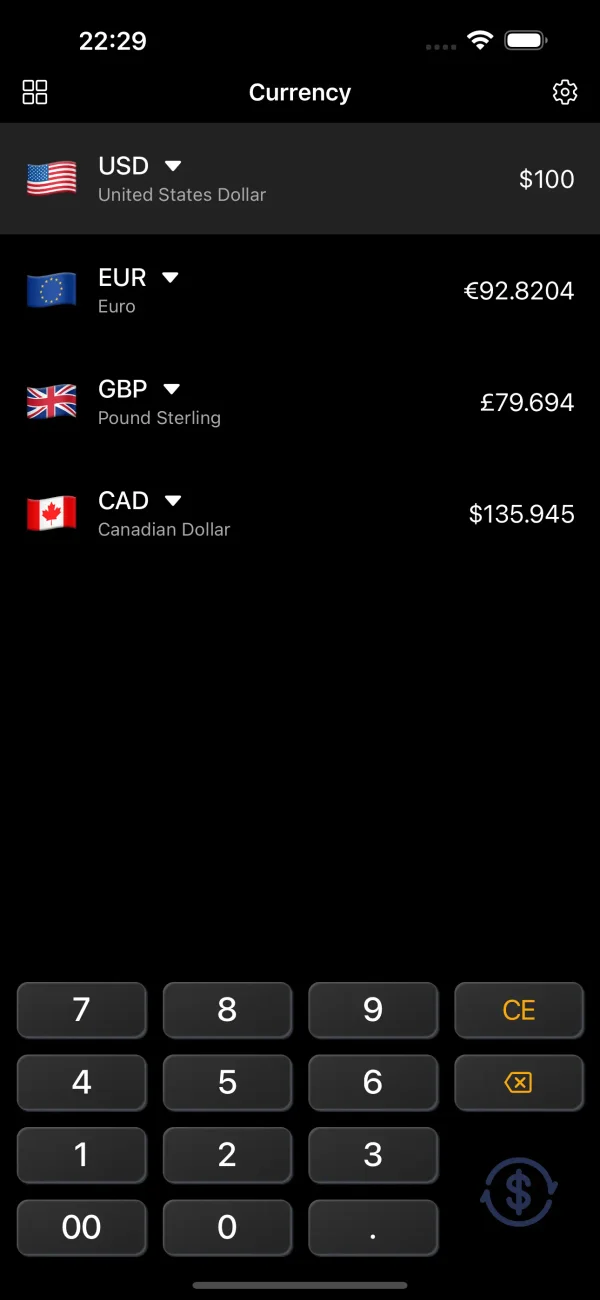
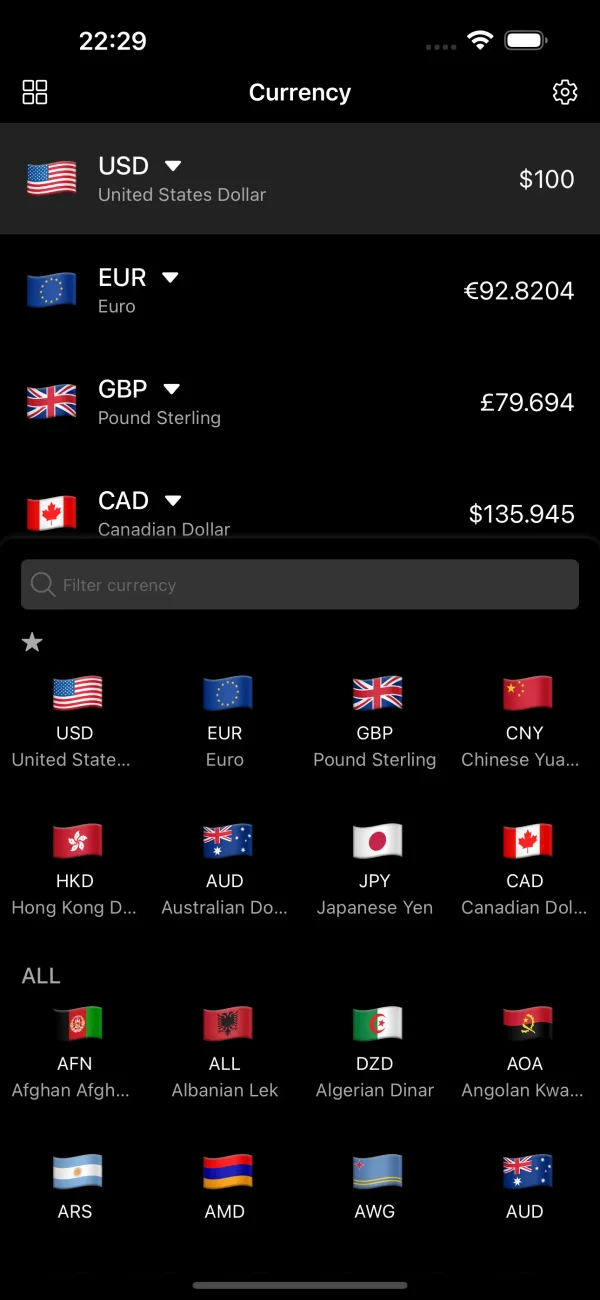
2. Supports currency exchange rate conversion (over 160 different currency units, and exchange rate data are hourly updated).
3. Supports 300+ Units.
4. Supports favorites function for quick conversions - allows setting 4 frequently used units for each conversion category.
5. We take the accuracy of conversion very seriously, and therefore, We had carefully verified the conversion values of each unit.
Such as: when it comes to the electron-volt, many converters use different values, such as 1 eV = 1.60217656535E-19 J, 1 eV = 1.602176473E-19 J, and so on. However, we found that the CODATA 2018 recommended value (latest version) is 1 eV = 1.602176634E-19 J, so we use this latest recommended value.
● Multiple Languages:
1. English
2. Japanese
3. Chinese
If you’re using an iPad or iPhone, you can enjoy the Calculator T application, hope it can assist you with your studies and work. If you find it useful, please consider supporting us by leaving a positive review and sharing your suggestions.
Thanks :)
What’s new
Version 1.5.9 · Dec 13, 2023
Improved user experience and trigonometric function calculation accuracy.
App privacy
What Xiao Hou Yi Sheng Traditional Chinese Medicine Technology (Shenzhen) Co., Ltd declares on the App Store about how this app handles data.
-
Data not collected
The developer does not collect any data from this app.
Privacy practices may vary, for example with the features you use or your age.
Information
- Seller
- Xiao Hou Yi Sheng Traditional Chinese Medicine Technology (Shenzhen) Co., Ltd
- Category
- Utilities
- Version
- 1.5.9
- Updated
- Dec 13, 2023
- Released
- Dec 11, 2023
- Size
- 16.5 MB
- Requires
- iOS 11.0 or later
- Age rating
- 4+
- Languages
- English
- Copyright
- © 2023 Little Monkey Technology
You might also like
-
 DozecalDuodecimal calculator
-
 Command-Line CalculatorCalculator with History
-
 Calcova: Scientific CalculatorSTEM Basic, Scientific & Units
-
 AxiomeerRPN ALG Scientific Calculator
-
 All-In-One Calculator ProBasic & Scientific Calculator
-
 Unit Converter - ATMFast & Simple Conversions
-
 my11cVoyager 11C Microcode Emulator
-
 PI 84 Graphing & Fraction CalcAdvanced Scientific Calculator
-
 Hidden calcUtilities
-
 Calculator: 1-2-3 Number Pad1-2-3 Instead Of 7-8-9