Calibrate: Time Block Planner
Track focus & productivity
Designed for iPhone, iPad
In-app purchases
- Age rating4+
- CategoryProductivity
- DeveloperWarren Peters
- LanguagesEnglish
- Size3.5 MB
Links to the official App Store page
Download.org hosts no file of Calibrate: Time Block Planner. The button opens its official App Store page, published by Warren Peters. Listing last checked on Nov 14, 2026.
Screenshots

About
Calibrate: Time Block Planner
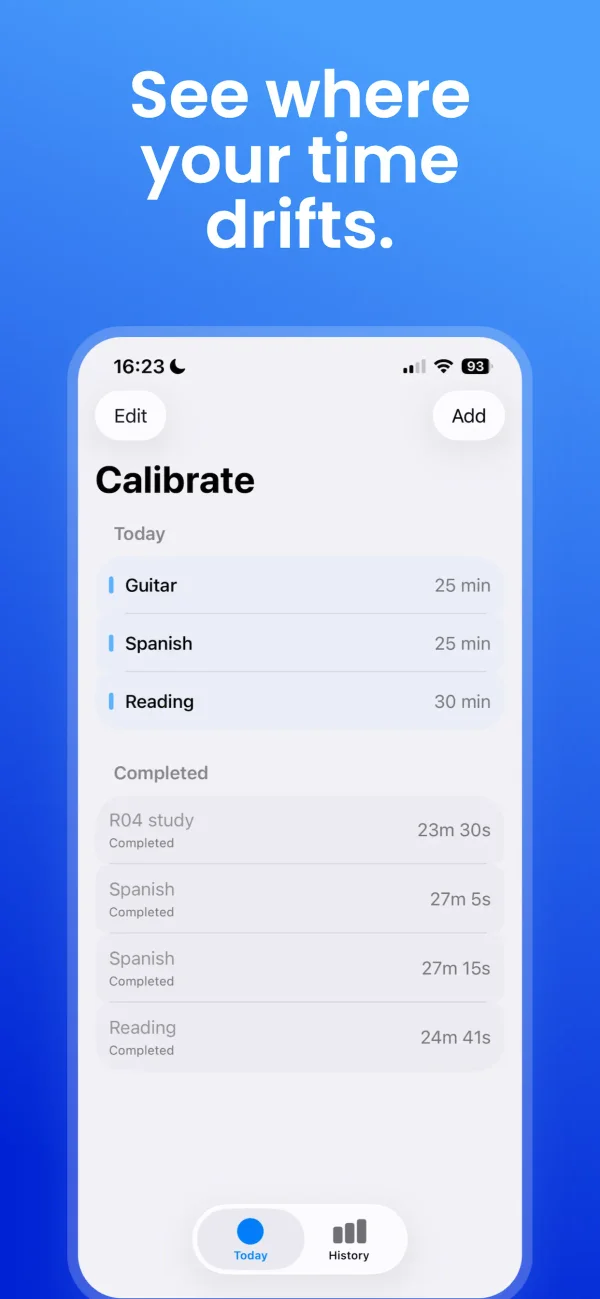
Plan your time. Track what actually happens. See the difference.
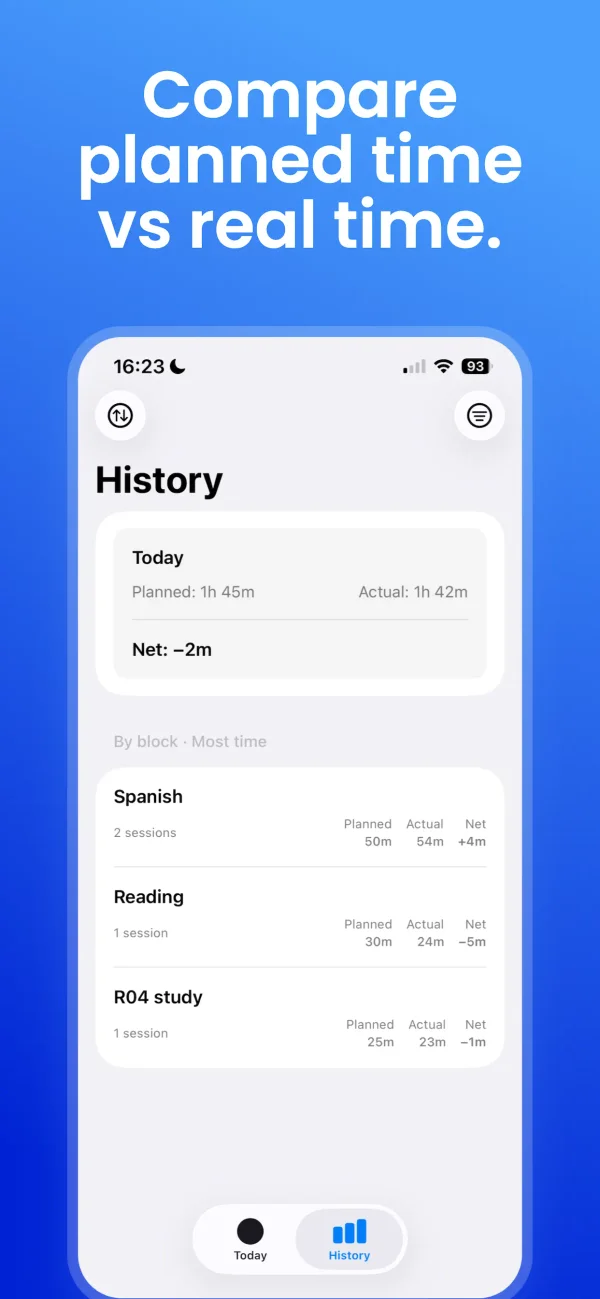
Calibrate is a focused time-blocking app that helps you understand where your time really goes. Schedule your day, run your sessions, and review the gap between intention and reality.
Most productivity apps help you plan. Calibrate helps you measure, reflect, and improve — week after week, and now across the year.
Whether you’re studying, building projects, learning a language, or trying to create better daily structure, Calibrate gives you a simple system to plan your time, track what actually happens, and learn from the difference
Plan with clarity
Create time blocks for what matters most. Design a realistic day around your priorities — work, learning, focus sessions, rest.
Track effortlessly
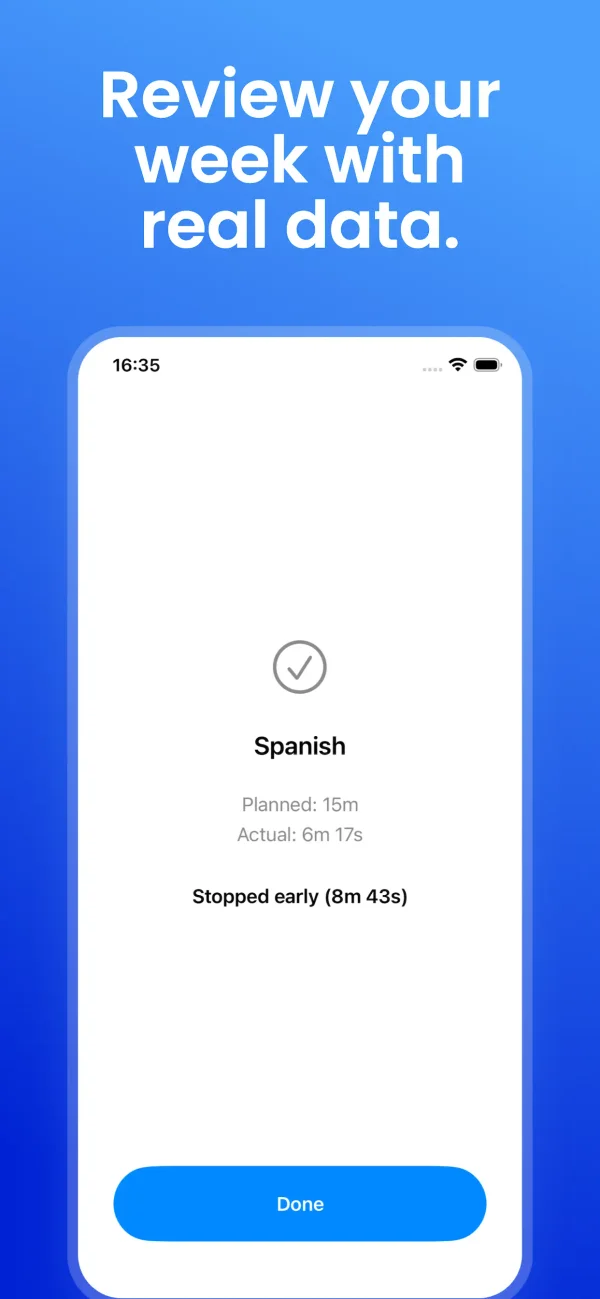
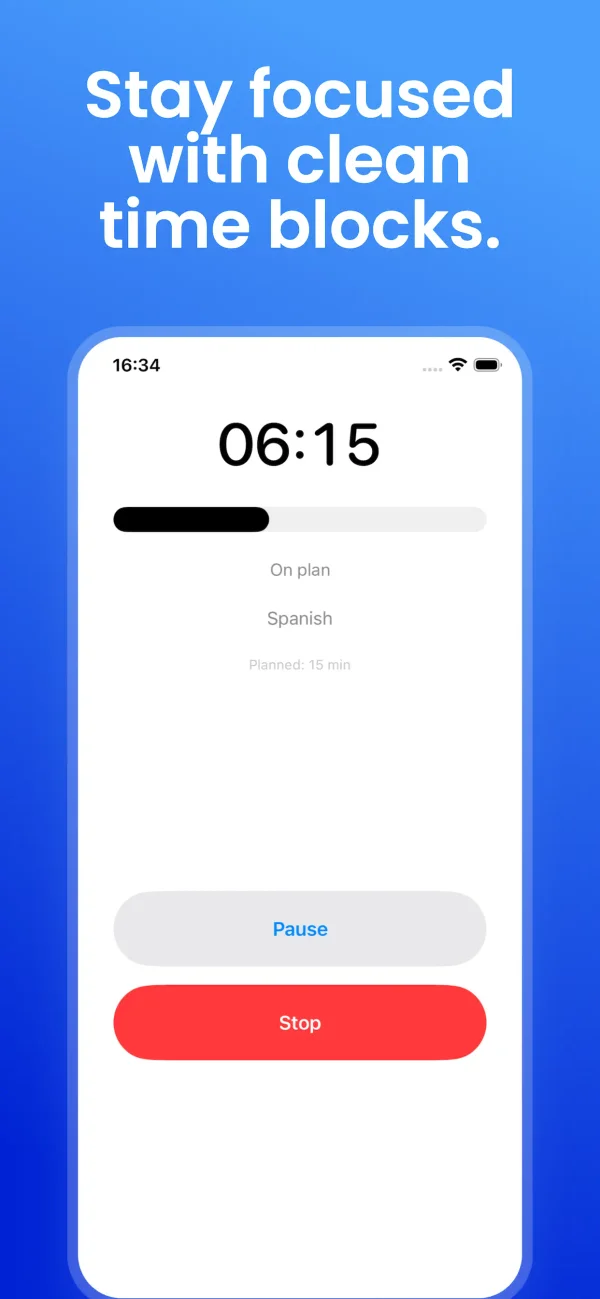
Start a block, stay focused, and let Calibrate quietly log what you really do. No clutter. No noise. Just clean, intentional tracking.
Reflect meaningfully
See how your days and weeks actually unfold. Discover patterns. Notice drift. Reinforce what’s working.
Build a lasting rhythm
Calibrate isn’t about perfect days. It’s about building consistency over time — and shaping a routine that fits your real life.
Calibrate Pro — go deeper with your time
Upgrade to Calibrate Pro to unlock long-term history and deeper reflection tools.
Explore how your time evolves across weeks and months, spot real trends, and make better long-term adjustments.
Calibrate is built for people who care about how they spend their time — and want a simple, thoughtful way to improve it.
Plan less.
Understand more.
Build a rhythm that lasts.
Terms of Use:
https://www.apple.com/legal/internet-services/itunes/dev/stdeula/
What’s new
Version 1.0.4 · May 18, 2026
V.1.0.4 - Refined screenshots and messaging to better explain Calibrate’s planning and reflection workflow
App privacy
What Warren Peters declares on the App Store about how this app handles data.
-
Data not collected
The developer does not collect any data from this app.
Privacy practices may vary, for example with the features you use or your age.
Information
- Seller
- Warren Peters
- Category
- Productivity
- Version
- 1.0.4
- Updated
- May 18, 2026
- Released
- Jan 28, 2026
- Size
- 3.5 MB
- Requires
- iOS 17.6 or later
- Age rating
- 4+
- In-app purchases
- Yes
- Languages
- English
- Copyright
- © 2026 Warren Peters
You might also like
-
 Commit: One TaskProductivity
-
 HelpDo: Goals, Todos & HelpDaily planner & schedule
-
 FlowCue AppSequence Timer & Routine
-
 NextStep: Visual Routine TimerMorning steps, finish-by time
-
 LateLess: Daily Time CoachAudio & Visual Timer for ADHD
-
 Routine Tracker - Daily FlowStep by step routine runner
-
 Yoku: Photo Reminder WidgetADHD Visual Planner & Notes
-
 ReadyTimer :)Not be late, ever!
-
 Buckets: Time Blocking PlannerProtect your work life balance
-
 Hey OnTime: Meeting ReminderNever be late for pickup