
CalibratedNotes
Unlock Premium Tools
Designed for iPhone, iPad, iPod touch
Free · In-app purchases
- Age rating4+
- CategoryProductivity
- DeveloperAIDEN JASON SEXTON
- LanguagesEnglish
- Size50.0 MB
Links to the official App Store page
Download.org hosts no file of CalibratedNotes. The button opens its official App Store page, published by AIDEN JASON SEXTON. Listing last checked on Nov 20, 2026.
Screenshots



About
CalibratedNotes
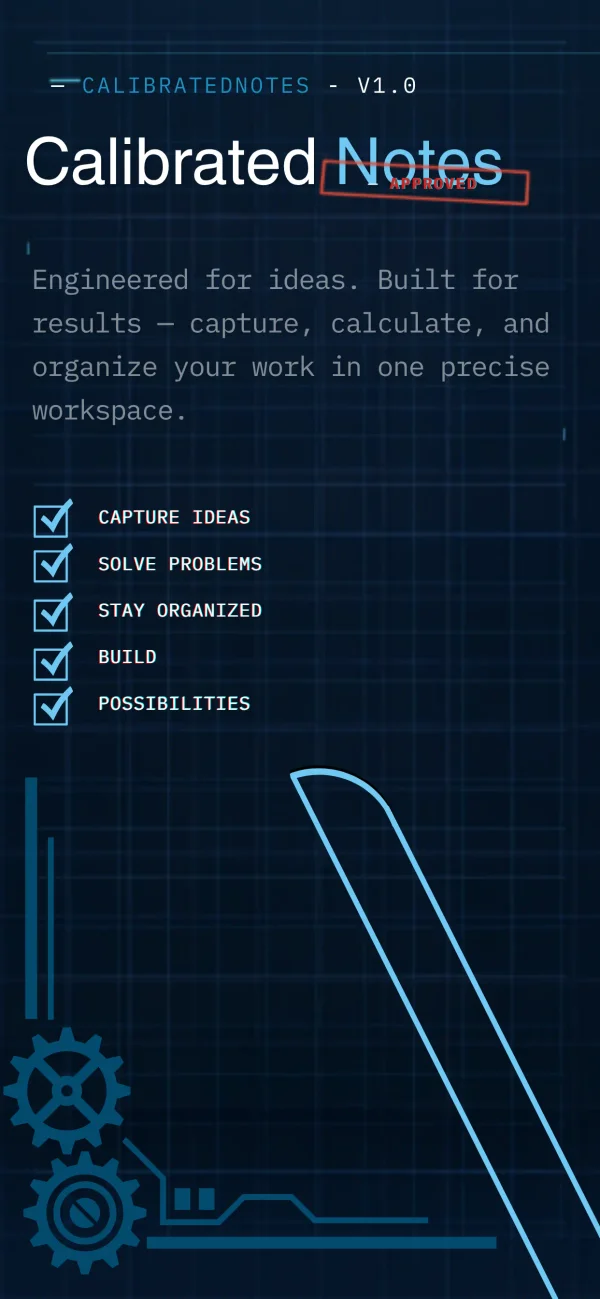
Capture ideas, solve problems, and organize everything in one powerful digital notebook.
CalibratedNotes combines the freedom of handwriting with intuitive organization to help you take better notes. Whether you're recording lecture notes, solving mathematical equations, sketching engineering concepts, or planning projects, CalibratedNotes provides a clean, distraction-free workspace designed to keep you focused.
Create notebooks for school, work, or personal use, customize your pages, and keep everything organized exactly the way you want.
Write Naturally
Enjoy a responsive handwriting experience with adjustable pen sizes, multiple ink colors, a highlighter, and an eraser. Every tool is designed to make writing feel comfortable, whether you're taking quick notes or filling pages with detailed calculations and sketches.
Stay Organized
Create unlimited notebooks, organize them into folders, customize notebook colors, and quickly switch between subjects or projects. As your collection grows, finding your notes remains simple and efficient.
Custom Page Templates
Choose the page layout that fits your work.
Select from blank, lined, dotted, graph, and grid paper for everything from lecture notes to engineering drawings, mathematical calculations, bullet journals, and project planning.
Handwriting & Text
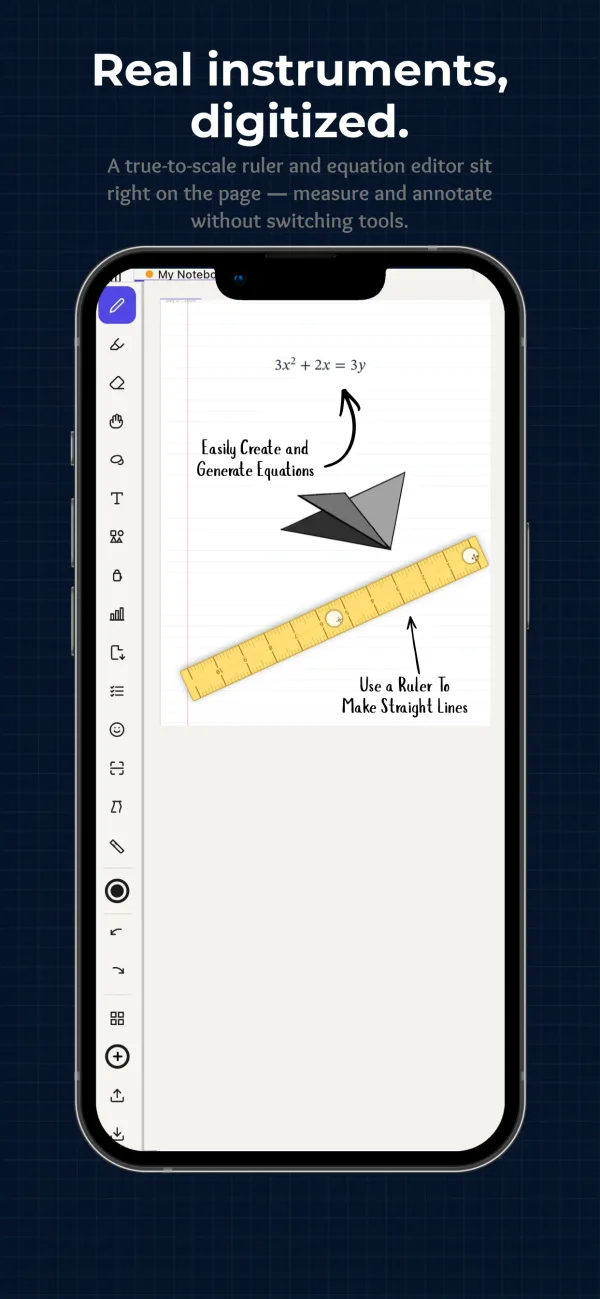
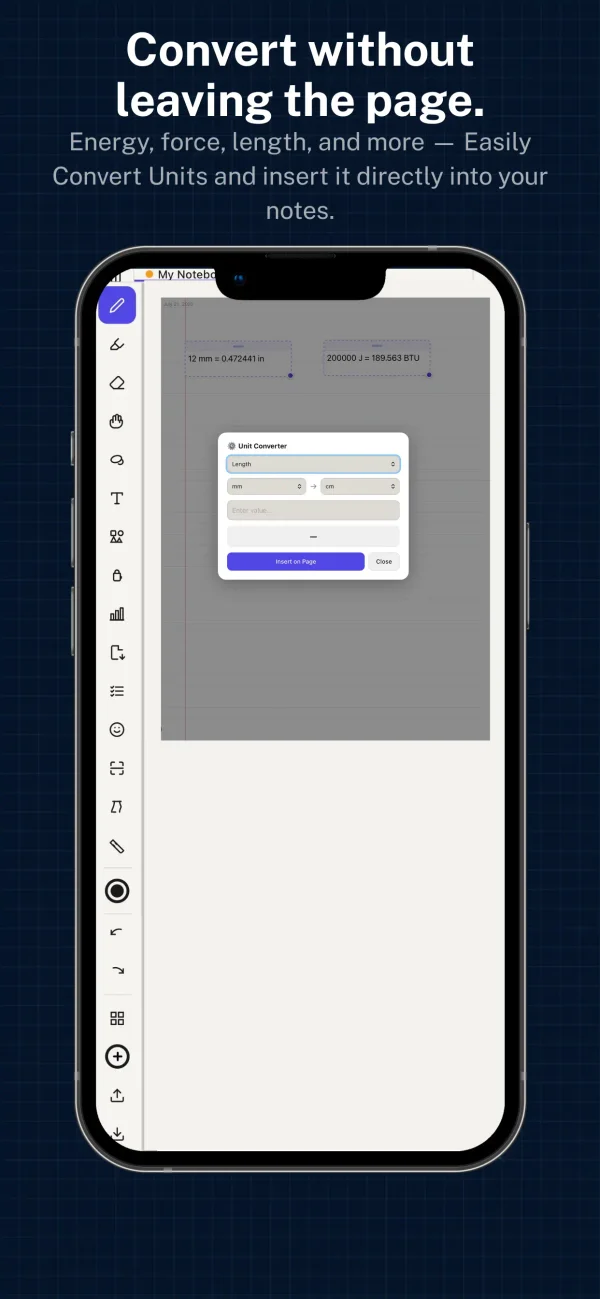
Combine handwritten notes with movable text boxes to create organized, professional-looking pages. Easily add mathematical and scientific symbols whenever you need them.
Draw and Sketch
Create engineering diagrams, graphs, charts, flowcharts, geometric figures, scientific illustrations, and technical sketches directly within your notebooks. Keep drawings and written notes together for a more organized workflow.
Built for STEM
CalibratedNotes makes it easy to organize engineering calculations, mathematical equations, scientific notes, laboratory observations, and technical diagrams in one place.
Perfect for documenting complex ideas while keeping everything neat and easy to review.
Flexible Pages
Add, duplicate, and delete pages whenever you need. Whether you're writing a single page or an entire semester's worth of notes, your notebooks grow with your ideas.
Customize Your Workspace
Personalize notebook colors, organize folders your way, and choose page templates that match your workflow. CalibratedNotes adapts to your style instead of forcing you into a fixed layout.
Features
Writing
Smooth handwriting
Adjustable pen sizes
Multiple pen colors
Highlighter tool
Eraser tool
Organization
Unlimited notebooks
Unlimited pages
Folder organization
Custom notebook colors
Fast notebook navigation
Page Templates
Blank paper
Lined paper
Dotted paper
Graph paper
Grid paper
Productivity
Movable text boxes
Mathematical symbols
Scientific symbols
Duplicate pages
Delete pages
Drawing
Engineering diagrams
Graphs and charts
Flowcharts
Technical sketches
Scientific illustrations
Geometric drawings
Whether you're taking notes in class, solving equations, sketching ideas, planning projects, or organizing your daily tasks, CalibratedNotes provides a flexible workspace designed to help you write naturally and keep everything in one place.
Download CalibratedNotes today and experience a smarter way to write, organize, and create.
Terms of Use: https://www.apple.com/legal/internet-services/itunes/dev/stdeula/
What’s new
Version 1.0.1 · Aug 10, 2026
I changed the initial Price from $2.99 to $0.00.
App privacy
What AIDEN JASON SEXTON declares on the App Store about how this app handles data.
-
Data not collected
The developer does not collect any data from this app.
Privacy practices may vary, for example with the features you use or your age.
Information
- Seller
- AIDEN JASON SEXTON
- Category
- Productivity
- Version
- 1.0.1
- Updated
- Aug 10, 2026
- Released
- Aug 7, 2026
- Size
- 50.0 MB
- Requires
- iOS 15.0 or later
- Age rating
- 4+
- Price
- Free
- In-app purchases
- Yes
- Languages
- English
- Copyright
- © 2026 Aiden Sexton
You might also like
-
 BUNKO NotesProductivity
-
 TinkleNoteDigital Notebook
-
 Loata: AI Notes & File SearchInstant Insights with AI
-
 CompbookProductivity
-
 DocuMind: Offline PDF AI ChatPrivate Doc Summarize & Search
-
 Octo Notes - infinite canvasNotes, Ideas, Schedules, Memos
-
 Paper Maker: Note TemplatesLined, Graph, Grid & Cornell
-
 Web Canvas: Spatial BrowserInfinite canvas for research
-
 Linky NotesLinkable memo application.
-
 PaperUno - Grid & Graph MakerPrint graph, lined, dot sheets