Call Home?
Reminders to Call Family
Designed for iPhone, iPad
Free · In-app purchases
- Age rating4+
- CategoryUtilities
- Developerleng xiangjun
- LanguagesEnglish+ 1 more
- Size2.8 MB
Links to the official App Store page
Download.org hosts no file of Call Home?. The button opens its official App Store page, published by leng xiangjun. Listing last checked on Nov 17, 2026.
Screenshots

About
Always Come Home — one app, two roles
Choose "I'm a child" or "I'm an elder" at first launch. You can switch roles anytime in Settings.
[For children] Remember your family even when life gets busy
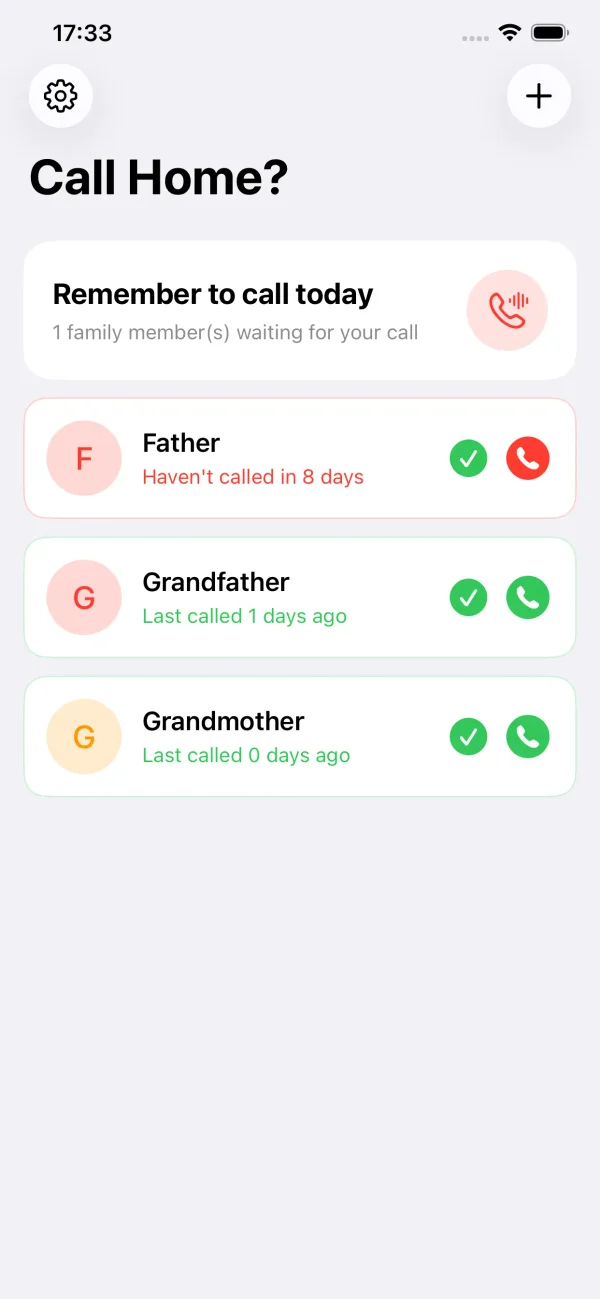
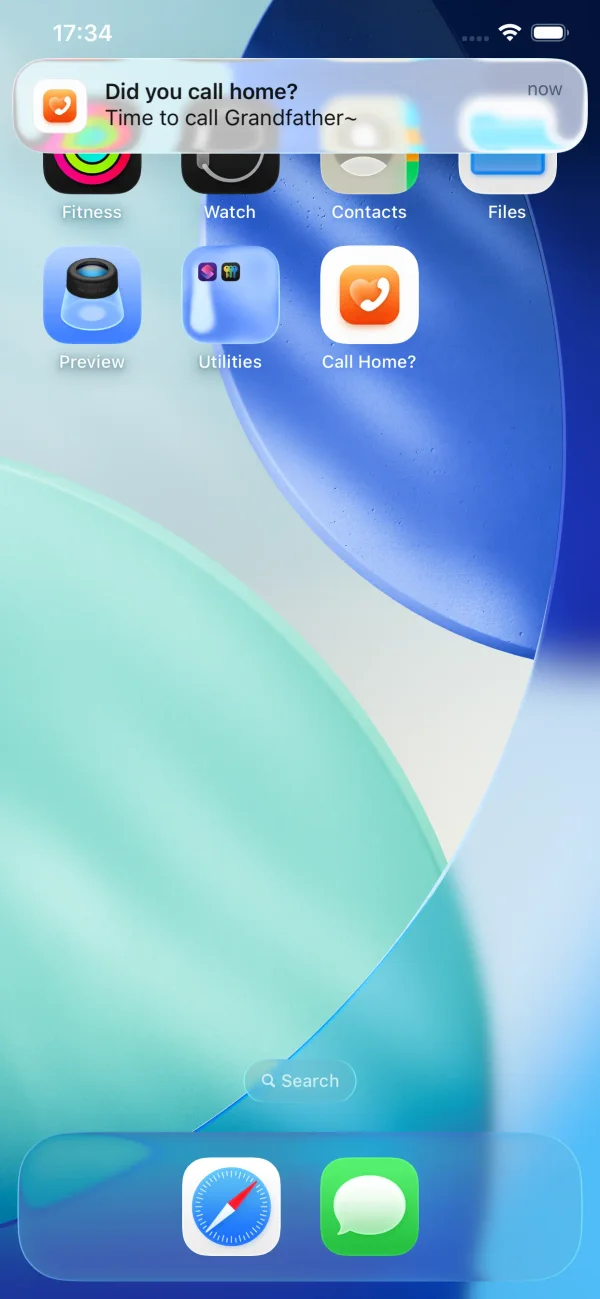
· Call reminders: set a contact interval for each elder and get nudged when it's due; mark "Called today" and the next reminder is scheduled automatically
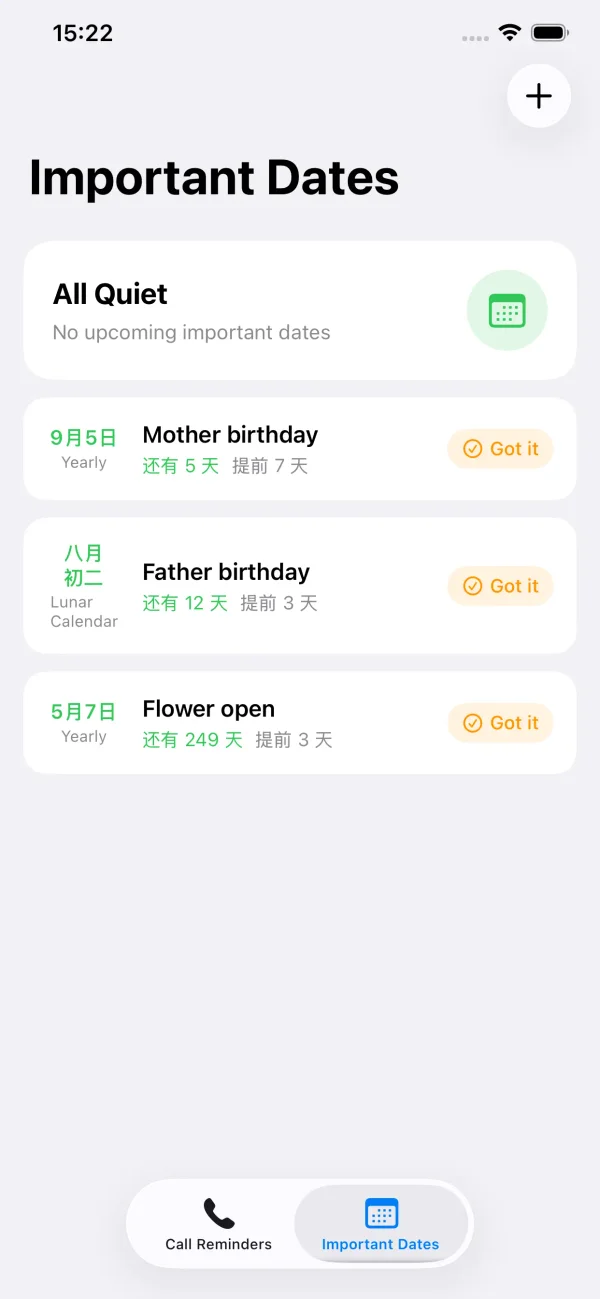
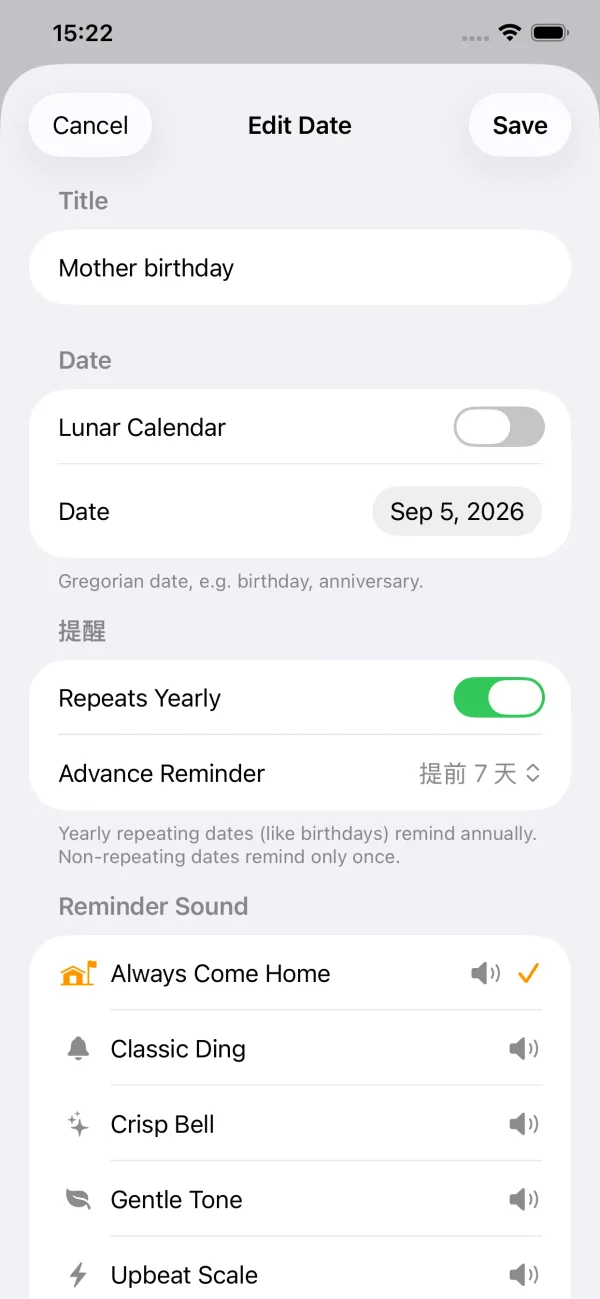
· Important dates: solar and lunar birthdays and anniversaries with advance reminders, so you never miss a special day
· Care report: a monthly summary of calls and elders covered — a record of your companionship
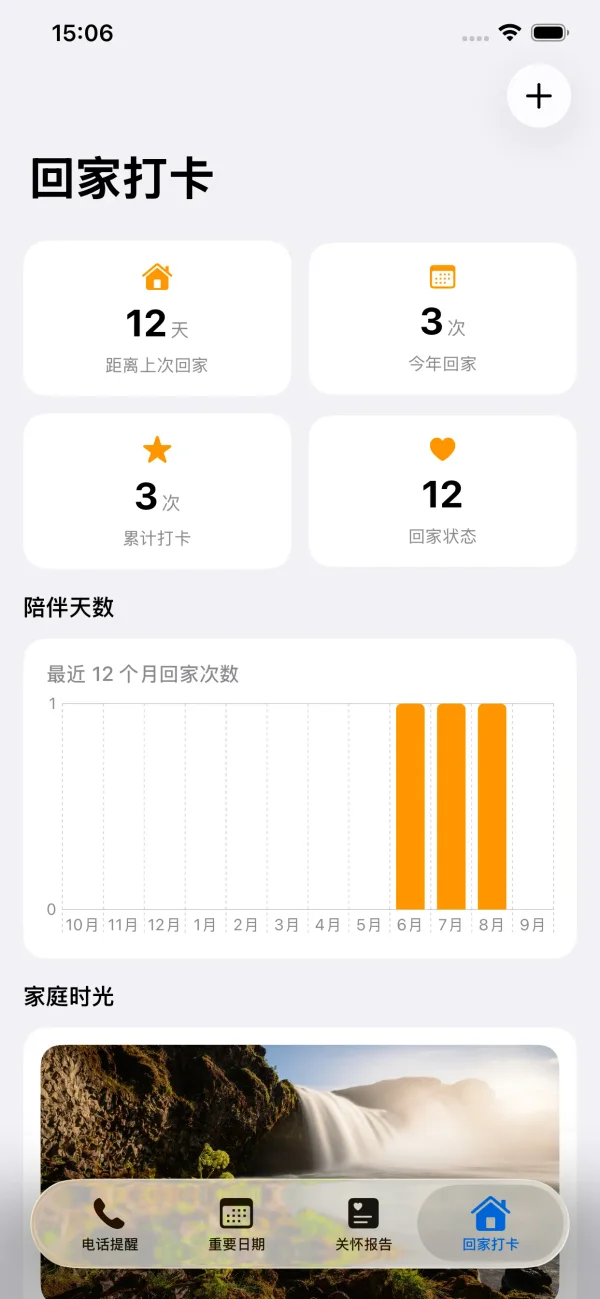
· Home check-ins: a photo journal of your visits, turned into a family album with days-spent-together stats
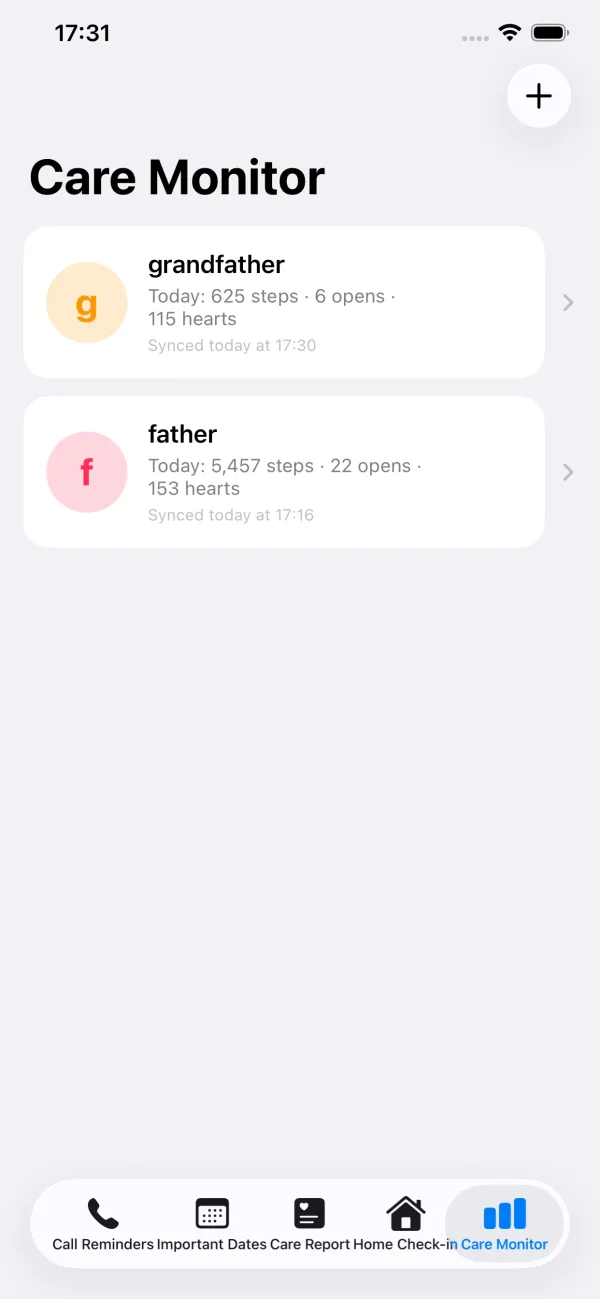
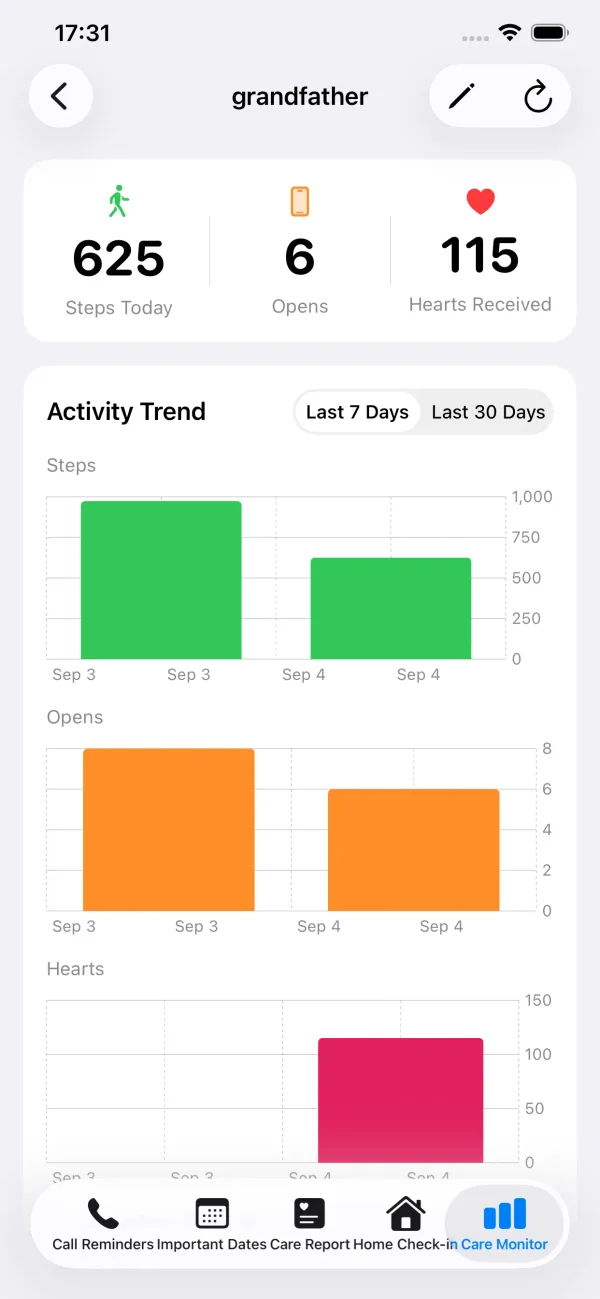
· Care monitoring: scan your elder's personal QR code to add them, then see their daily activity and trends, whether they checked in today, and get alerted when there has been no activity for a long time
· Medication reminders: set daily medication times and names for your elder; their phone reminds them on time, and you can see whether today's doses were taken
[For elders] A friendly helper on your parents' phone
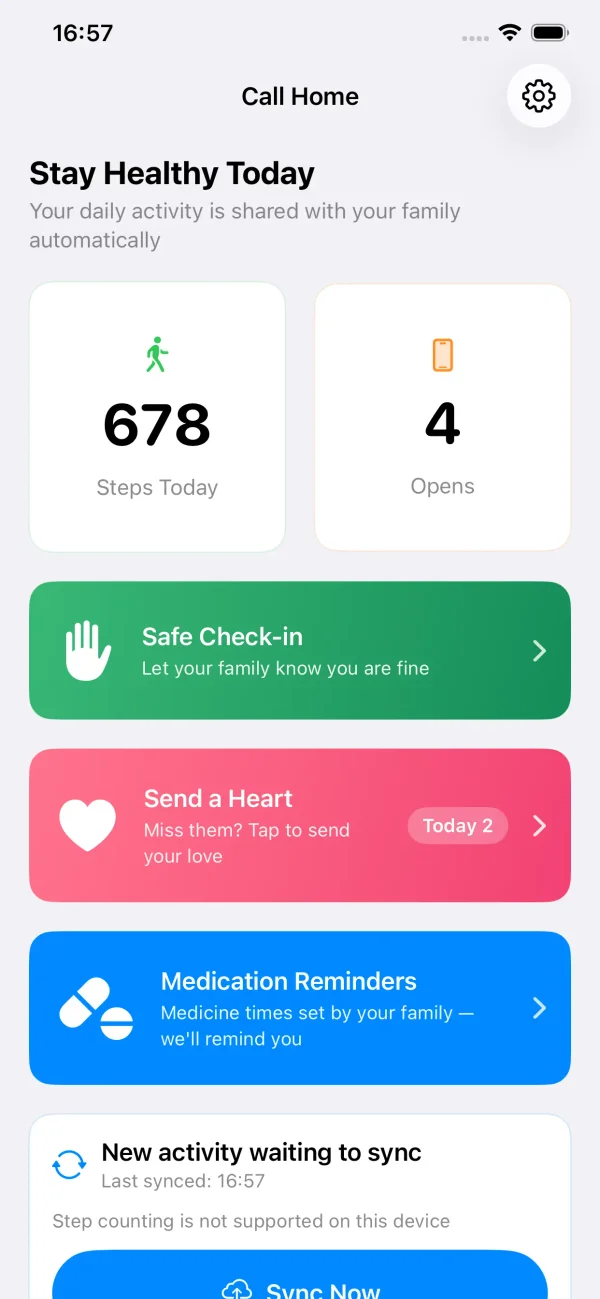
· Automatic syncing: steps and phone usage are recorded and synced to your family, no action needed
· One-tap check-in: just tap to tell your kids "I'm doing fine"
· Send a heart: thinking of them? Tap the screen to send a heart
· Your own QR code: show it and your family can follow your activity
· Medication reminders: the schedule your children set will remind you on time — tap "Taken" and they'll know
[Pricing]
The elder role is free forever. The child role includes a 7-day free trial, after which a VIP subscription is required.
[Privacy]
No accounts, no ads, no third-party tracking. Your elder's activity data is used only for care syncing within your family.
End User License Agreement (EULA):* https://www.apple.com/legal/internet-services/itunes/dev/stdeula/
About Subscriptions:
Once the subscription is confirmed, the fee will be charged to your Apple ID account.
The subscription will automatically renew unless you cancel auto-renewal at least 24 hours before the end of the current subscription period.
Your account will be charged the next renewal fee within 24 hours before the end of the current subscription period.
You can manage, turn off auto-renewal, or cancel your subscription at any time in your App Store account settings.
What’s new
Version 1.61 · Sep 14, 2026
Change app icon
App privacy
What leng xiangjun declares on the App Store about how this app handles data.
-
Data not collected
The developer does not collect any data from this app.
Privacy practices may vary, for example with the features you use or your age.
Information
- Seller
- leng xiangjun
- Category
- Utilities
- Version
- 1.61
- Updated
- Sep 14, 2026
- Released
- Aug 22, 2026
- Size
- 2.8 MB
- Requires
- iOS 17.6 or later
- Age rating
- 4+
- Price
- Free
- In-app purchases
- Yes
- Languages
- English, Simplified Chinese
- Copyright
- © 2026 lengxiangjun All rights reserved.