
Calligraphy Guidelines
Designed for iPhone, iPad, iPod touch
Free · In-app purchases
- Age rating4+
- CategoryGraphics & Design
- DeveloperVladislava Rudetskaia
- LanguagesEnglish
- Size35.5 MB
Links to the official App Store page
Download.org hosts no file of Calligraphy Guidelines. The button opens its official App Store page, published by Vladislava Rudetskaia. Listing last checked on Nov 14, 2026.
Screenshots

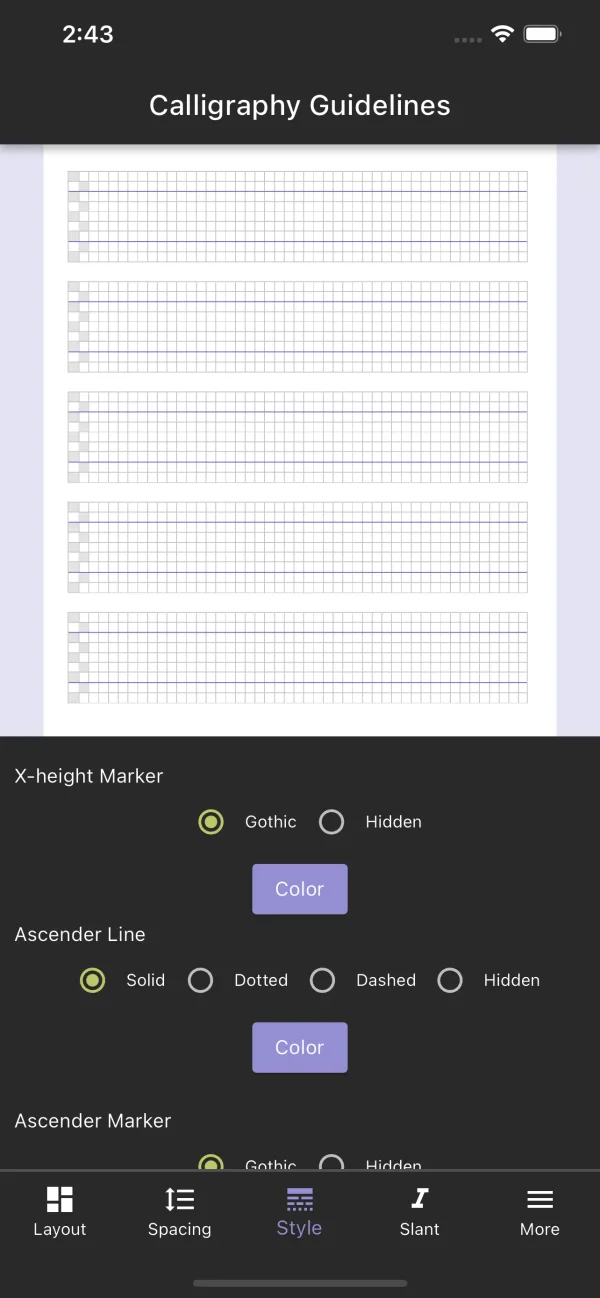
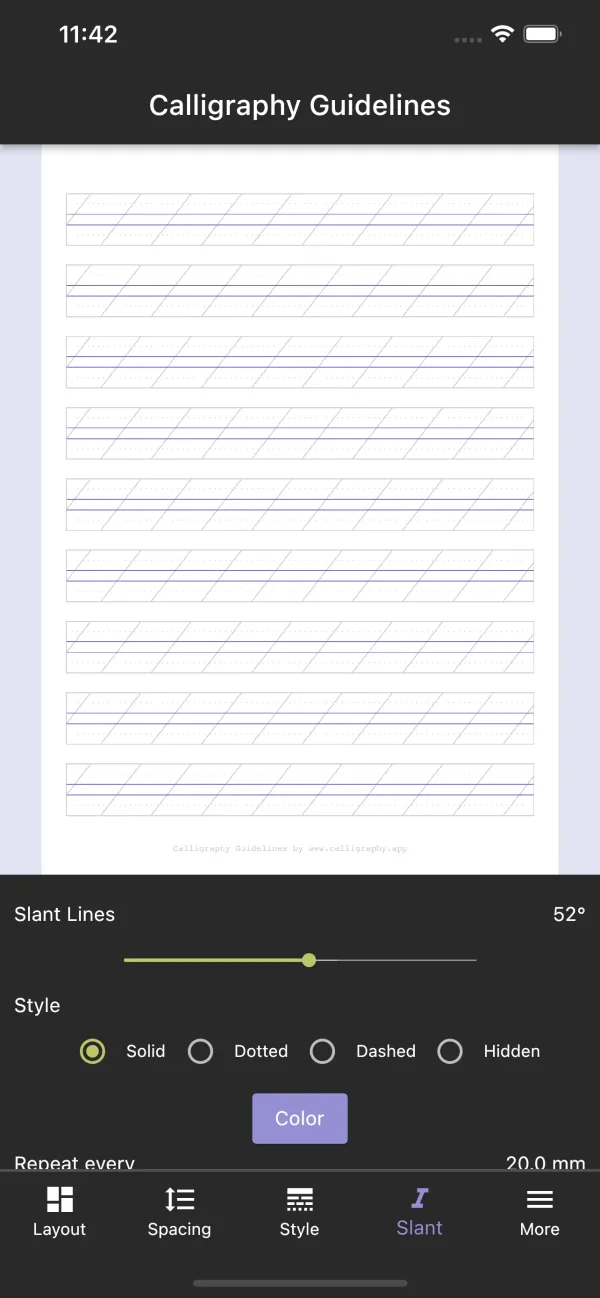
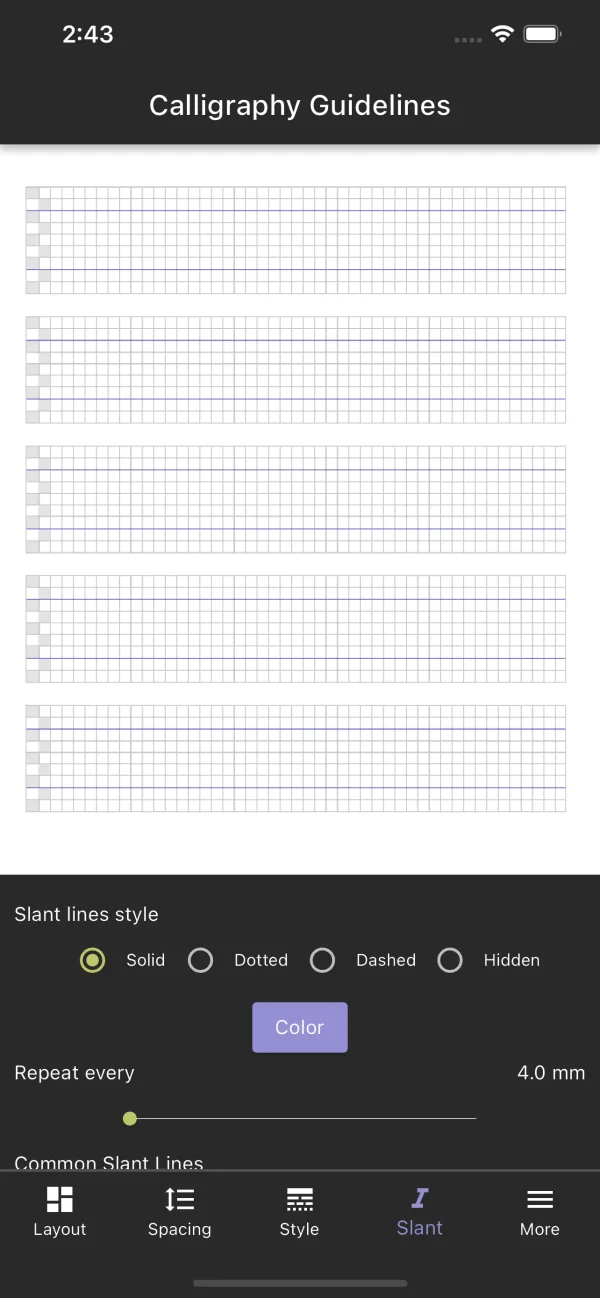
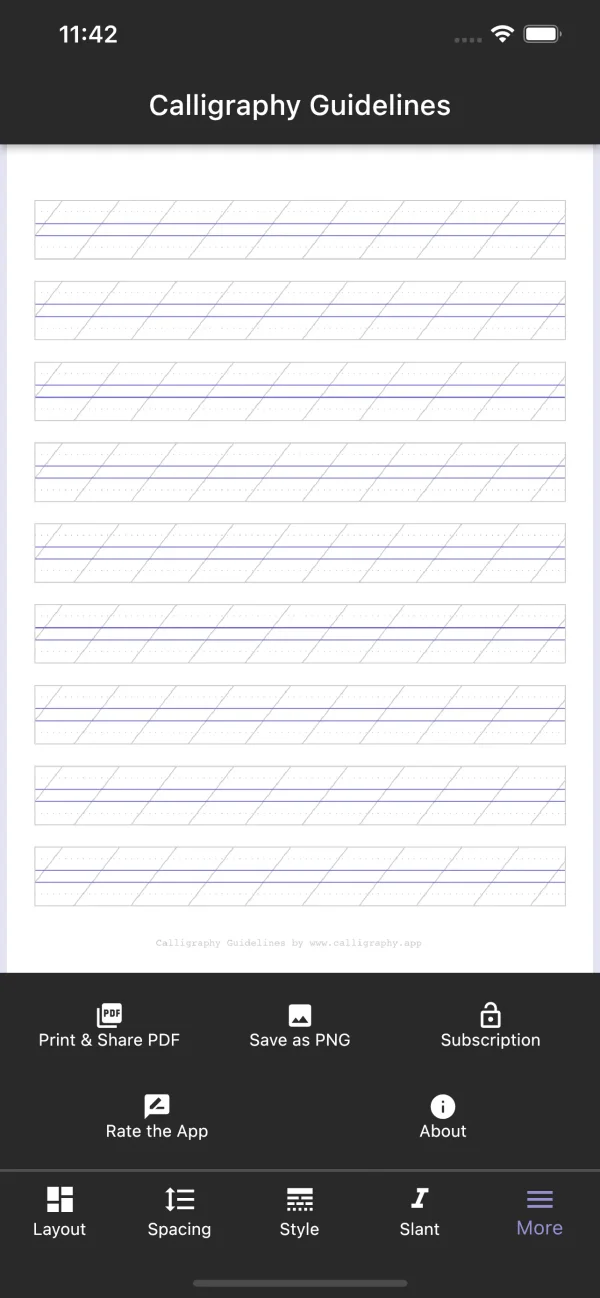
About
Calligraphy Guidelines is a comprehensive generator to design your guidesheets for daily handwriting practice or professional penman work and export them to PDF or high-res PNG formats.
Productivity tool number one for every penman! No more buying expensive practice pads! Create and print worksheets on demand.
A universal collection of adjustable settings in the application allows the creation of worksheets and templates for any script style Copperplate, Spencerian, Gothic, Italic, and so on.
Note: Calligraphy Guidelines application is not for writing on your device. If you wish to train calligraphy using your device, then check out our application "Calligraphy: Cursive Writing".
Customize every aspect of calligraphy rulers with the Calligraphy Guidelines app:
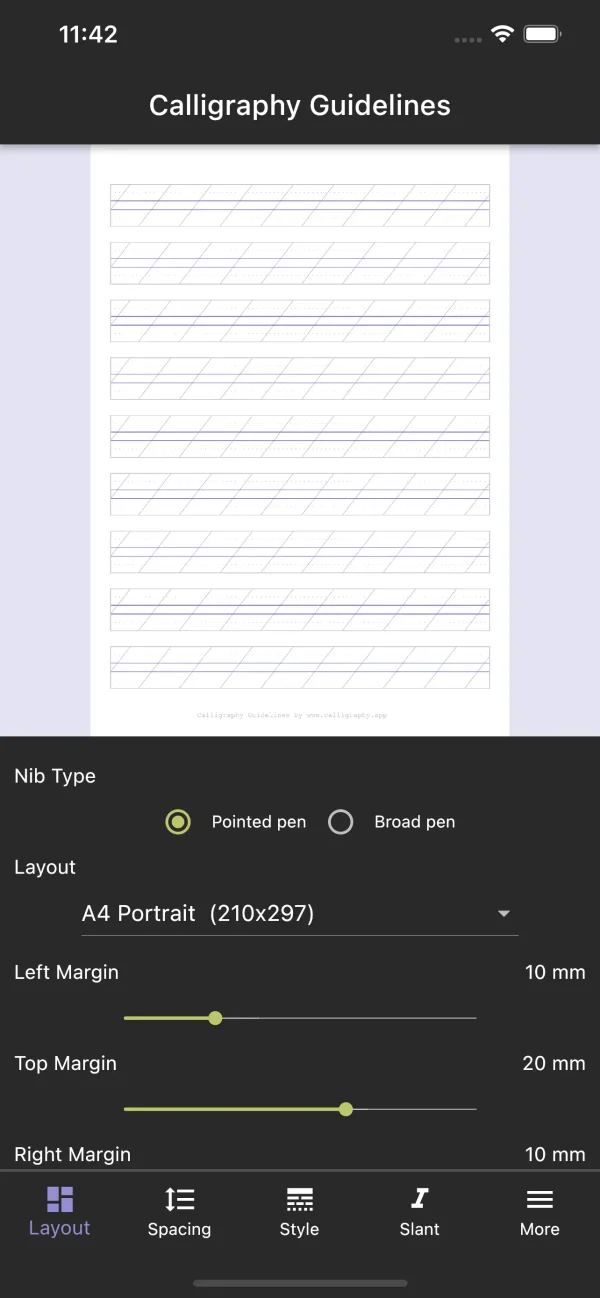
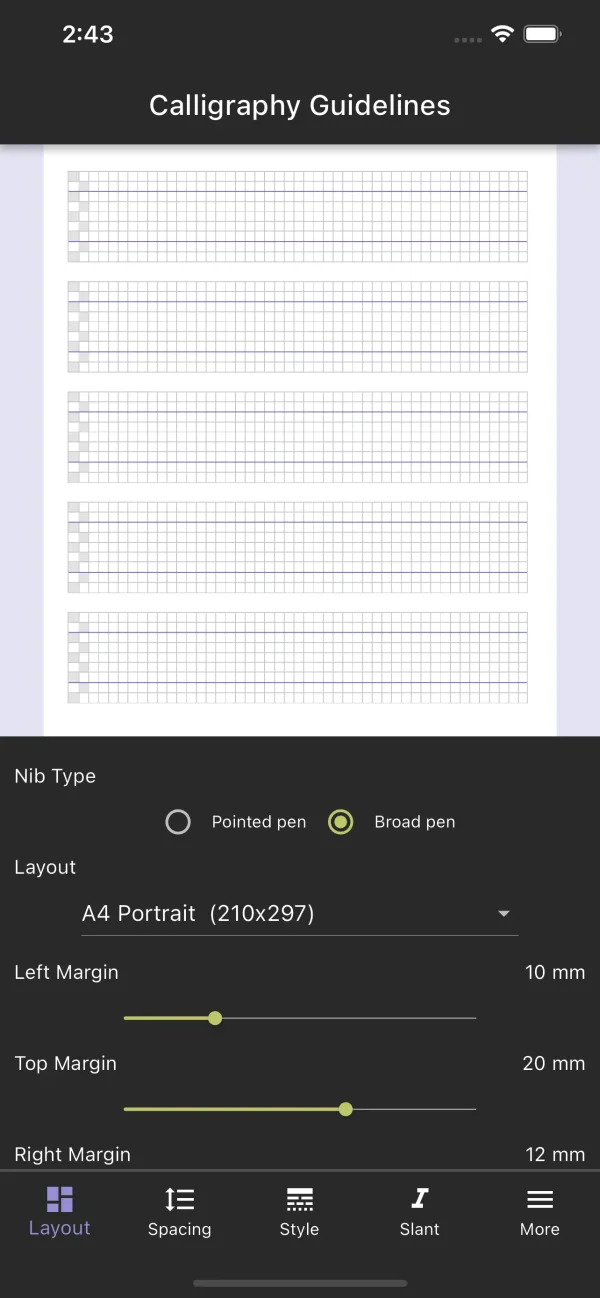
* Choose Pointed pen or Broad pen guidesheets style.
* Select one of 6 popular page layouts, such as A5, A4, A3, US Letter, US Legal and US Junior.
* Choose Portrait or Landscape page orientation.
* Define left, top, right, and bottom margins.
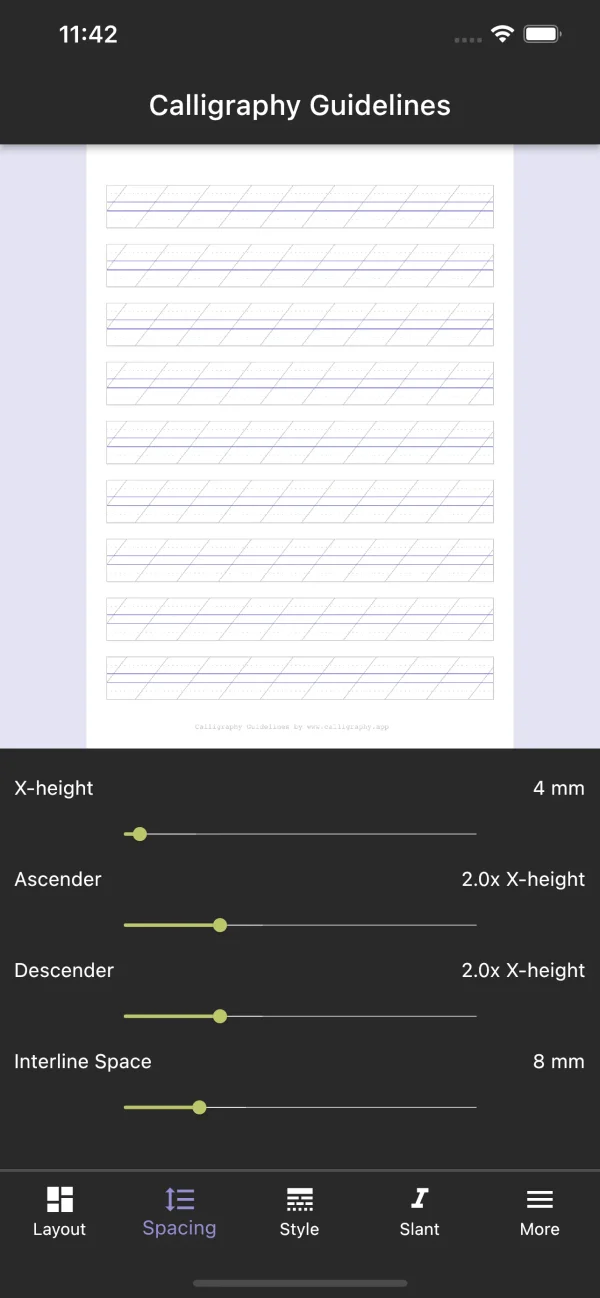
* Select x-height size starting from 2mm.
* Set Broad pen width starting from 2mm to 8mm.
* Adjust spacing ratios for ascender, descender, and height of interline space.
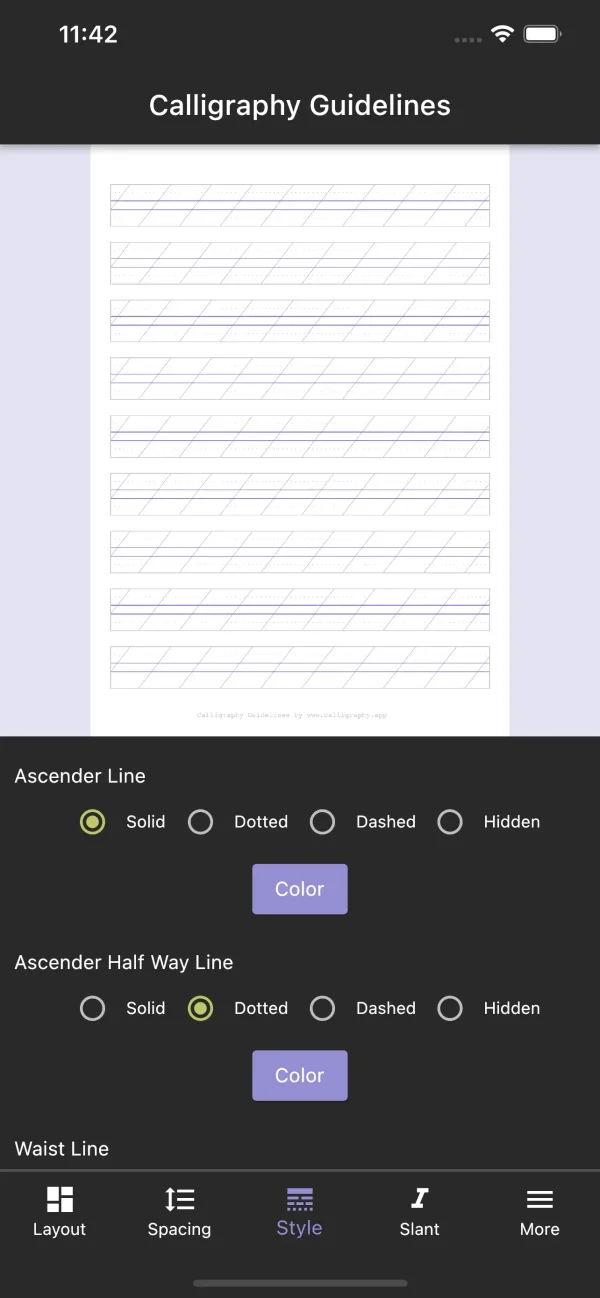
* Select your favorite style for ascenders, descenders, waistlines, and baselines from Solid, Dotted, and Dashed lines. Hide any of the lines using the Hidden style.
* Choose a color for each type of line.
* Define slant lines angle in diapason from 30 to 90 degrees for pointed pen; select color, and adjust repeating frequency for both pointed pen and broad pen nibs.
* Watch your changes with an instant preview.
* Export as a high-resolution 300 dpi PNG image.
* Export, share or print as a vector PDF file.
The free version without a subscription allows customizing all settings for both pointed pen and broad pen nibs and previewing the resulting guidesheet on the screen.
With the subscription, you'll get access to exporting and printing vector PDF files with the designed guidesheet, and exporting high-resolution PNG files.
*Calligraphy Guidelines Subscription*
• Calligraphy Guidelines app requires a subscription to export and print PDF files, or export high-res PNG files.
• Once your purchase is confirmed, you will be charged through your iTunes account.
• The subscription will automatically renew.
• You can manage your subscription and turn off auto-renewal at any time in your App Store account, but at least 24 hrs before the end of the current period.
Terms of use: https://calligraphy.app/guidelines/termsofuse/
Privacy policy: https://calligraphy.app/guidelines/privacy/
What’s new
Version 26.10.25 · Oct 26, 2026
Stability improvements and bug fixes.
App privacy
What Vladislava Rudetskaia declares on the App Store about how this app handles data.
-
Data not linked to you
May be collected but is not linked to your identity.
- Usage data
- Diagnostics
Privacy practices may vary, for example with the features you use or your age.
Information
- Seller
- Vladislava Rudetskaia
- Category
- Graphics & Design
- Version
- 26.10.25
- Updated
- Oct 26, 2026
- Released
- Oct 2, 2019
- Size
- 35.5 MB
- Requires
- iOS 15.6 or later
- Age rating
- 4+
- Price
- Free
- In-app purchases
- Yes
- Languages
- English
- Copyright
- © Vladislava Rudetskaia
You might also like
-
 Calligraphy Calm - Ink BrushWatercolor Painting & Drawing
-
 Calligraphy Practice - CursiveHandwriting Trace & Lettering
-
 Calligraphy Tracing - FlourishCursive & Lettering Art Pens
-
 Tayasui Calligraphy - CursiveHandwriting, cursive & pencils
-
 Font Maker - Greeting CardCreate & Export TTF Font Files
-
 Letterforms - Font CreatorDesign fonts and export them
-
 Drawing PracticeGet good at drawing on glass.
-
 Calligrapher: Font MakerCursive Handwriting Calligraph
-
 Calligraphy Practice · CursiveAbc letter tracing & writing
-
 Stencil - Draw with GuidelinesTrace, letter and journal