
Calnote – Calendar Journal
Local-first calendar journal
Designed for iPhone
Free · In-app purchases
- Age rating4+
- CategoryProductivity
- Developer金苹 卢
- LanguagesEnglish+ 3 more
- Size4.2 MB
Links to the official App Store page
Download.org hosts no file of Calnote – Calendar Journal. The button opens its official App Store page, published by 金苹 卢. Listing last checked on Nov 8, 2026.
Screenshots
About
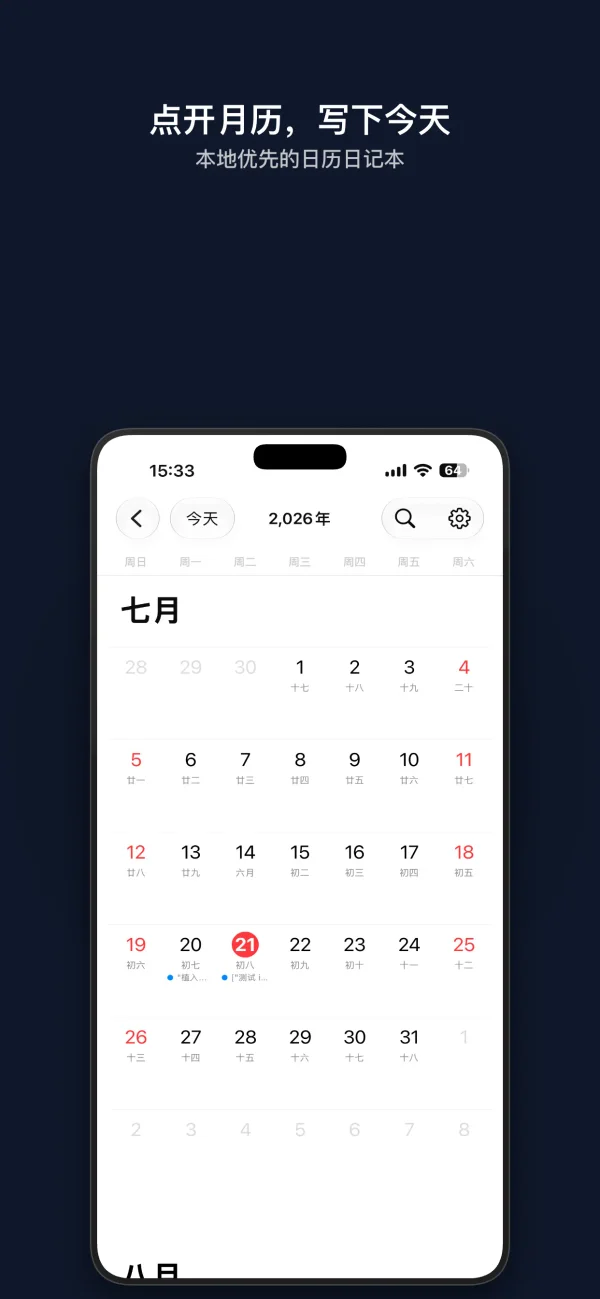
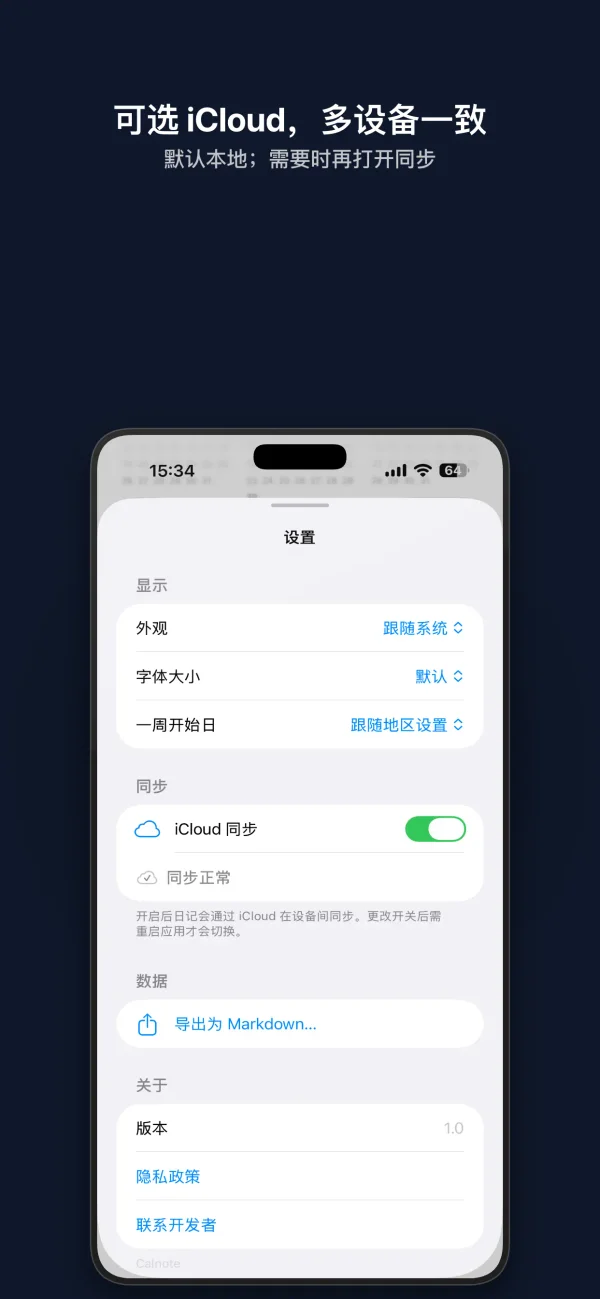
Calnote is a local-first minimalist calendar journal. Open the monthly calendar, tap any date, and record mood notes, reflections, and daily thoughts in seconds.
[What you can do]
• View a continuous monthly calendar with clearer highlights for today, lunar dates, and recorded days
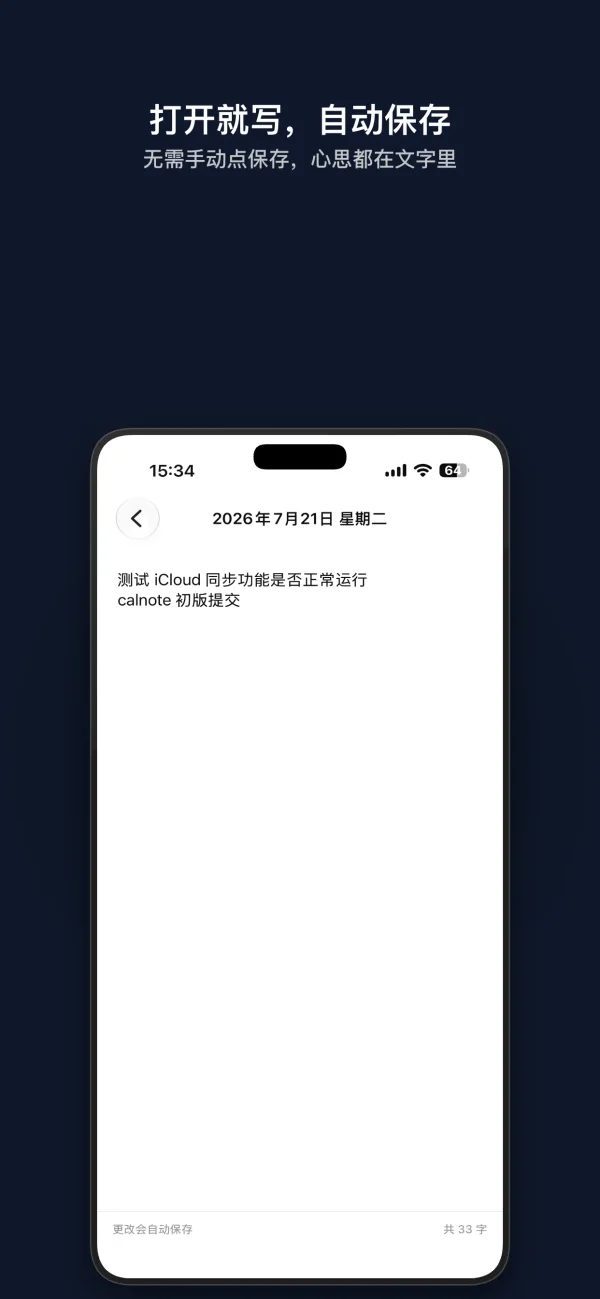
• Write daily notes, weekly reviews, ideas, and reflections with auto-save
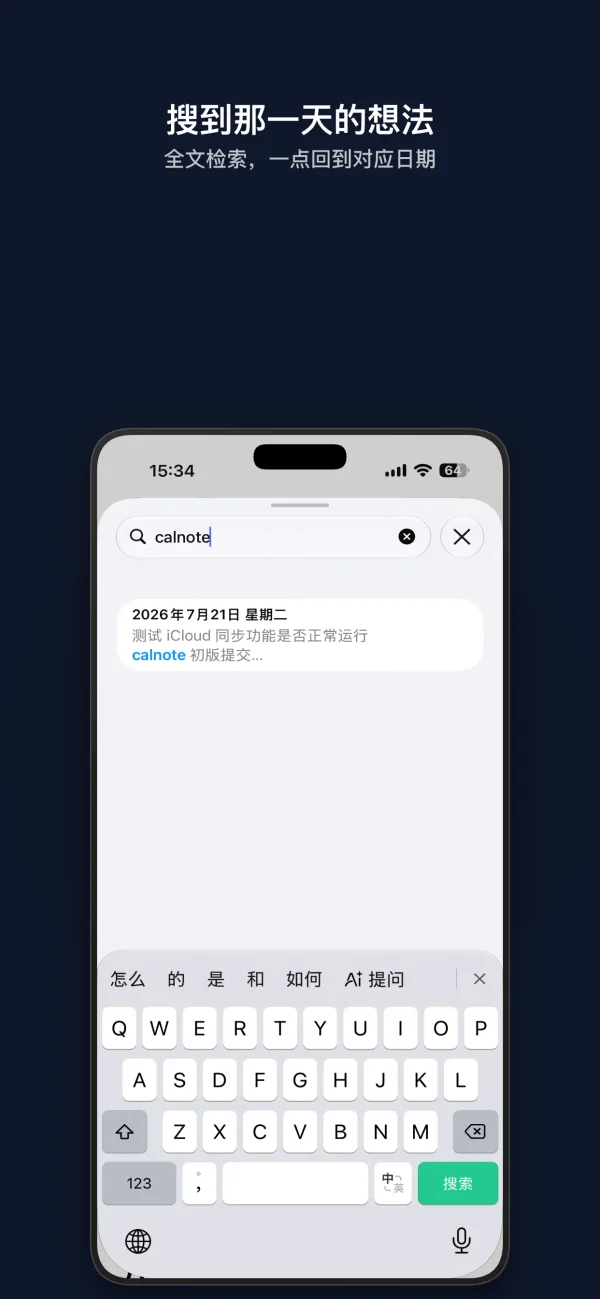
• Full-text search entries and jump back to the exact day
• Optional iCloud sync across devices
• Export Markdown for backup and further writing
Data is stored on your device by default. If sync is enabled, transfer uses Apple iCloud / CloudKit private database.
Privacy Policy: https://calnoteapp.pages.dev/privacy
Terms of Use: https://www.apple.com/legal/internet-services/itunes/dev/stdeula/
What’s new
Version 1.0.5 · Oct 26, 2026
Writing feels lighter and looking back is more visual: a redesigned editor toolbar with checklists, first photos right on the calendar, and a fresh onboarding and Settings.
• Redesigned editor toolbar: a floating glass capsule with undo, headings, lists, checklists, photos and links within reach; more formats live under "More".
• Checklists: tick off to-dos in any entry, with support in export and share cards.
• First photo on the calendar: each day cell shows that day's first image, so memories jump out as you scroll.
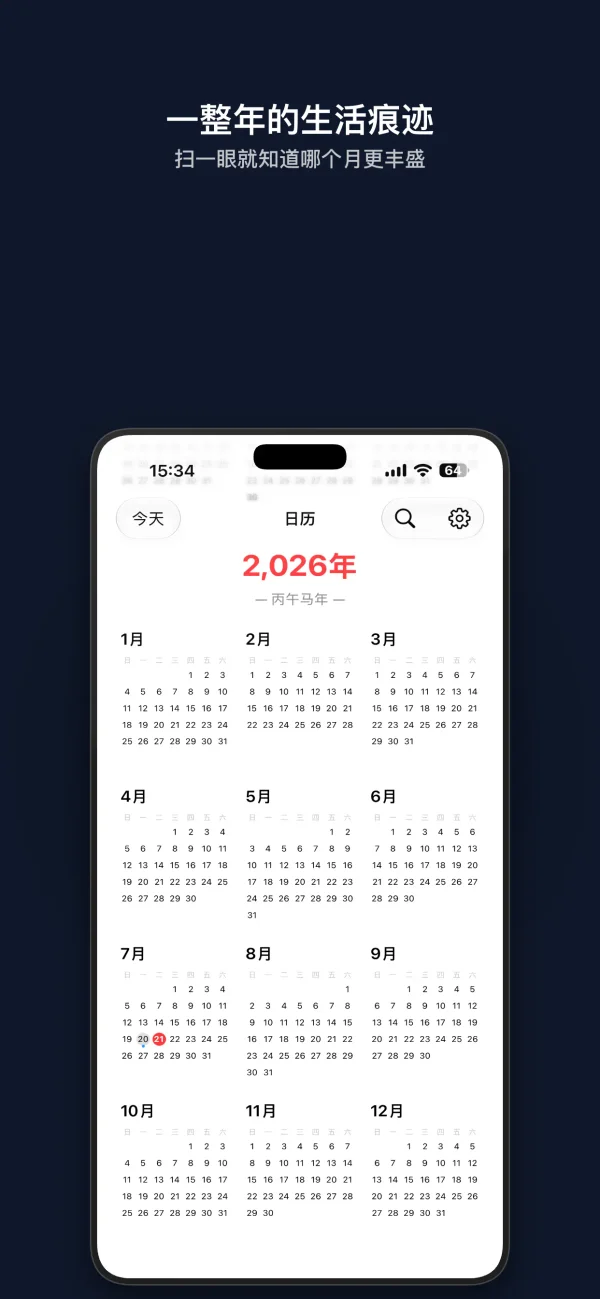
• Smooth transitions: new zoom transitions from year to month and from a day to its entry.
• Multi-time writing reminders: members can set up to 3 reminder times (morning, noon, bedtime).
• Fresh onboarding and Settings: a guided intro that gets your first entry written, and Settings regrouped to be easier to scan.
• Multi-format export: export any entry as PDF, Markdown, TXT or a shareable image.
App privacy
What 金苹 卢 declares on the App Store about how this app handles data.
-
Data not collected
The developer does not collect any data from this app.
Privacy practices may vary, for example with the features you use or your age.
Information
- Seller
- 金苹 卢
- Category
- Productivity
- Version
- 1.0.5
- Updated
- Oct 26, 2026
- Released
- Jul 28, 2026
- Size
- 4.2 MB
- Requires
- iOS 26.0 or later
- Age rating
- 4+
- Price
- Free
- In-app purchases
- Yes
- Languages
- English, Japanese, Simplified Chinese, Traditional Chinese
- Copyright
- © 2026 lujinping
You might also like
-
 Chrona: Calendar & TasksHabits, Time Blocks & Weather
-
 My Folio AssistantYour Life Managed in One App
-
 Monjour: Calendar & JournalDaily Planner, Time & Life Log
-
 Plant Watering Reminder LogCheck, log, and track plant ca
-
 Time Tracker - QuarterFocus & Study Timer 15 minutes
-
 Photo Mgmt - Stock PhotosImages, Illustrations, Vectors
-
 Mantle LauncherTile Board for Your Shortcuts
-
 Bullet: OutlinerOutliner Structured Thinking
-
 Auer Sleek NotesMinimalist, clutter-free notes
-
 Chaos ContactsProductivity