Camera Lens Crop Factor
Lens to Sensor Crop Factor
Designed for iPhone, iPod touch
$1.99
- Age rating4+
- CategoryPhoto & Video
- DeveloperJohn Mark Santos
- LanguagesEnglish
- Size29.4 MB
Links to the official App Store page
Download.org hosts no file of Camera Lens Crop Factor. The button opens its official App Store page, published by John Mark Santos. Listing last checked on Nov 18, 2026.
Screenshots

About
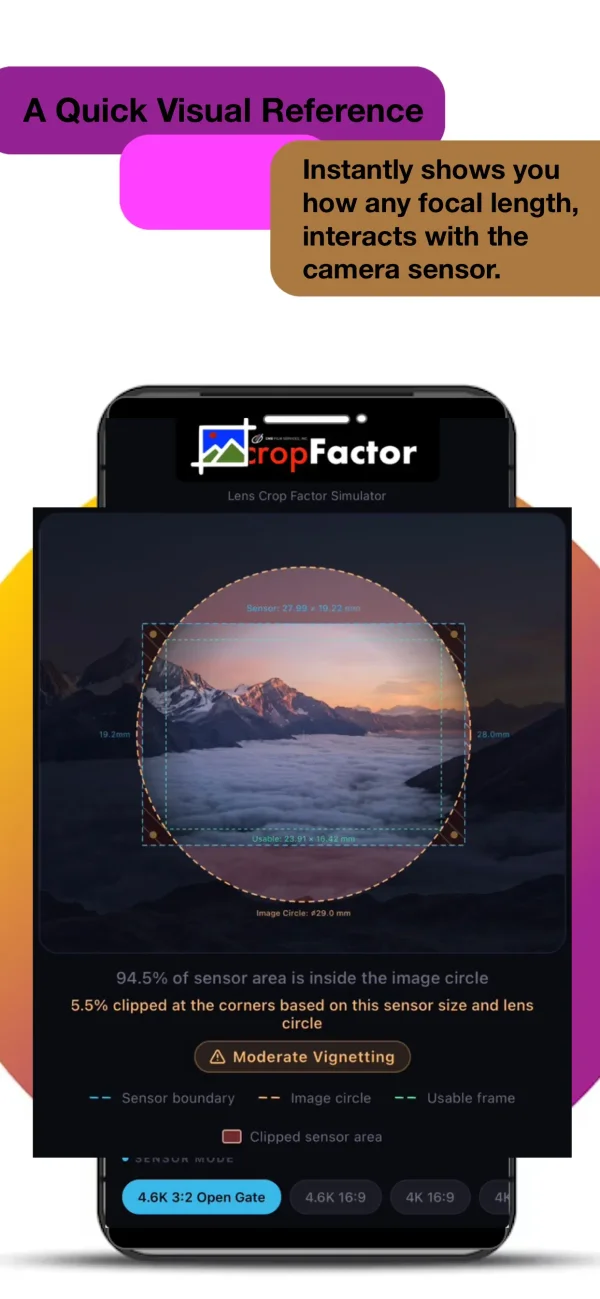
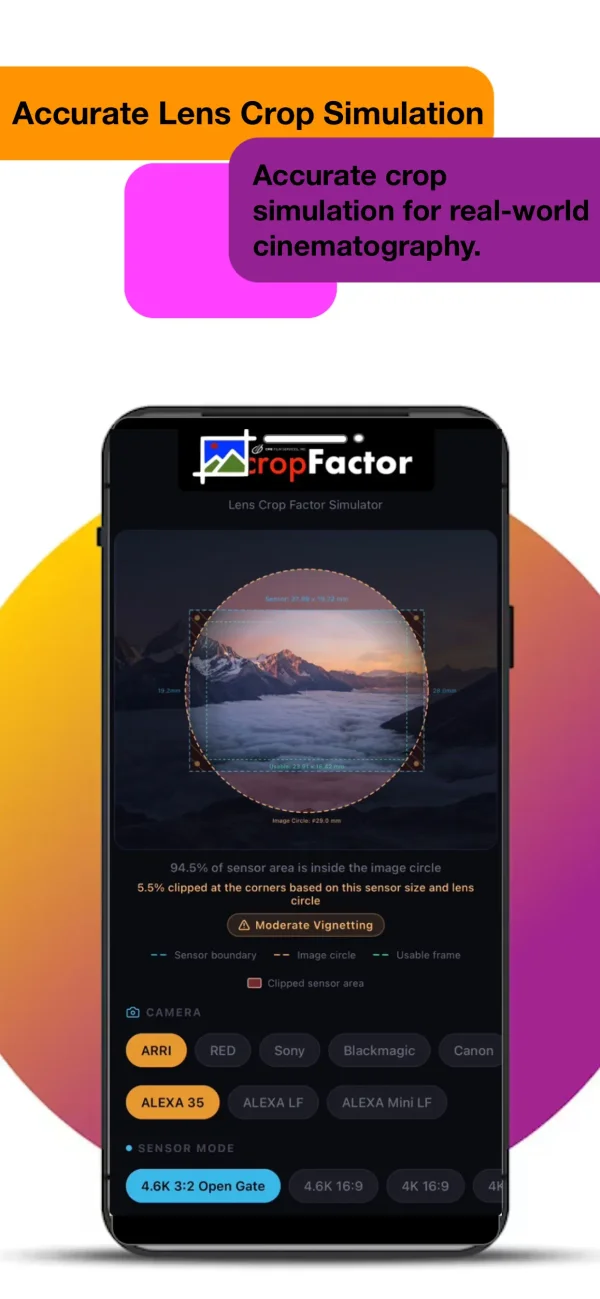
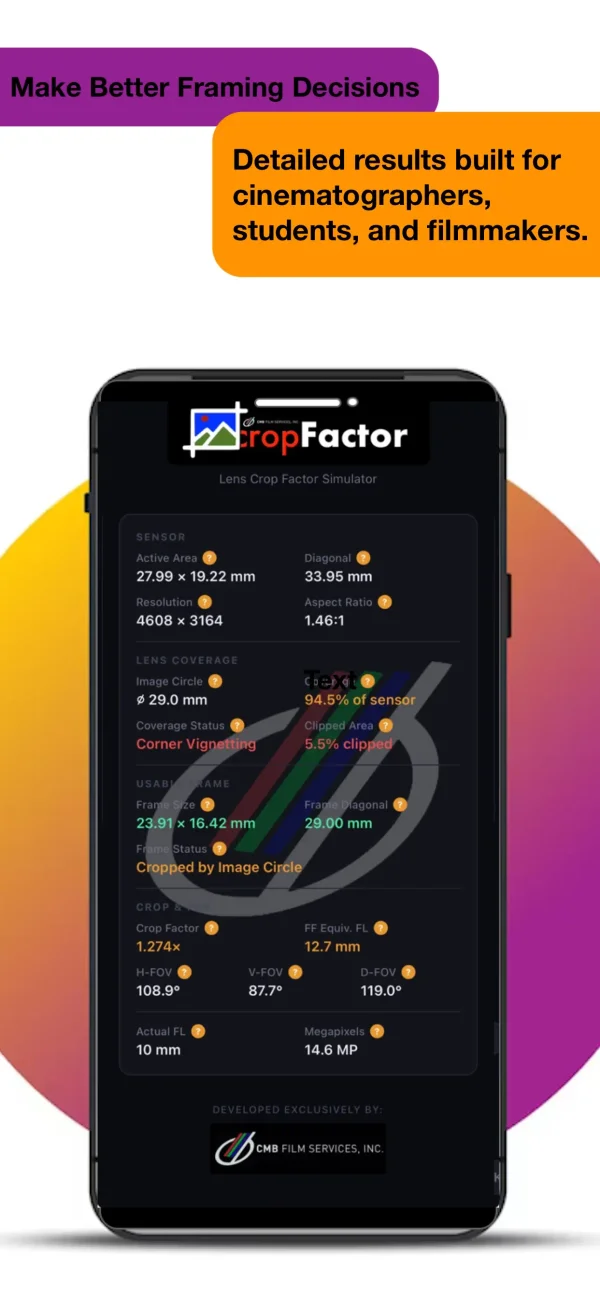
Crop Factor is a professional cinematography tool designed to simulate how lenses behave across different camera sensor formats.
Built for cinematographers, camera operators, students, and filmmakers, the app provides an accurate and intuitive way to visualize lens crop factor and field of view across industry-standard cinema cameras.
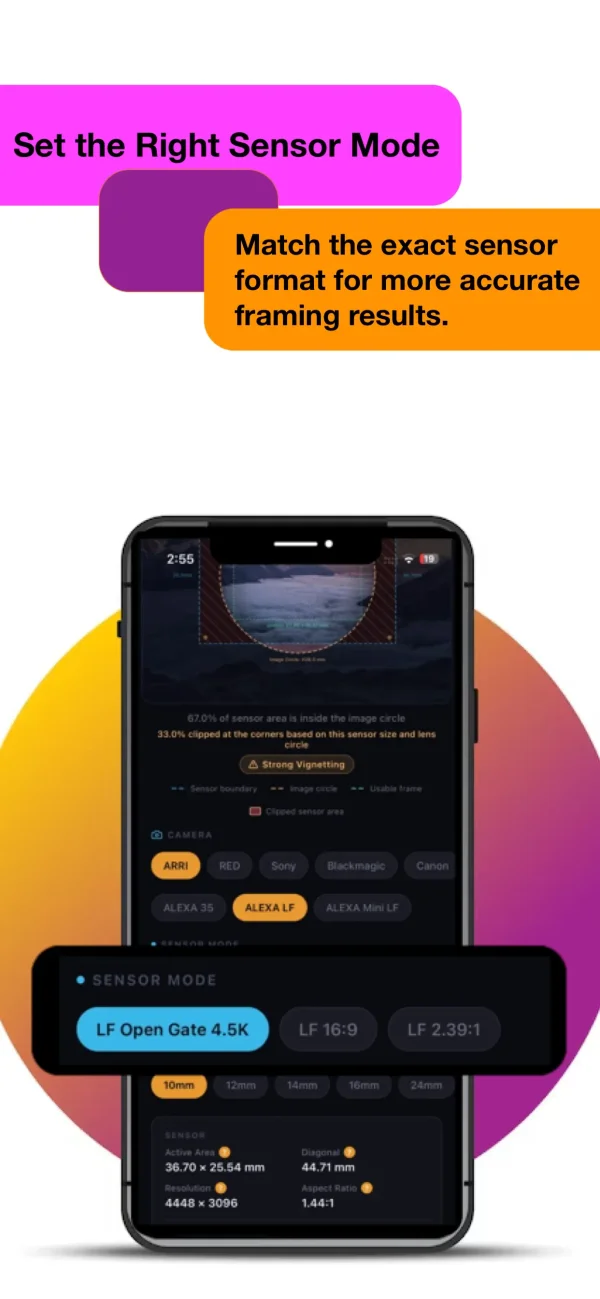
Modern productions often use multiple camera systems with varying sensor sizes. A lens will not behave the same way across different cameras, which can affect framing, composition, and shot consistency.
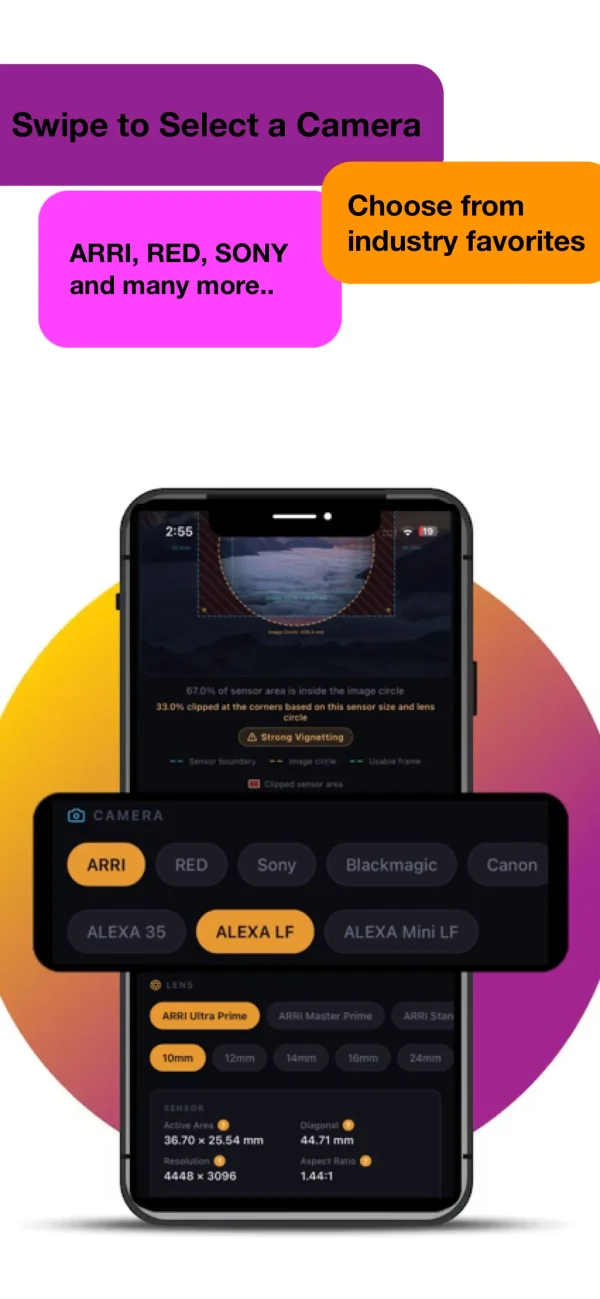
Crop Factor solves this by allowing users to instantly compare how lenses perform on cameras from ARRI, RED, Sony, Blackmagic, and Canon, using professional lens sets from ARRI/Zeiss, Cooke, Leica, and DZOfilm.
App privacy
What John Mark Santos declares on the App Store about how this app handles data.
-
Data not collected
The developer does not collect any data from this app.
Privacy practices may vary, for example with the features you use or your age.
Information
- Seller
- John Mark Santos
- Category
- Photo & Video
- Version
- 1.0
- Updated
- Apr 14, 2026
- Released
- Apr 14, 2026
- Size
- 29.4 MB
- Requires
- iOS 15.1 or later
- Age rating
- 4+
- Price
- $1.99
- Languages
- English
- Copyright
- © 2026 CMB Techdev
You might also like
-
 GRADE — Live GradingLive color to camera & LUT box
-
 TruthCam (timestamp)Every photo is now verifiable
-
 CineStagerThe modern viewfinder app
-
 A«iDAudio-Reactive Video Synth
-
 Ant CineKit14-in-1 Camera & Lens Toolkit
-
 CINEFLARESCompare Cine Lenses
-
 Exif Viewer: Photo MetadataReveal Hidden Photo Info
-
 LidarACfor Tilta Nucleus M1, 2 & N2
-
 Kelvy – White Balance MeterKelvin, Tint & Camera Settings
-
 sleepy vidOS3D Visual Generator