Camera Measure - PartoMeter
Ruler for photo and image
Designed for iPhone, iPad, iPod touch
$2.99
- Age rating4+
- CategoryUtilities
- DeveloperVisTech.Projects LLC
- LanguagesEnglish
- Size24.9 MB
Links to the official App Store page
Download.org hosts no file of Camera Measure - PartoMeter. The button opens its official App Store page, published by VisTech.Projects LLC. Listing last checked on Nov 17, 2026.
Screenshots



About
MEASURE DISTANCE AND OBJECTS WITH YOUR CAMERA – FAST, ACCURATE AND CONTACT-FREE
Turn your iPhone into a powerful camera ruler, tape measure, and precision measurement tool. Measure distance, length, angles, areas, and circles directly from photos - no physical tools required.
Stop guessing. Get accurate measurements in seconds. Simply place a reference object such as a credit card or sheet of paper, take a photo, and start measuring instantly.
PRECISION MEASUREMENT FOR EVERY SITUATION
From everyday tasks to professional use, measure anything from large outdoor objects to very small details with high accuracy.
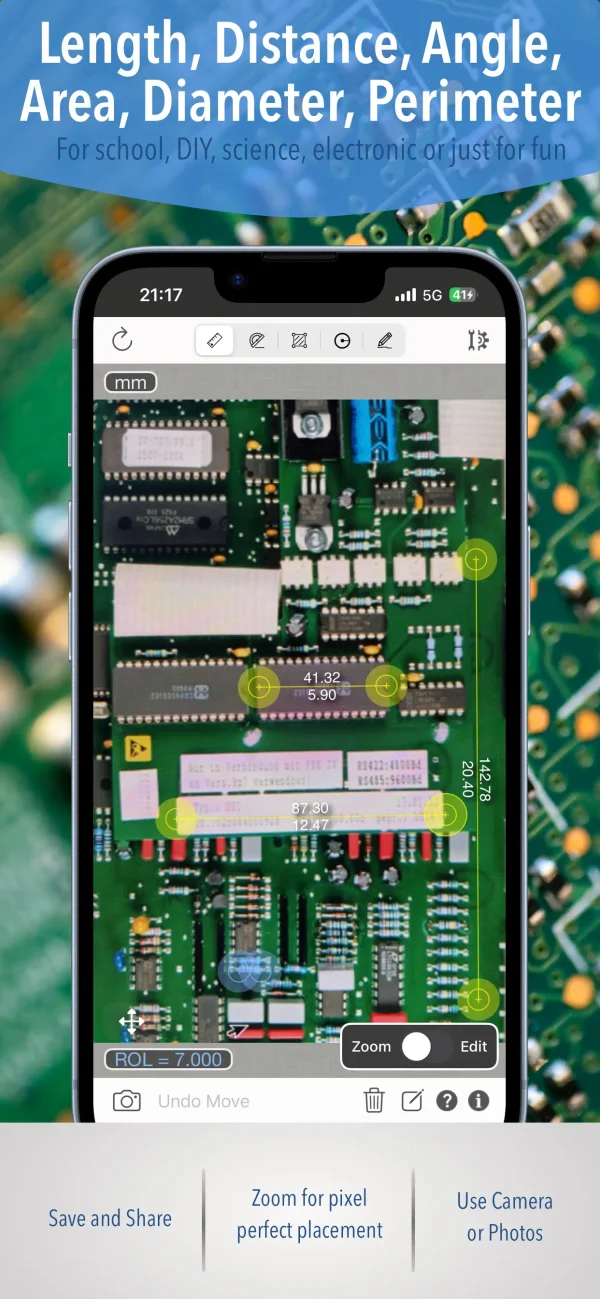
• Measure distance and object size from photos
• Works for both large-scale and fine measurements
• Accurate down to sub-millimeter precision depending on conditions
SMART MEASUREMENT WITH REFERENCE OBJECTS
Use common items to calibrate your measurements:
• Credit card
• A4 or Letter paper
• CD or DVD
• Coins
• Any custom object with known size
Measure large, small, distant, or hard-to-reach objects without contact.
MEASUREMENT MODES
Length Mode
Measure distance and object size in any direction and compare multiple objects.
Angle Mode
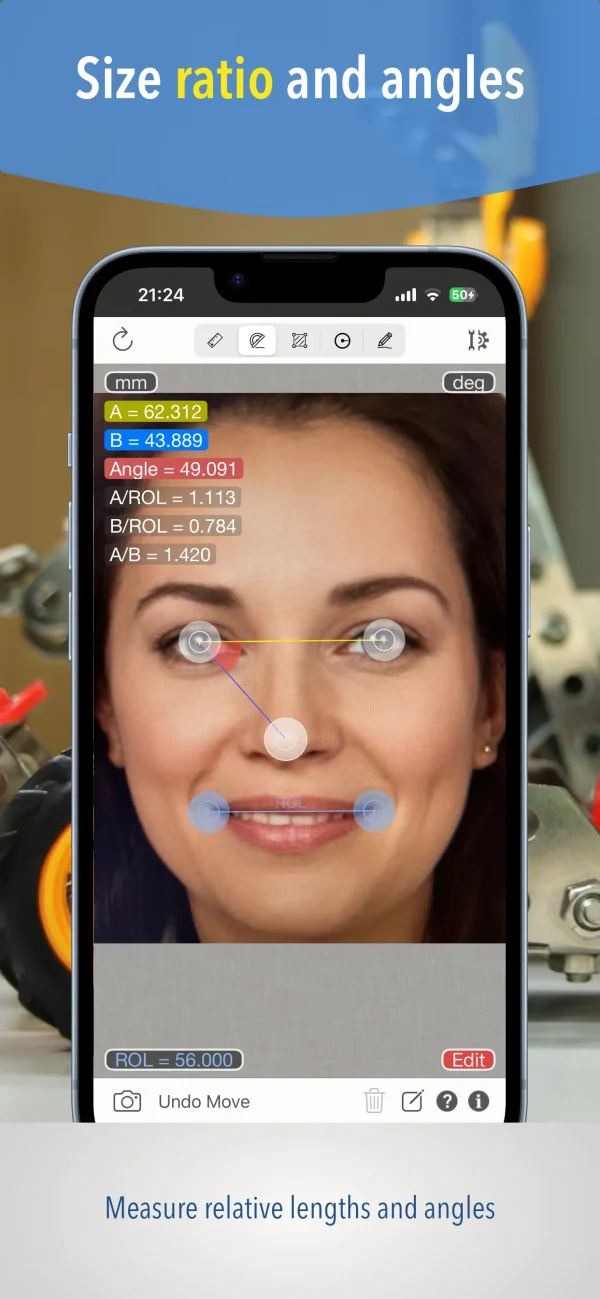
Measure angles, slopes, and lengths using dual rulers.
As well as for large objects that do not fit on the screen.
Area Mode / Freehand Drawing Calculate the area of irregular shapes using intuitive freehand tracing.
Circle Mode
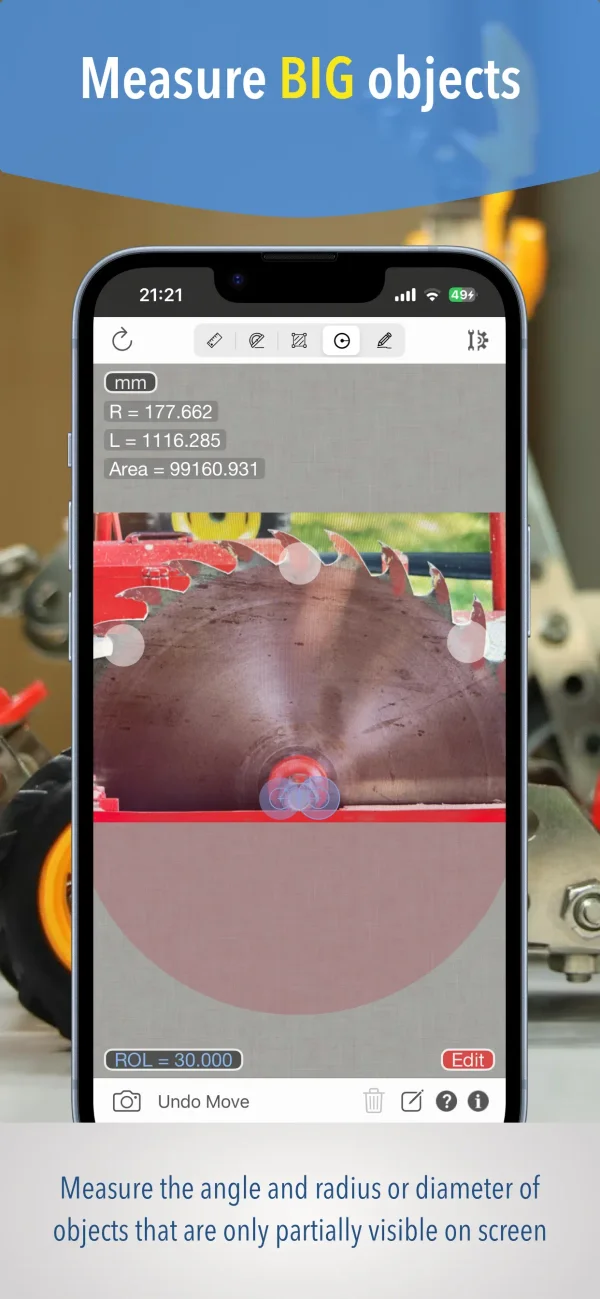
Measure radius, diameter, circumference, and area of circular objects.
As well as for large objects that don't fit entirely in the photo.
ADVANCED FEATURES
• Measure from saved photos
• Import and measure images from your gallery
• Zoom and edit tools for precise alignment
• Supports meters, centimeters, millimeters, inches, um and nm
• Relative measurements based on reference objects
• Works with high-resolution and scientific images
• Suitable for detailed and technical measurement tasks
HOW IT WORKS
Step 1: Place a reference object in the same plane as the object you want to measure
Step 2: Take a photo
Step 3: Align the measurement tools using zoom and editing for precise results
REAL-LIFE USE CASES
• Measure objects and distances on scaled plans
• Check baggage dimensions
• DIY, woodworking, and crafting projects
• Measure large outdoor objects such as houses or trees
• Compare height of people
• Measure fabric, cloth, and surface areas
• Measure objects from photos, including fish or previous catches
• Measure mechanical parts such as bolts, nuts, and bearings
• Use as an angle finder or pitch gauge
• Measure small objects such as jewelry, screws, and insects
• Analyze X-ray images with a reference
WHY CHOOSE THIS APP
• Replaces ruler, tape measure, and area calculator
• Measure anytime using only your phone and camera
• Works for both quick everyday tasks and professional applications
• Ease of use
What’s new
Version 1.5.6 · Mar 25, 2026
Bug fixes and improvements
App privacy
What VisTech.Projects LLC declares on the App Store about how this app handles data.
-
Data not collected
The developer does not collect any data from this app.
Privacy practices may vary, for example with the features you use or your age.
Information
- Seller
- VisTech.Projects LLC
- Category
- Utilities
- Version
- 1.5.6
- Updated
- Mar 25, 2026
- Released
- Aug 28, 2013
- Size
- 24.9 MB
- Requires
- iOS 10 or later
- Age rating
- 4+
- Price
- $2.99
- Languages
- English
- Copyright
- © VisTech.Projects LLC
You might also like
-
 VisualRuler: Photo RulerTape Measure Using Any Card
-
 RefScale: Photo RulerMeasure Length, Width & Height
-
 KaliperKey Gauge Utility
-
 Measure & Count AnythingAR Ruler & LiDAR Size Counter
-
 SpecPadMarkup PDFs, Plans & Photos
-
 Zeroed: Firearms InventoryTrack your guns, parts & ammo
-
 定規 ものさし - 長さと角度をはかるUtilities
-
 Remind ThereFor geofenced reminders
-
 Fastener DimensionsBolts, nuts, pins & Washers
-
 Object detector for blindWorks with LiDAR or AR