
Camera Roll Cleaner - PicBop
Photo swipe, duplicate cleaner
Designed for iPhone
Free · In-app purchases
- Age rating4+
- CategoryUtilities
- DeveloperJulien Nguyen
- LanguagesEnglish+ 3 more
- Size17.0 MB
Links to the official App Store page
Download.org hosts no file of Camera Roll Cleaner - PicBop. The button opens its official App Store page, published by Julien Nguyen. Listing last checked on Nov 18, 2026.
Screenshots


About
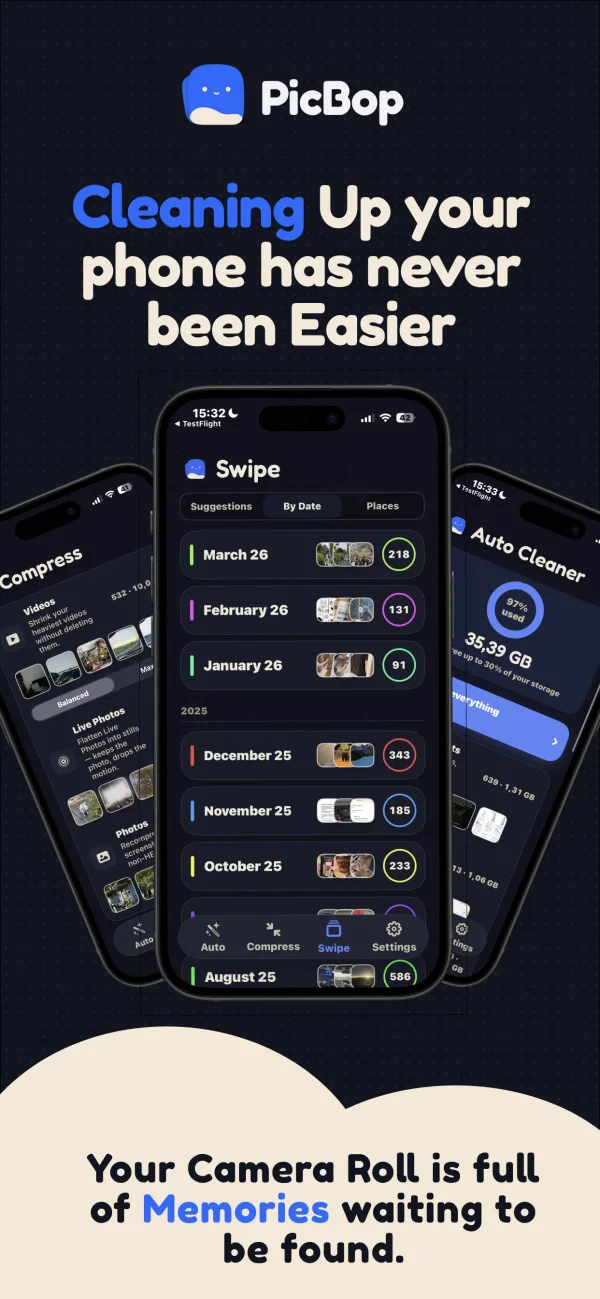
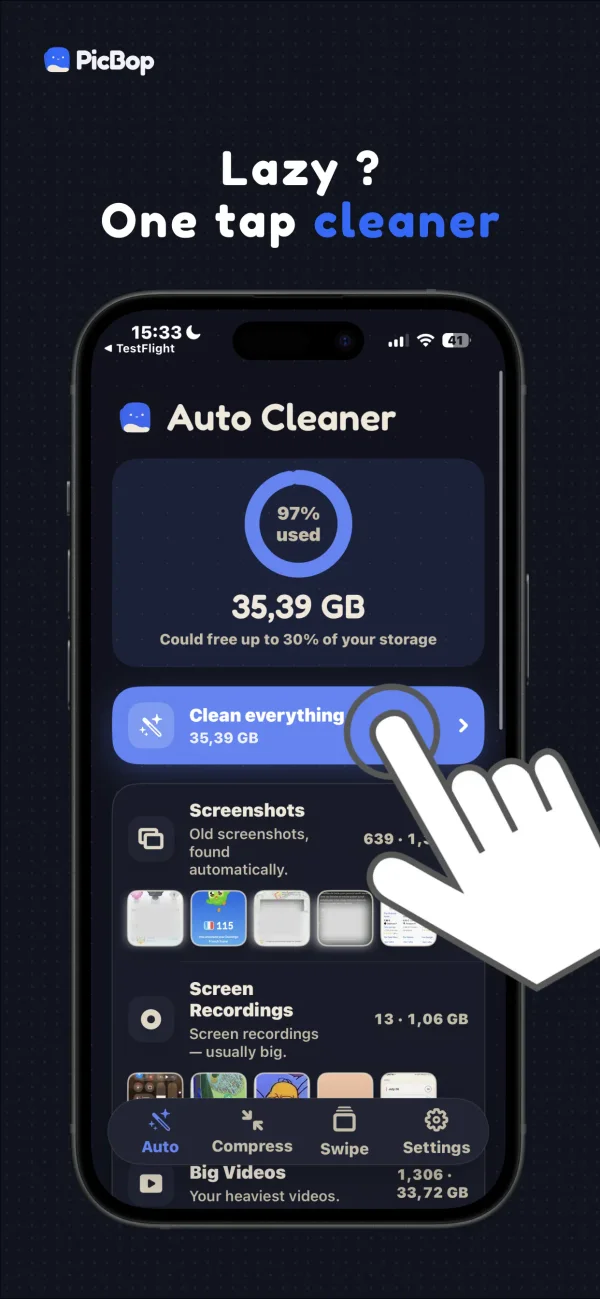
Your camera roll is full. PicBop makes photo cleanup fast, safe and satisfying — two
ways.
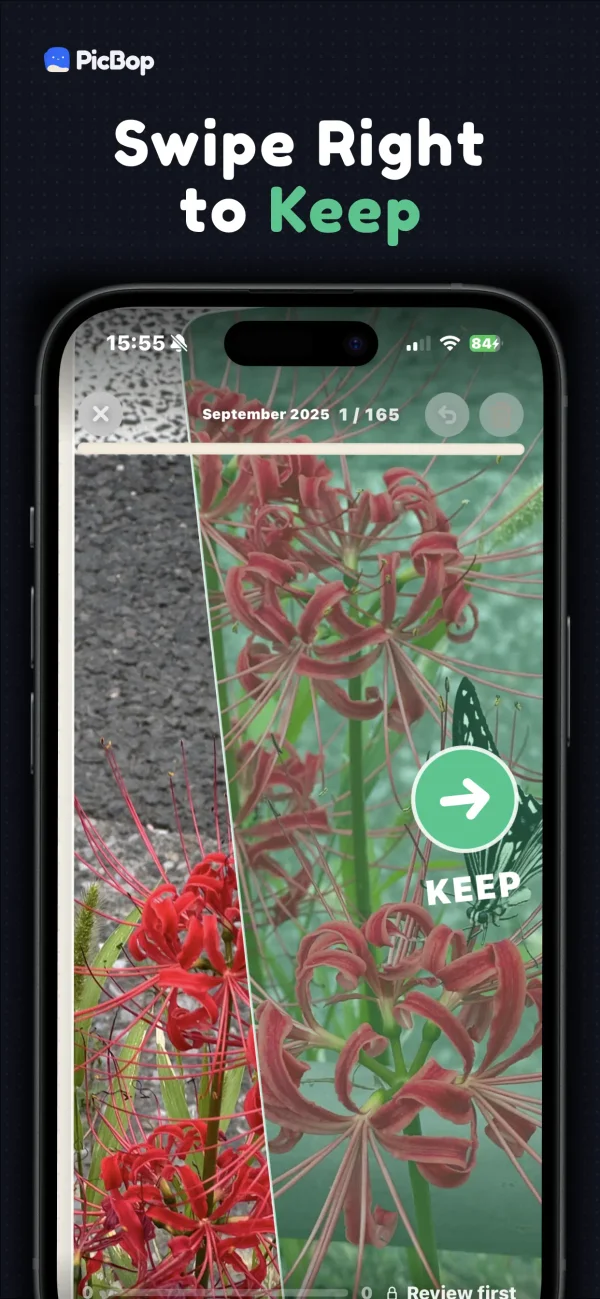
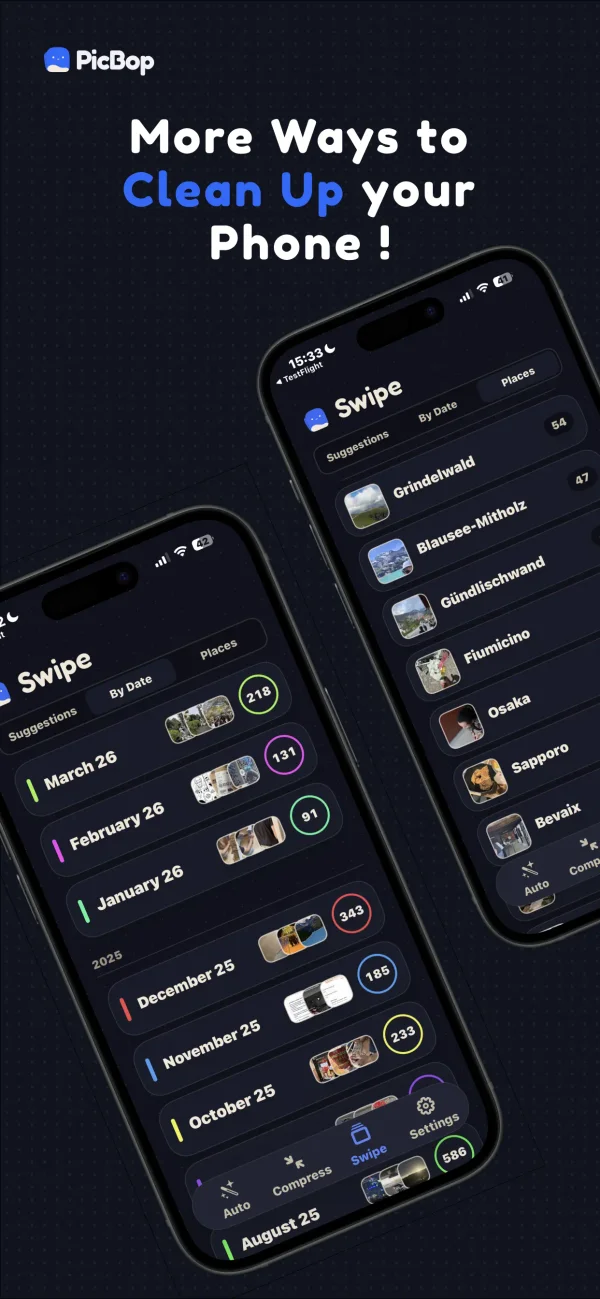
Swipe through photos, screenshots and videos one card at a time:
→ Swipe right to keep
← Swipe left to mark for delete
Or skip the swiping: Auto finds exact duplicates, similar shots, screenshots, screen
recordings, big videos and oversized files for you — review the picks, no cards needed.
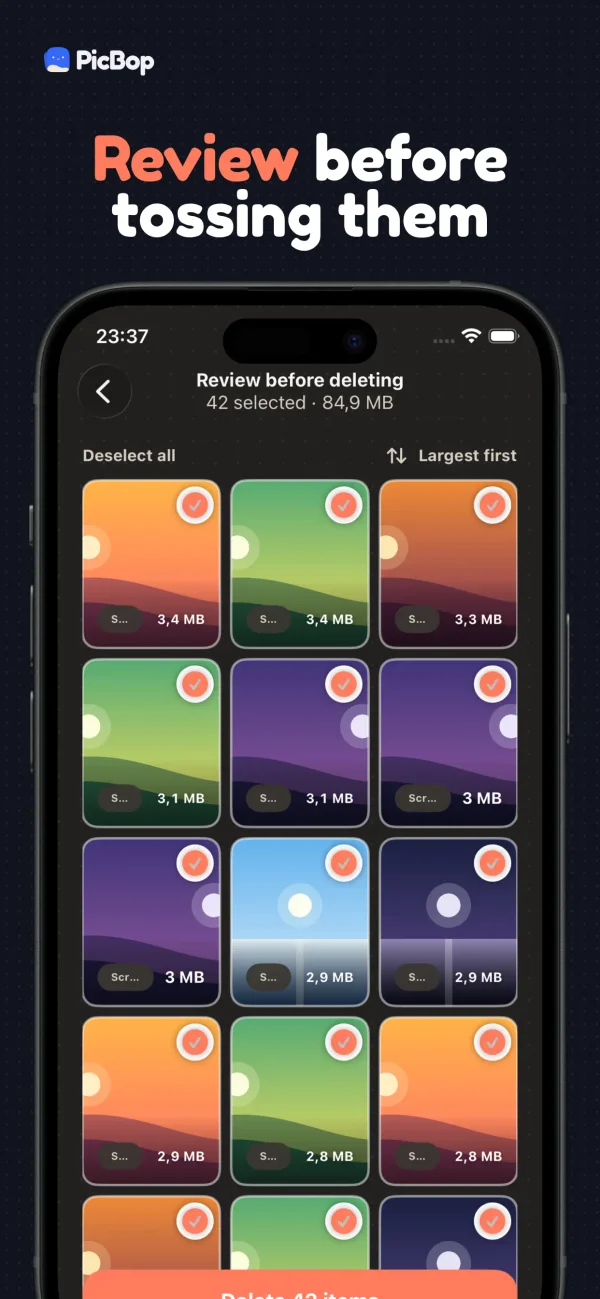
A swipe never deletes anything by itself. After each cleanup session, you review every
selected item in a grid, remove anything you want to keep, then confirm the final batch.
Why PicBop?
• Fast swipe-based photo cleanup, or automatic duplicate and similar-photo detection
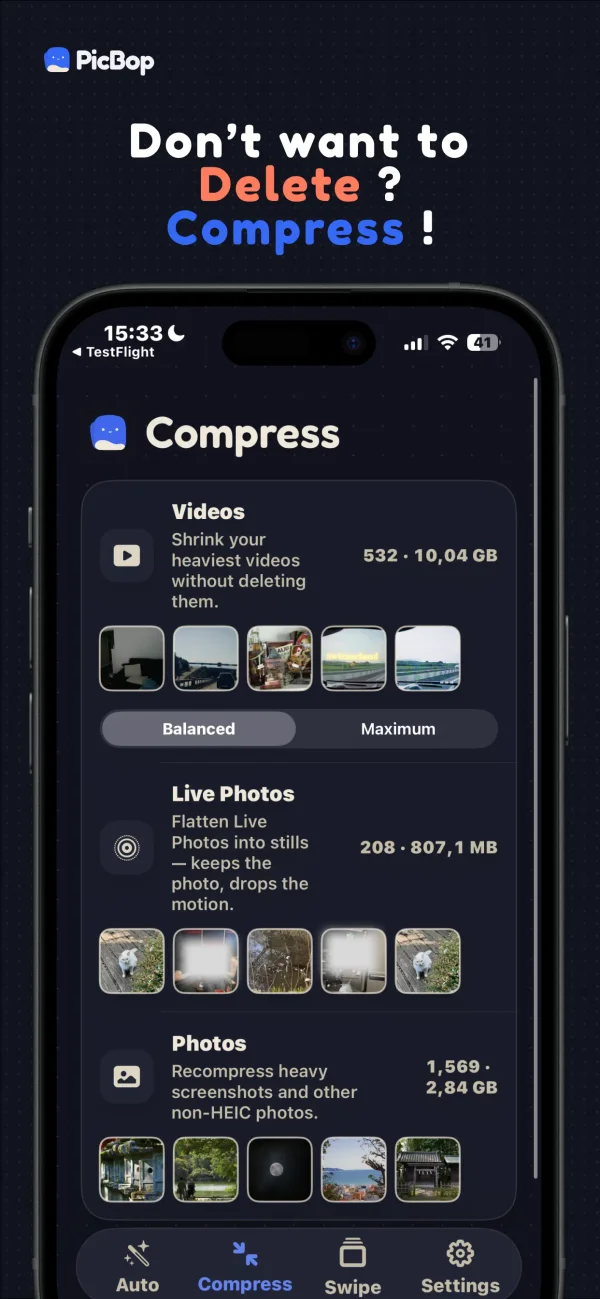
• Clean screenshots, videos, duplicates and old camera roll clutter
• Review before delete: nothing is removed from a swipe alone
• On-device privacy: no cloud, no account, no photo uploads
• Undo mistakes and preview photos or videos before deciding
• Missions for screenshots, screen recordings, big videos, large files and memory lane
sessions
• PicBop Pro: 7-day free trial, then $9.99/year, auto-renews, cancel anytime
PicBop works with your Photos library on your iPhone. Your photos are not uploaded to
PicBop servers. There is no account to create and no social sharing.
When you confirm deletion, iOS moves selected items to the Photos app's Recently Deleted
album, where they may be recoverable for a limited time.
Swipe or auto-clean, review, confirm, done.
Terms of Use (EULA):
https://www.apple.com/legal/internet-services/itunes/dev/stdeula/
What’s new
Version 3.2.1 · Nov 11, 2026
Bug fixes and reliability improvements for purchases and the home-screen widget.
App privacy
What Julien Nguyen declares on the App Store about how this app handles data.
-
Data used to track you
May be used to track you across apps and websites owned by other companies.
- Purchases
- Identifiers
- Usage data
-
Data linked to you
May be collected and linked to your identity.
- Purchases
- Identifiers
- Usage data
Privacy practices may vary, for example with the features you use or your age.
Information
- Seller
- Julien Nguyen
- Category
- Utilities
- Version
- 3.2.1
- Updated
- Nov 11, 2026
- Released
- Jul 2, 2026
- Size
- 17.0 MB
- Requires
- iOS 16.0 or later
- Age rating
- 4+
- Price
- Free
- In-app purchases
- Yes
- Languages
- English, French, Portuguese, Spanish
- Copyright
- © Jiyuu software
You might also like
-
 Lighten: Clean Camera RollScreenshot & duplicate cleaner
-
 Wipeo - Camera Roll CleanerSwipe to clean photos & videos
-
 Delete Photos: CluttySwipe Photo Cleaner & Sorter
-
 ParaBulletParagraphs to Bullet Points
-
 Parental Control: BlockerMaxParental control for your kids
-
 Springly : Camera Roll CleanerClean and organize your photos
-
 Cleaner 360 - Free up StorageDuplicate Photo Cleanup app AI
-
 upic: camera roll cleanerFavorite camera roll cleaner
-
 Camera Roll Delete - WipePhoto Clean Up
-
 TICEUtilities