Camera Scanner: PDF Converter
PDF Scanner, Document Scanner
Designed for iPhone, iPad, iPod touch
Free · In-app purchases
- Age rating4+
- CategoryProductivity
- DeveloperLiger Infotech
- LanguagesEnglish
- Size168.9 MB
Links to the official App Store page
Download.org hosts no file of Camera Scanner: PDF Converter. The button opens its official App Store page, published by Liger Infotech. Listing last checked on Nov 24, 2026.
Screenshots

About
Turn your iPhone into a powerful camera scanner and PDF converter.
Camera Scanner helps you scan documents, convert photo to PDF and manage files with a fast, professional PDF scanner built for everyday productivity.
Whether you need a document scanner for work, a receipt scanner for expenses, or a photo scanner to digitize memories, this all-in-one scanner app makes going paperless simple.
→ Scan Documents Anytime, Anywhere:
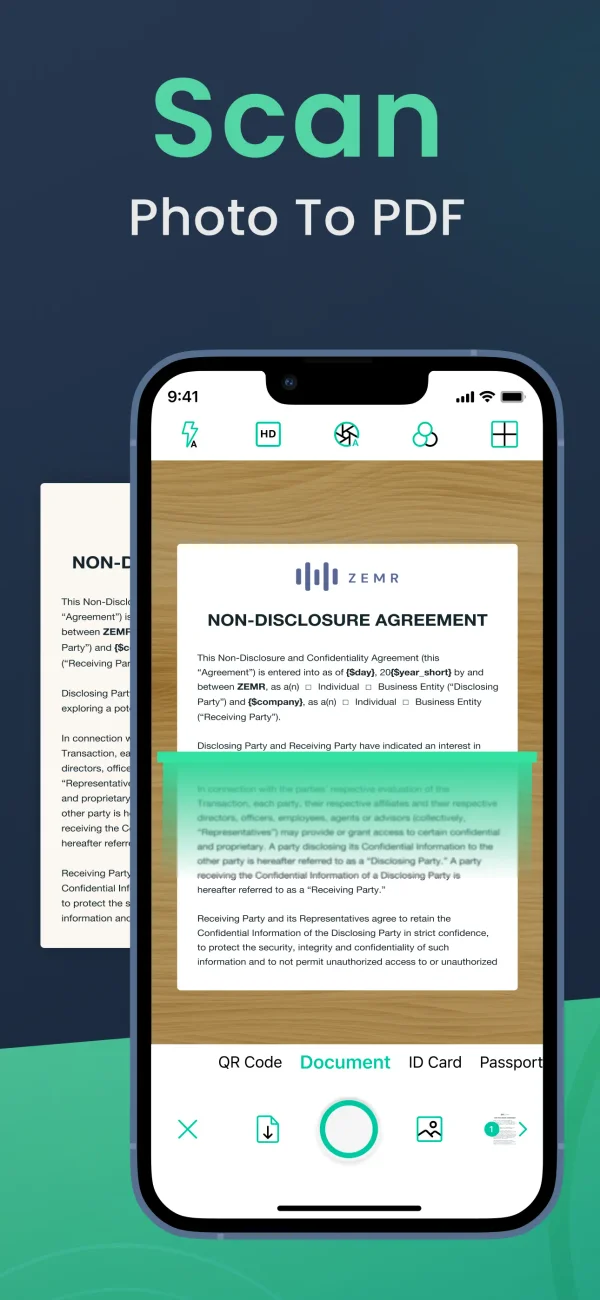
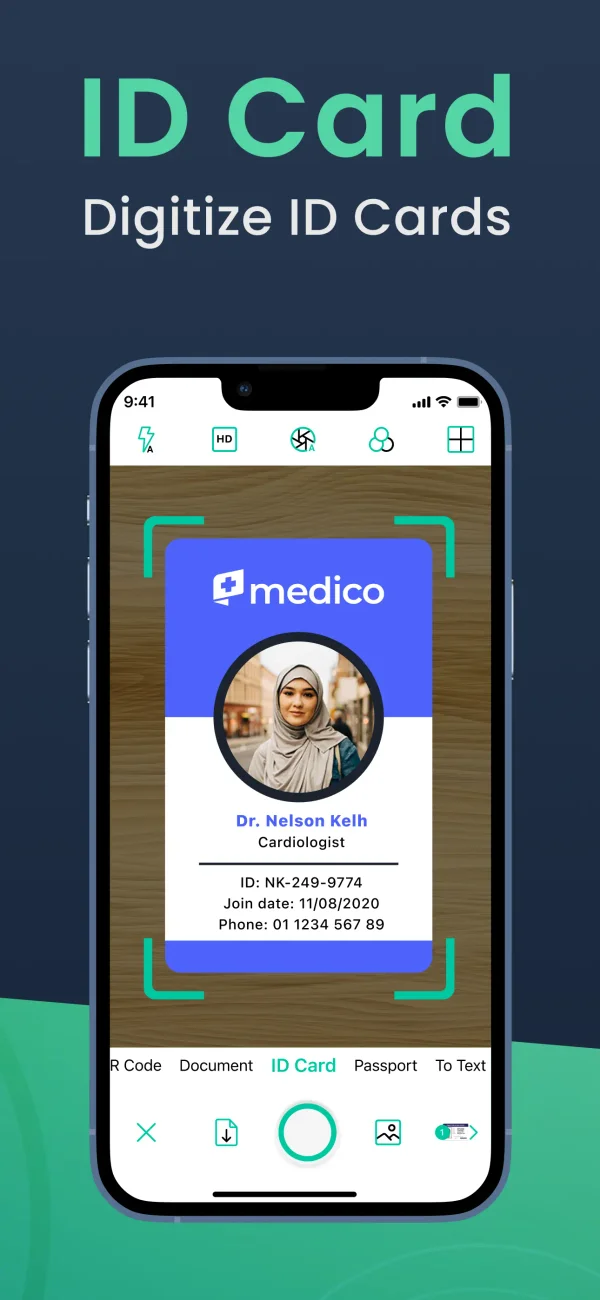
Use your device as a smart document scanner to scan documents, contracts, notes, IDs, books and receipts. Advanced edge detection ensures clean, sharp results every time.
• Scan documents with high accuracy
• Automatic edge detection and perspective correction
• Save scans as high-quality PDF documents
• Perfect for document scan, doc scan and paper scanner needs
This mobile scanner PDF app is ideal for professionals, students and anyone who needs a reliable scanning app.
→ Photo to PDF & PDF Converter:
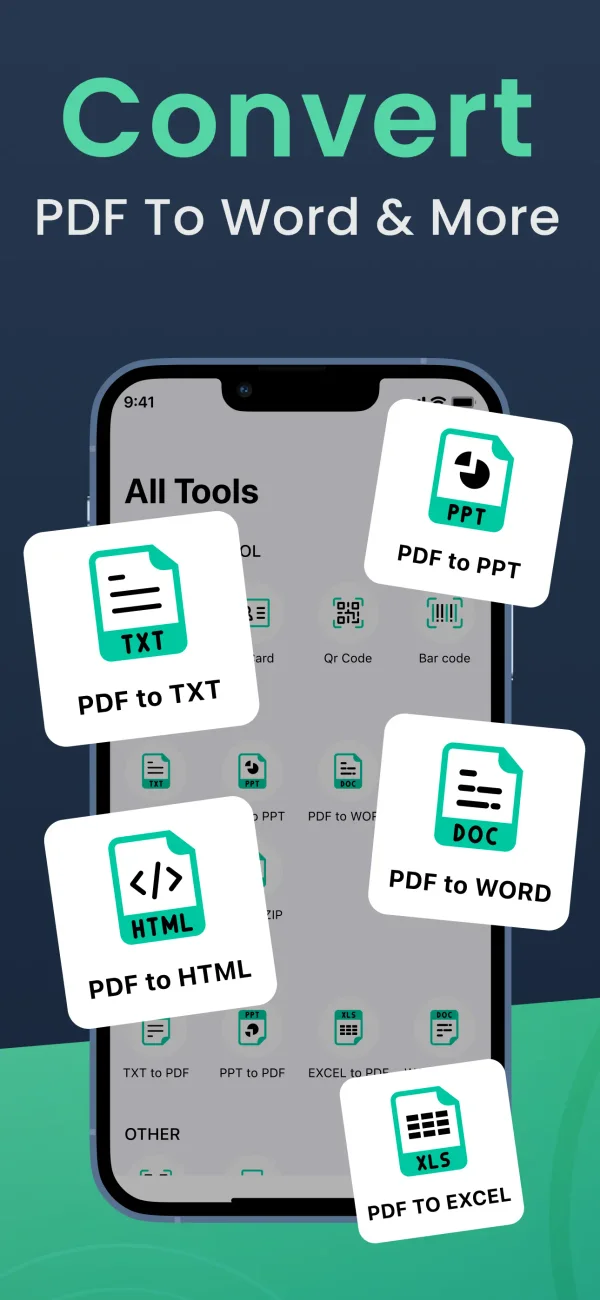
Easily convert photo to PDF and create professional files in seconds. The built-in PDF converter and PDF maker allow you to combine images, scan photos to PDF and organize multi-page documents.
• Photo to PDF converter for instant file creation
• Merge multiple scans into one PDF document
• Convert PDF and images with ease
• Create PDFs using a powerful PDF maker
Perfect for users searching for photos to PDF, photo scanner tools or a scanner to PDF solution.
→ PDF Editor & Sign Documents:
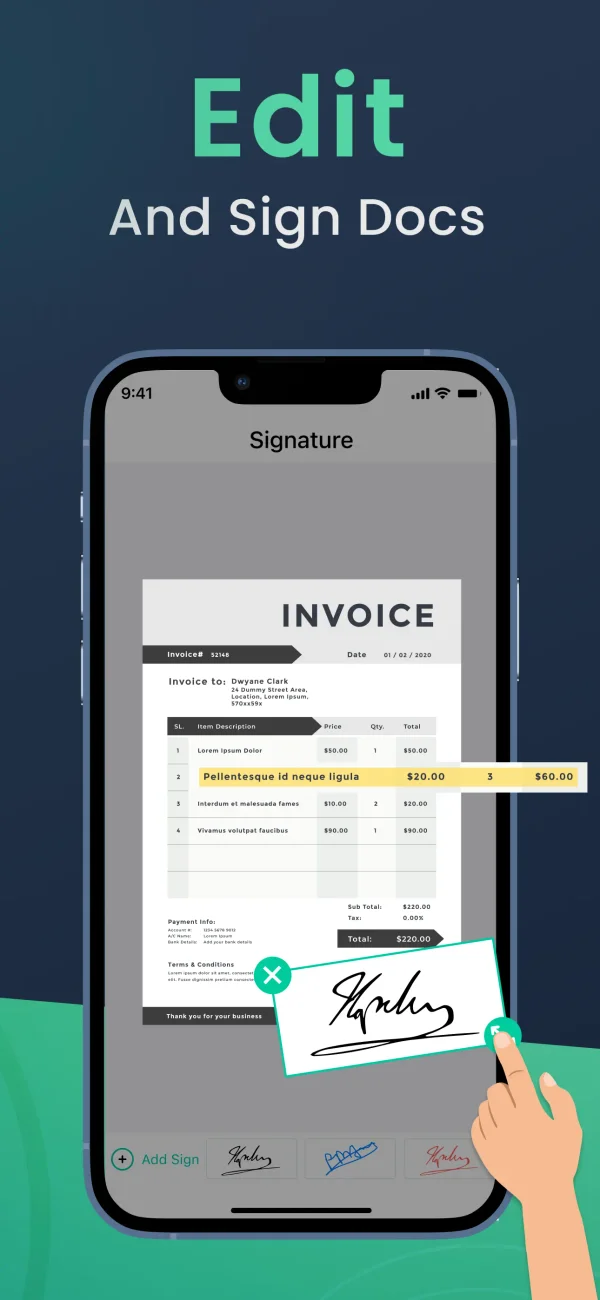
Edit, annotate, and sign PDF files directly from your phone. Whether you need to sign documents, fill forms or add notes, Camera Scanner makes document management effortless.
• Sign PDF and sign documents securely
• Add annotations and comments
• Edit files with an easy PDF editor
• Ideal for business, contracts and forms
A must-have PDF editor and PDF reader for managing important files on the go.
→ Smart PDF Reader & File Manager:
Organize and access your files with a built-in PDF reader designed for speed and clarity.
• Open and read PDF documents instantly
• Manage files in one scanning app
• Search and organize your document scanner app library
• Keep receipts and records neatly stored
This scanner app helps you stay productive and organized.
→ Receipt Scanner for Expenses & Taxes:
Track expenses and store receipts digitally with a reliable receipt scanner.
• Scan receipts for business and personal use
• Save and share expense records quickly
• Perfect for freelancers and small businesses
→ Share & Export in Seconds:
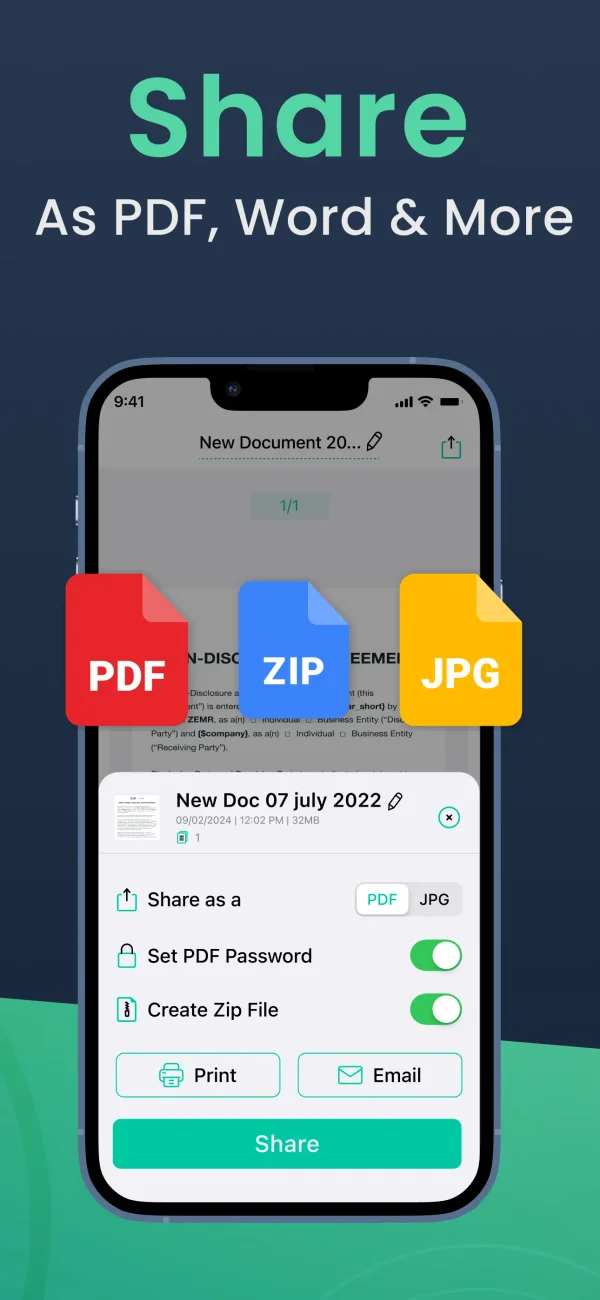
Share scanned documents instantly via email, messaging or cloud storage.
• Share PDF documents with one tap
• Export files for printing or storage
• Compatible with popular cloud services
→ Perfect For:
• Professionals needing a document scanner
• Students scanning notes and assignments
• Businesses managing contracts and receipts
• Anyone looking for a fast PDF scanner or scanning app
→ Secure & Private:
Your files remain private and secure on your device. Scan documents with confidence using a trusted scanner app for iPhone.
→ Go Paperless with Camera Scanner:
From document scan tasks to photo to PDF conversion, Camera Scanner is your all-in-one solution for scanning, editing and managing PDFs.
Subscription Pricing and Terms
In-App Purchase:
Weekly Subscription: USD $1.99
Monthly Subscription: USD $4.99
Yearly Subscription: USD $19.99
The subscription automatically renews unless canceled in iTunes Account Settings at least 24 hours before the current period ends. Manage your subscription anytime through iTunes settings.
Privacy Policy: https://ligerinfotech.com/Cam_Scanner_iOS/pp
Terms of Use: https://ligerinfotech.com/Cam_Scanner_iOS/tou
Download the PDF scanner app free today and discover just how powerful your iPhone can be.
Thank you very much.
What’s new
Version 9.7 · Nov 18, 2026
Faster scanning and a better experience on every device
• Improved iPad support for a better full-screen experience
• Dark Mode fixes for clearer text and smoother viewing
• Better overall performance and scan quality
• Upgraded Edit PDF option with access to pro-level editing tools
• Bug fixes and stability improvements
Enjoying the app? A quick rating helps us keep core scanning free for everyone.
App privacy
What Liger Infotech declares on the App Store about how this app handles data.
-
Data used to track you
May be used to track you across apps and websites owned by other companies.
- Location
- Contacts
-
Data linked to you
May be collected and linked to your identity.
- Location
- Contacts
Privacy practices may vary, for example with the features you use or your age.
Information
- Seller
- Liger Infotech
- Category
- Productivity
- Version
- 9.7
- Updated
- Nov 18, 2026
- Released
- Dec 29, 2021
- Size
- 168.9 MB
- Requires
- iOS 15.0 or later
- Age rating
- 4+
- Price
- Free
- In-app purchases
- Yes
- Languages
- English
- Copyright
- © Copyright @ Magic s.s.
You might also like
-
 Document Scanner by LufickScan, Edit & Share PDFs
-
 Cam Scan - PDF Scanner & OCRScan Docs, Convert & Share
-
 CamScanner HDPDF Document Scanner and OCR
-
 Document Scanner - Scan PhotoCamscan - PDF Converter
-
 PDF Scanner : Converter,EditorEdit, Sign, Convert Doc Files
-
 Photo Scanner - PDF and docDocument Scanner
-
 Scanner App for iPhoneImage, PNG & PDF Converter
-
 CamScanner + | OCR ScannerScan, Sign & Fax PDF Document
-
 Doc Scanner: Scan PDFOCR Document, Receipts & Sign
-
 PDF Scanner - Document ScannerScan PDF, Sign, Edit & Convert