
Camera Translator: Scan Text
Photo OCR Vocabulary Cards
Designed for iPhone
In-app purchases
- Age rating+4
- CategoryProductivity
- DeveloperPhuc Pham
- LanguagesEnglish
- Size5.3 MB
Links to the official App Store page
Download.org hosts no file of Camera Translator: Scan Text. The button opens its official App Store page, published by Phuc Pham. Listing last checked on Nov 12, 2026.
Screenshots
About
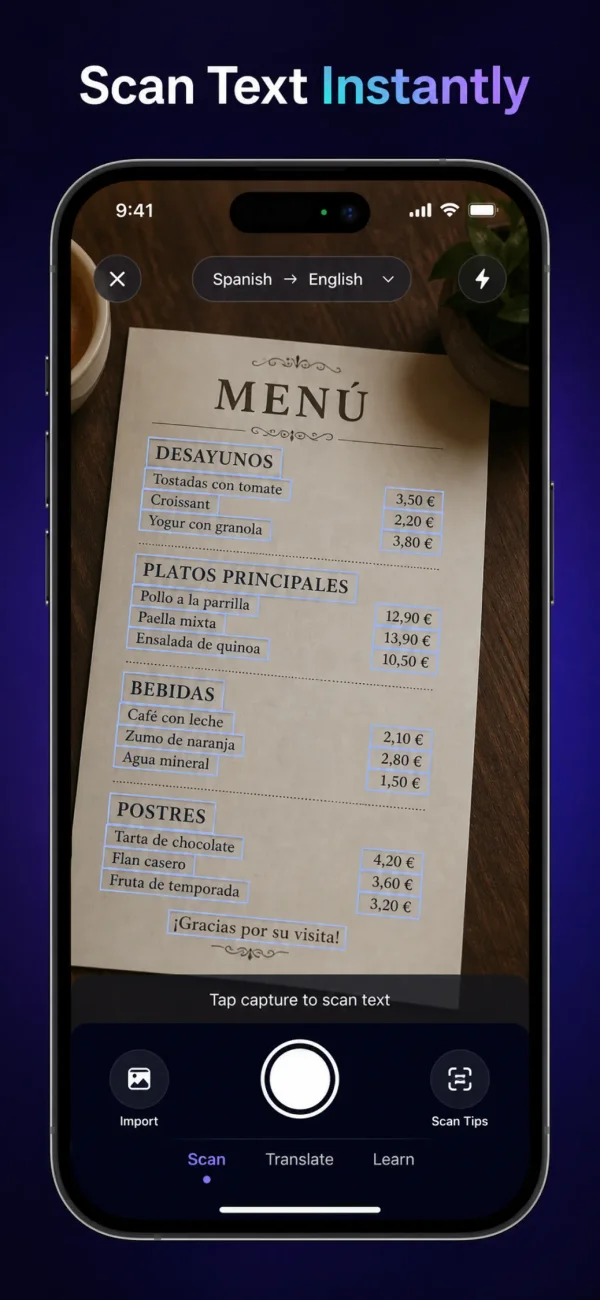
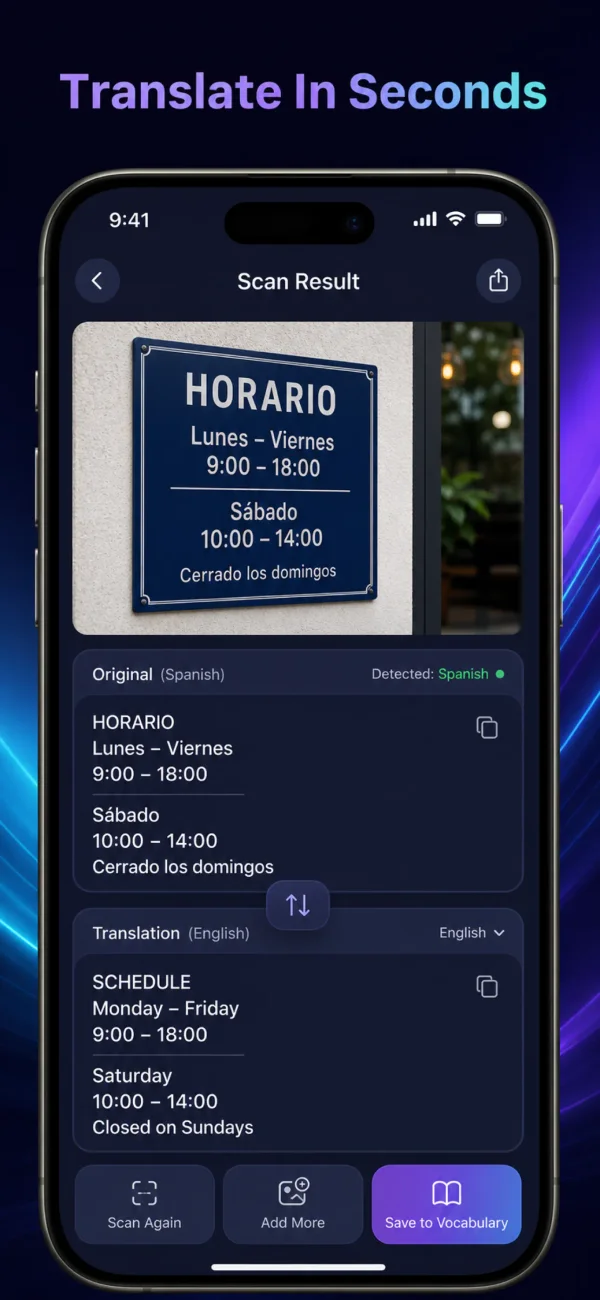
Point your camera at a foreign menu, a street sign, or a page of a textbook and pull the words straight off it. No typing, no internet, no account.
Most camera scanners stop at the capture. Scan Translate keeps the words. Every scan becomes vocabulary you can save, hear spoken aloud, sort into your own collections, and drill with spaced repetition until it actually sticks. It is a text scanner and a study system living in the same app.
WHAT YOU GET
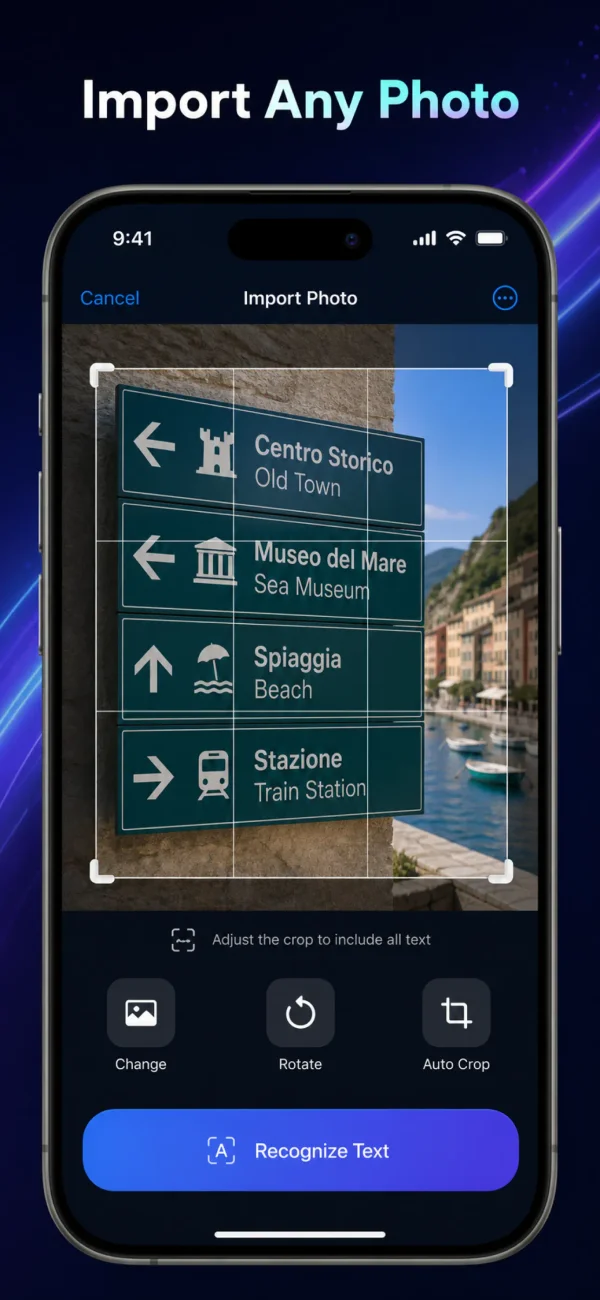
- Printed words off almost any surface in seconds, read by Apple's on-device Vision engine from the live camera or from a photo already in your library
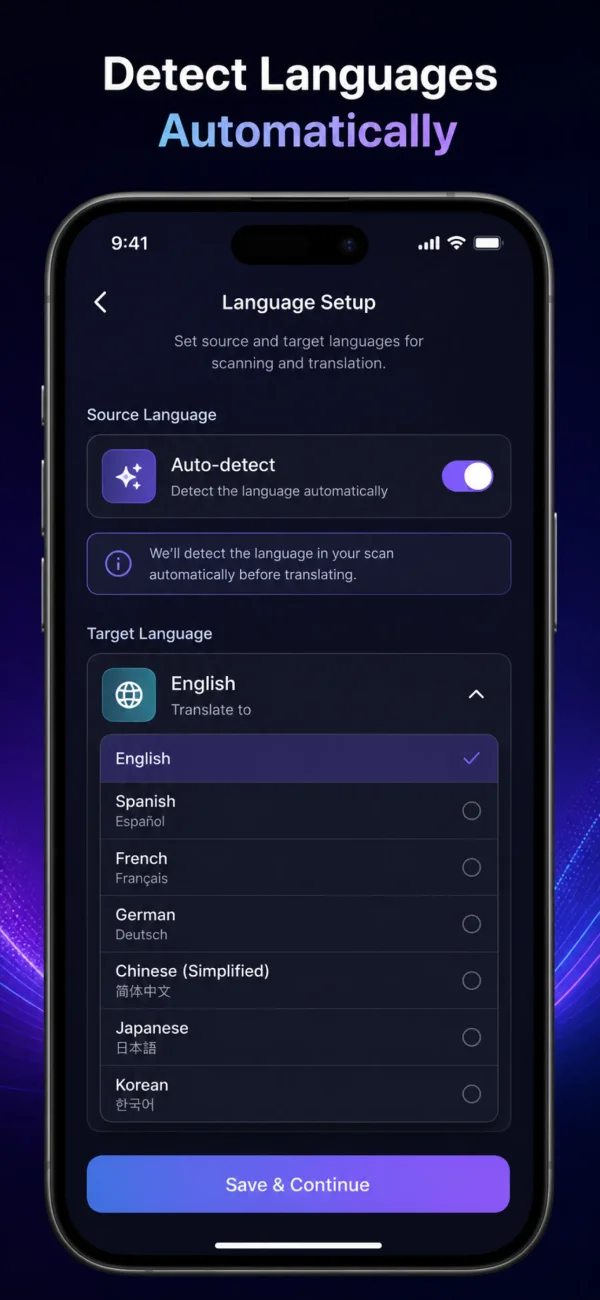
- The language named for you, with automatic detection of what was just scanned and a 50-language list for choosing your source and target
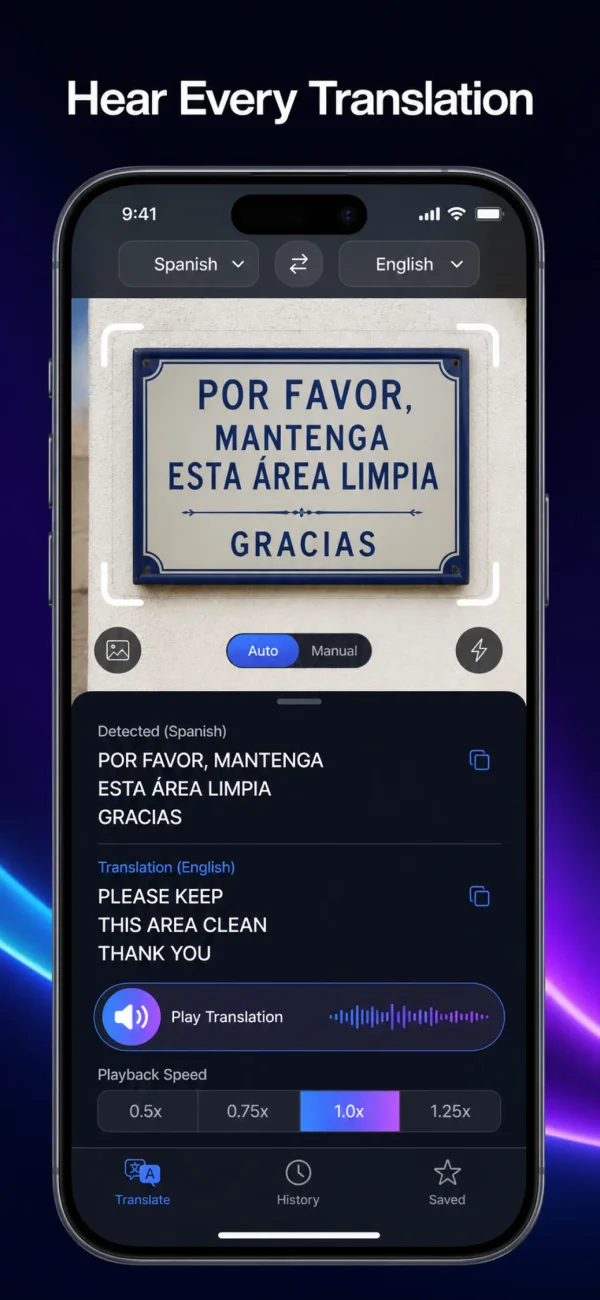
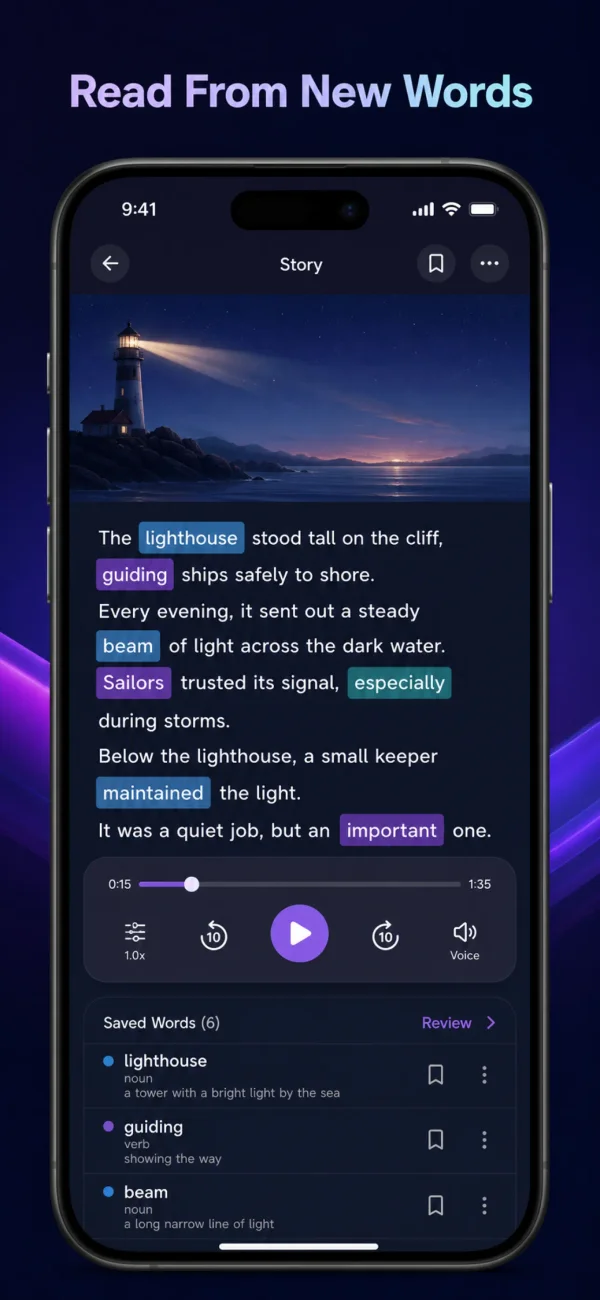
- Anything on screen spoken aloud at a speaking speed you set, so the sound of a word lands together with its spelling
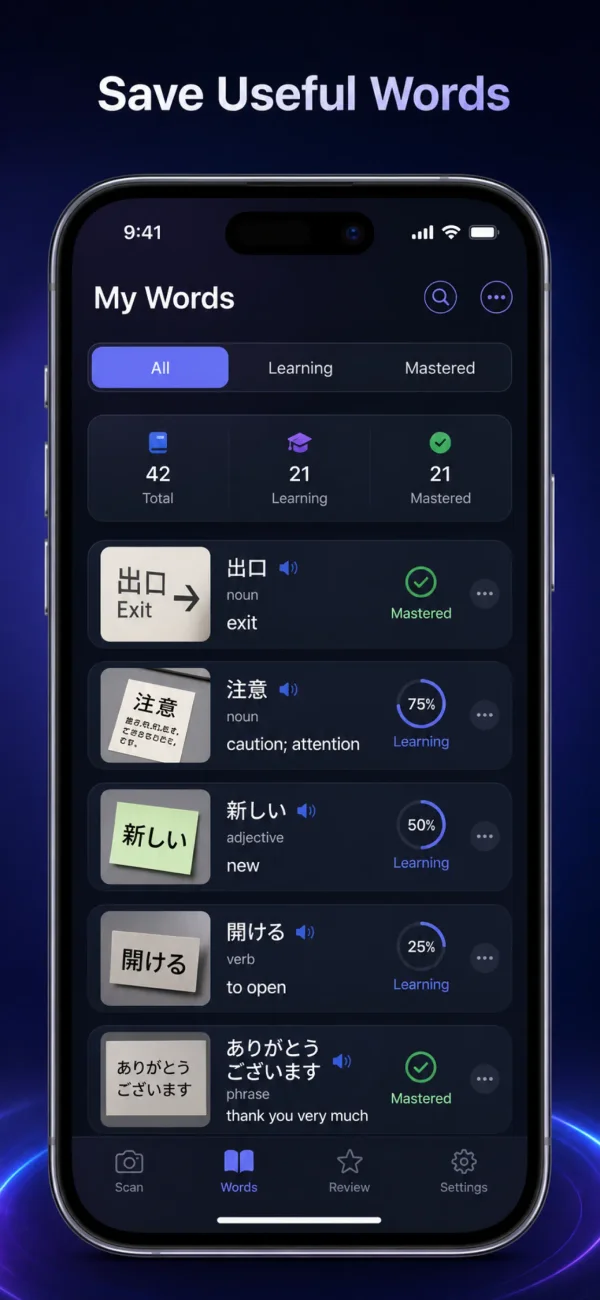
- A vocabulary book that builds itself, where any scanned word is saved with your own translation, note, tags, and a colour-coded collection
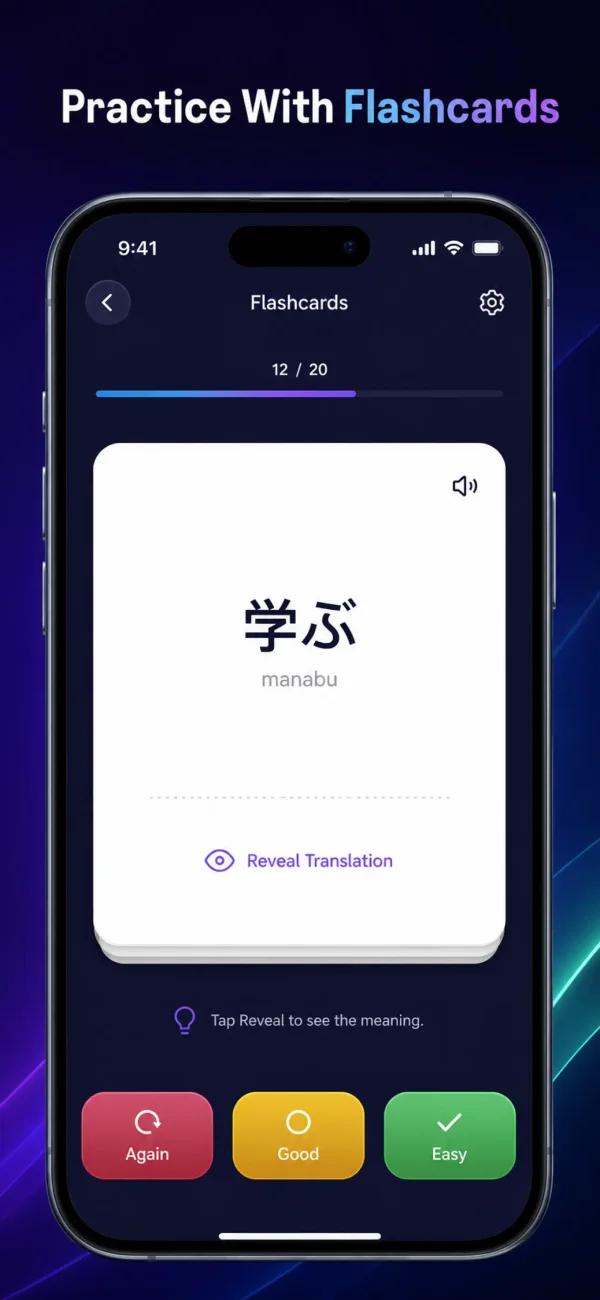
- Flashcards that schedule themselves, run by an SM-2 spaced repetition engine with again, hard, good and easy ratings plus per-deck progress rings
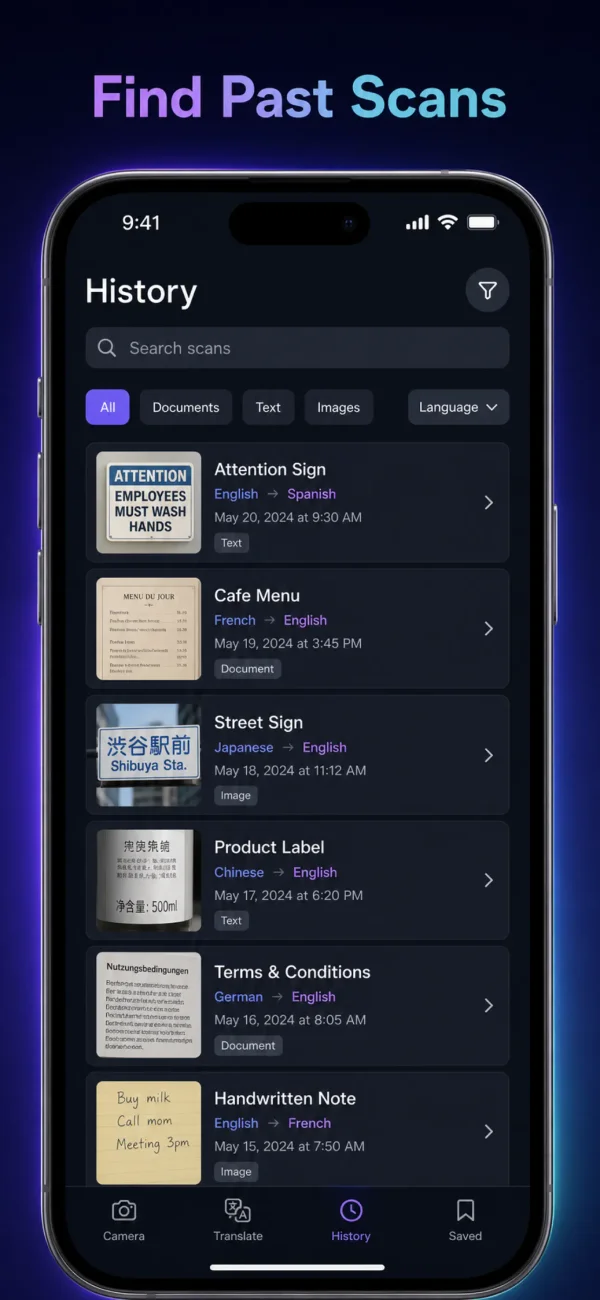
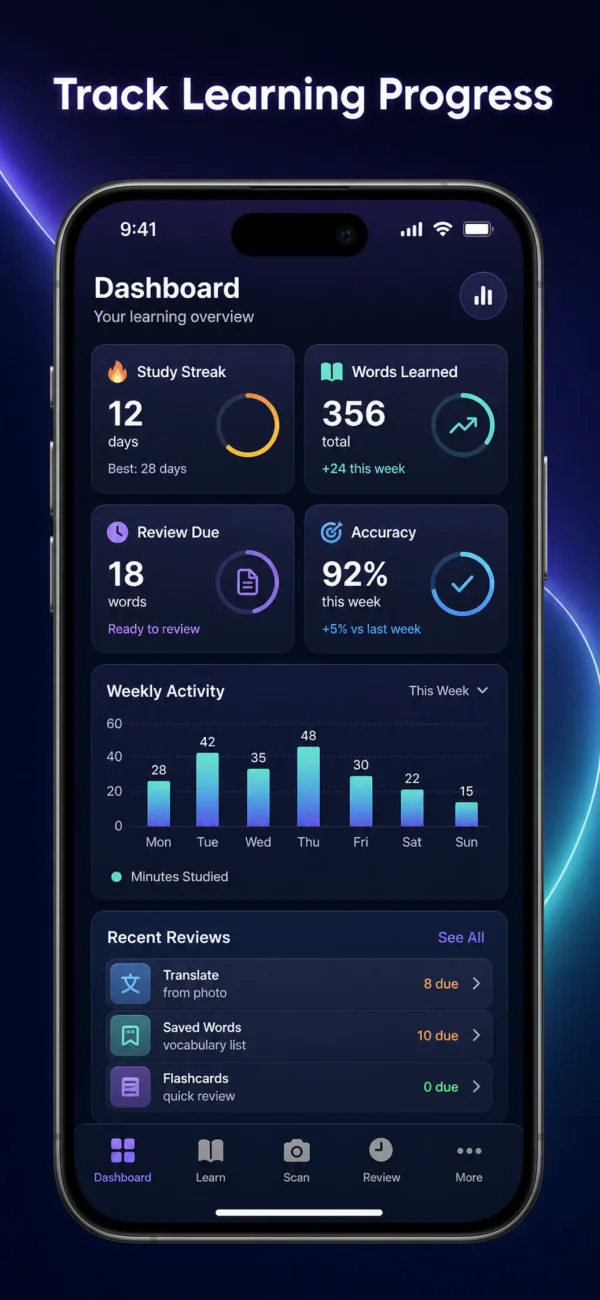
- Proof that you are getting somewhere, from multiple-choice quizzes built out of your own words to a searchable scan history, study analytics, a daily streak and an optional practice reminder
PERFECT FOR
- Travellers working through menus, signs, tickets and product labels abroad
- Language learners turning real-world text into a word list that is theirs
- Students scanning foreign textbooks and worksheets into review decks
- Anyone who keeps meeting the same word and keeps forgetting it
WHY NOT JUST USE A THROWAWAY CAMERA SCANNER
Because a throwaway scan teaches you nothing. It shows you something once, then loses it, and next week you are pointing your phone at the same word again. Here the scan is the beginning rather than the end: the word goes into a collection, enters a review schedule, and keeps coming back until you know it without help.
PRIVACY
Text recognition runs entirely on your iPhone using Apple's Vision framework. Photos, scans, and word lists stay in the app on your device. There is no account, no sign-up, and nothing is uploaded to a server, which is also why the scanner keeps working when you have no signal at all.
FULL ACCESS
Everyday scanning and saving words is free. Full Access opens the whole learning side: flashcard decks and spaced repetition sessions, practice quizzes, the short reading passage built from words you choose, complete study analytics, and your entire scan history instead of only the most recent entries. It is offered as a weekly plan, a yearly plan, or a one-time lifetime purchase. Subscriptions can be cancelled any time in your App Store settings.
Scan the next thing you cannot read, and this time keep the word.
Terms of Use (EULA): https://web-levi.web.app/terms
Privacy Policy: https://web-levi.web.app/privacy-policy
Questions? Contact tphuc.work@gmail.com
What’s new
Version 1.1.1 · Aug 19, 2026
Bug fixes and performance improvements.
App privacy
What Phuc Pham declares on the App Store about how this app handles data.
-
Data not collected
The developer does not collect any data from this app.
Privacy practices may vary, for example with the features you use or your age.
Information
- Seller
- Phuc Pham
- Category
- Productivity
- Version
- 1.1.1
- Updated
- Aug 19, 2026
- Released
- Jun 9, 2026
- Size
- 5.3 MB
- Requires
- iOS 18.0 or later
- Age rating
- +4
- In-app purchases
- Yes
- Languages
- English
- Copyright
- © 2026 Phuc Pham
You might also like
-
 Handwriting to Text AI - OCRCursive Notes Scanner & Reader
-
 Scan & Translate ProScan & Translate Text
-
 Notes Book PROOrganize, create, lock.
-
 ClipTranslate - One Tap TransTranslate the clipboard text!
-
 永住 DIY - 日本永住權申請工具Productivity
-
 Secure Notes - Memo and listsMemo Taking Checklist Reminder
-
 Fluxketch: Field CAD & MarkupEdit DWG & DXF Mark up on site
-
 FeedOff: Block Reels & ShortsKeep Your DMs, Lose the Feed
-
 Toggle: Pomodoro SidekickFocus,Time Tracker,App Blocker
-
 Timix - A Modern TimerStudy, Cooking, Workout, Focus