- Age rating4+
- CategoryProductivity
- Developerhong cam Phan
- LanguagesEnglish+ 1 more
- Size4.2 MB
Links to the official App Store page
Download.org hosts no file of Cami Counter. The button opens its official App Store page, published by hong cam Phan. Listing last checked on Nov 13, 2026.
Screenshots
About
Cami Counter is very simple and easy to use app.
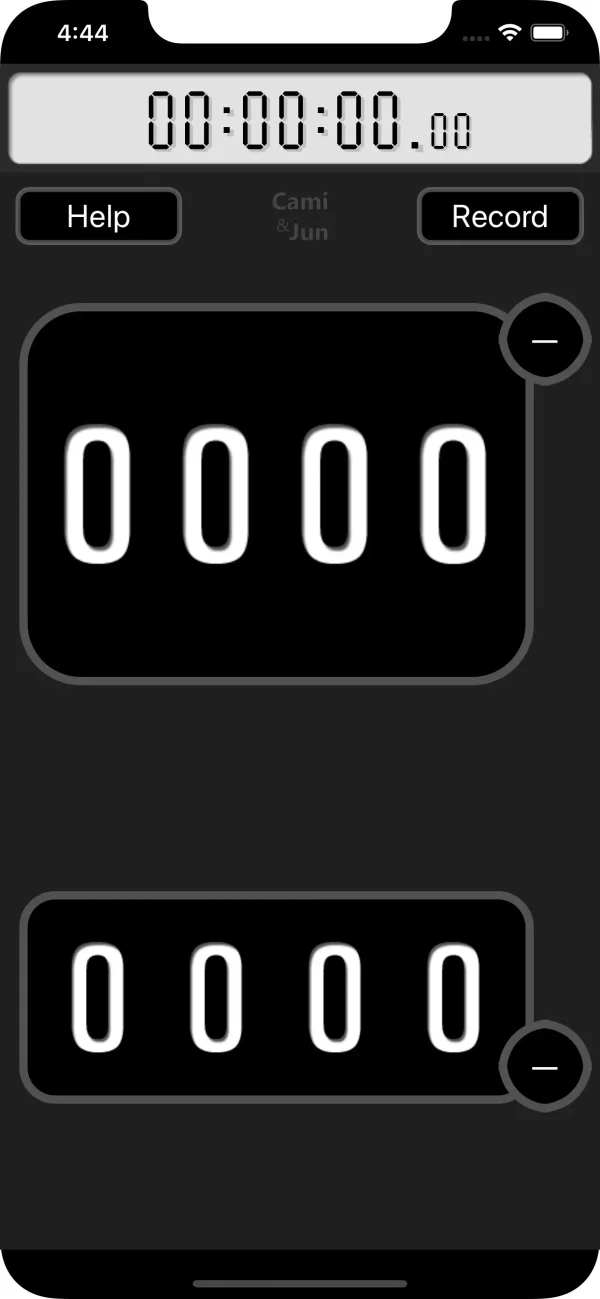
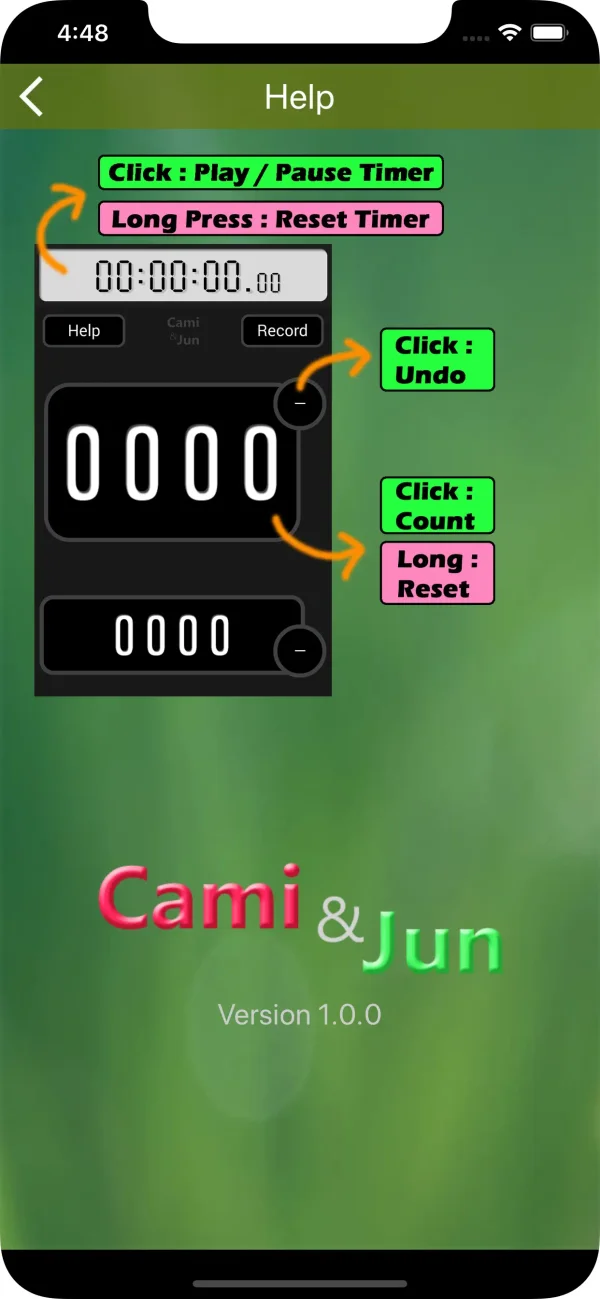
Count is incremented by touching the counter view. To reset the counter, press and hold the counter view. Counter is maintained even if the app is terminated.
Also, the hardware volume key allows the counter to be increased or decreased.
The timer is used to record time when counter is incremented. When you touch the timer view, the timer is running. Touch again, the timer is stopped. To reset the timer, press and hold the timer.
The timer is running even if app is terminated. The timer is work up to 100 hours.
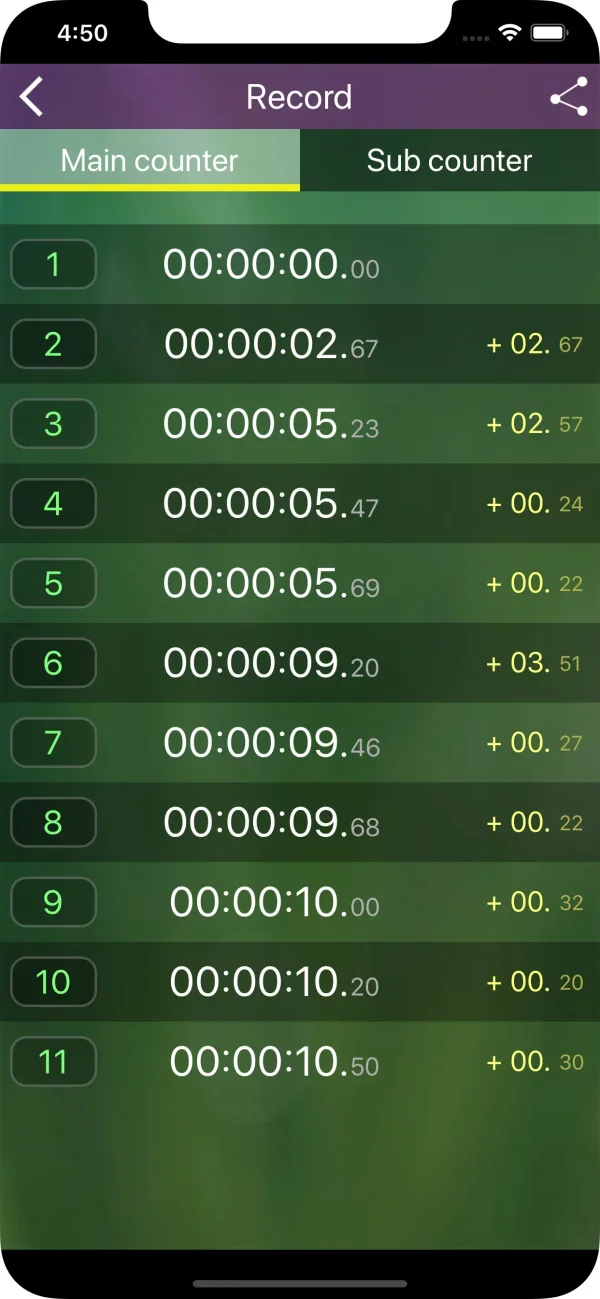
When you press the record button, you can check the records of each time. This feature can be used as a substitute for the stopwatch.
What’s new
Version 1.0.6 · Jun 6, 2024
Ad SDK has changed.
App privacy
What hong cam Phan declares on the App Store about how this app handles data.
-
Data not linked to you
May be collected but is not linked to your identity.
- Identifiers
Privacy practices may vary, for example with the features you use or your age.
Information
- Seller
- hong cam Phan
- Category
- Productivity
- Version
- 1.0.6
- Updated
- Jun 6, 2024
- Released
- Feb 14, 2021
- Size
- 4.2 MB
- Requires
- iOS 14.5 or later
- Age rating
- 4+
- Price
- Free
- Languages
- English, Korean
- Copyright
- © Cami & Jun
You might also like
-
 GP CounterCounter to record Timestamp
-
 Cronometro FlutuantePara você usar com outros apps
-
 Games Teams GeneratorDivide players into teams.
-
 Swipe Tally CounterMulti Counter & Click Tracker
-
 Multi Counter - Tally CounterClicker counter app
-
 Tally Lite – Hand CounterSimple Clicker for Fish & Laps
-
 Smart Counter – Multi TallyCount anything with ease
-
 NextShift - Shift CalendarWork schedule calendar
-
 Work Shift TableFor shift and on-call workers
-
 BazaLaroHomProductivity