Camlog: Record. Pause. Resume.
Record. Pause. Resume. Share.
Designed for iPhone, iPad
Free · In-app purchases
- Age rating4+
- CategoryPhoto & Video
- DeveloperDaniel Bahl
- LanguagesEnglish+ 7 more
- Size16.5 MB
Links to the official App Store page
Download.org hosts no file of Camlog: Record. Pause. Resume. The button opens its official App Store page, published by Daniel Bahl. Listing last checked on Nov 12, 2026.
Screenshots




About
Tired of cluttering your camera roll with a dozen tiny clips, only to spend hours stitching them together later? Meet Camlog.
Camlog is the ultimate friction-free video recorder for creators, vloggers, and anyone who wants to shoot video without the hassle of post-production. Build your video clip by clip, right in the moment. Perfect for all-day VLOGs, Shorts, TikToks, Reels and YouTube Videos.
▶ RECORD. PAUSE. RESUME.
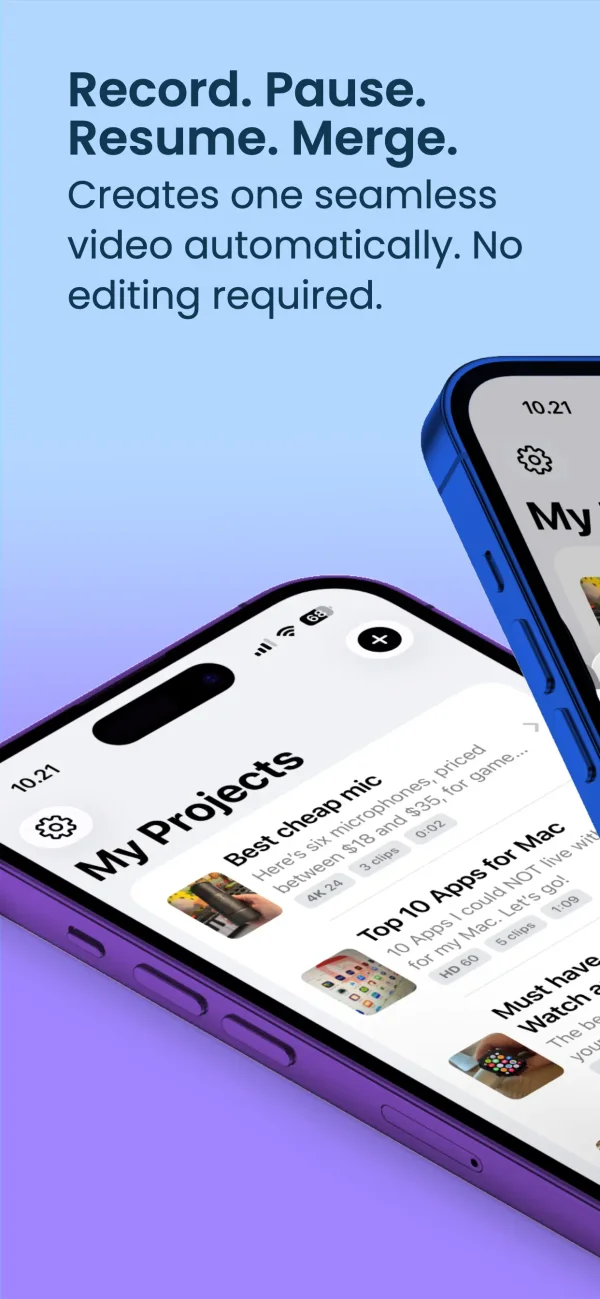
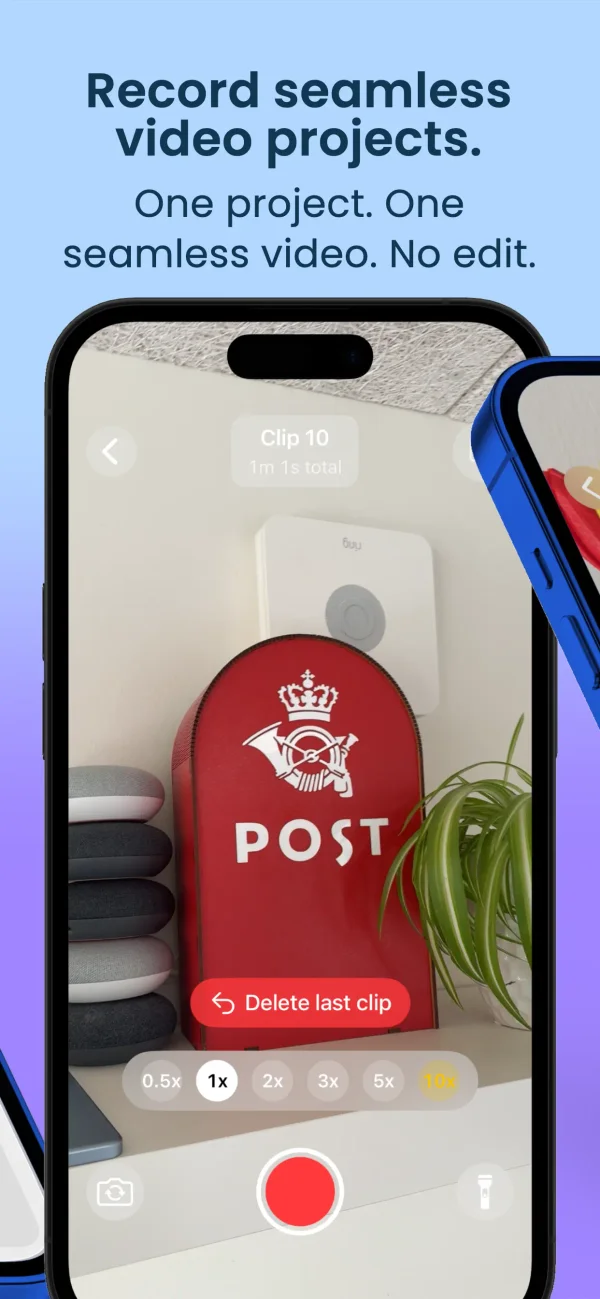
Creates one seamless video automatically. No editing required. Just hit record, pause for a minute, day or month - and resume when you're ready.
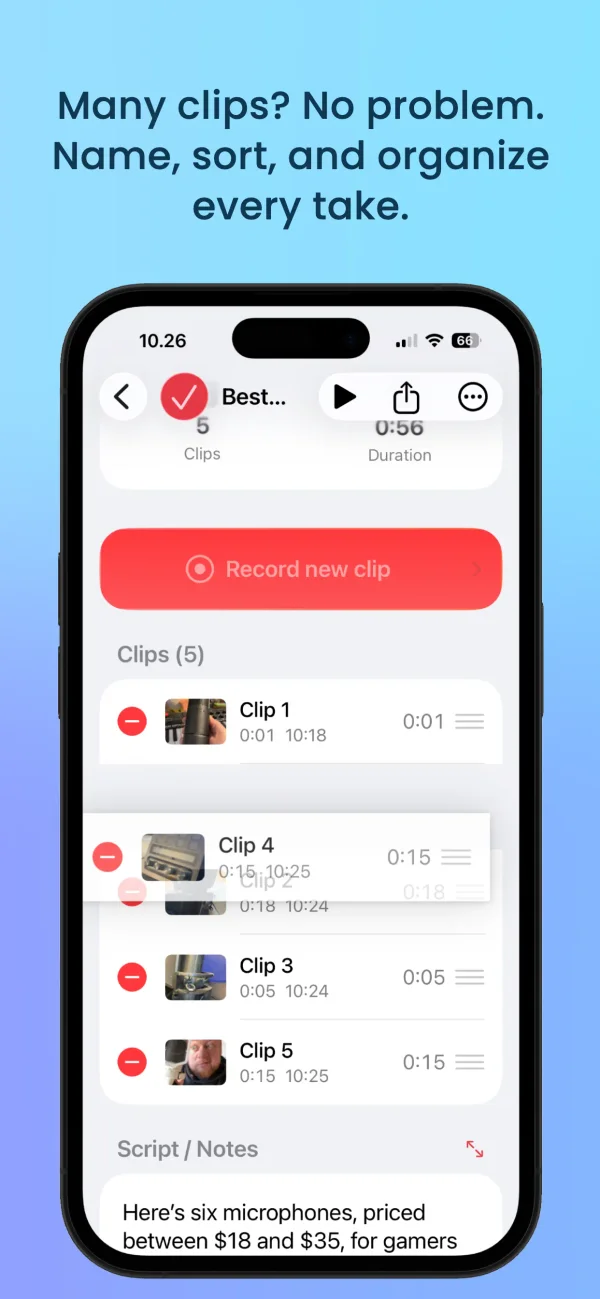
All clips are organized in Projects, Sortable, Nameable and gets Exported into One Seamless Video, automatically. It's like the magic camera-assistant you've always wanted.
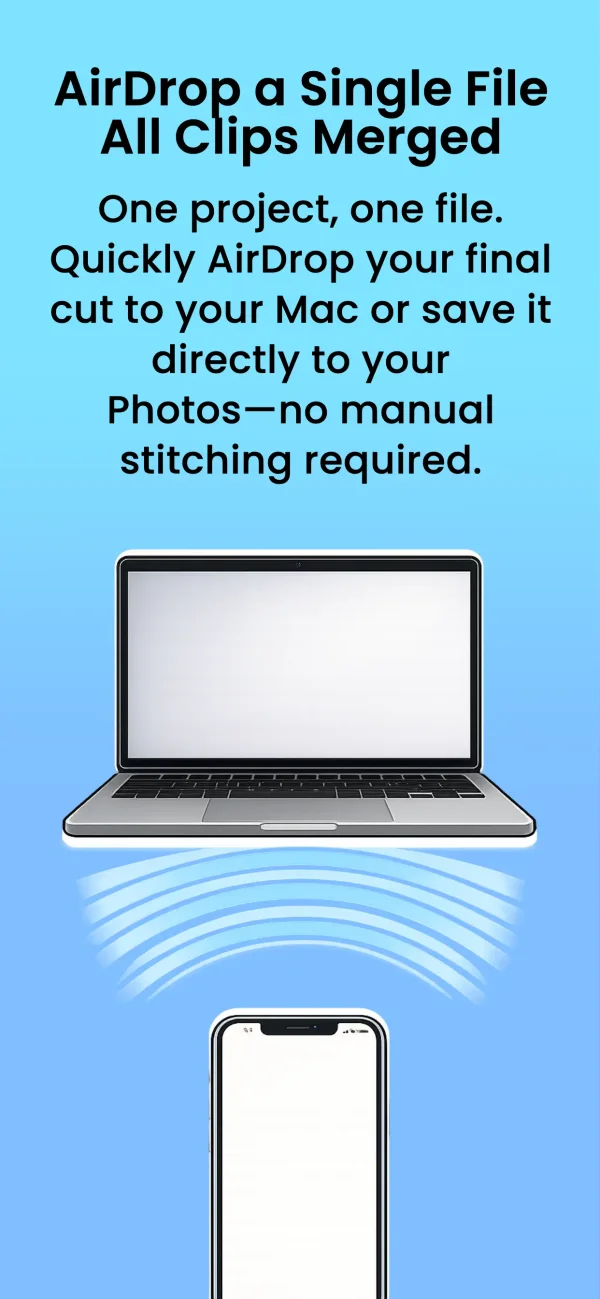
• AIRDROP OR SAVE A SINGLE FILE
Skip the clutter. Export your entire project as one perfectly merged video, ready to share or save to your Camera Roll in seconds.
• OVERLAY YOUR SCRIPT.
Paste your text, hit record, and go, go, go! Read your notes directly on the screen while keeping your eyes on the camera.
• TOTAL CLIP CONTROL & PROJECTS.
Group your clips into projects and pick up right where you left off. Many clips? No problem. Name, sort, and organize every take.
• ZERO CAMERA ROLL CLUTTER.
Everything is saved locally in-app. Export only your final masterpiece to your Photos.
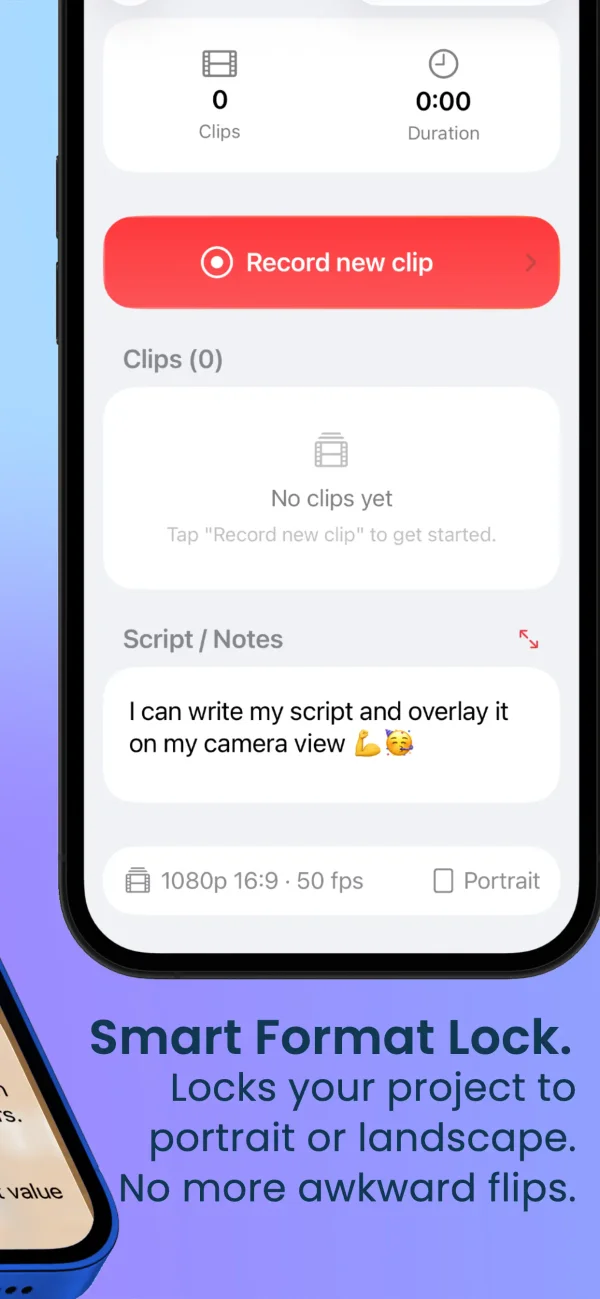
• SMART FORMAT LOCK.
Your first clip locks the project to portrait or landscape. No more awkward orientation flips mid-video.
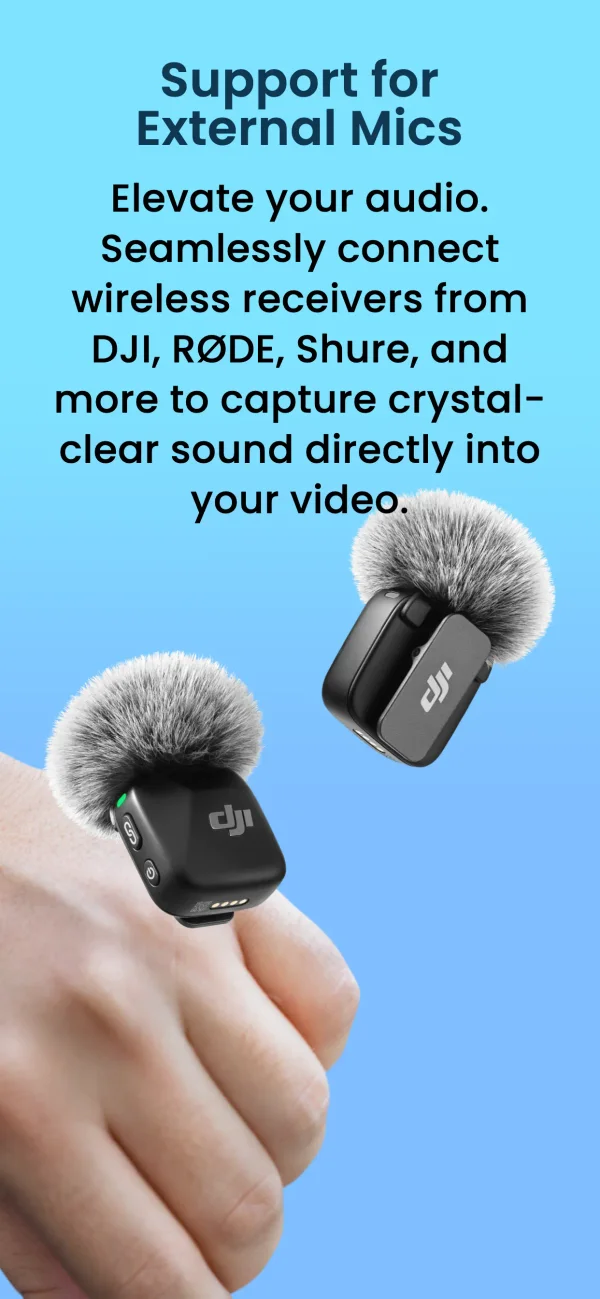
• SUPPORT FOR EXTERNAL MICS
Pro audio, plug and play. Get crisp, professional sound on every take by connecting your favorite external microphones.
• SUPPORT FOR APPLE WATCH
Be your own camera operator. Start and stop recording, check your clip count, and monitor elapsed time right from your wrist.
- FULL FEATURE LIST -
• Seamless Recording: Tap to record clips instantly, no fiddling with settings mid-shoot.
• Apple Watch Remote: Start/stop recording from your wrist, check your clip count, and track elapsed time.
• Undo Last Clip: Messed up a take? Quickly delete the bad clip right after recording.
• Pro Video Specs: Choose between 16:9 or 4:3, shoot in crystal clear 1080p or 4K, and pick your frame rate (24, 25, 30, 50, or 60 fps).
• Multi-Lens Zoom: Quickly switch between physical lenses (0.5x, 1x, 2x, 5x) or use smooth pinch-to-zoom.
• Front & Back Camera: Flip the camera on the fly.
• Torch/Flashlight: Easily toggle the flashlight for low-light shooting.
• High-Quality Export: Merges all clips into a single, high-quality QuickTime (.mov) file.
• One-Tap Share: Save directly to your Camera Roll, AirDrop to your Mac, or send anywhere via the iOS share sheet.
• Private & Secure: All projects and clips are stored locally on your device using SwiftData. No cloud uploads required.
Version 1.1:
• Clips Editing (Cut, Split etc.)
• Exporting Single Clips
• macOS Companion app where you can create scripts to record on the go.
Roadmap (Things on the Whiteboard)
• Compressed Exporting
Have a great idea? Reach out and I'll add it to the to-do list.
Stop editing. Start recording. Download Camlog today!
Terms of Use (EULA): https://www.apple.com/legal/internet-services/itunes/dev/stdeula/
App privacy
What Daniel Bahl declares on the App Store about how this app handles data.
-
Data not collected
The developer does not collect any data from this app.
Privacy practices may vary, for example with the features you use or your age.
Information
- Seller
- Daniel Bahl
- Category
- Photo & Video
- Version
- 1.2
- Updated
- Apr 2, 2026
- Released
- Apr 2, 2026
- Size
- 16.5 MB
- Requires
- iOS 26.0 or later
- Age rating
- 4+
- Price
- Free
- In-app purchases
- Yes
- Languages
- English, Danish, French, Japanese, Norwegian Bokmål, Spanish, Swedish, Traditional Chinese
- Copyright
- © 2016 Daniel Bahl
You might also like
-
 Log Cam: Open Gate by RAW CamCinematic Log Video Camera
-
 PGYTECH: Pro Camera & Editor4K Log, ProRAW & Film Filters
-
 Pearla Verana - Pro CameraFilm Emulation, RAW, Log
-
 Color Grade Video - PeekLutCinematic LUTs & Log Grading
-
 Blackmagic Remote MonitorPhoto & Video
-
 ReFrame: Dual Camera RecorderPortrait + Landscape, One Take
-
 Shot DesignerPhoto & Video
-
 Larix Broadcaster: Live StreamSRT, NDI, RTMP Live Encoder
-
 Pro Camera - ReeflexLong Exposure & DSLR Controls
-
 Monitor+Remote Control for Sony Camera