- Age rating4+
- CategoryLifestyle
- DeveloperYutaka Arakawa
- LanguagesJapanese+ 5 more
- Size58.0 MB
Links to the official App Store page
Download.org hosts no file of CamLog: Timeline Diary. The button opens its official App Store page, published by Yutaka Arakawa. Listing last checked on Nov 23, 2026.
Screenshots

About
CamLog is a timeline-first lifelog app that runs entirely on your iPhone. Where you walked, where you stayed, and the photos you took line themselves up into a day's record automatically.
■ Timeline (the main feature)
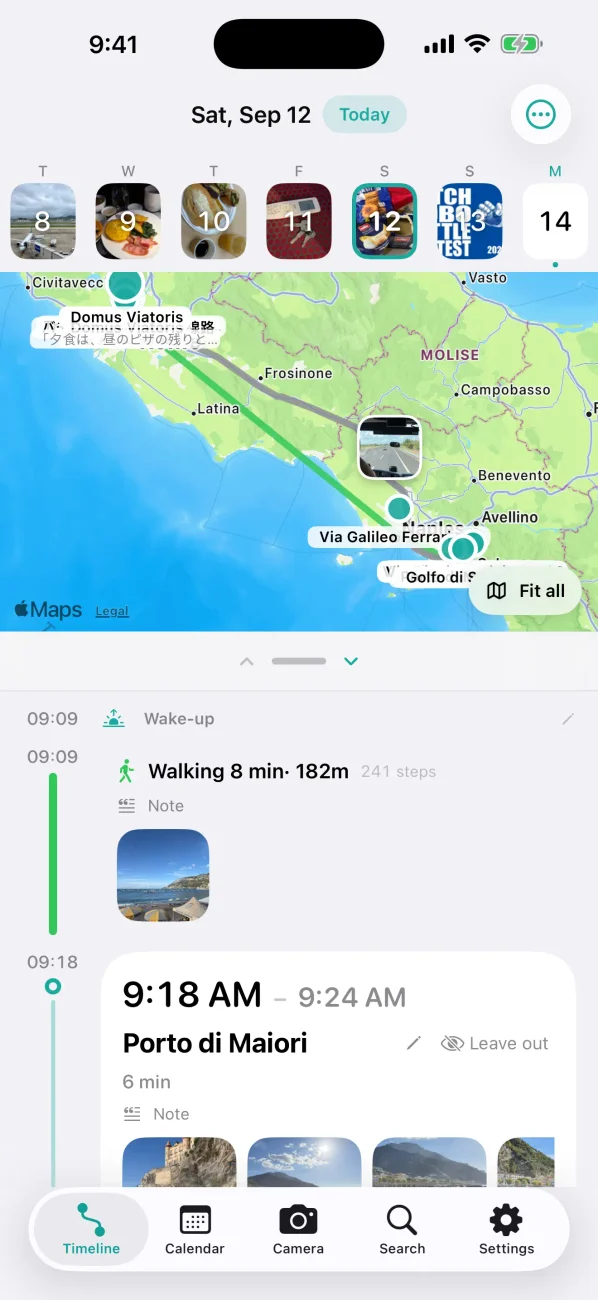
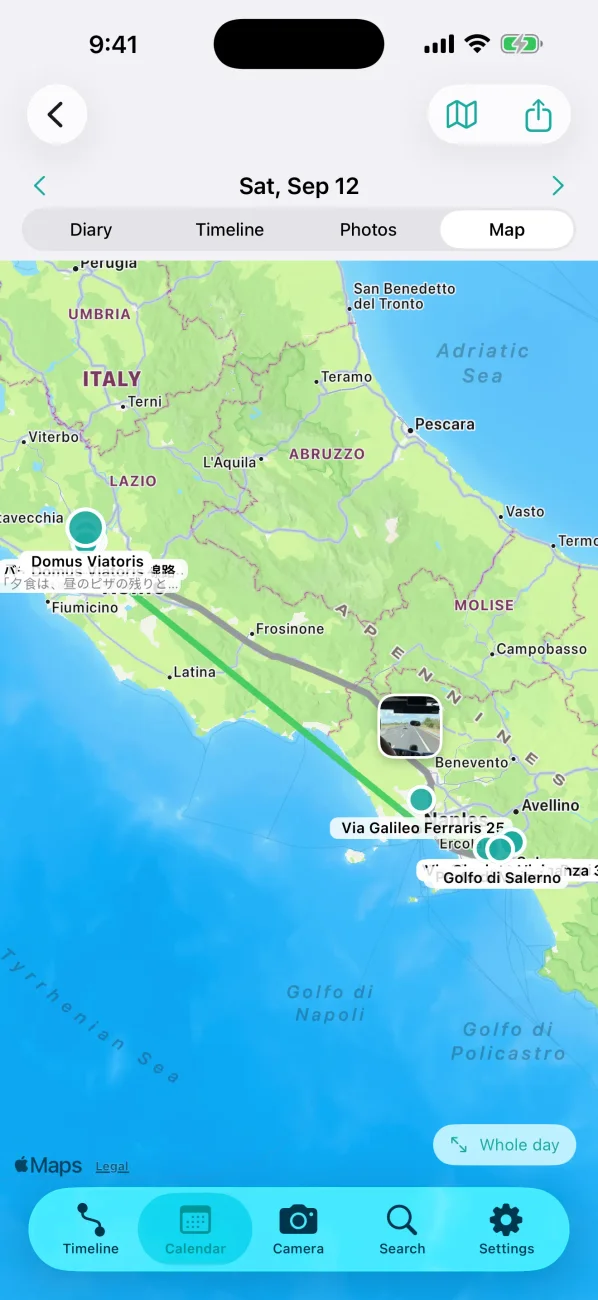
Open the app and today's timeline is already there: a fixed map on top, a scrolling list below, and a handle you can drag between them. Stays appear as named cards; movement appears as color-coded segments (walking, cycling, train, bullet train, plane, and more). Tap a segment and the map glides to it; photos sit at the moment they were taken or imported. A week strip and a calendar jump you to any day. Place names and activity types can be corrected by hand, and your edits are kept.
■ A record-first camera
The built-in camera is made for recording yourself and your surroundings without drawing attention. It is always silent — it saves a frame from the live video stream instead of firing the shutter, so there is no shutter sound. Zoom from 0.5× to 8× with buttons or a dial, laid out like the built-in Camera. Turn on simultaneous selfie and a small live window lets you frame yourself while the back camera shoots; both photos are kept. A HUD shows the detected conversation, activity and place while you shoot, and a short caption describes the photo afterwards.
■ The diary is written on-device
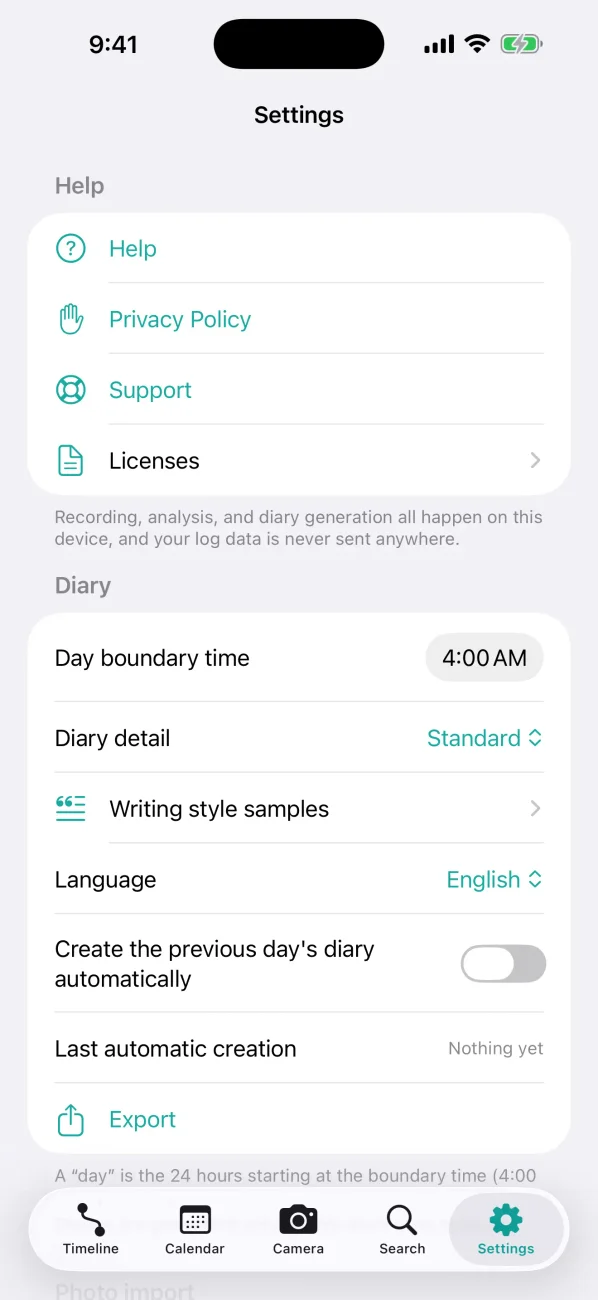
Tap "Create today's diary" and CamLog picks out the day's most notable moments; a small language model running entirely on your iPhone (Gemma 4 E2B) writes a short entry from them. Nothing is sent anywhere. You can edit the text, and your edits survive regeneration.
■ Search
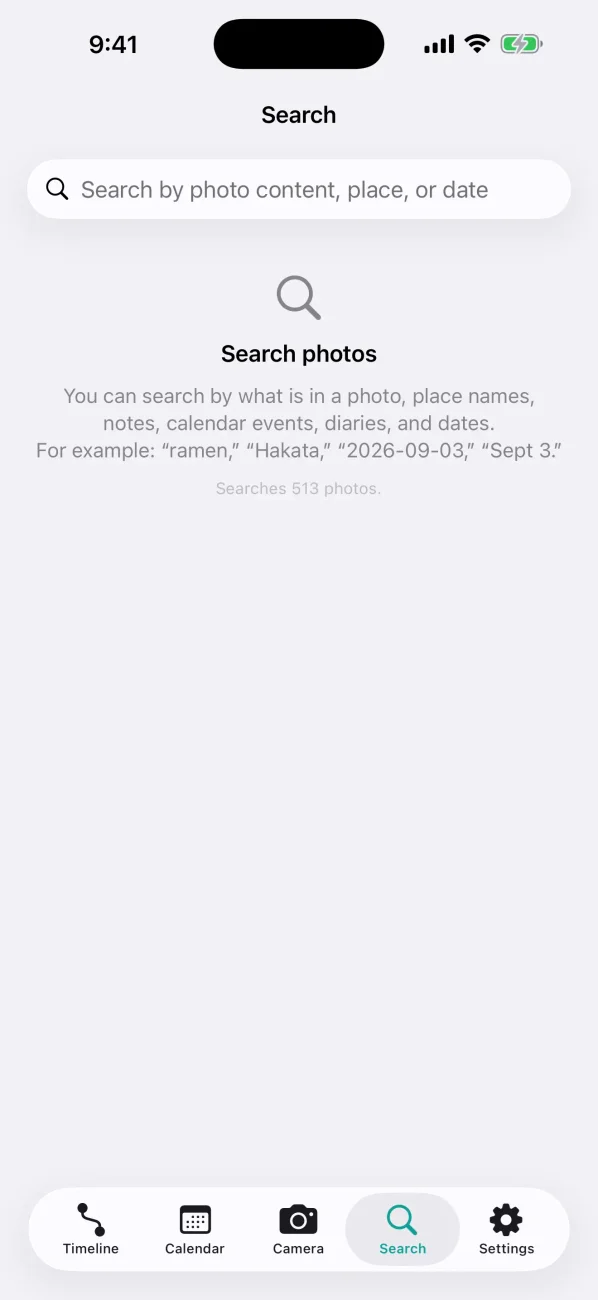
Search the captions, places, dates and moods attached to your photos. Queries like "ramen," "presentation," or "Sept 3" surface the matching photos instantly.
■ Everything is processed on-device
CamLog never sends your capture data, activity history, photos, or diary text to a server — all of it stays stored locally on your iPhone. There is no account system and no collection of identifying or advertising data.
■ Three — and only three — network exceptions
Each is the minimum a feature needs, and each talks only to Apple or Hugging Face:
1. Downloading the AI model (Gemma 4 E2B) — once, from Hugging Face's servers.
2. Reverse geocoding place names — coordinates of places you visited are sent to Apple's servers to get back a place name (you can turn this off in Settings).
3. Fetching your own iCloud-only photos — when importing from your camera roll, photos that exist only in iCloud are fetched through Apple's servers.
■ Permissions (several are opt-in and off by default)
• Camera / Microphone: the record camera, including audio and on-device ambient sound classification
• Motion: step count and activity type (walking, running, cycling, in a vehicle)
• Location (While Using): the location at the moment a photo is taken
• Location (Always, opt-in): visit detection and route tracking (off by default)
• Add Photos: saving photos/videos you shoot to your camera roll
• Photo Library (opt-in): importing camera roll photos into the timeline
• Calendars (opt-in): your events as context for the timeline and diary (off by default)
Note: when your day starts and ends is estimated on-device from your activity history and step count. CamLog reads no health or fitness data.
■ Requirements
• Timeline, record camera, search, and export: any iPhone running iOS 16 or later.
• Photo captions and the diary (Gemma 4 E2B, on device): an iPhone with 8 GB of memory or more — iPhone 15 Pro and 15 Pro Max, and every iPhone 16 or later — plus 2.6 GB free for the model.
• Generation via Apple Intelligence (optional): A17 Pro or later (iPhone 15 Pro and later) running iOS 26 or later.
The timeline works on every supported iPhone even without the model; only captions and diary text need it.
CamLog turns your movement and photos into a timeline worth looking back on, and turns any day into a diary entry only when you want one.
What’s new
Version 1.6 · Nov 19, 2026
• Photos you take with CamLog now record the capture date, device model, lens and location. Front-camera photos are saved at a higher resolution than before.
• You can now repair photos you took with CamLog in the past. Open Settings > "Repair info of photos you took". Before a photo is replaced, iOS asks you to confirm the deletion of the original.
• The first screen after updating shows a notice about this repair.
App privacy
What Yutaka Arakawa declares on the App Store about how this app handles data.
-
Data not collected
The developer does not collect any data from this app.
Privacy practices may vary, for example with the features you use or your age.
Information
- Seller
- Yutaka Arakawa
- Category
- Lifestyle
- Version
- 1.6
- Updated
- Nov 19, 2026
- Released
- Sep 10, 2026
- Size
- 58.0 MB
- Requires
- iOS 16.0 or later
- Age rating
- 4+
- Languages
- Japanese, Spanish, German, French, Simplified Chinese, English
- Copyright
- © 2026 Yutaka Arakawa