
Cancelled: Subscriptions
Cancel guides & bill tracker
Designed for iPhone, iPad
In-app purchases
- Age rating4+
- CategoryFinance
- DeveloperSalman Lartey
- LanguagesSpanish+ 24 more
- Size32.8 MB
Links to the official App Store page
Download.org hosts no file of Cancelled: Subscriptions. The button opens its official App Store page, published by Salman Lartey. Listing last checked on Nov 8, 2026.
Screenshots


About
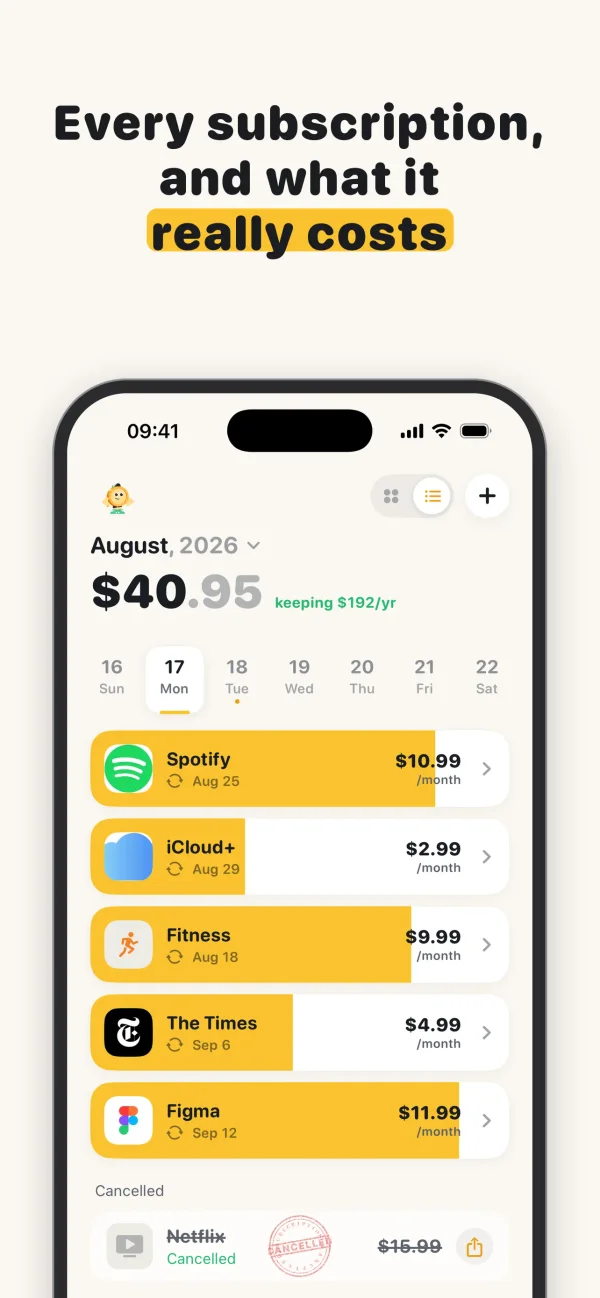
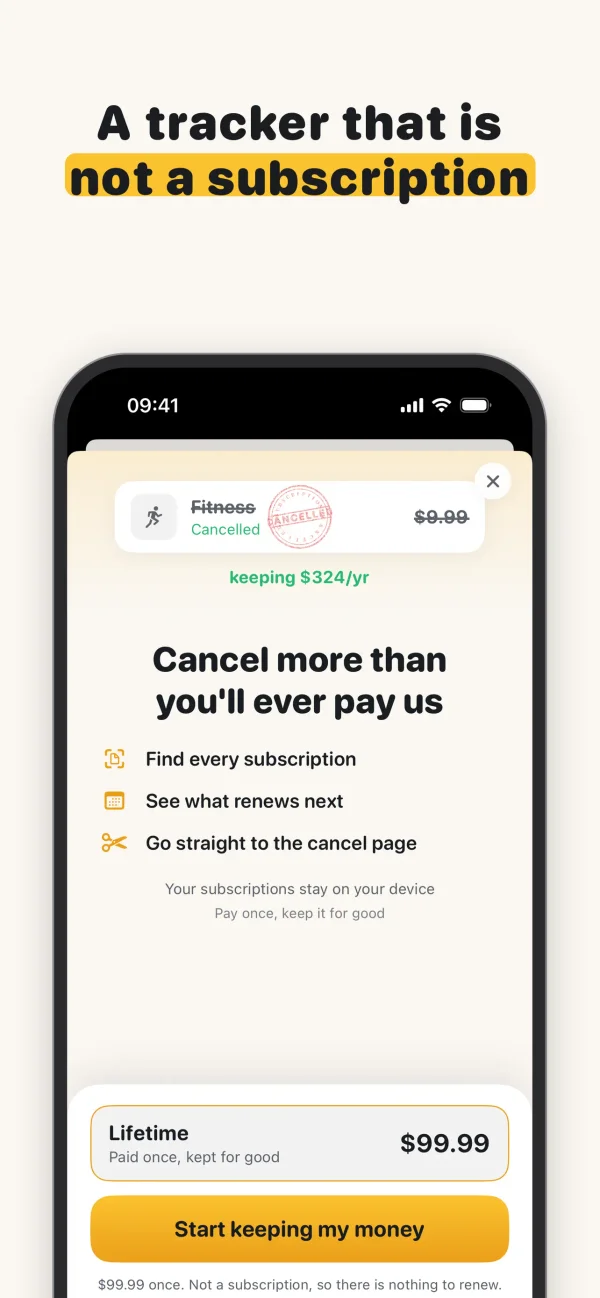
Cancelled shows you every subscription you are paying for, what it really costs you over a year, and exactly how to get out of the ones you no longer want.
WHAT IT COSTS, NOT WHAT IT LOOKS LIKE
Your month total leads the screen. Every subscription sits in one list with the next charge date, so nothing renews as a surprise. Switch to the canvas and each one is drawn at its true size, which is usually the moment people find the expensive one they forgot.
THE PART OTHER TRACKERS SKIP
Knowing what you pay is easy. Getting out is the hard part, so Cancelled ships a researched catalogue of 167 services that tells you where to cancel each one, which eleven cannot be finished online at all, and which twenty three will put obstacles in your way, from a minimum term to a retention call. One tap opens the provider's own cancellation page.
Not ready to let go? Cheaper plans appear first, at the moment you are looking for the exit.
THE MONEY YOU KEEP IS THE SCORE
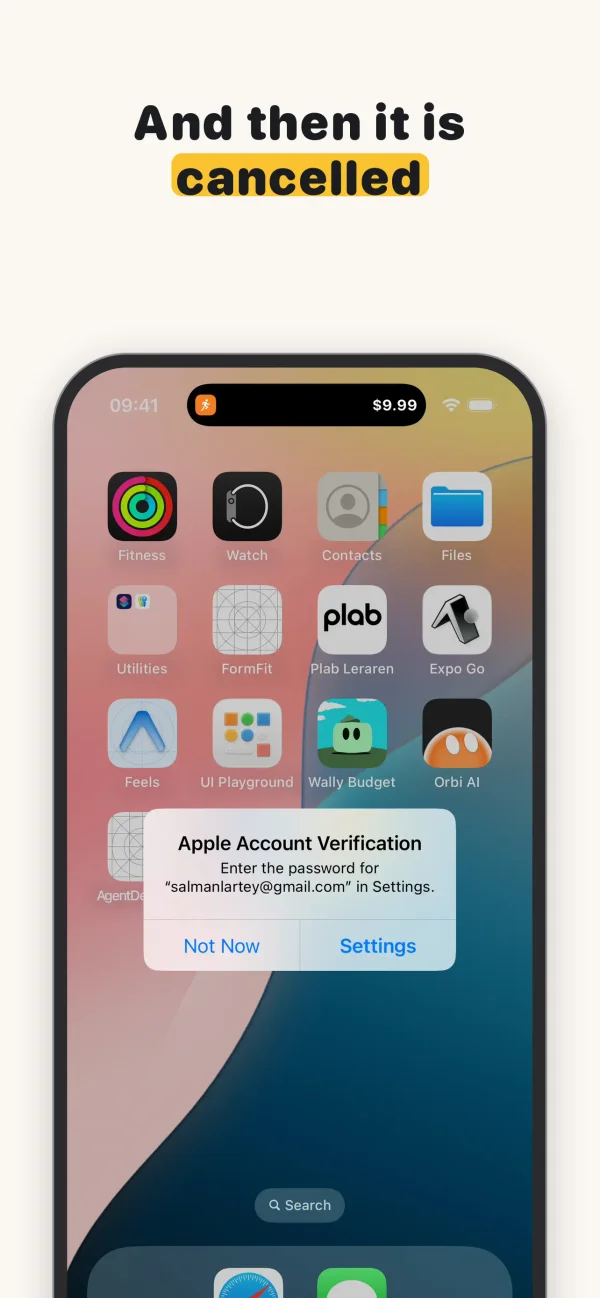
Cancel something and it stays on your screen, struck through and stamped, with what you saved counted up beside it. The kept figure is the number the app cares about.
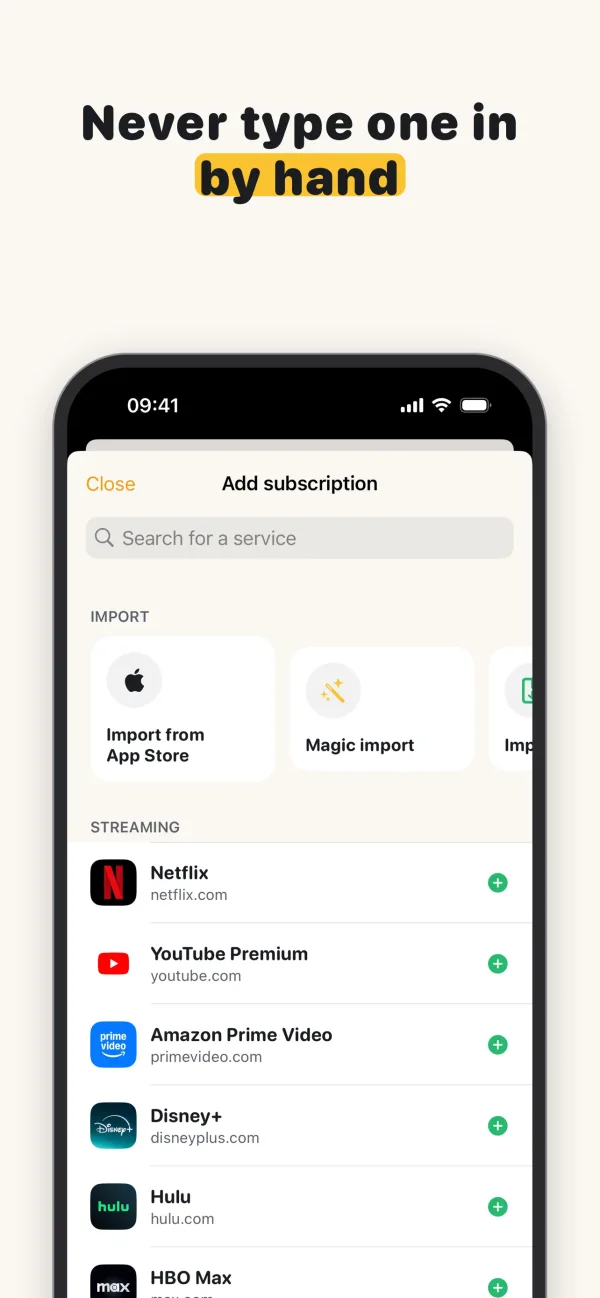
NEVER TYPE ONE IN BY HAND
Scan a receipt, drop in an App Store screenshot, paste a confirmation email, or point it at a Notion page or a Google Sheet. Everything is read on your device.
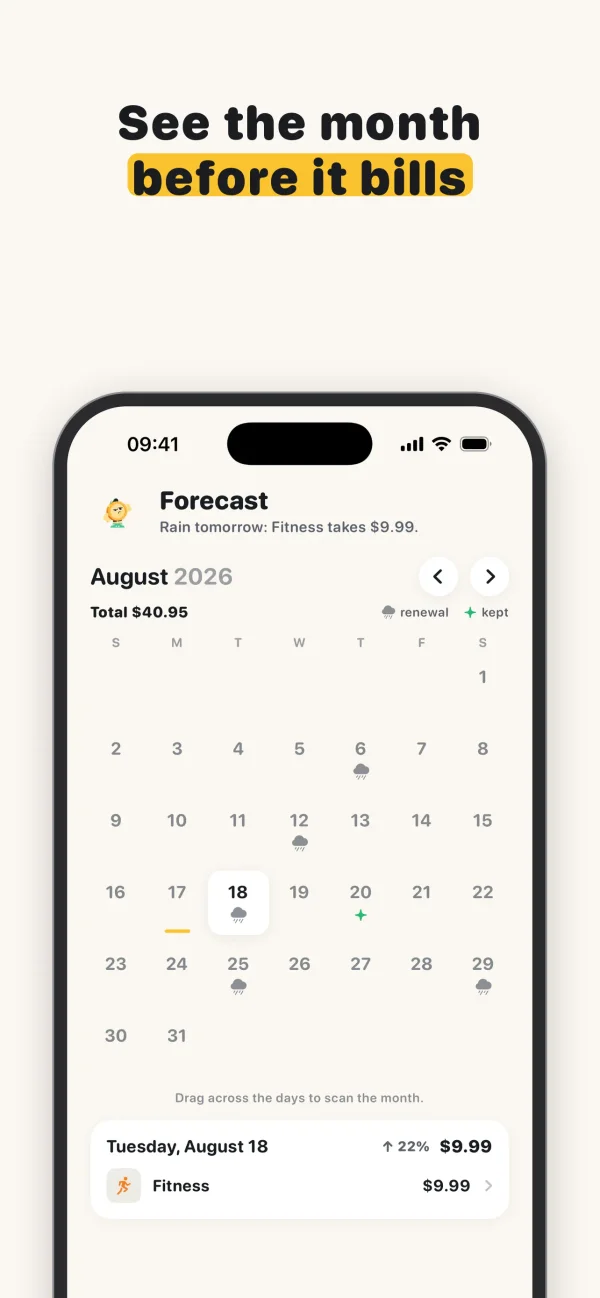
SEE THE MONTH BEFORE IT BILLS
A forecast calendar shows every charge ahead of the charge, so a heavy week is visible while you can still do something about it.
ON EVERY DEVICE YOU OWN
An iPad layout that is not a stretched phone, and an Apple Watch app you can mark a renewal paid or cancel it from. Home and Lock Screen widgets, a Live Activity counting down to the next charge, and Shortcuts support so you can add a subscription or ask what you spend without opening the app.
YOUR SUBSCRIPTIONS STAY ON YOUR DEVICE
There is no account and no sign in. What you pay, what you track and what you cancelled are stored on your device and nowhere else. No amount you enter is ever sent anywhere.
PAY ONCE
Cancelled is not a subscription. Track five subscriptions free, then unlock the rest once and keep it for good. It would be a strange thing to charge you every month for.
App privacy
What Salman Lartey declares on the App Store about how this app handles data.
-
Data not collected
The developer does not collect any data from this app.
Privacy practices may vary, for example with the features you use or your age.
Information
- Seller
- Salman Lartey
- Category
- Finance
- Version
- 1.0
- Updated
- Sep 21, 2026
- Released
- Sep 21, 2026
- Size
- 32.8 MB
- Requires
- iOS 17.0 or later
- Age rating
- 4+
- In-app purchases
- Yes
- Languages
- Spanish, German, Czech, Simplified Chinese, Traditional Chinese, Korean, Danish, Finnish, French, Greek, Hebrew, Hungarian + 13 more
- Copyright
- © 2026 Sarl Studio
You might also like
-
 Subvia: Cancel SubscriptionsBill Reminders & Cancel Guides
-
 Kontrol: Subscription TrackerBill reminders, no bank link
-
 Money Tracker: Wally AIBill Organizer, Subscriptions
-
 VaultAudit AI: Sub TrackerSubscription & Bill Tracker
-
 Expense Tracker: SMS & VoiceAI Money Coach & Daily Budget
-
 Subscription Manager: MoriBill Organizer, Budget & Debt
-
 美股大数据Finance
-
 Money Manager & Expense: PennyTracker, Daily Spend & Budget
-
 SubLook: Subscription TrackerManage your subscriptions
-
 Keenu BusinessFinance