
- Age rating4+
- CategoryUtilities
- DeveloperCANchecked GmbH
- LanguagesEnglish+ 1 more
- Size30.6 MB
Links to the official App Store page
Download.org hosts no file of CANchecked. The button opens its official App Store page, published by CANchecked GmbH. Listing last checked on Nov 25, 2026.
Screenshots


About
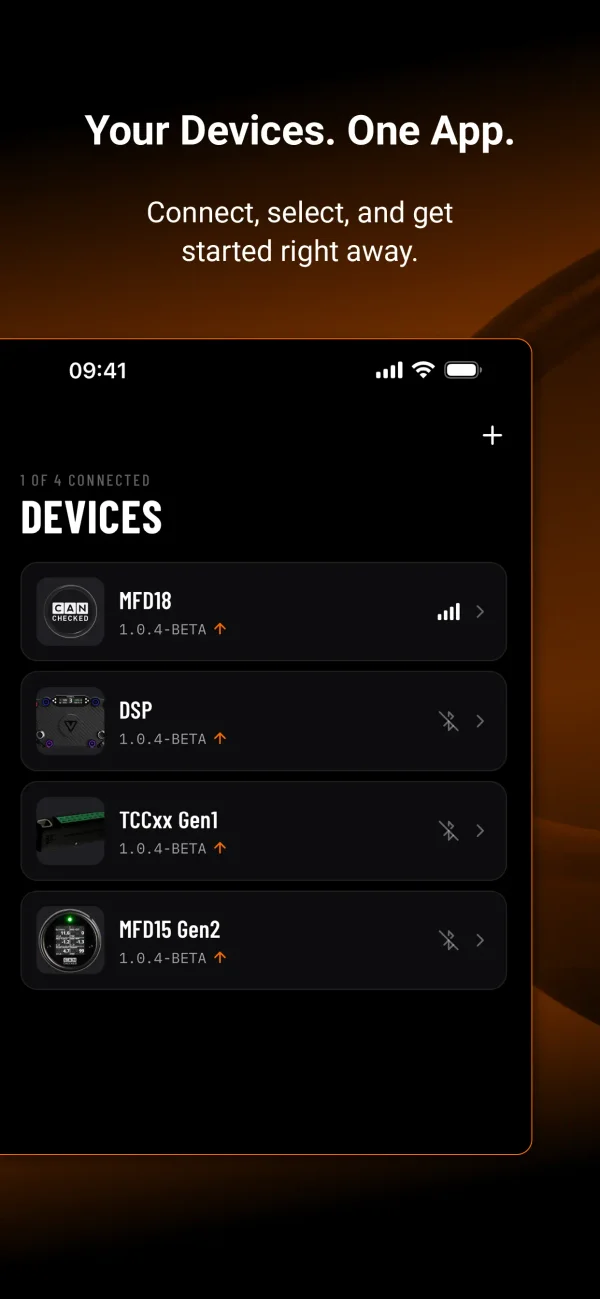
With the CANchecked app, you can configure supported CANchecked devices directly from your iPhone. The connection to the device is established via Bluetooth – no PC or Wi-Fi connection is required.
At launch, the app supports the CANchecked MFD18 and the Vandal DSP.
CONFIGURE YOUR DEVICE
Change your device settings directly in the app. For the MFD18, this includes:
• Display brightness and orientation
• CAN bus speed and termination
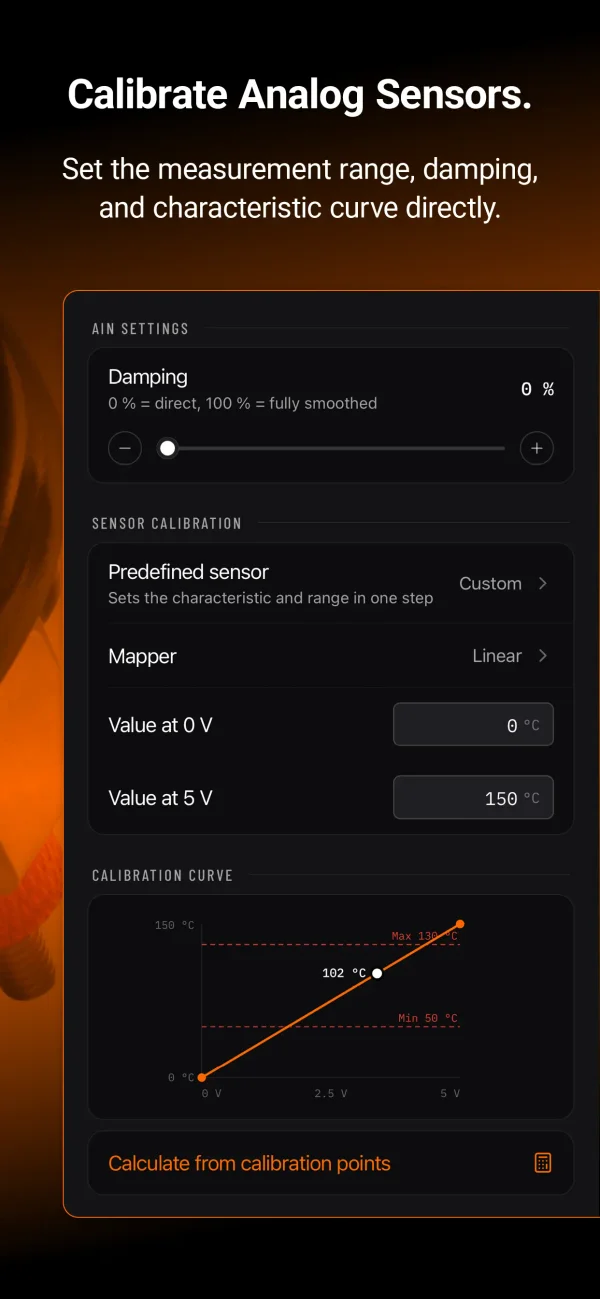
• Sensor assignments and units
• Gear calculation
• Data logging
• Controls and rotary encoders
• Sleep and wake behavior
EDIT DISPLAY PAGES
Configure up to ten display pages. Choose the desired layout and define which sensors should be displayed.
Depending on the layout, you can also adjust colors, scales, value ranges, fonts, and additional display options.
Custom startup images, backgrounds, and gauge needle graphics can be transferred from your iPhone to the device.
VIEW LIVE DATA
Read the current sensor values from the connected device directly in the app. This allows you to quickly verify sensor assignments and incoming data.
SET UP WARNINGS
Create warnings based on available sensor values. Select the sensor, threshold, and condition, and define which action should be triggered.
The MFD18 supports warning messages on the display, the Glow Ring, and the MPP2 output, among other options.
MANAGE FILES
Transfer TRI and TRX files from your iPhone to the device. Existing files can be selected, downloaded, or deleted.
EXPORT LOG FILES
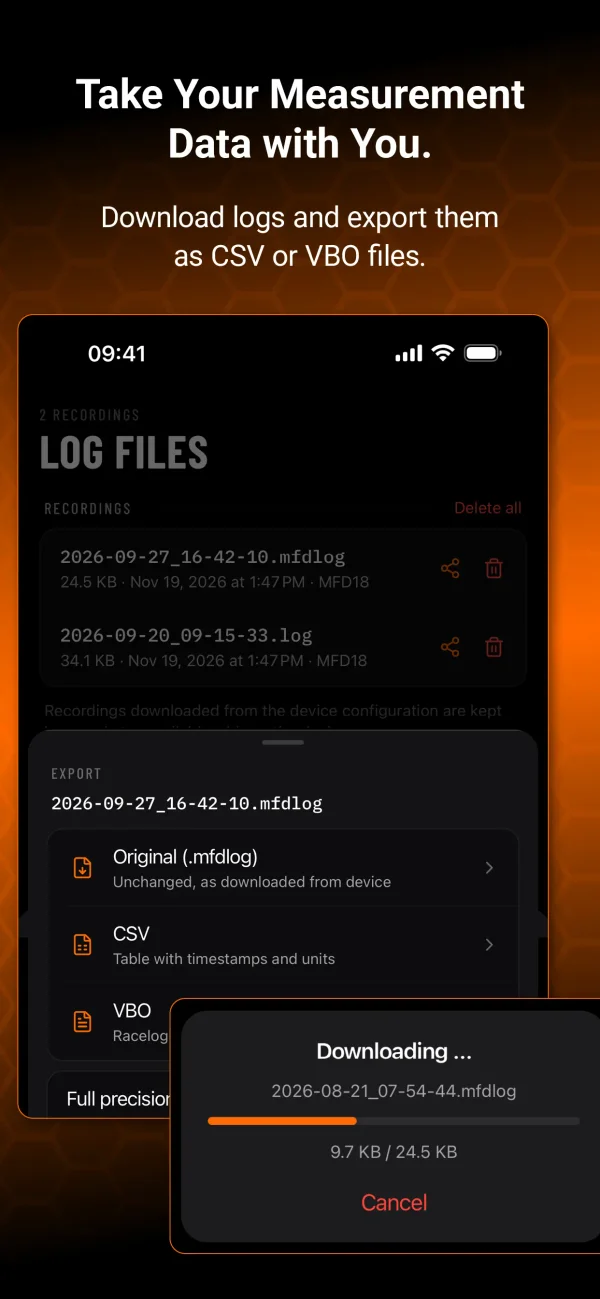
Transfer recorded log files to your iPhone. Measurement data can be exported as CSV or VBO files or saved in the native file format.
UPDATE FIRMWARE
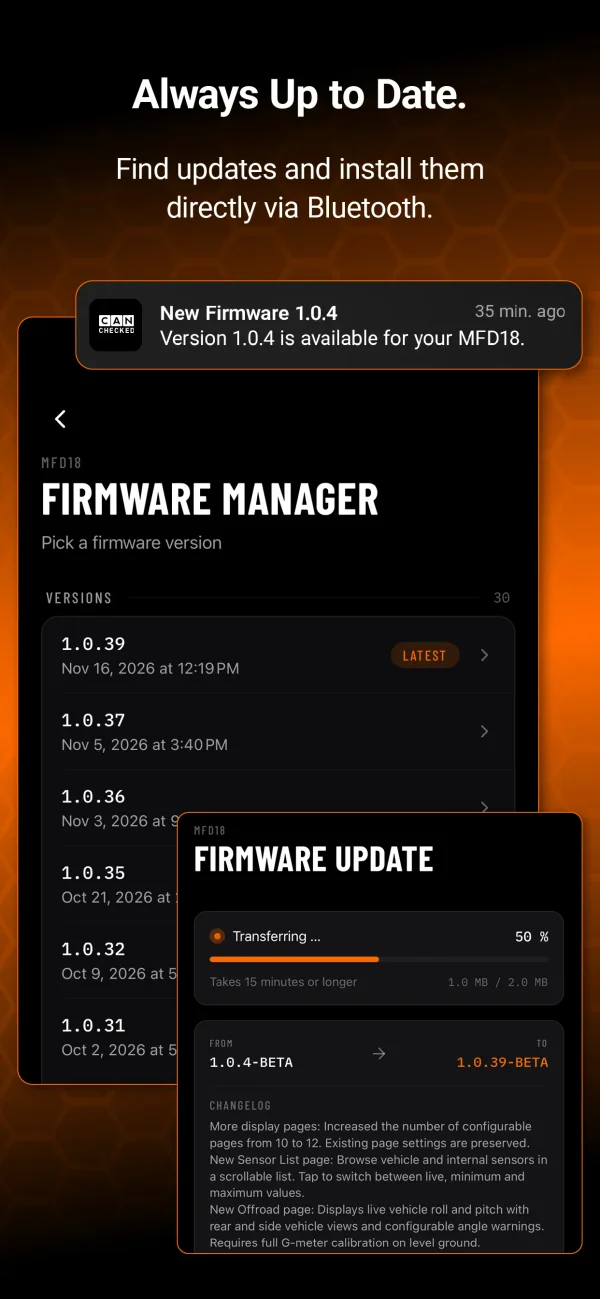
The app notifies you via push notification when new device updates are available. Available firmware updates can then be transferred to the connected device via Bluetooth.
No PC or Wi-Fi connection is required.
Available features depend on the connected device and the installed firmware. The app can only be used with supported CANchecked or Vandal hardware.
SAFETY NOTICE
Only configure your device while the vehicle is stationary. Do not use the app while driving.
What’s new
Version 1.5.2 · Nov 24, 2026
- Redesigned device configuration: clearer, with search
- Export and import a device's pages
- Back up and restore device settings
- Choose your units, e.g. °C or °F
- Support for the TMB01 and BMB01 temperature sensors
- Bug fixes and improvements
App privacy
What CANchecked GmbH declares on the App Store about how this app handles data.
-
Data not collected
The developer does not collect any data from this app.
Privacy practices may vary, for example with the features you use or your age.
Information
- Seller
- CANchecked GmbH
- Category
- Utilities
- Version
- 1.5.2
- Updated
- Nov 24, 2026
- Released
- Sep 3, 2026
- Size
- 30.6 MB
- Requires
- iOS 16.4 or later
- Age rating
- 4+
- Price
- Free
- Languages
- English, German
- Copyright
- © CANchecked GmbH
You might also like
-
 eDash by ECUMasterReal-time digital dashboard
-
 Q21 FlasherECU Flashing & Diagnostics
-
 MFS ConnectPetrol ECU & TCU flashing
-
 KM eFlashUtilities
-
 MixUp ControlControl DzenTech hardware
-
 TwizyPowerBoxTwizy telemetry and tuning
-
 Health DocumentsOrganize your health documents
-
 FiberMapUtilities
-
 CarPeek: Used Car InspectionSpot damage before you pay
-
 LITE BLOXSmart Battery Control Monitor