
Canvas: Template Design Maker
Poster, Flyer & Carousel
Designed for iPhone, iPad, Mac, iPod touch
Free · In-app purchases
- Age rating4+
- CategoryGraphics & Design
- DeveloperNoor Siah
- LanguagesEnglish
- Size60.8 MB
Links to the official App Store page
Download.org hosts no file of Canvas: Template Design Maker. The button opens its official App Store page, published by Noor Siah. Listing last checked on Nov 20, 2026.
Screenshots
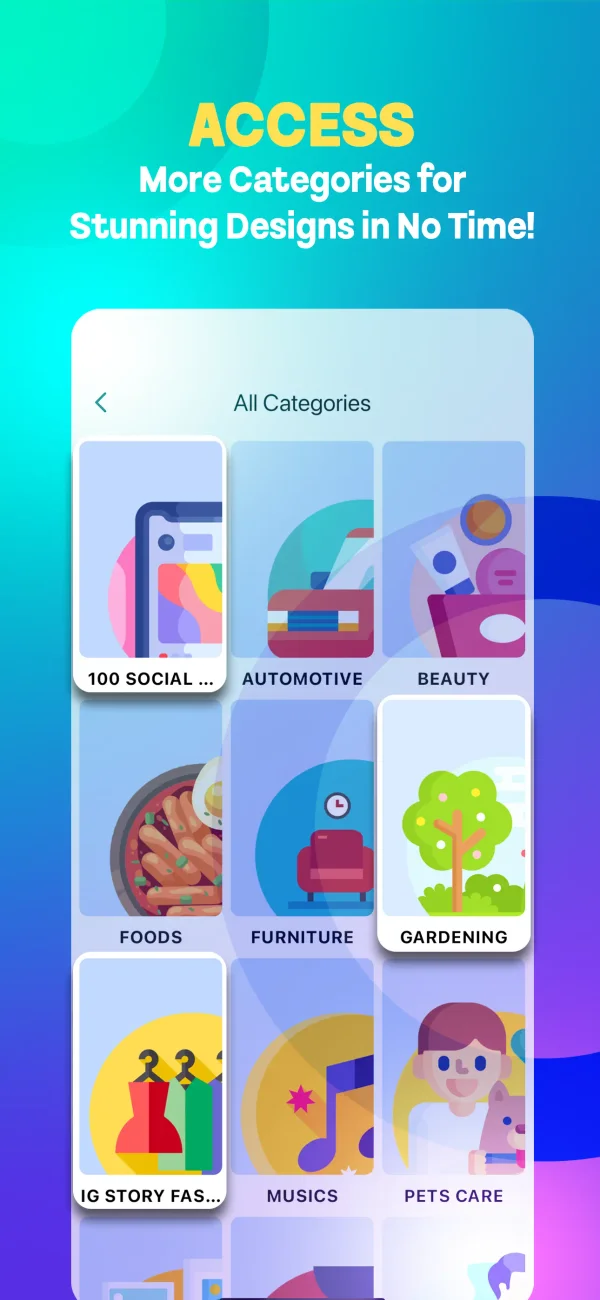
About
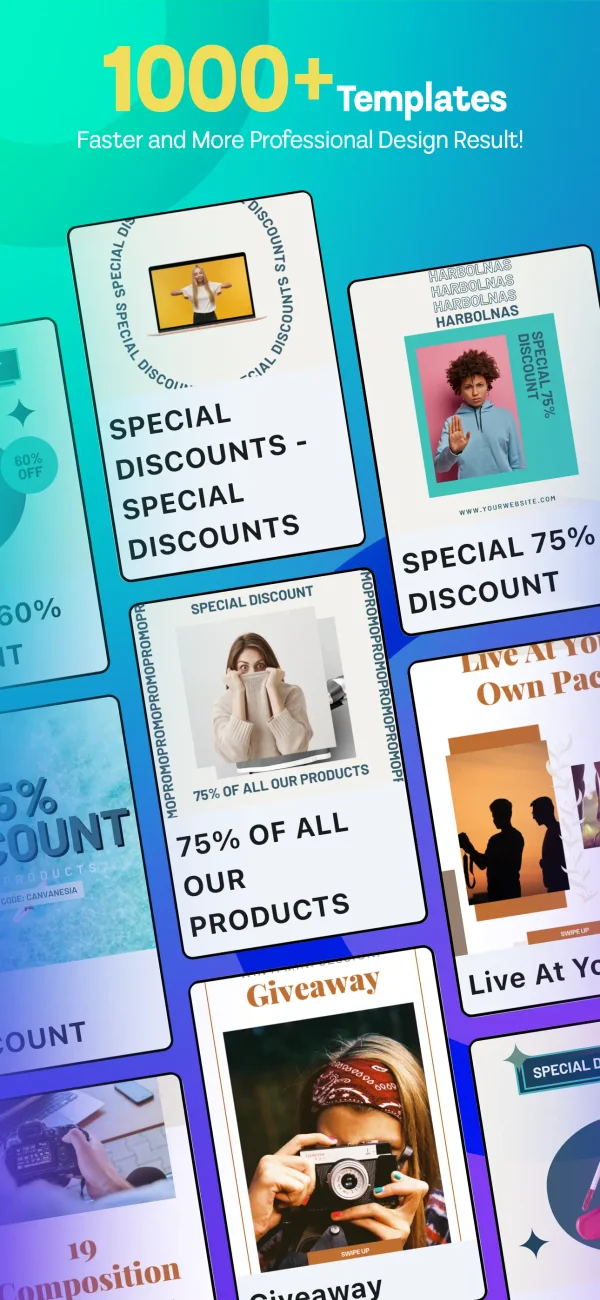
Turn your photos and ideas into posters, flyers, social posts and more with Canvas. Personalize a template in the built-in editor, connect images across a seamless carousel, or turn your design into an animated video.
Start with a template. Make it yours.
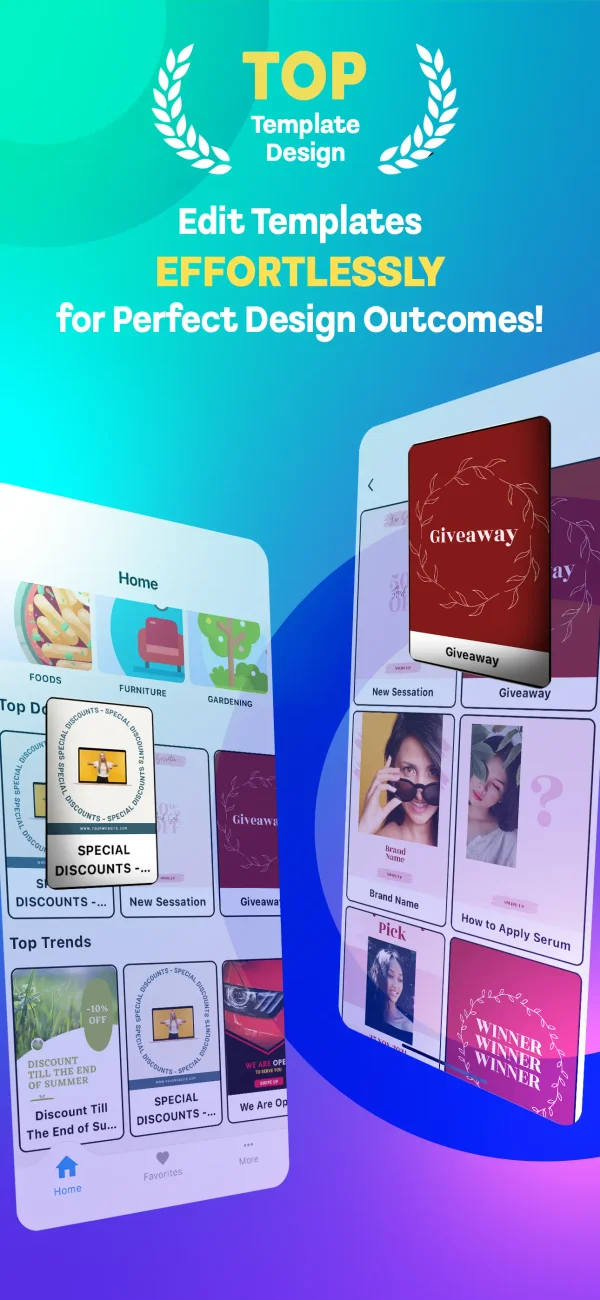
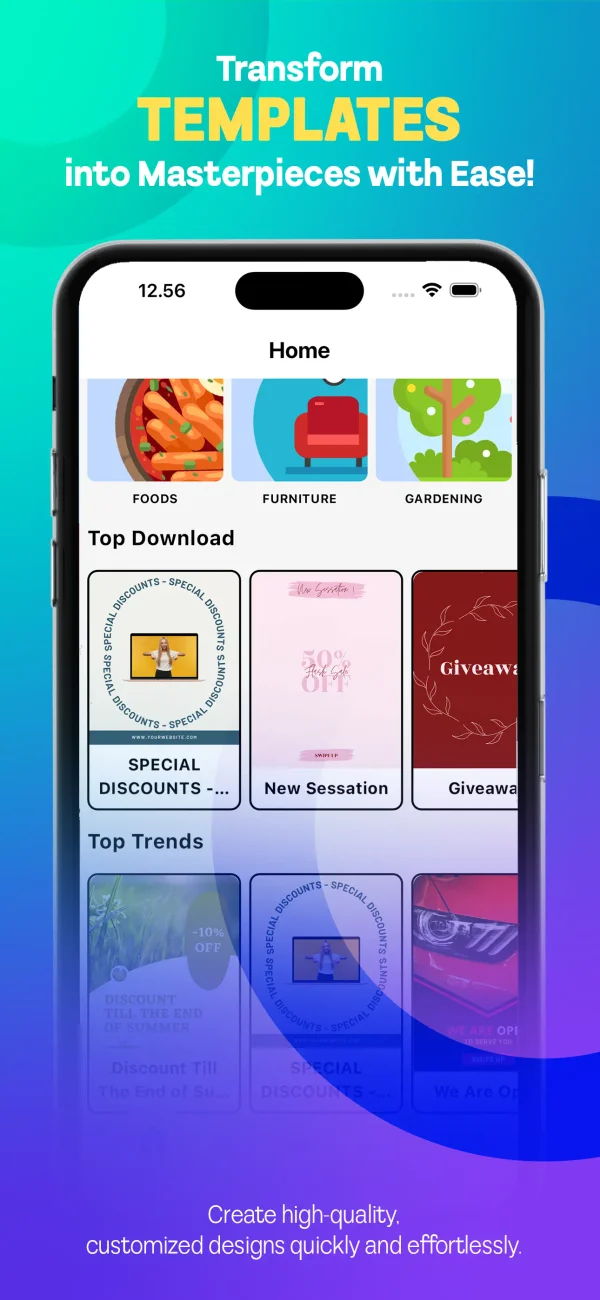
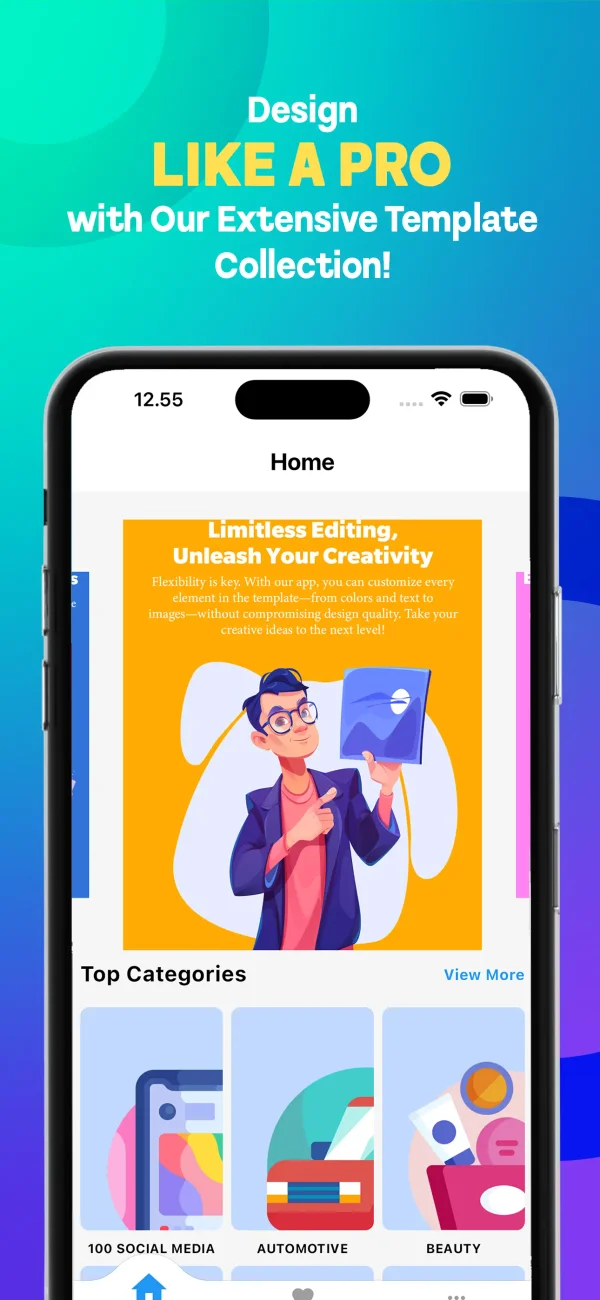
Promote an event, introduce an offer, or create a post for your next update. Choose a template and edit its content and design directly in Canvas. From posters and flyers to everyday social content, give your message a visual style of its own.
Tell a story with every swipe
Build a carousel with images that flow from one slide to the next. Arrange photos and content across connected slides to show a project, share a collection, or tell a longer visual story.
Bring your photos together
Combine your favorite shots in a photo collage. Capture several moments in one composition, collect inspiration, or show different sides of a project without choosing just one image.
Give your menu a fresh look
Start with a food menu template and personalize it for your dishes. Edit the menu content and design in the same app you use for your other visuals.
Add movement. Export as MP4.
Give a post or promotion an animated finish. Add movement to your design with Canvas animation, then export the result as an MP4 video to share.
Choose a template and make your next post, promotion, or photo story with Canvas.
Privacy Policy: https://karangmanggisstudio.site/privacy.html
Terms of Use: https://karangmanggisstudio.site/termofuse.html
What’s new
Version 2.0.8 · Oct 29, 2026
New: Create your own designs from scratch!
• Tap + Create and pick a size: square, portrait, story, landscape or classic
• Add text, photos and shapes, then style them with fonts, effects, filters and colors
• Set slide backgrounds with colors, gradients or photos
• Build carousels with multiple slides that flow seamlessly
• Combine shapes and photos, remove photo backgrounds and generate images with AI
• Your designs save automatically to Recent designs and My projects
• Export to your gallery or share in one tap
App privacy
What Noor Siah declares on the App Store about how this app handles data.
-
Data used to track you
May be used to track you across apps and websites owned by other companies.
- Usage data
-
Data not linked to you
May be collected but is not linked to your identity.
- Usage data
Privacy practices may vary, for example with the features you use or your age.
Information
- Seller
- Noor Siah
- Category
- Graphics & Design
- Version
- 2.0.8
- Updated
- Oct 29, 2026
- Released
- May 9, 2024
- Size
- 60.8 MB
- Requires
- iOS 15.0 or later
- Age rating
- 4+
- Price
- Free
- In-app purchases
- Yes
- Languages
- English
- Copyright
- © Karang Manggis Studio
You might also like
-
 Graphic Design & Logo Creator.Logos, Invites, AI Photo Edit
-
 Canvas for Logo & Poster MakerGraphic Design, Canvas Creator
-
 Logo, Poster Maker, Design ArtFlyer, Presentation, Resume CV
-
 Design Lab: Logo Graphic MakerPhoto Editor, Post Creator App
-
 Templates for CanvaPosts, Stories, Reels & Logos
-
 Dada: Poster, Flyer, StickersCollage & Invitation Maker
-
 Poster & Flyer Maker by PinsoCanva, Logo, Menu, Ad Creator
-
 AI Canvas - AI Image GeneratorPhoto Video, Design Logo Maker
-
 Poster Maker, Flyer MakerAI Poster Maker, Flyer Creator
-
 Poster Maker - AI Flyer DesignCreate Flyers, Posters Graphic