
- Age rating12+
- CategoryFinance
- DeveloperCape Cod Five Cents Savings Bank
- LanguagesEnglish+ 1 more
- Size200.6 MB
Links to the official App Store page
Download.org hosts no file of Cape Cod 5 - Mobile Banking. The button opens its official App Store page, published by Cape Cod Five Cents Savings Bank. Listing last checked on Nov 23, 2026.
Screenshots
About
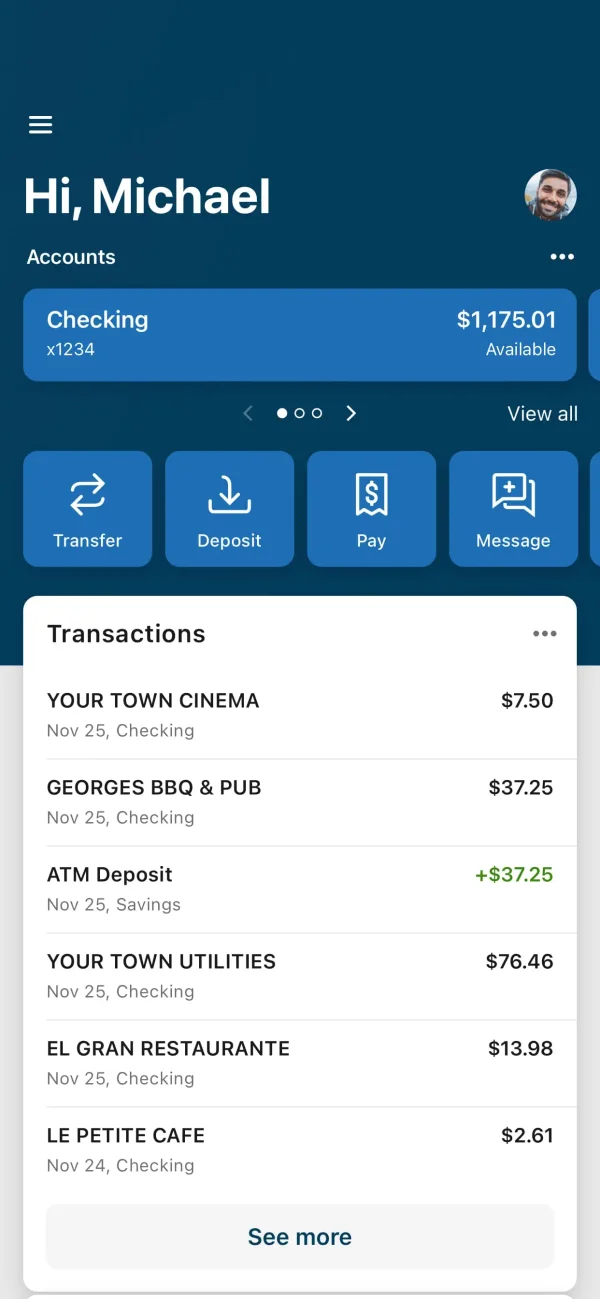
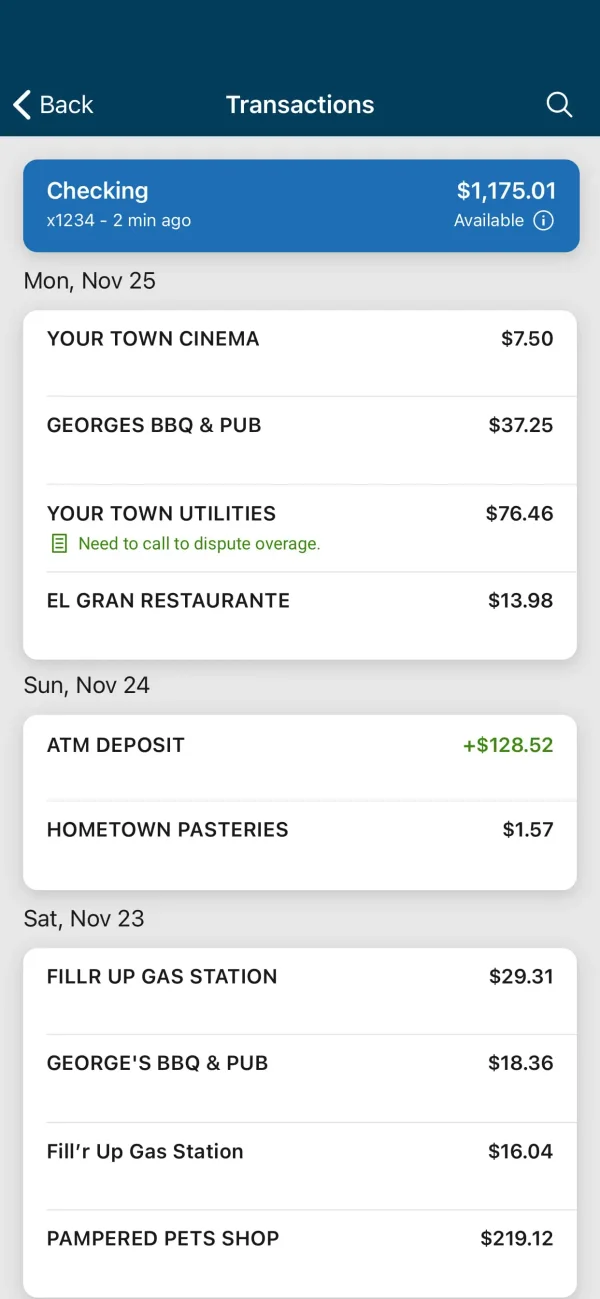
Cape Cod 5 Mobile Banking is a free app that allows you to bank at any time, from anywhere on your iOS device. Available to all Cape Cod 5 customers, use the mobile banking app to: check account balances, view transaction history, deposit checks, make transfers, pay bills, manage your budget, set ATM/debit card controls and more! Need account support? Contact the Cape Cod 5 customer support team using the secure messaging conversations feature directly within the app. You can also find Cape Cod 5 locations near you. It is fast, secure and makes life easier by empowering you with the tools you need to manage your personal finances.
ADDITIONAL FEATURES
Built-In Budgeting Tools: Create a plan, budget to meet your financial goals and track your progress from within the app with Personal Financial Management tools
Integrated Debit Card Controls & Travel Notices: Manage debit/ATM card security controls
Alerts & Notifications: Set account alerts to be notified when certain activity occurs on your account.
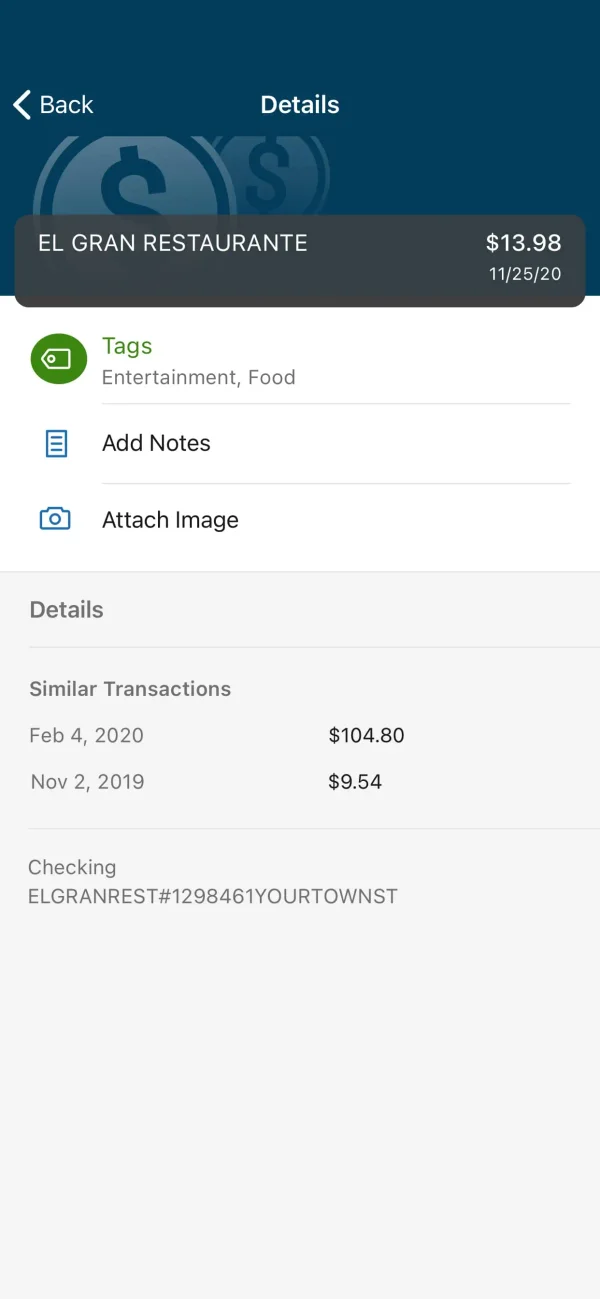
Add Tags, Notes, Images & Geo-Information: By enhancing transactions with custom tags, notes or photos of a receipt or check, you have the ability to stay organized and find exactly what you’re looking for when searching through your finances.
Contact/Support: Message Cape Cod 5 customer service directly from within the app for account-related assistance. Locate Cape Cod 5 ATMs or Banking Centers.
SAFE AND SECURE
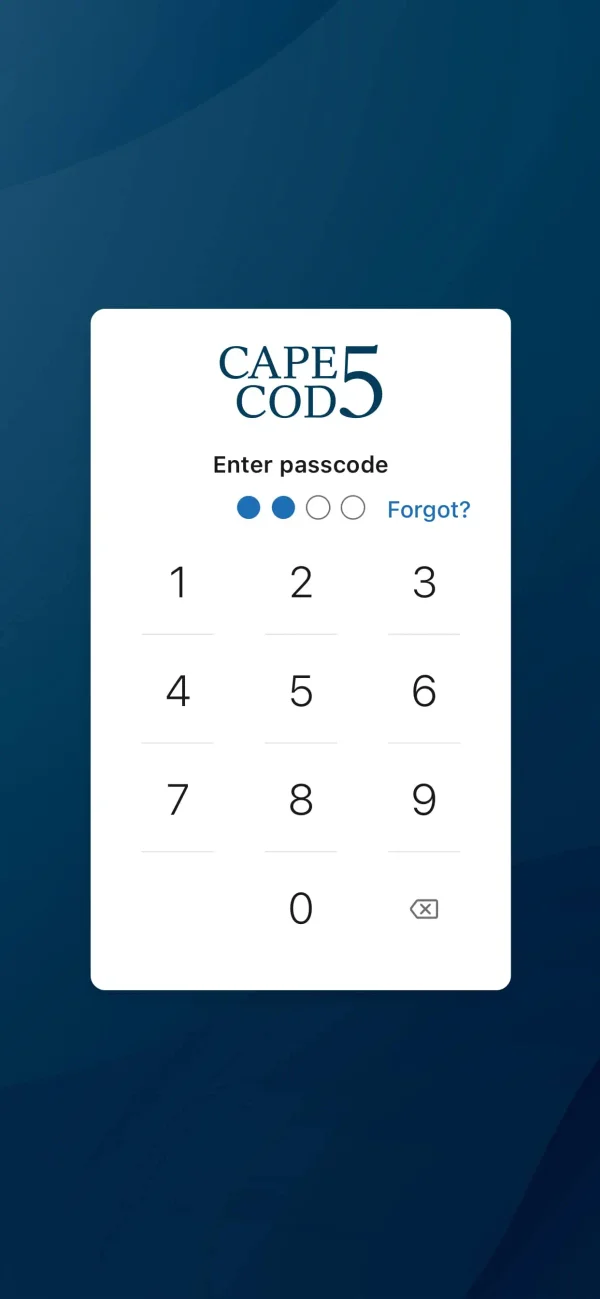
The app utilizes the same level of security that protects you when you’re on Online Banking. The app also features a unique 4-digit passcode setting that prevents unauthorized access.
GETTING STARTED
To use the Cape Cod 5 mobile banking app, simply download the app, launch it, and login with your credentials or enroll if you are a first-time user of Online and Mobile Banking. After you successfully login to the app, your accounts and transactions will begin updating.
What’s new
Version 3.40.0 · Nov 13, 2026
Version 3.40.0
• Bug fixes and performance improvements
App privacy
What Cape Cod Five Cents Savings Bank declares on the App Store about how this app handles data.
-
Data linked to you
May be collected and linked to your identity.
- Financial info
- Contact info
- Contacts
- User content
- Identifiers
- Usage data
- Diagnostics
-
Data not linked to you
May be collected but is not linked to your identity.
- Location
Privacy practices may vary, for example with the features you use or your age.
Information
- Seller
- The Cape Cod Five Cents Savings Bank
- Category
- Finance
- Version
- 3.40.0
- Updated
- Nov 13, 2026
- Released
- Oct 12, 2020
- Size
- 200.6 MB
- Requires
- iOS 26.3 or later
- Age rating
- 12+
- Price
- Free
- Languages
- English, Spanish
- Copyright
- © The Cape Cod Five Cents Savings Bank
You might also like
-
 Cape & Coast BankFinance
-
 Rockland Trust Mobile BankingFinance
-
 Arise Financial MobileFinance
-
 MV Bank Mobile BankingFinance
-
 First Citizens' FCU MobileFinance
-
 My Insurance® Mobile AccountFinance
-
 myArbella MobileManage Your Arbella Insurance
-
 Eastern Bank Mobile BankingEastern Bank Mobile Banking
-
 Seamen's Bank MobileFinance
-
 Leader Bank Digital BankingFinance