
CapScribe: Auto Captions
Auto Subtitles & SRT Captions
Designed for iPhone, iPad
Free · In-app purchases
- Age rating4+
- CategoryPhoto & Video
- Developer正平 孙
- LanguagesEnglish+ 1 more
- Size7.2 MB
Links to the official App Store page
Download.org hosts no file of CapScribe: Auto Captions. The button opens its official App Store page, published by 正平 孙. Listing last checked on Nov 16, 2026.
Screenshots
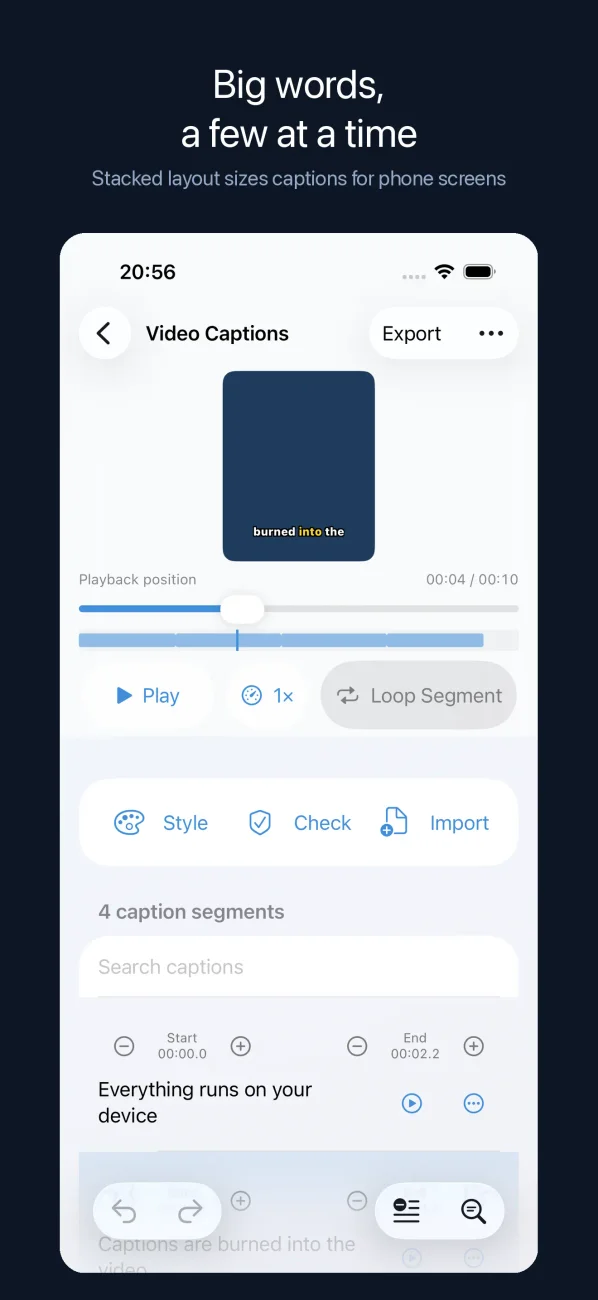
About
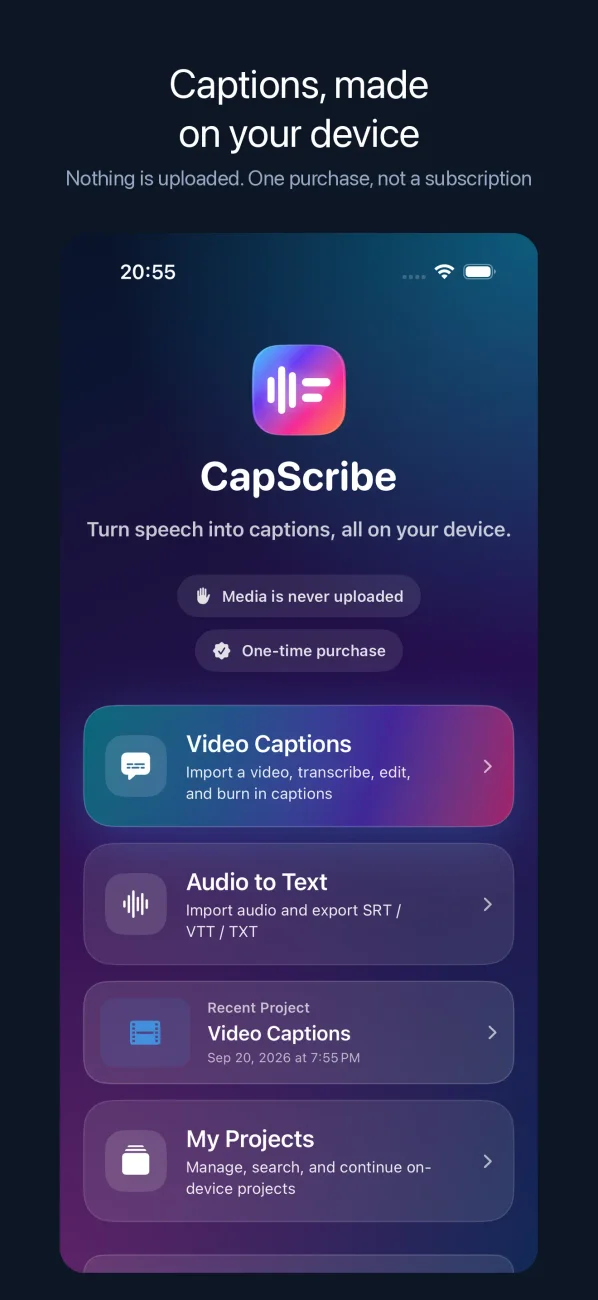
CapScribe turns speech into editable captions and burns them into your video, entirely on your iPhone or iPad. Nothing is uploaded to us. There is no subscription, no credit system, and no watermark: one purchase unlocks the full app.
Import a video or audio file, transcribe it on device, fix words and timing, pick a style, and export. Already have captions? Pair a video with an SRT or VTT file and skip transcription. Batch up to 10 videos at once.
Because everything runs locally, there is no upload queue and no waiting for a server. After the language pack is downloaded, transcription works in airplane mode.
CREATE AND EDIT
• Transcribe imported video and audio on your device
• Keep multiple local video and audio projects, then search, rename, duplicate, reopen, or delete them
• Burn styled captions into the exported video
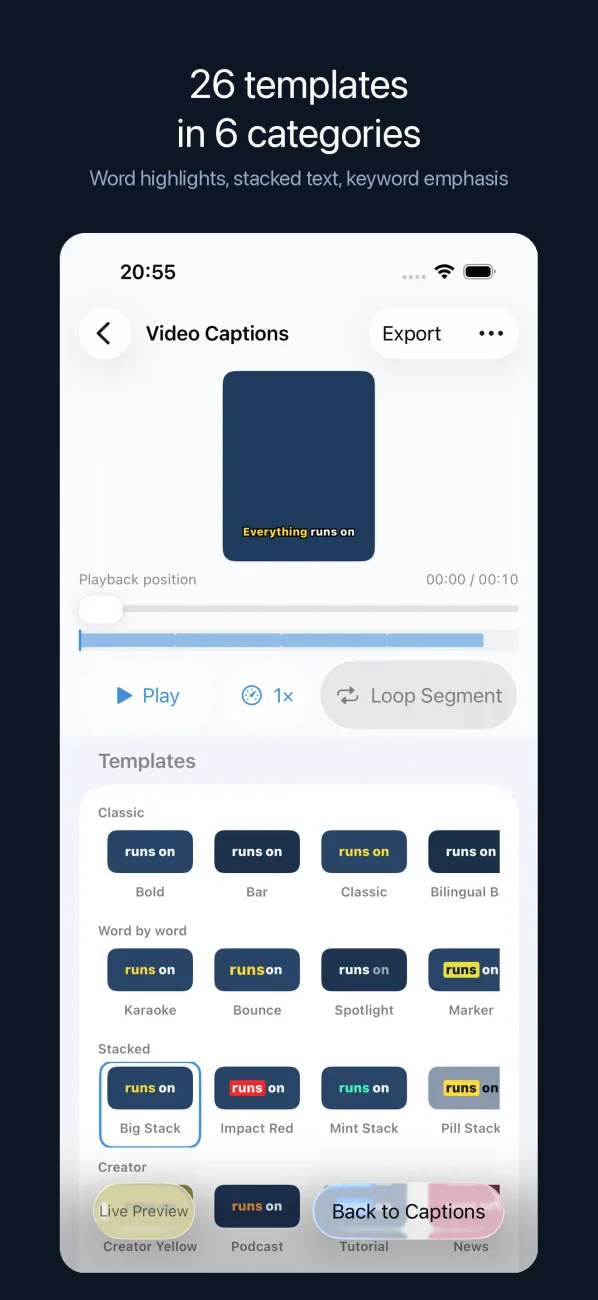
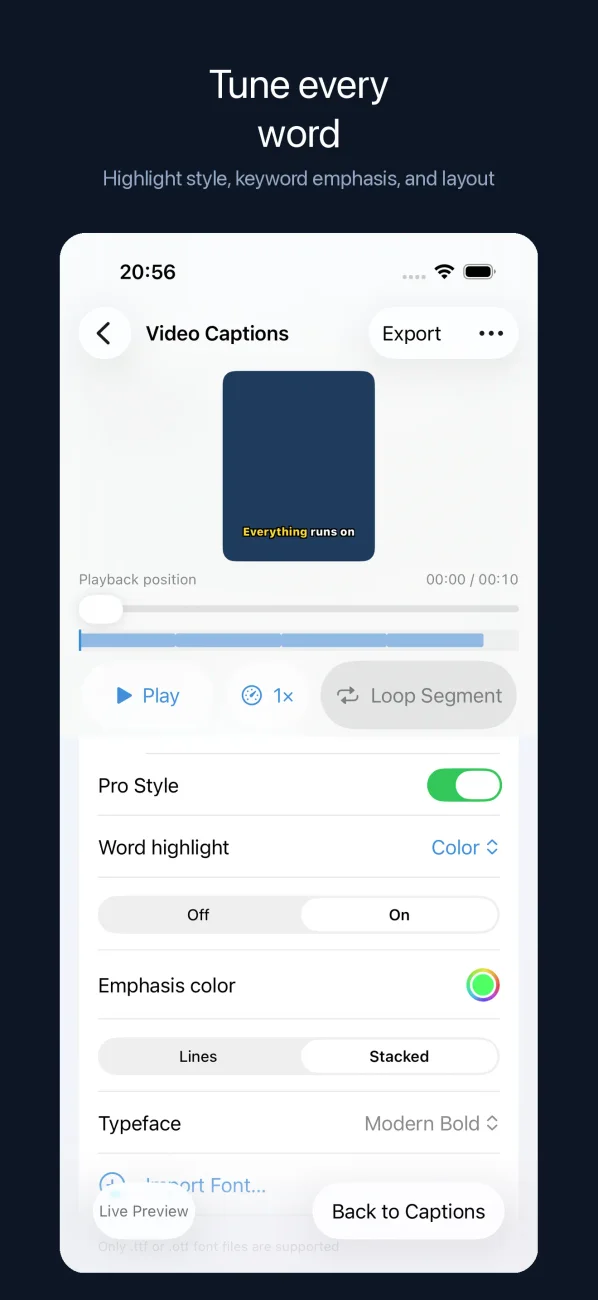
• Choose from eight presets or customize font design, alignment, colors, outline, background, corners, and shadow
• Add a clean Pop or Rise entrance to captions, or keep motion off
• Reframe output for the original ratio, 9:16, 4:5, 1:1, or 16:9
• Preview at 0.5×–2× speed and loop the current caption while editing
• Enter exact timecodes, smart-split a caption, or safely fix empty and overlong captions in one step
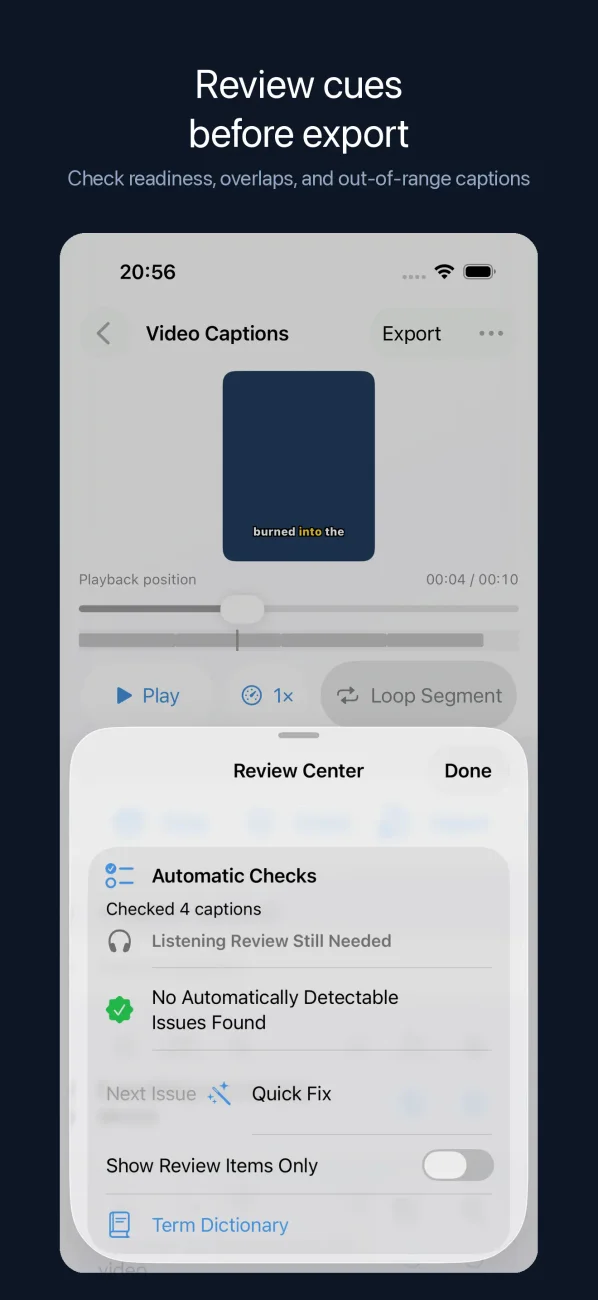
• Review low-confidence, fast, overlong, and empty captions in one place
• Use on-device Automatic Checks to find detectable caption and timing issues, then listen and review names, numbers, original text, and translations before publishing
• Reuse an on-device term dictionary for names and commonly misheard words
• Undo and redo edits, or find and replace across original text and translations
TRANSLATE AND EXPORT
• Translate captions with Apple's system Translation framework
• Switch between original, translated, and bilingual captions
• Batch-caption up to 10 videos at a time
• Export original, translated, or bilingual SRT, VTT, and TXT files separately or as one package
• Preview the finished video, compare source-to-output resolution, and check expected duration, frame rate, audio, and file size before sharing
FREE PREVIEW AND FULL VERSION
Try the complete workflow at no charge. For longer media, the free preview processes the first 90 seconds of each video or the first 10 minutes of audio. A one-time, non-consumable in-app purchase removes those free preview limits. There is no subscription or watermark; actual processing capacity depends on your device and media.
PRIVACY
CapScribe processes your media and transcripts on your iPhone or iPad and does not upload them to the developer. Projects stay in the app's local storage. iOS may download Apple speech or translation language resources when first needed. Purchases are handled by Apple through the App Store.
REQUIREMENTS
iPhone with iOS 26 or later.
What’s new
Version 2.8.3 · Oct 30, 2026
Improved feedback email: use the system Mail composer or copy the complete feedback when Mail is not configured. Preview limits are clearer before processing. Media exports now check available storage and clean up unfinished files after cancellation.
App privacy
What 正平 孙 declares on the App Store about how this app handles data.
-
Data not collected
The developer does not collect any data from this app.
Privacy practices may vary, for example with the features you use or your age.
Information
- Seller
- 正平 孙
- Category
- Photo & Video
- Version
- 2.8.3
- Updated
- Oct 30, 2026
- Released
- Aug 19, 2026
- Size
- 7.2 MB
- Requires
- iOS 26.0 or later
- Age rating
- 4+
- Price
- Free
- In-app purchases
- Yes
- Languages
- English, Simplified Chinese
- Copyright
- © 2026 Zhengping Sun
You might also like
-
 Subtext: Auto CaptionsSubtitles & translation
-
 Handcut: Auto Captions VideoAI Subtitles Generator & Maker
-
 AutoSub - Video TranslatorAI Video Subtitles & Captions
-
 Capzy: AI CaptionAuto Subtitle with AI
-
 Translate Video: AI CaptionsAuto Subtitles & Voice to Text
-
 Auto Caption Video SubtitlesInstagram Captions CC Youtube
-
 AI Captions for Videos: VidCapAuto Subtitles & SRT Generator
-
 Auto Captions: Video SubtitlesAI Closed Captioning for Reels
-
 Captiono: AI SubtitlesAI-powered video subtitles
-
 AutoCap: Auto Video CaptionsAI Subtitle Generator & Editor