Captions Maker: Video Subtitle
Auto Subtitles & Edit Captions
Designed for iPhone, iPad
Free · In-app purchases
- Age rating4+
- CategoryUtilities
- DeveloperDan Nguyen Ngoc Dan
- LanguagesEnglish+ 9 more
- Size29.2 MB
Links to the official App Store page
Download.org hosts no file of Captions Maker: Video Subtitle. The button opens its official App Store page, published by Dan Nguyen Ngoc Dan. Listing last checked on Nov 14, 2026.
Screenshots



About
Captions Maker: Video Subtitle provides all the tools you need to create polished, professional videos with engaging captions. Whether you're recording new content or editing existing videos, this app simplifies the entire captioning process.
Key Features:
Record or Import Videos: Capture directly from your camera or import from your photo library and files.
Teleprompter Mode: Read scripts confidently with an adjustable teleprompter. Customize font, color, scroll speed, and even add background audio to support your presentation.
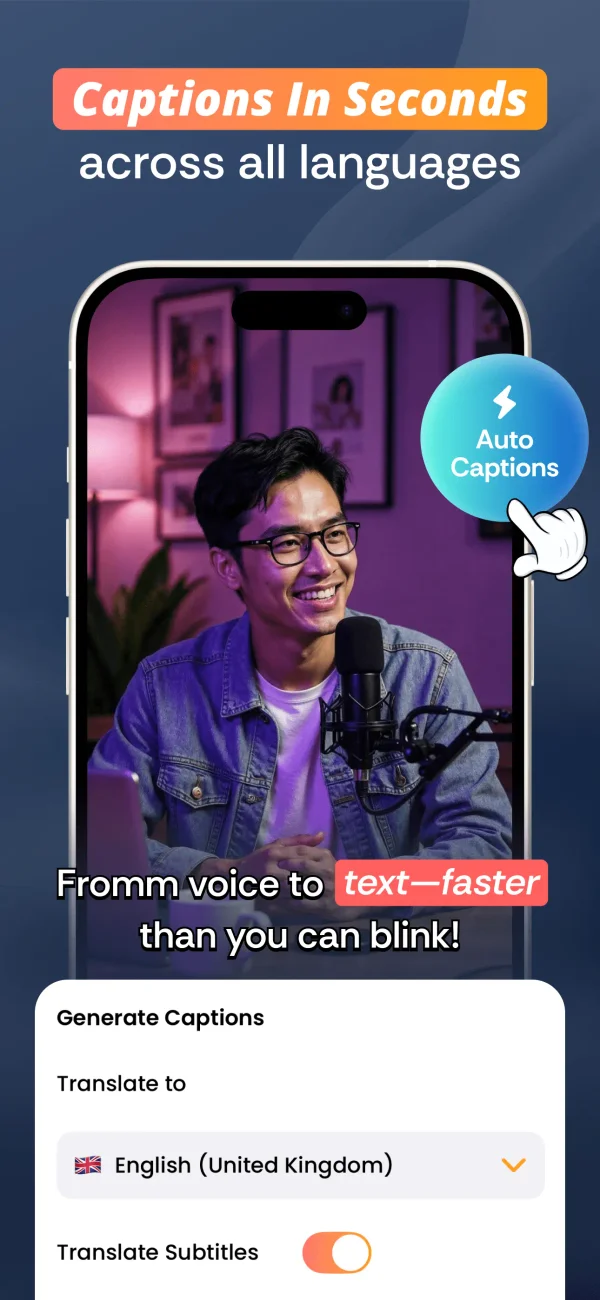
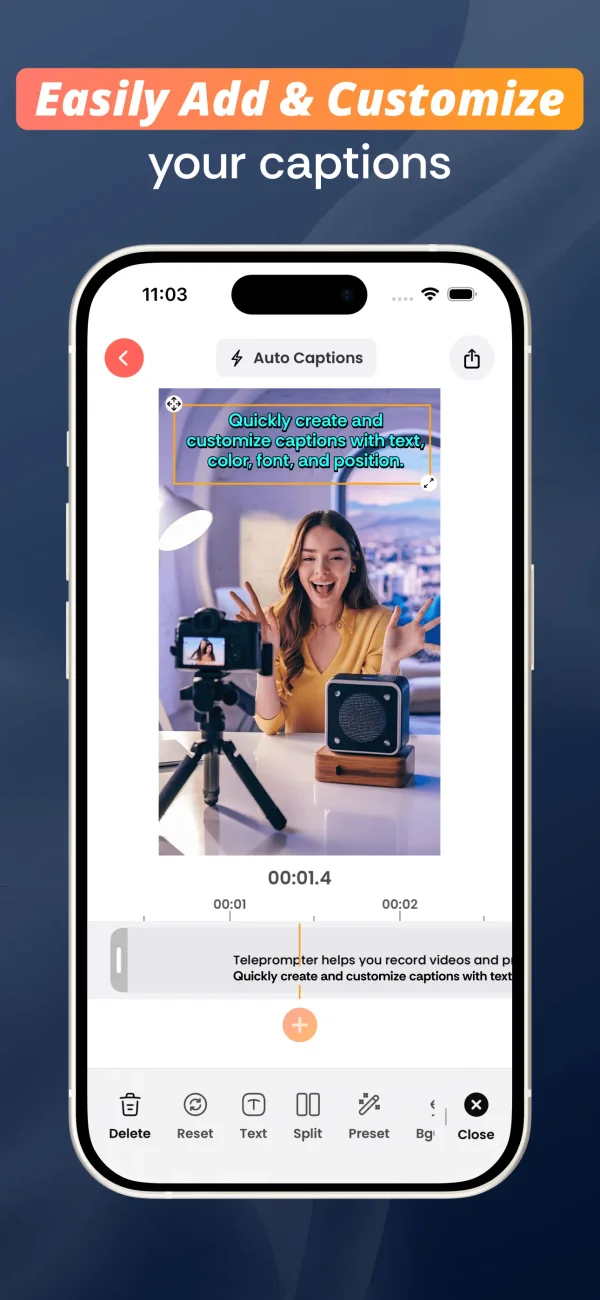
Auto Captions: Automatically generate subtitles from speech to save time and enhance accessibility.
Import Subtitles: Upload .SRT or .VTT files for fast editing and consistent branding across projects.
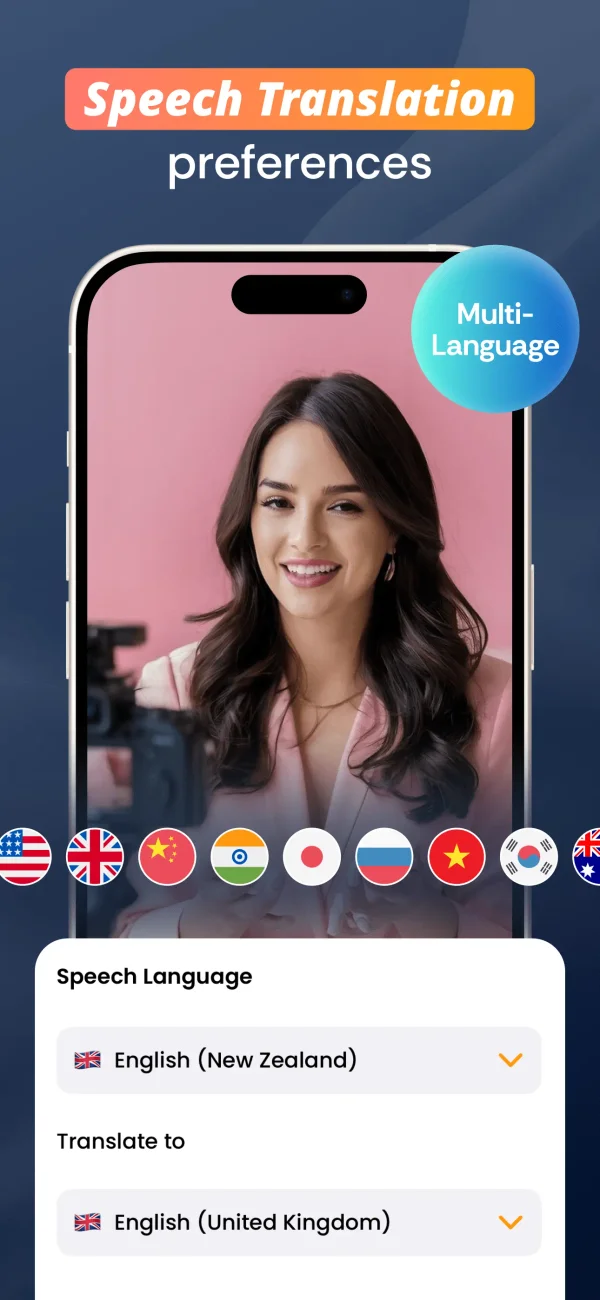
Multi-language Translation: Translate captions into various languages to reach a broader, global audience.
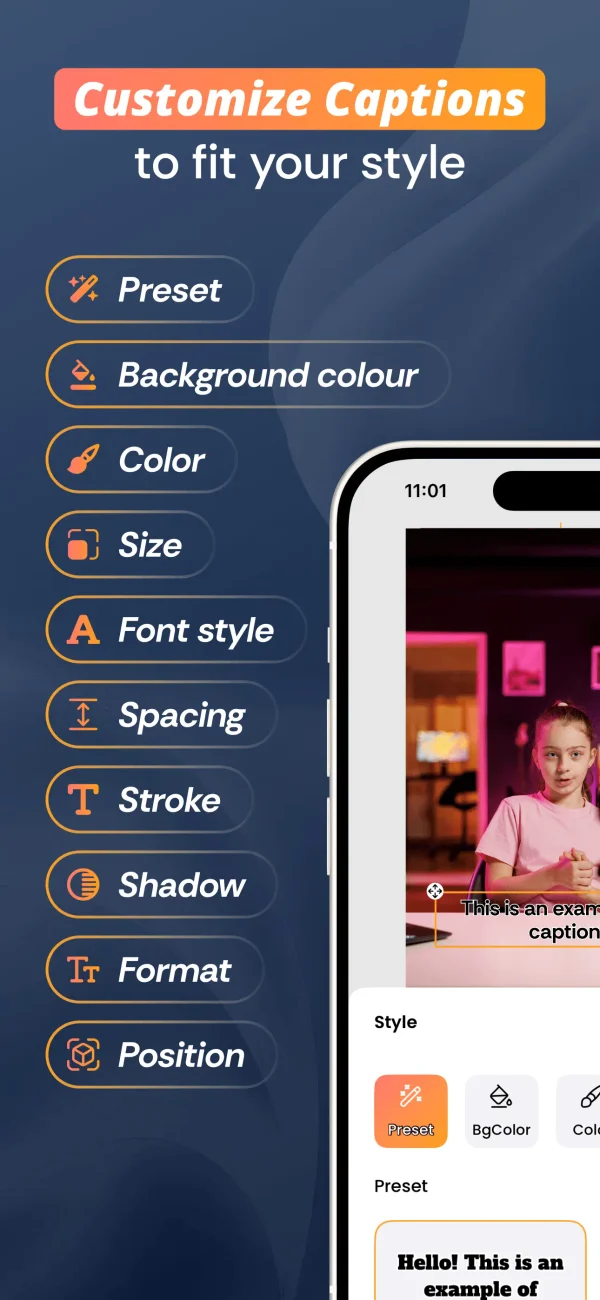
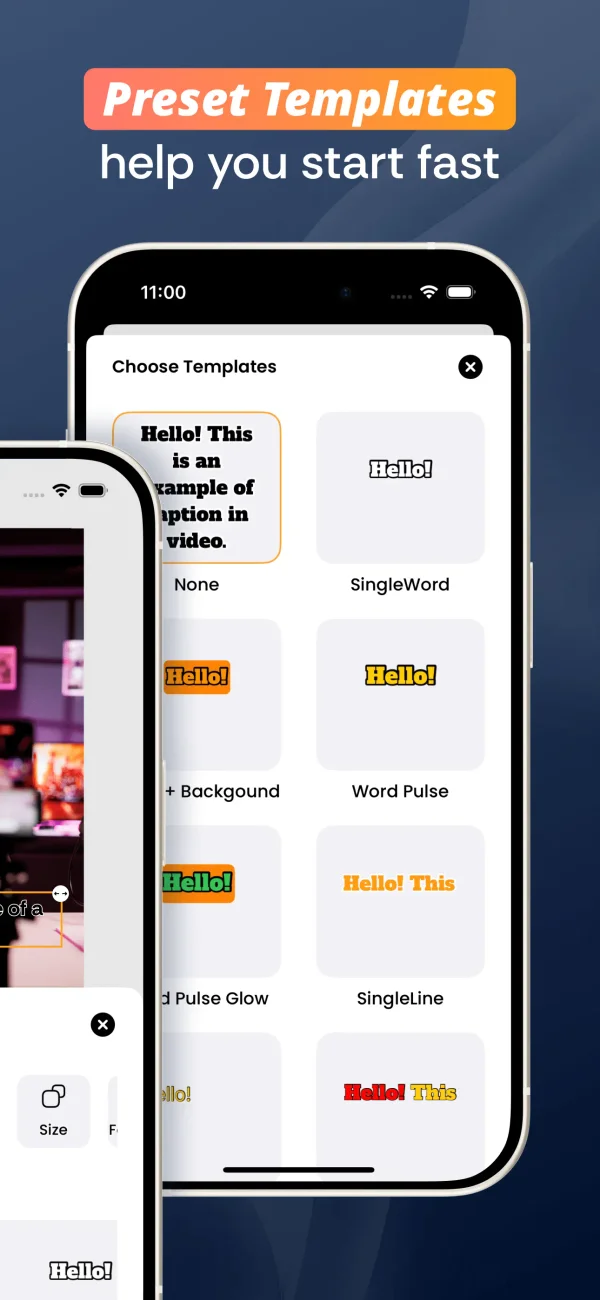
Subtitle Customization: Control position, font style, color, background, stroke, alignment, size, case, and animations to match your content style or brand identity.
Add Logo: Insert your logo to reinforce branding in every video.
Green Screen Removal: Easily replace green backgrounds to create more dynamic, visually engaging scenes.
Video Resizing: Optimize aspect ratios for different platforms like Instagram, TikTok, YouTube, or presentations.
Audio Boosting: Enhance audio clarity to ensure your message is always heard.
Upgrade to Captions Maker Premium
Unlock advanced features including enhanced subtitle styling, extended video lengths, batch editing tools, and more customization options for professional-grade results.
Download Captions Maker: Video Subtitle today to simplify your editing workflow and create videos that connect, inform, and impress.
Privacy Policy: https://apiimobile.com/privacy-policy-captions-for-video.pdf
Terms of Use: https://apiimobile.com/terms-of-user-captions-for-video.pdf
What’s new
Version 1.1.7 · Jul 27, 2026
Fix some errors.
App privacy
What Dan Nguyen Ngoc Dan declares on the App Store about how this app handles data.
-
Data used to track you
May be used to track you across apps and websites owned by other companies.
- Location
- Identifiers
- Usage data
- Diagnostics
-
Data not linked to you
May be collected but is not linked to your identity.
- Location
- User content
- Identifiers
- Usage data
- Diagnostics
Privacy practices may vary, for example with the features you use or your age.
Information
- Seller
- Dan Nguyen Ngoc Dan
- Category
- Utilities
- Version
- 1.1.7
- Updated
- Jul 27, 2026
- Released
- Aug 30, 2024
- Size
- 29.2 MB
- Requires
- iOS 16.0 or later
- Age rating
- 4+
- Price
- Free
- In-app purchases
- Yes
- Languages
- English, French, German, Hindi, Japanese, Korean, Portuguese, Russian, Simplified Chinese, Spanish
- Copyright
- © Apiimobile
You might also like
-
 AutoCC: captions & subtitlesAdd Captions with One Click
-
 Captionic - AI Video CaptionsGenerate captions for shorts
-
 Subtitles Viewer!Captions for cinema and TV
-
 Fonto - story font for IGCreate Beautiful Stories
-
 NetVPN - Unlimited VPN ProxyFast Speed & Secure VPN Proxy
-
 FlyVPN - Secure & FastVPN Security, Internet Privacy
-
 Fair VPNFor v2ray, shadowsocks, trojan
-
 NumberBox:CallerIDKnow Your Caller
-
 VPNSix - Protect your PrivacyConnect. Protect. Go.
-
 SANDS-MovieSANDS Movie