- Age rating4+
- CategoryProductivity
- DeveloperInkscreen LLC
- LanguagesEnglish+ 5 more
- Size181.6 MB
Links to the official App Store page
Download.org hosts no file of CAPTOR for Enterprise. The button opens its official App Store page, published by Inkscreen LLC. Listing last checked on Nov 17, 2026.
Screenshots




About
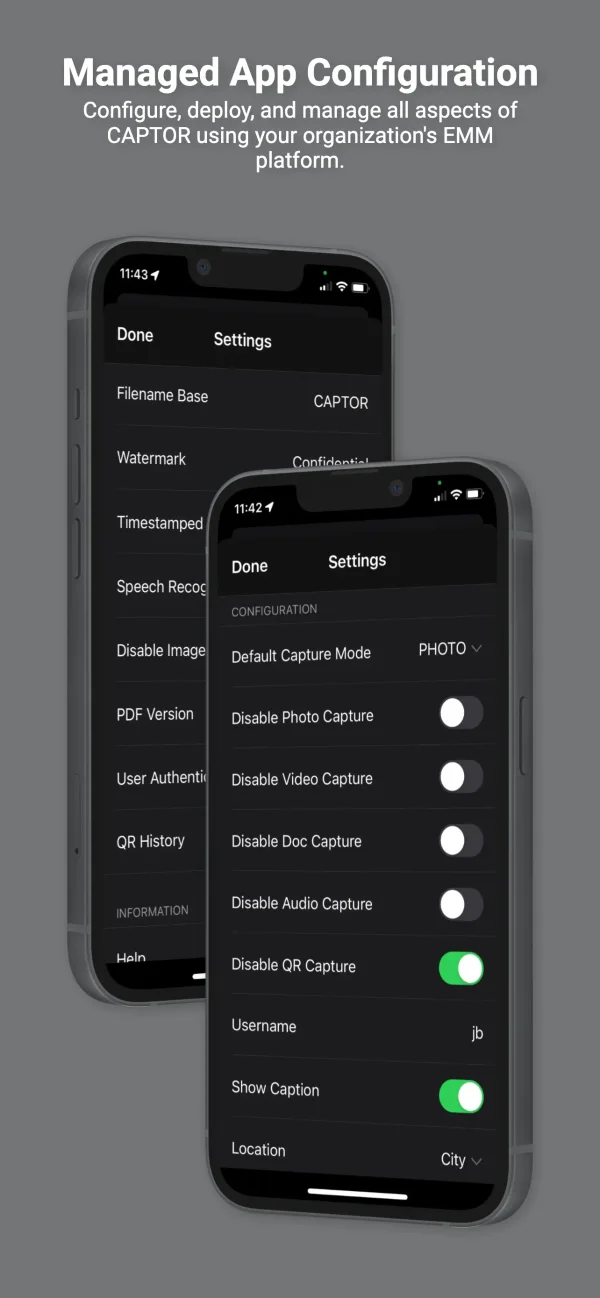
IMPORTANT: CAPTOR™ for Enterprise is an AppConfig app intended to be used as a managed app with an Enterprise Mobility Management (EMM) platform such as Citrix, Workspace ONE (AirWatch/VMware/Omnissa), AppTec360, or any other mobile management platform that supports AppConfig.
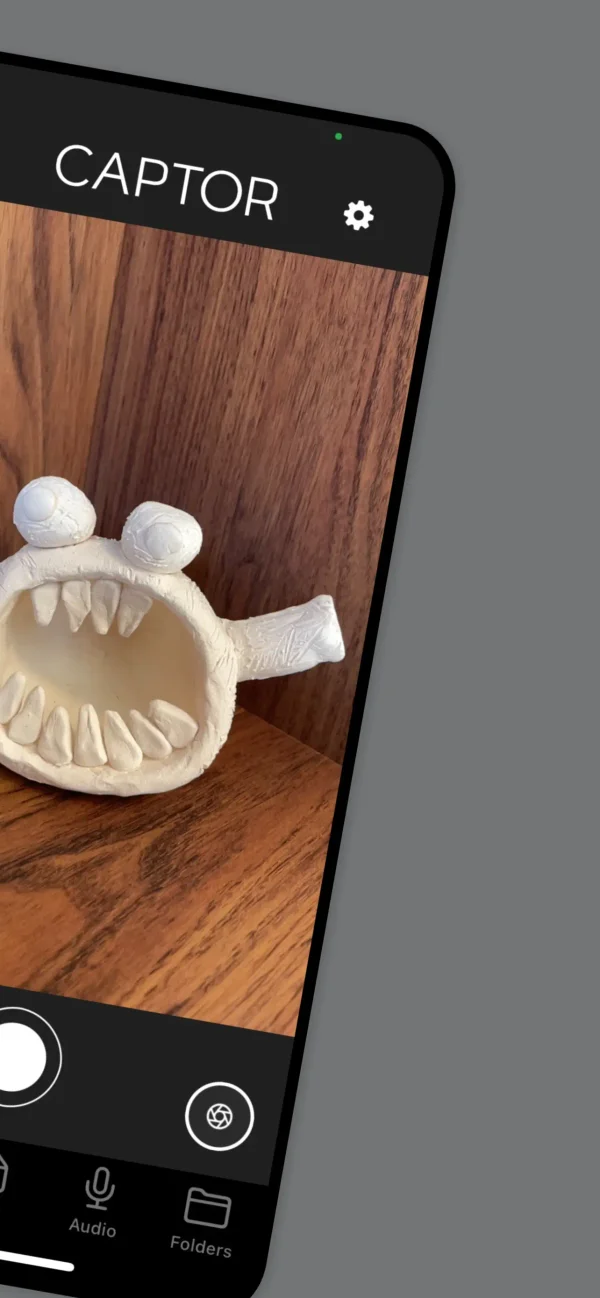
CAPTOR™ enables the secure capture and control of sensitive business-related content (photos, videos, audio, and scanned documents) on iPhones and iPads. CAPTOR combines the productivity functions of a camera app, document scanning app, audio/video recording app photo/document annotator, and QR-Code reader.
CAPTOR is used by organizations all over the world to securely capture content on iPhones and iPads, especially in regulated industries such as healthcare, legal, government, law enforcement, insurance, real estate, manufacturing, and financial services. CAPTOR is a critical component of any enterprise mobility solution.
Key Features:
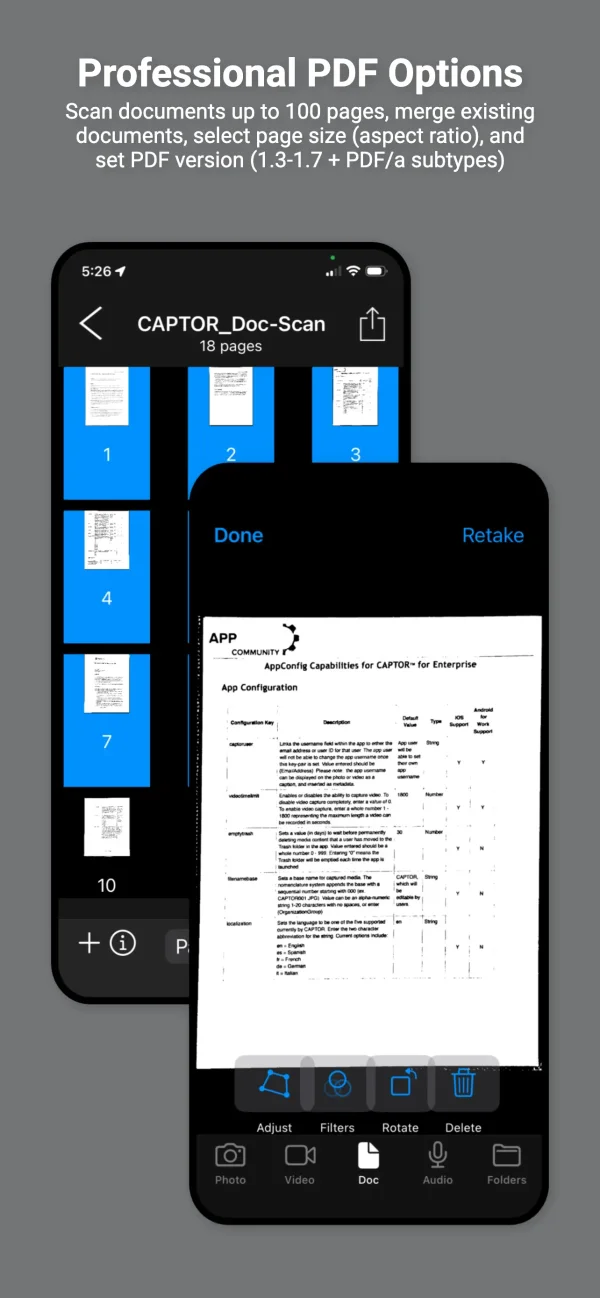
-Scan multi-page documents with smart edge detection, edit, annotate, and save as PDF.
-Combine/merge PDF files and rearrange or delete pages
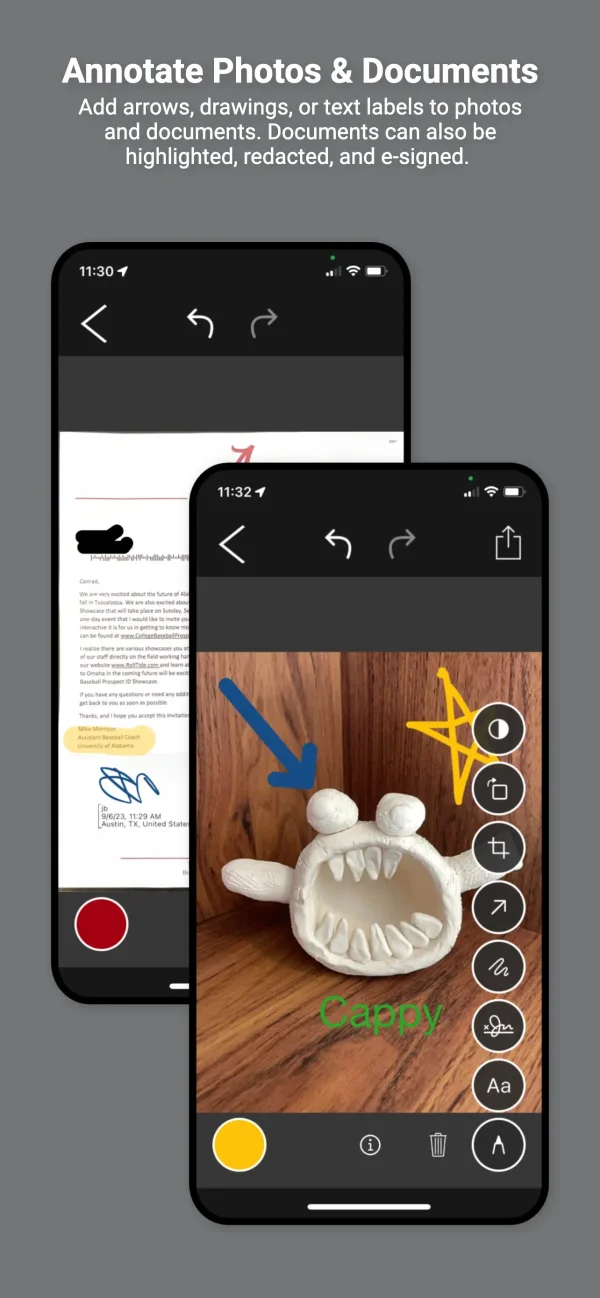
-e-Signature annotation for signing PDF documents.
-Capture high resolution photos and videos.
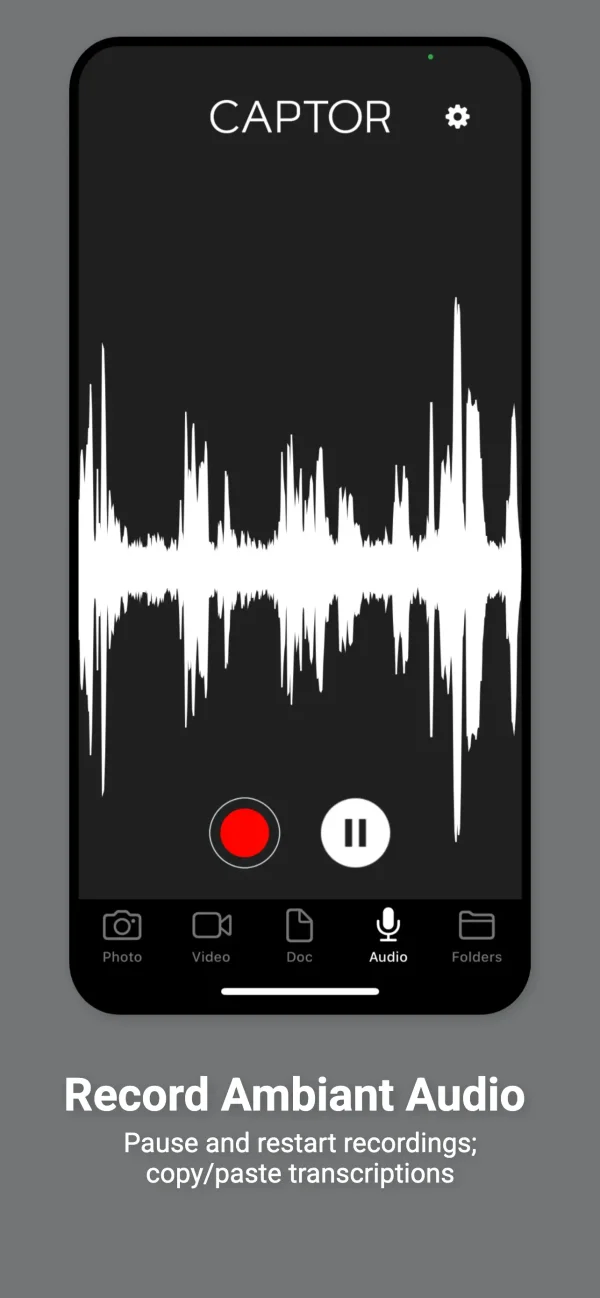
-Record ambient audio.
-Read QR codes and launch secure browser.
-Annotate photos and documents with arrows, drawings, highlighters, and text labels.
-Apply informative captions to media including timestamps, location tags, authenticated user, and notes
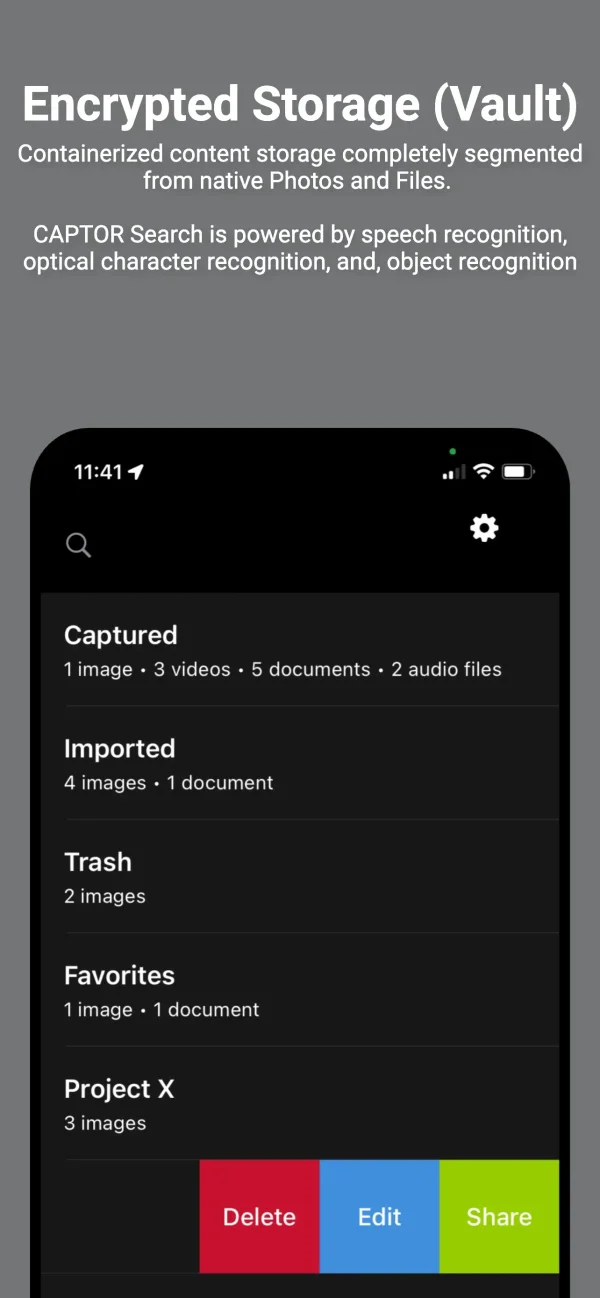
-Enhanced Search for photos and documents containing text, and audio and video using speech recognition
-Configure IT policies to enforce authentication, PDF version, Open In, default browser, file naming, and much more.
-Completely separate work content from personal to support BYOD/COPE, and enable personal privacy (GDPR compliance).
-Backup content using SFTP, WebDAV, SMB, or to cloud services OneDrive, SharePoint, or Google Drive.
What’s new
Version 5.7.1 · Oct 15, 2026
BETA - new option to backup to Google Shared Drives
BETA - Kerberos authentication for SMB backups
Bug fixes for Instant backups
App privacy
What Inkscreen LLC declares on the App Store about how this app handles data.
-
Data not linked to you
May be collected but is not linked to your identity.
- Location
- Usage data
- Diagnostics
Privacy practices may vary, for example with the features you use or your age.
Information
- Seller
- Inkscreen LLC
- Category
- Productivity
- Version
- 5.7.1
- Updated
- Oct 15, 2026
- Released
- Apr 26, 2016
- Size
- 181.6 MB
- Requires
- iOS 18.0 or later
- Age rating
- 4+
- Price
- Free
- Languages
- English, Dutch, French, German, Italian, Spanish
- Copyright
- © Inkscreen LLC 2012-2026
You might also like
-
 SecureCloudProductivity
-
 Autosource MobileProductivity
-
 scadaAppProductivity
-
 NextStep: Visual Routine TimerMorning steps, finish-by time
-
 BannerByeCookie banners, killed.
-
 FEATUREgripProductivity
-
 Habit Harvest: Habit TrackerStreaks, Focus & Farm Game
-
 TasteLab Staff AppTasteLab HRsystem is the easie
-
 Reliability ProReliability & Quality toolkit
-
 ContentBoxProductivity