
- Age rating4+
- CategoryEducation
- DeveloperKarl-Heinz Loch
- LanguagesEnglish+ 1 more
- Size1.5 MB
Links to the official App Store page
Download.org hosts no file of Card2Memory. The button opens its official App Store page, published by Karl-Heinz Loch. Listing last checked on Nov 18, 2026.
Screenshots

About
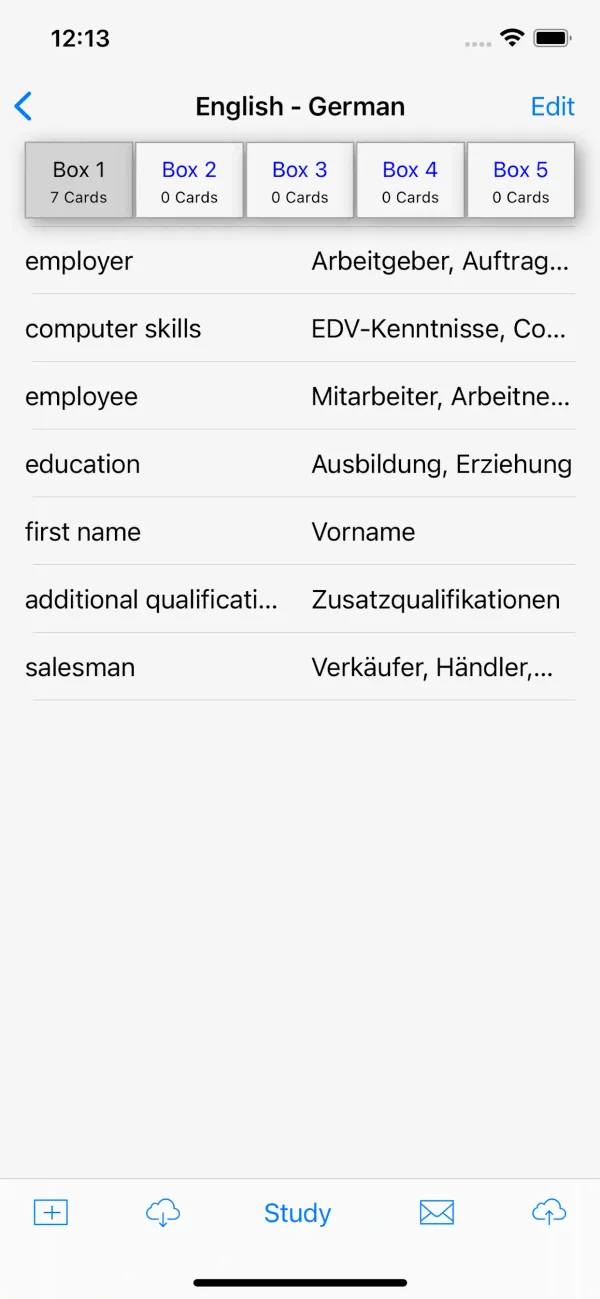
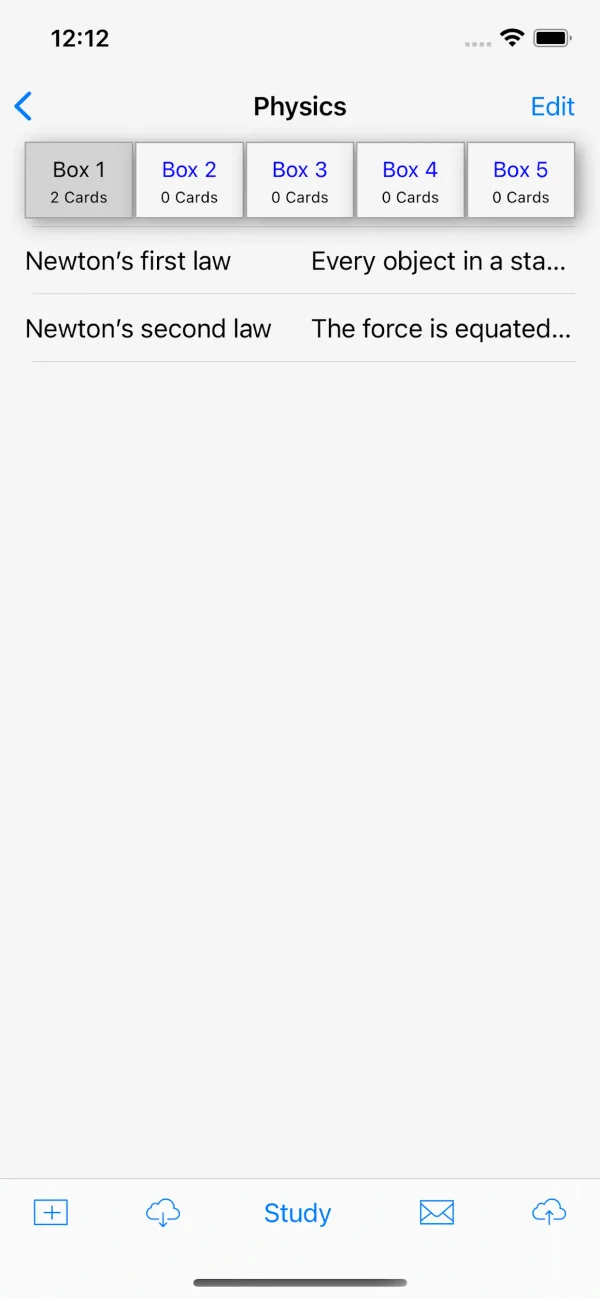
Card2Memory is a flashcard tool that follows the Leitner system with 5 boxes and optimizes your learning process.
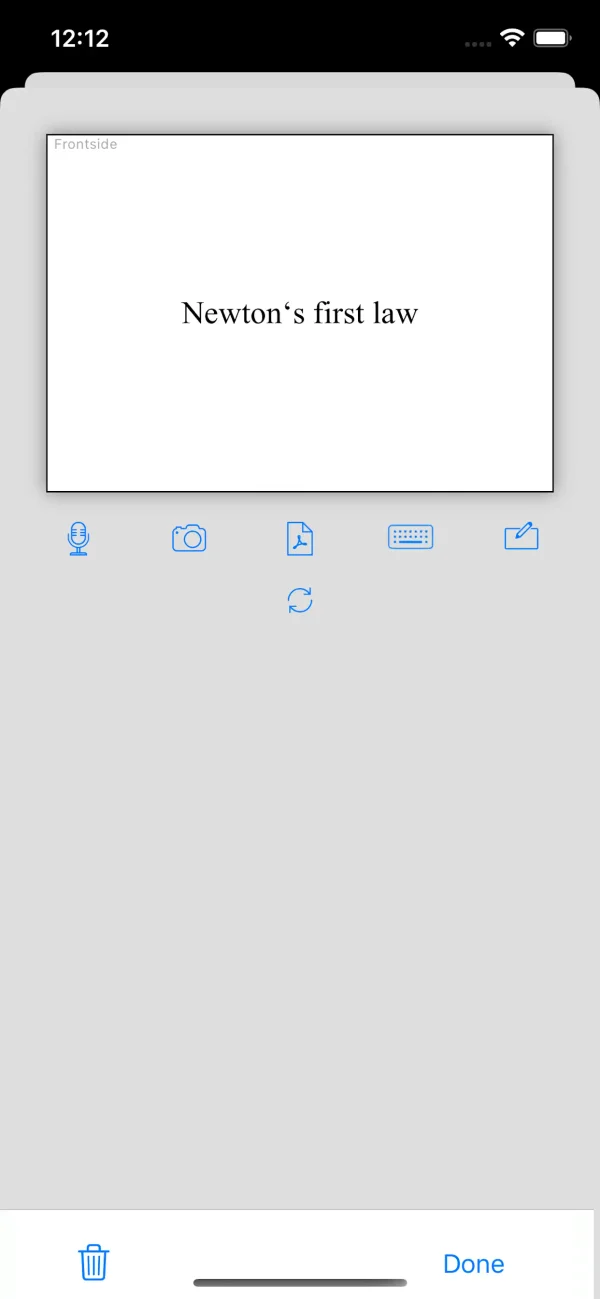
On the front and back of a card, you can enter a question and answer in the form of plain text, audio files, or pictures. In addition, you can insert (cropped) PDF files via iCloud as formatted text. This way, you can also use text that has been generated with a formula editor.
With a high-contrast black and white photo of a two-columned vocabulary list, the corresponding flashcards can be produced automatically via text recognition.
Data from CSV files (with ; or , as a separator) can be imported into the current flashcard. A flashcard can be saved and loaded as a file with the suffix c2m. When editing flashcards, you can create backup copies to save your work in progress quickly.
Because new cards will always be put into box 1, they can only be created if box 1 is selected.
While learning, the cards can be flipped with a simple tap or a swipe left/right gesture.
Swipe the cards that you answer right upwards into the next higher box.
If the answer is wrong, swipe the card down, back into the first box
When a card holds up to the check in the fifth box, it is removed from the system.
For reverse learning (especially when learning vocabulary) you can flip the whole stack of cards over.
You can share the flashcards you have created with other users by email or via saved c2m files.
Corrections or changes to existing cards can be made after tapping the corresponding card in the table view.
What’s new
Version 7.2 · Nov 11, 2026
This update
• fixes the issue with loading the photo album
• makes it easier to create cards using the keyboard on the iPhone.
App privacy
What Karl-Heinz Loch declares on the App Store about how this app handles data.
-
Data not collected
The developer does not collect any data from this app.
Privacy practices may vary, for example with the features you use or your age.
Information
- Seller
- Karl-Heinz Loch
- Category
- Education
- Version
- 7.2
- Updated
- Nov 11, 2026
- Released
- Jan 16, 2016
- Size
- 1.5 MB
- Requires
- iOS 15.6 or later
- Age rating
- 4+
- Price
- Free
- In-app purchases
- Yes
- Languages
- English, German
- Copyright
- © 2016-2026 Karl-Heinz Loch
You might also like
-
 MyMemory : learn and memorizeFlashcard learn and memorize
-
 Wokabulary — FlashcardsSpaced repetition learning
-
 Leitner Box FlashcardsMemorize data with flashcards
-
 LeitnerAI - Simple AnkiLearn vocabulary faster
-
 Muna FlashcardsFlashcards made simple
-
 Repetico - Study flashcardsLearn fast and efficiently!
-
 Leitner Mind: Learn FastSmart Repetition App
-
 Leitnary: English DictionaryEducation
-
 Linguamill Language FlashcardsLearn Fast with AI & Movies
-
 Cramly - create flashcards!Study Smarter with AI Quizzes