CardGate: Learn Then Scroll
Block apps until you study.
Designed for iPhone, iPad
Free · In-app purchases
- Age rating4+
- CategoryProductivity
- DeveloperAdrian Scheibelhut
- LanguagesEnglish
- Size6.3 MB
Links to the official App Store page
Download.org hosts no file of CardGate: Learn Then Scroll. The button opens its official App Store page, published by Adrian Scheibelhut. Listing last checked on Nov 14, 2026.
Screenshots
About
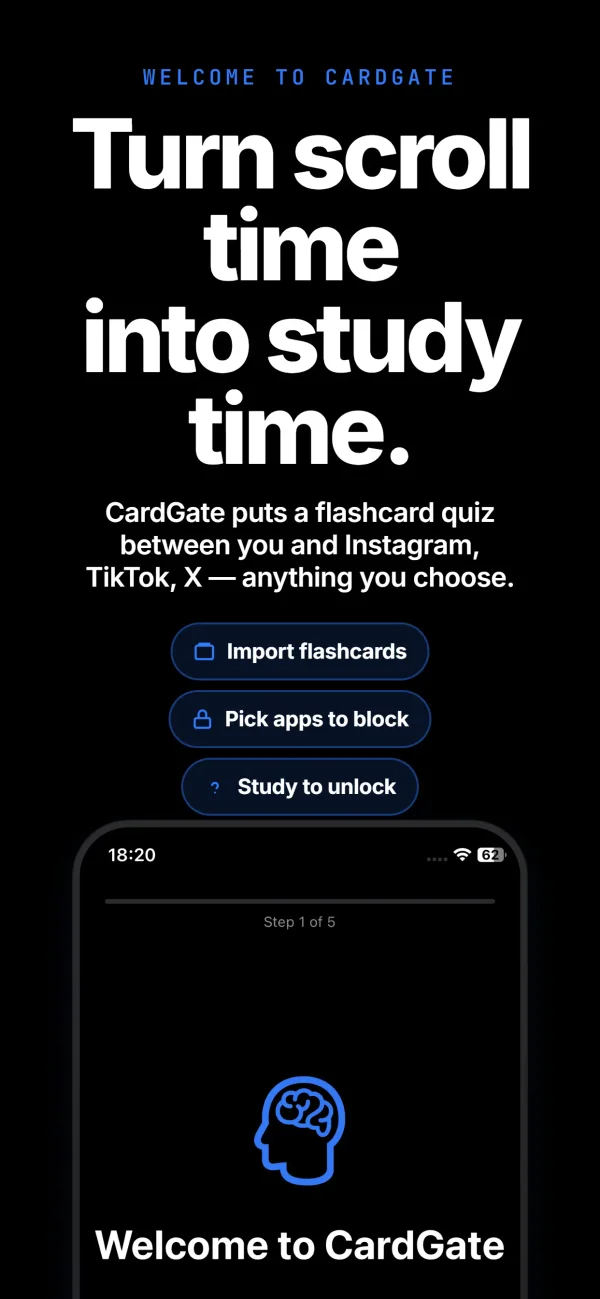
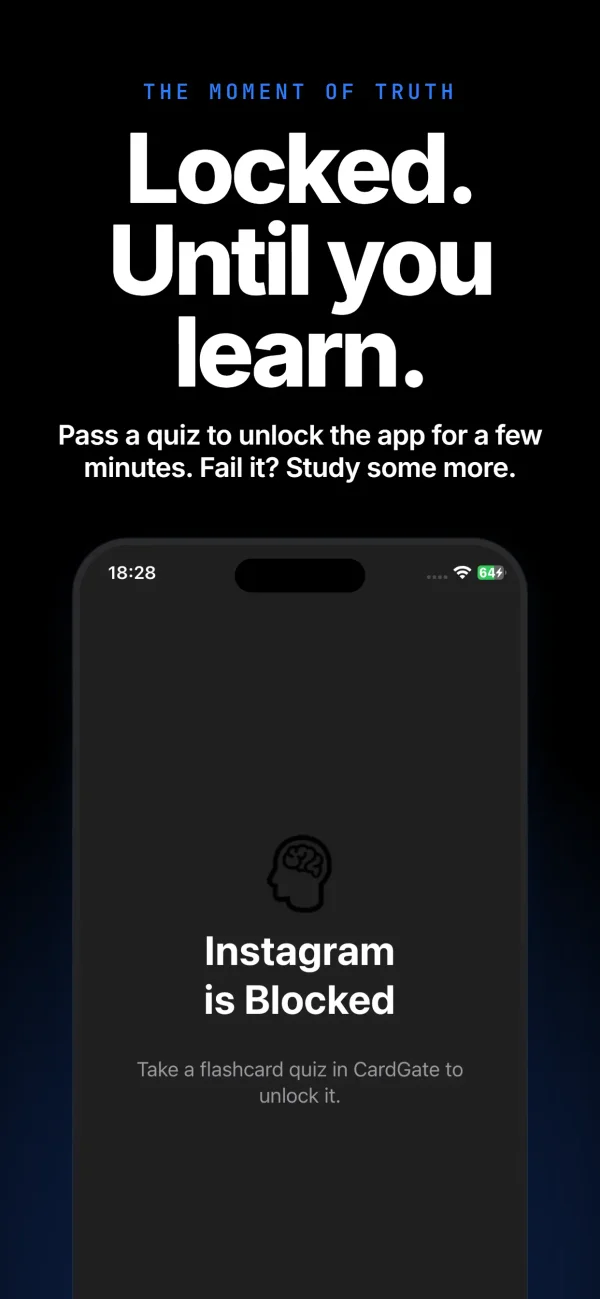
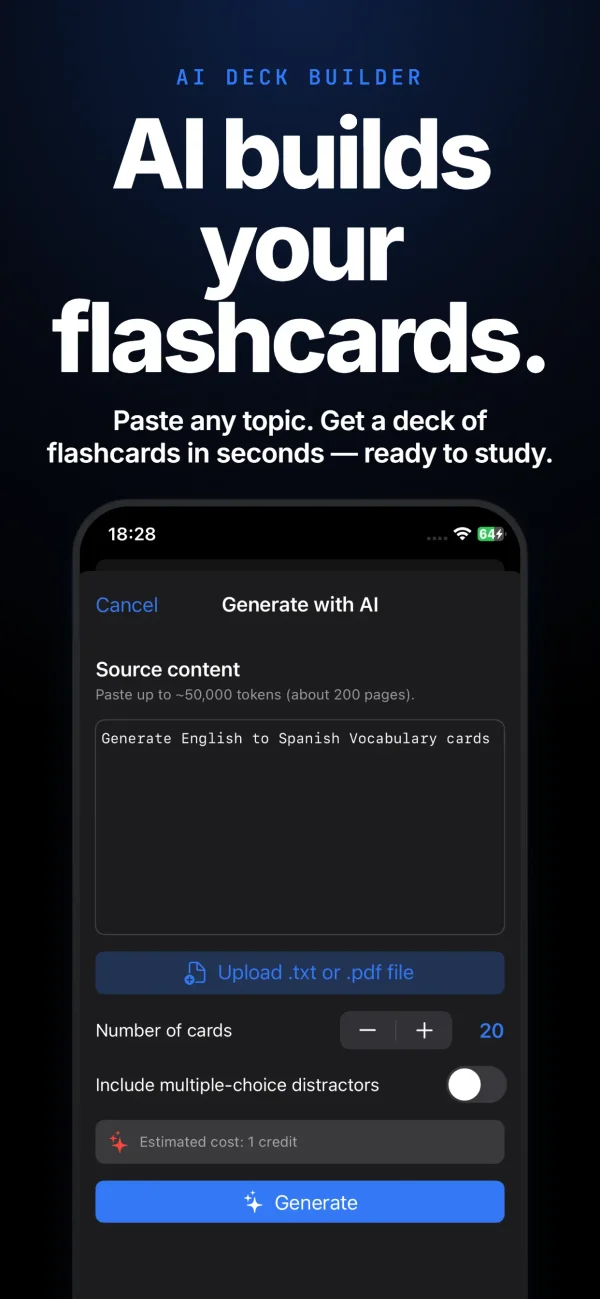
CardGate turns your phone's distractions into study motivation. Pick the apps that waste your time, bring your flashcards (or let AI generate them), and your phone won't open those apps until you pass a quiz.
BUILT FOR
• Students grinding Anki for exams (USMLE, MCAT, A-levels, Abitur, bar prep)
• Language learners building vocab in Spanish, Japanese, German, and more
• Anyone trying to cut screen time — but tired of apps that just nag
HOW IT WORKS
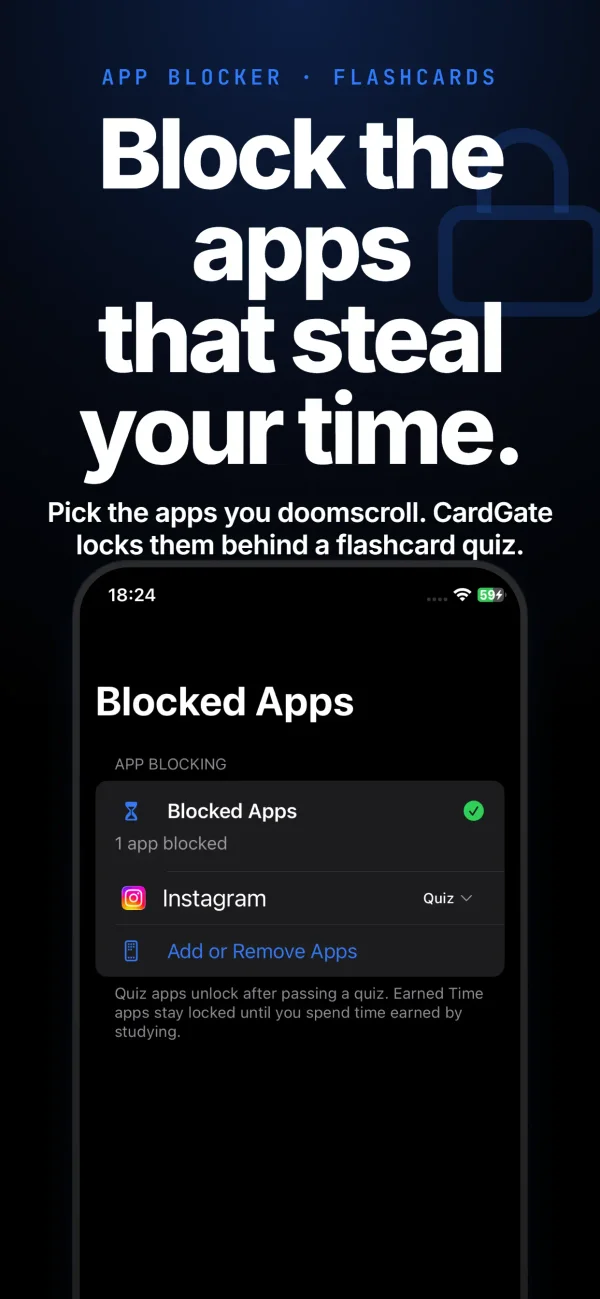
1. Pick the apps that distract you — Instagram, TikTok, games, anything
2. Add flashcards: import an Anki .apkg, paste a CSV, generate with AI, or use the built-in starter deck
3. Open a blocked app — tap "Take Quiz" on the shield. Pass to unlock the app
4. Track your streak and watch your screen time drop
FLASHCARDS YOUR WAY
• Import Anki decks (.apkg) with full media — images, audio, cloze deletions, image occlusion, LaTeX/MathJax
• Paste CSV or TSV from Quizlet, Excel, or any spreadsheet
• Create cards directly in the app
• AI flashcard generator — paste your notes (or upload a .txt or .pdf) and get a deck back. Free with your own ChatGPT/Claude account using paste-back, or one-tap Direct AI with affordable credit packs (no subscription required)
• Built-in starter deck on first launch
QUIZ MODES
• Flip — read the answer, self-grade
• Multiple Choice — AI-generated distractors or smart on-device fallbacks
SMART STUDYING
• Card selection prioritizes cards you struggle with and haven't seen recently
• Wrong answers re-queue until you get them right
EARN TIME MODE
Don't want hard blocks? Switch on Earn Time — answer cards to bank screen-time minutes, then spend them on the apps you've blocked.
PER-APP CONTROL
• Cooldowns so passing a quiz buys you 0–60 minutes of access before the shield returns
• Halfway and 1-minute-warning notifications before the shield comes back
• Set the card count required per app
TRACK YOUR PROGRESS
• Daily streak
• Weekly and monthly study stats
• Recent quiz history
FREE VS PREMIUM
• Free: 1 blocked app + 1 deck (up to 500 cards), Flip and Multiple Choice modes, paste-back AI generation, cooldowns, Earn Time mode, all stats
• Premium: unlimited blocked apps, unlimited decks, unlimited cards per deck, recurring AI credits each period
• Plus: pay-as-you-go AI credit packs for one-tap Direct AI generation — no subscription required
PRIVACY FIRST
All your data stays on your device. No accounts, no analytics, no ads, no tracking. AI generation only sends the text you choose to generate from — never your decks, browsing data, or anything else.
ABOUT FAMILY CONTROLS (SCREEN TIME)
CardGate uses Apple's official Family Controls / Screen Time APIs to block apps. You'll be asked to grant permission once during setup. Apps you select are tokenized by Apple — CardGate never sees the actual list of apps you've installed and never reads your screen.
SUBSCRIPTION TERMS
Premium is offered as Weekly, Monthly, Yearly auto-renewable subscriptions and a one-time Lifetime purchase. Subscriptions auto-renew unless canceled at least 24 hours before the period ends. Manage or cancel any time in Settings → Apple ID → Subscriptions. Privacy policy and terms linked below.
EULA: https://www.apple.com/legal/internet-services/itunes/dev/stdeula/
What’s new
Version 1.0.18 · May 29, 2026
Added a Timer that counts how long you need to answer a card.
+ Minor Bug Fixes
App privacy
What Adrian Scheibelhut declares on the App Store about how this app handles data.
-
Data not collected
The developer does not collect any data from this app.
Privacy practices may vary, for example with the features you use or your age.
Information
- Seller
- Adrian Scheibelhut
- Category
- Productivity
- Version
- 1.0.18
- Updated
- May 29, 2026
- Released
- May 9, 2026
- Size
- 6.3 MB
- Requires
- iOS 16.4 or later
- Age rating
- 4+
- Price
- Free
- In-app purchases
- Yes
- Languages
- English
- Copyright
- © 2026 Adrian
You might also like
-
 Quota by SekturEarn Your Screen Time
-
 Timeout: Study for Screen TimeMake scrolling pay off.
-
 Focus Timer: Deep Work TimerStudy & Pomodoro & Pomofocus
-
 Decant - Social FilterSocial without the sludge
-
 learn lock: study to scrollProductivity
-
 Atteno - Focus Timer & StudyHeatmap & Time Manager
-
 Orbit: Personal CRM & AIRemember everyone who matters
-
 CalcSnapCalculator with Receipt Scan
-
 Flowstate: Handwritten NotesSave handwriting to your apps
-
 Unslop: Puzzle App BlockerEarn Screen Time & Stop Scroll