
Cards plus – Document Wallet
IDs & Passport Offline
Designed for iPhone, iPad
Free · In-app purchases
- Age rating4+
- CategoryUtilities
- DeveloperOliver Lieven
- LanguagesEnglish+ 12 more
- Size23.7 MB
Links to the official App Store page
Download.org hosts no file of Cards plus – Document Wallet. The button opens its official App Store page, published by Oliver Lieven. Listing last checked on Nov 26, 2026.
Screenshots

About
Keep private copies of your passport, driver's license, insurance card and PDFs on your iPhone — offline, encrypted, no account and no subscription. Cards+ is a personal document wallet, not an official ID and not a replacement for documents required by law.
Instead of searching through drawers, photo libraries or old messages, you store your most important documents in Cards+: with folders, tags, favorites, search, full-text recognition and secure access with PIN, Face ID or Touch ID.
QUICK ACCESS, WIDGETS & GROUPS
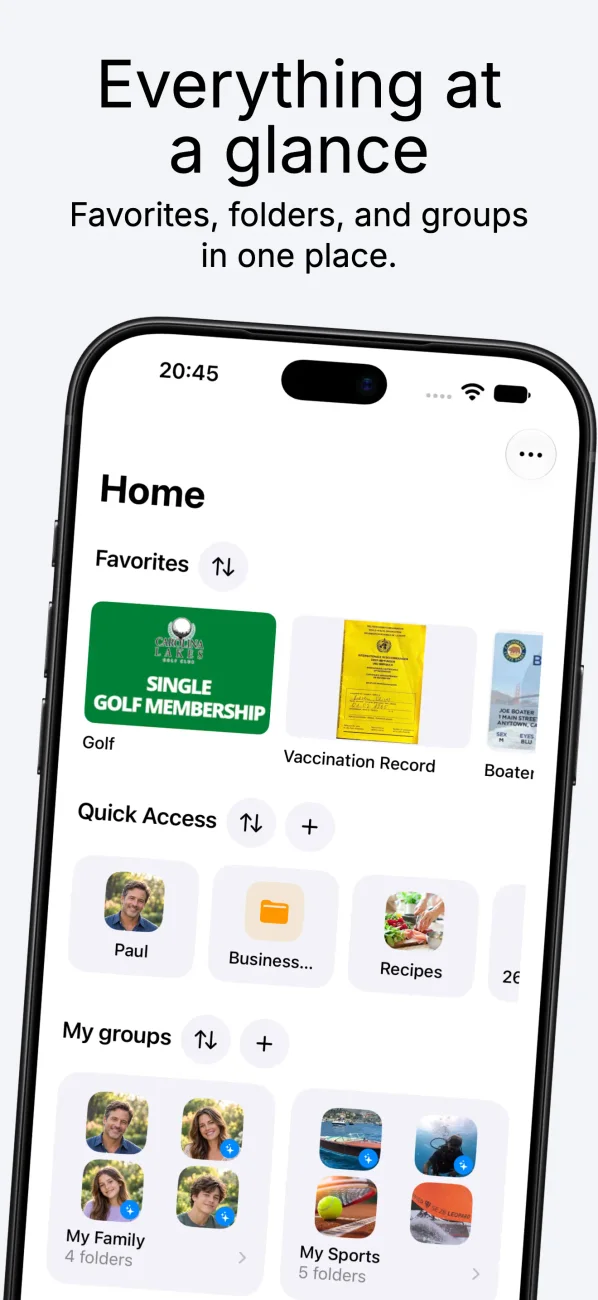
Home Screen, Lock Screen and Control Center widgets open Cards+ directly. Tip: Set the iPhone Action button to open the app, if available. Favorites keep key cards close; the new Cards+ start screen gives you folder shortcuts.
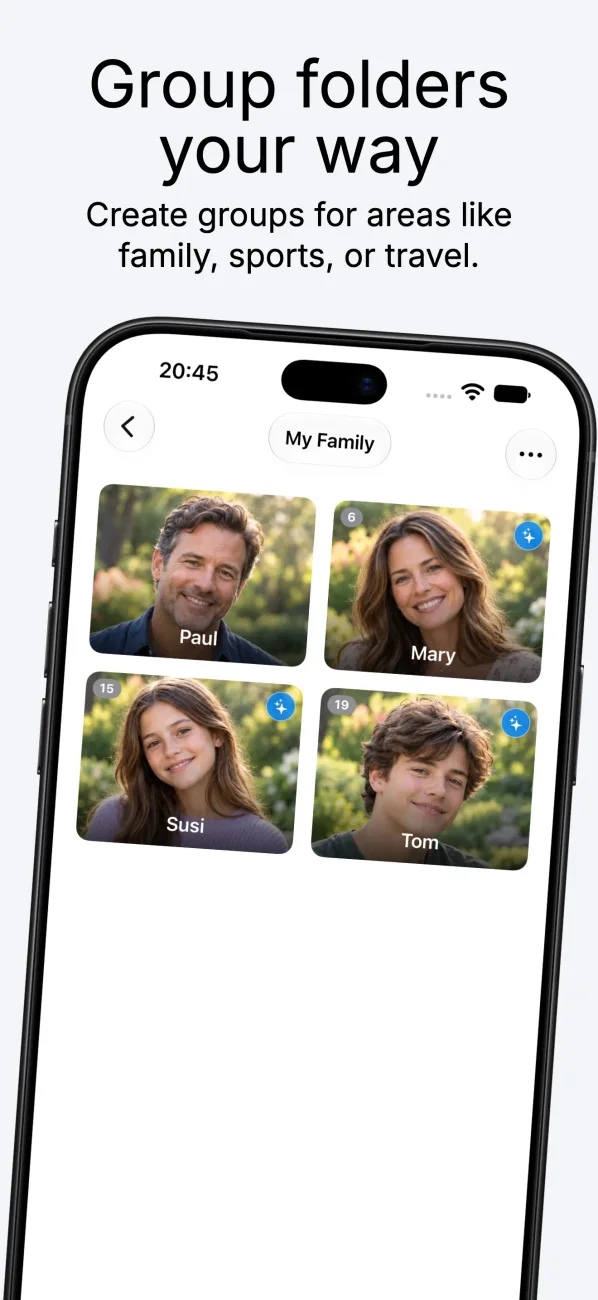
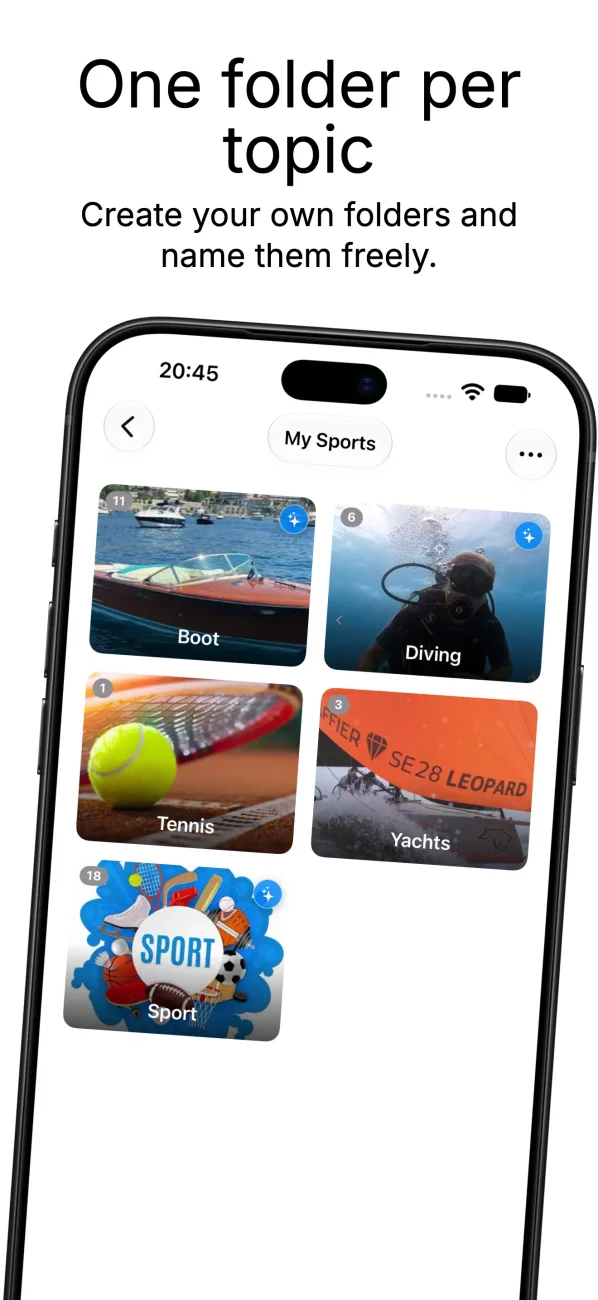
Group folders by topic—for example, every family member’s folders under “Family” or sports folders under “Sports.” Cards+ supports iPhone Duo.
SECURE & PRIVACY-FIRST
Cards+ is built for local, private use. Your cards and documents are stored and protected on your device and can be used without an account, forced cloud storage or tracking.
- Protection with PIN, Face ID or Touch ID
- Local storage for your cards, photos and PDFs
- Encrypted backups and restore
- No sign-in required
- No tracking
Apple Wallet export note: To create and sign a Wallet pass, only the Wallet data you choose is processed after your consent.
SCAN, IMPORT, ORGANIZE
Add cards and documents the way it works best for you: with the camera, photo import or PDF import. Cards+ helps you capture, crop and edit your card images.
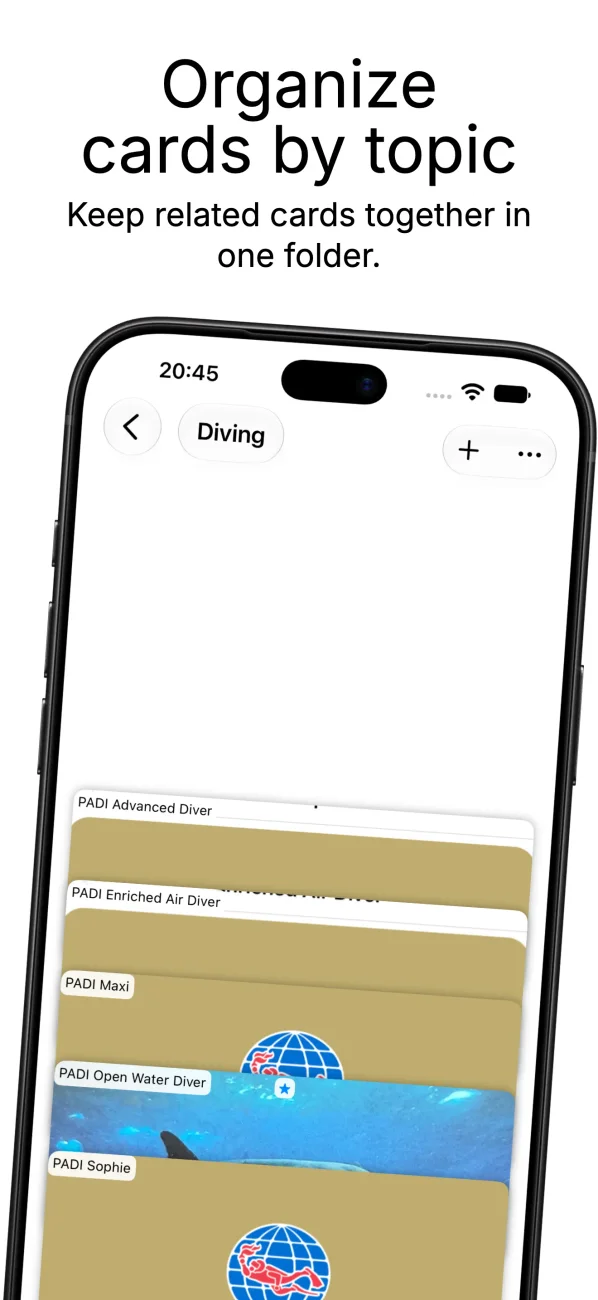
Folders, smart features, custom tags, favorites and filters keep even large collections clear. Find insurance cards, memberships, IDs, tickets, vehicle documents or family paperwork right when you need them.
ADVANCED SEARCH & TEXT RECOGNITION
Cards+ can recognize text from card images and documents and make it searchable. Search for names, numbers, addresses, phone numbers, notes, tags, folders or recognized text without opening every document one by one.
APPLE WALLET EXPORT
With Cards+ Pro, you can export selected cards as Apple Wallet passes. QR codes and barcodes can be detected and carried over into the Wallet pass. You decide which fields are visible, which are treated as sensitive and how the pass is displayed.
APPLE WATCH
With the Apple Watch app, important cards are available right on your wrist. Ideal for quick moments when your iPhone stays in your pocket.
SMART FEATURES
- Document scanning, photo and PDF import, and PDF viewing
- Crop and edit photos
- Full-text search with automatic OCR field recognition
- Custom folders, tags, favorites and filters
- Expiry dates and reminders
- Export cards or entire folders; encrypted backups
- Apple Wallet with QR/barcode support
- Apple Watch and offline access
PERFECT FOR
Travel, family and work: keep what matters organized and easy to find.
VERSIONS
Free:
- Up to 15 cards
- Up to 3 folders
- Up to 3 PDFs
- Photo import, PDF import and search to try out
Lite:
- Up to 25 cards
- Up to 3 folders
- Up to 3 PDFs
- Advanced filters, favorites, photo import and editing
Pro:
- Unlimited cards
- Unlimited folders and PDFs
- Apple Wallet export with QR/barcode support
- Advanced full-text search and smart fields
- Apple Watch app
- Expiry reminders
- Encrypted backups and restore
- Advanced export features
Available in five languages.
LEGAL NOTICE
Digital copies are for convenience and do not replace original documents required by law. Continue carrying official original documents when legally required.
What’s new
Version 3.1.1 · Nov 25, 2026
Your last open view—folders or cards—is restored when you return to the app.
App privacy
What Oliver Lieven declares on the App Store about how this app handles data.
-
Data not collected
The developer does not collect any data from this app.
Privacy practices may vary, for example with the features you use or your age.
Information
- Seller
- Oliver Lieven
- Category
- Utilities
- Version
- 3.1.1
- Updated
- Nov 25, 2026
- Released
- Jun 17, 2025
- Size
- 23.7 MB
- Requires
- iOS 18.4 or later
- Age rating
- 4+
- Price
- Free
- In-app purchases
- Yes
- Languages
- English, Dutch, French, German, Greek, Italian, Polish, Portuguese, Spanish, Swabian, Swedish, Swiss German + 1 more
- Copyright
- © 2026 Oliver Lieven
You might also like
-
 ID Cards & Documents HolderQuick access your IDs offline
-
 Clean Links: URL CleanerStrip trackers · QR scanner
-
 Wally - Digital WalletStore cards, IDs, and more.
-
 MakePass: AI Wallet EditorCustom Passes, Tickets & Cards
-
 Wallet CreatorYour own Apple Wallet cards
-
 The Mobile WalletUtilities
-
 Wallet Card: Pass & PassbookGift, Loyalty, Membership
-
 Norton Private BrowserFast, Secure, Ad-Free Browsing
-
 NFC Reader - Mobile WalletStore NFC Credit Card, eWallet
-
 Transparency -Product authenticity & more