CarMirror – Screen Mirroring
Wireless Cast to EV & Smart TV
Designed for iPhone, iPad
Free · In-app purchases
- Age rating4+
- CategoryUtilities
- DeveloperMehmet Ali Erbas
- LanguagesEnglish+ 3 more
- Size32.0 MB
Links to the official App Store page
Download.org hosts no file of CarMirror – Screen Mirroring. The button opens its official App Store page, published by Mehmet Ali Erbas. Listing last checked on Nov 13, 2026.
Screenshots
About
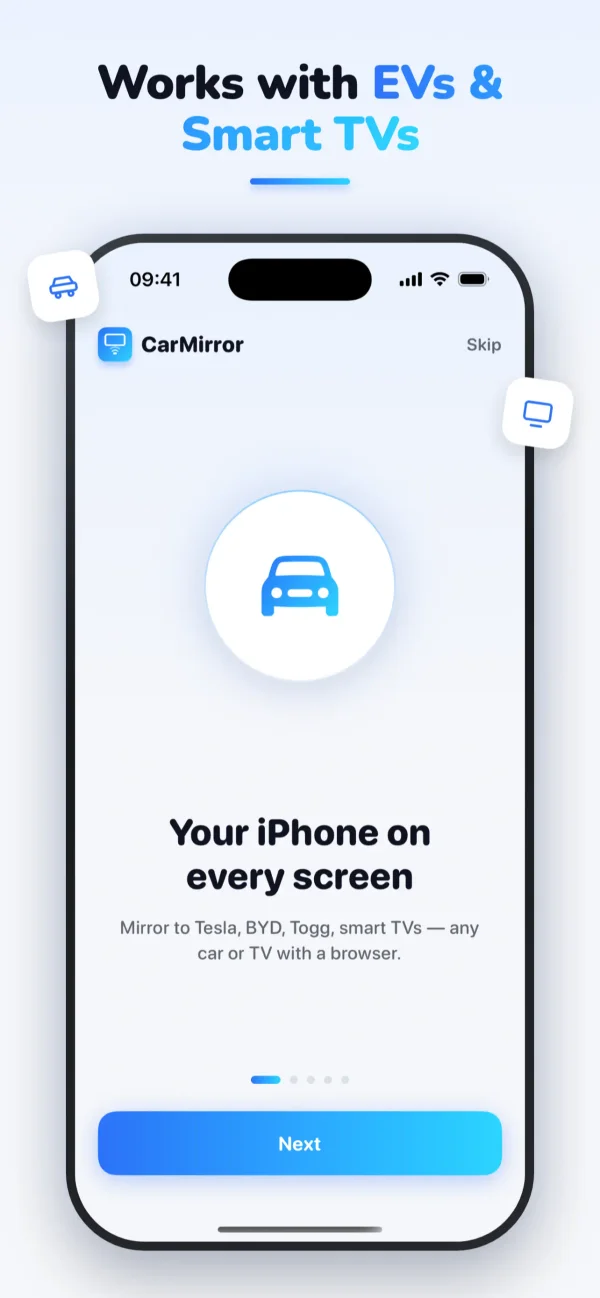
Mirror your iPhone to any car or TV with a web browser — no cables, no hotspot, no setup.
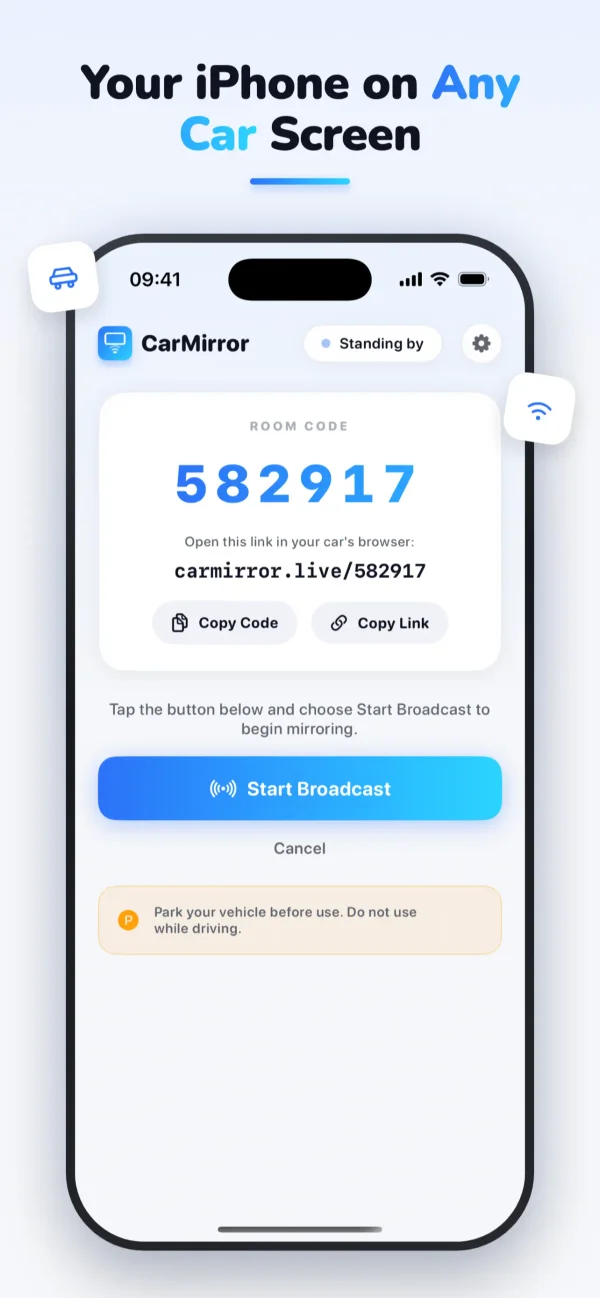
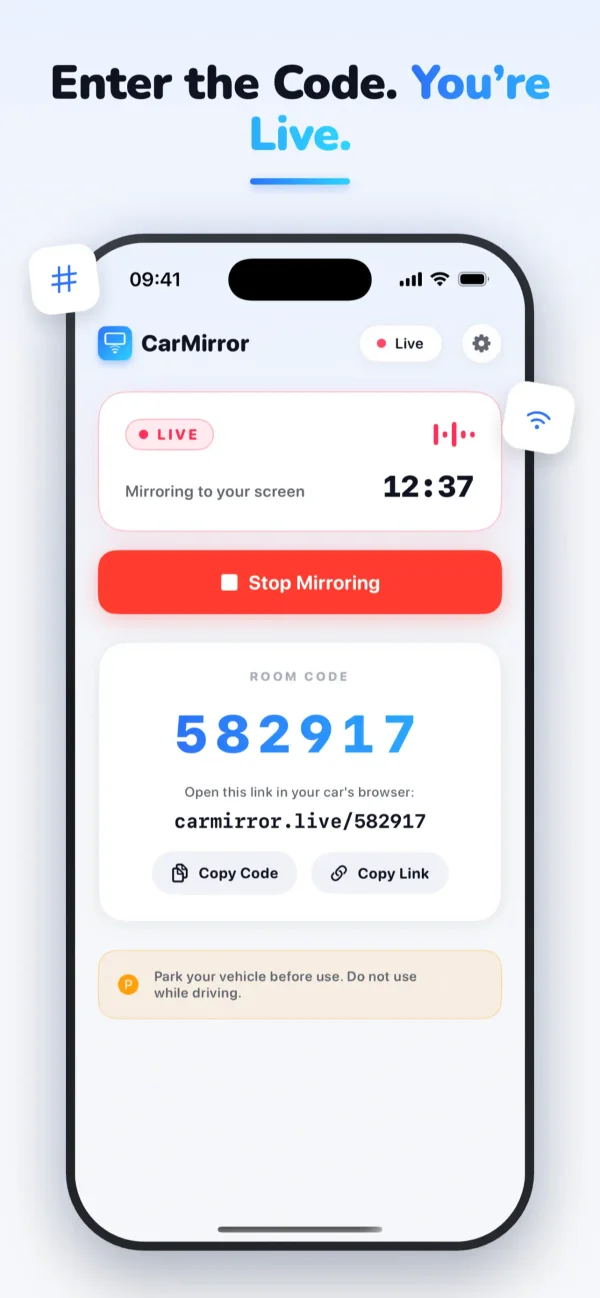
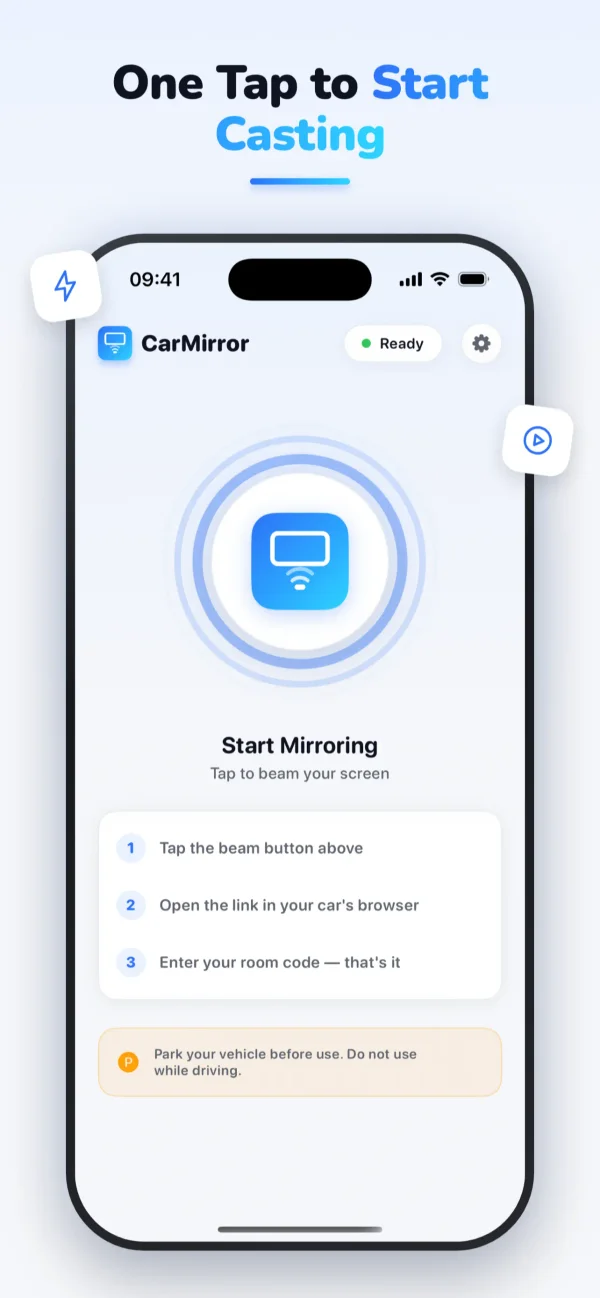
CarMirror turns the car's touchscreen or any smart TV into a second screen for your iPhone. Start broadcasting with one tap, open the receiver page in the car's browser, scan the QR code or enter the short room code — and your screen appears in seconds, with low-latency streaming powered by WebRTC.
HOW IT WORKS
1. Tap Start in CarMirror on your iPhone.
2. Open the receiver link in your car's or TV's web browser.
3. Scan the QR code or type the room code. That's it — you're live.
WHY CARMIRROR
• Works on any screen with a browser — electric vehicles, smart TVs, tablets, laptops
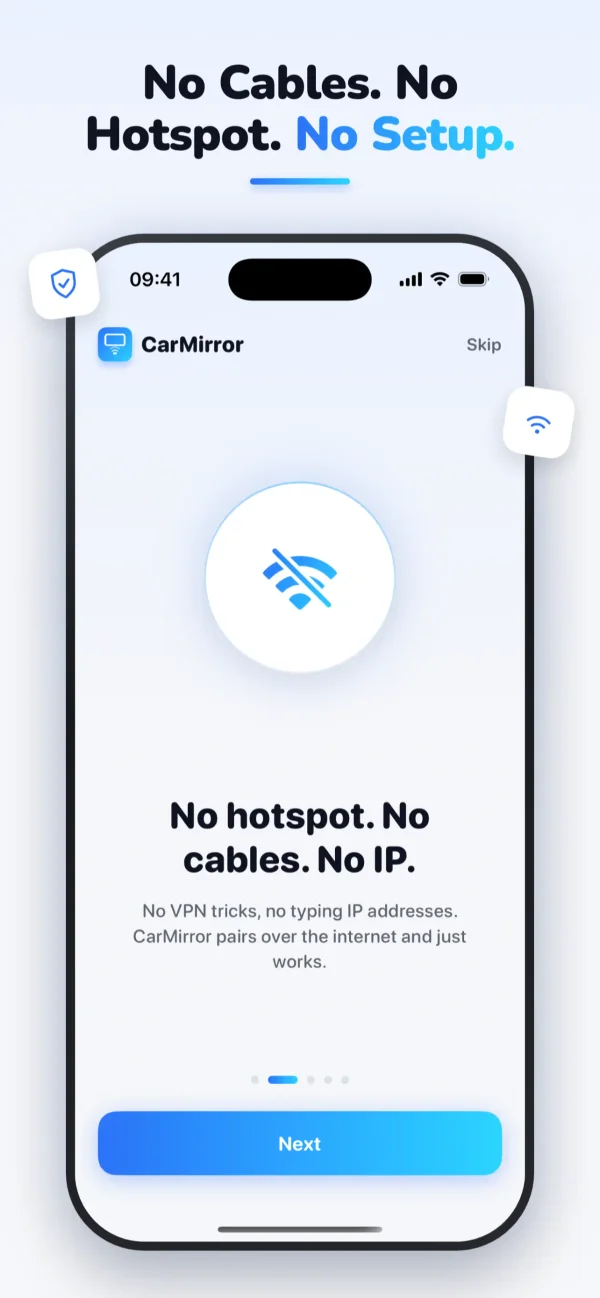
• No cables, no hotspot, no IP settings — nothing to configure
• Smooth, sharp, low-latency streaming (WebRTC)
• A unique room code for every session
• One tap to start, one tap to stop
MADE FOR THE ROAD (WHILE PARKED)
CarMirror is designed for parked use only — movie nights at the charger, waiting in the car, road-trip breaks. Never watch videos while driving; always follow local laws.
COMPATIBILITY
Works with any vehicle or device whose browser plays modern web video — including popular electric vehicles and smart TVs. If it has a browser, it can be your screen.
Subscription Terms:
* Payments will be charged to your iTunes Account upon confirmation of purchase.
* Manage subscriptions and turn off auto-renewal in Account Settings.
* Subscriptions renew automatically unless canceled at least 24 hours before the current period ends.
* Renewal charges will be applied within 24 hours before the current period ends.
* Canceling a subscription will keep it active until the end of the period. No refunds for the current subscription period.
* Any unused free trial portion will be forfeited upon subscription purchase.
Privacy Policy: https://carmirror.live/privacy
Terms of Use(EULA): https://carmirror.live/terms
App privacy
What Mehmet Ali Erbas declares on the App Store about how this app handles data.
-
Data not collected
The developer does not collect any data from this app.
Privacy practices may vary, for example with the features you use or your age.
Information
- Seller
- Mehmet Ali Erbas
- Category
- Utilities
- Version
- 1.0
- Updated
- Nov 2, 2026
- Released
- Nov 1, 2026
- Size
- 32.0 MB
- Requires
- iOS 16.0 or later
- Age rating
- 4+
- Price
- Free
- In-app purchases
- Yes
- Languages
- English, French, Spanish, Turkish
- Copyright
- © Copyright 2026 - CarMirror
You might also like
-
 Screencast • mirroring for carscreen share to your vehicle
-
 APTV CarPlay Screen MirroringCast Movies to Your Head Unit
-
 Car Cinema: TV, IPTV & CastVideo for Car Play & Mirror
-
 Car TV: Smart M3U IPTV PlayerWatch live TV in your car
-
 Car TV - IPTV M3U Video PlayerCast & Mirror to Car Display
-
 Car Auto Play: Connect & SyncCar Widgets & GPS Speedometer
-
 CastOn: Smart Screen ShareDisplay mirroring & cast to TV
-
 DoCast: Screen Mirroring to TVCast,Stream,Share to Smart TV