Carousel Collage Maker: Quilta
Seamless Photo Dump & Grid
Designed for iPhone, iPad
Free · In-app purchases
- Age rating4+
- CategoryPhoto & Video
- DeveloperJomon Joshy George
- LanguagesEnglish+ 10 more
- Size56.9 MB
Links to the official App Store page
Download.org hosts no file of Carousel Collage Maker: Quilta. The button opens its official App Store page, published by Jomon Joshy George. Listing last checked on Nov 27, 2026.
Screenshots

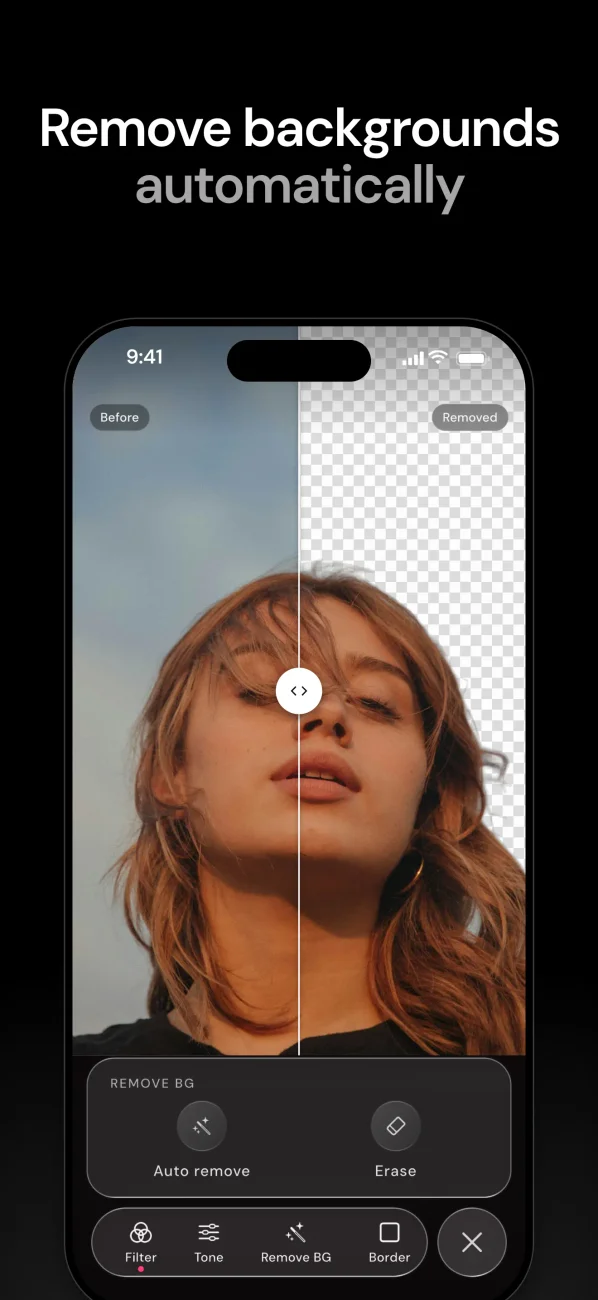
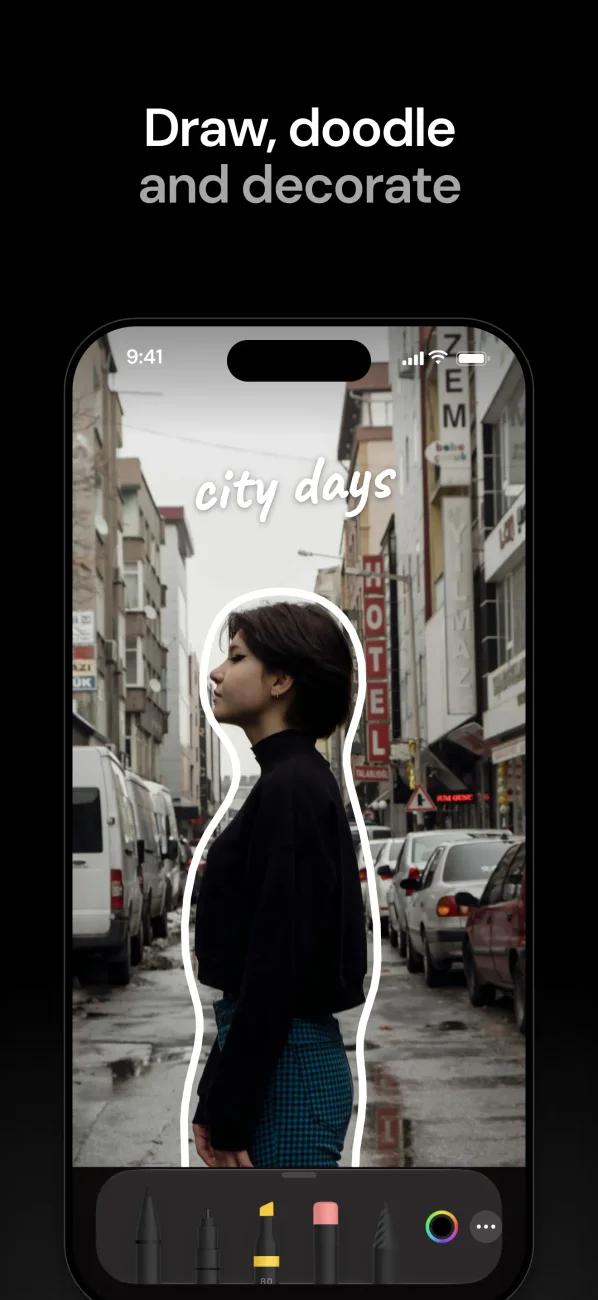
About
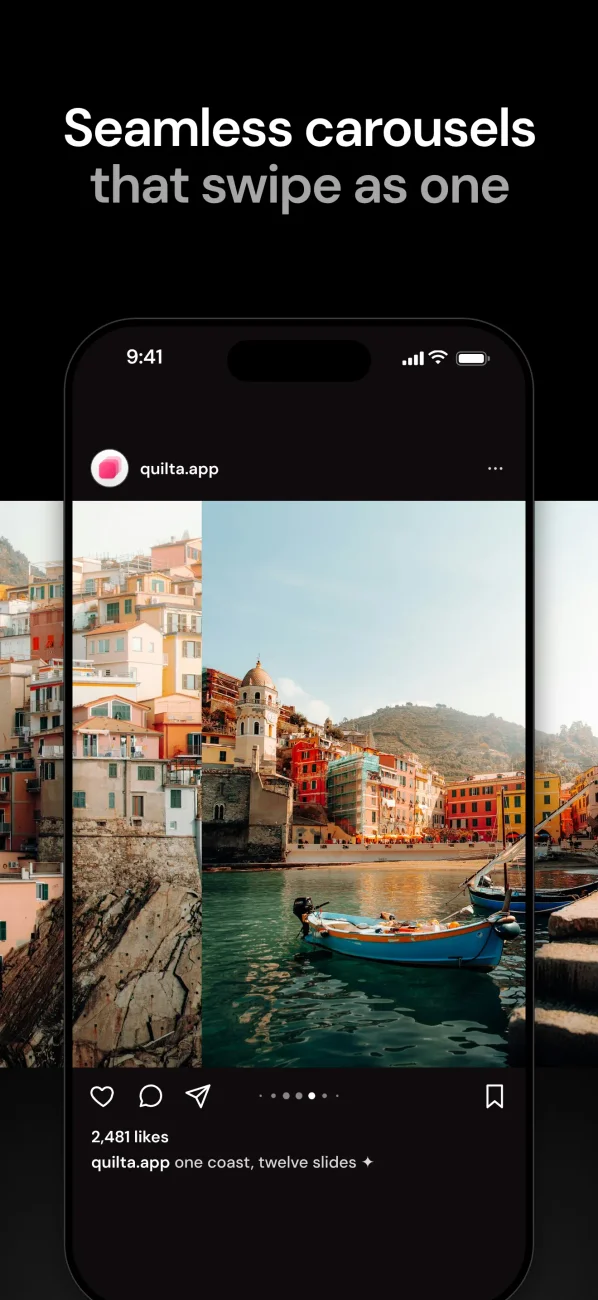
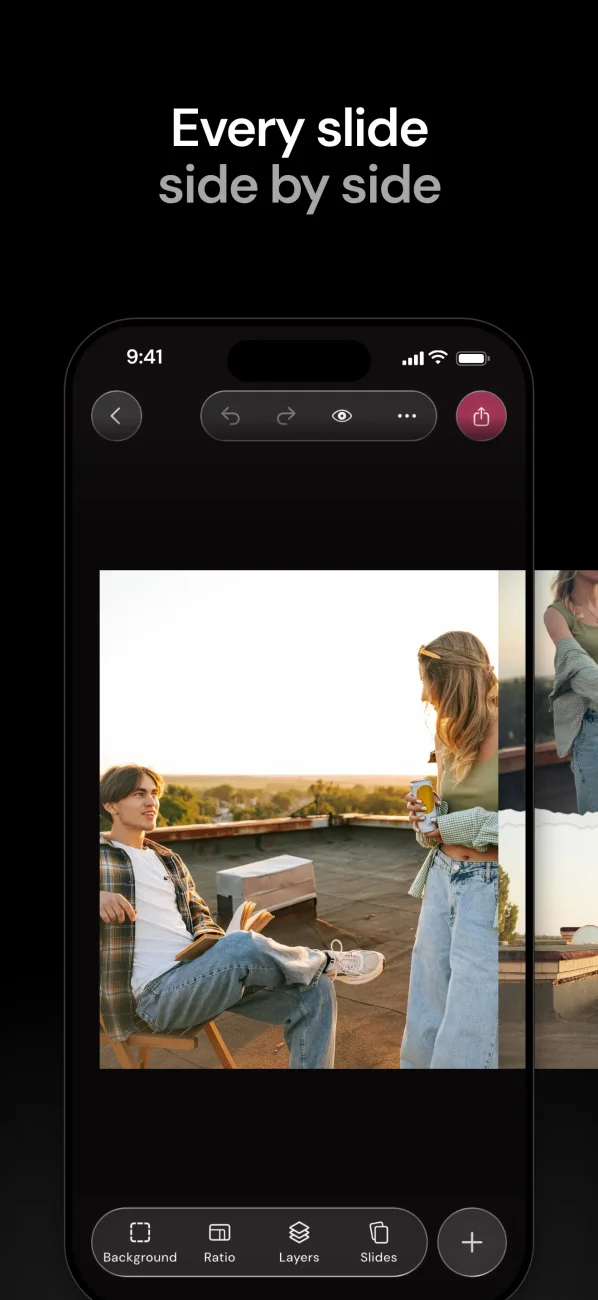
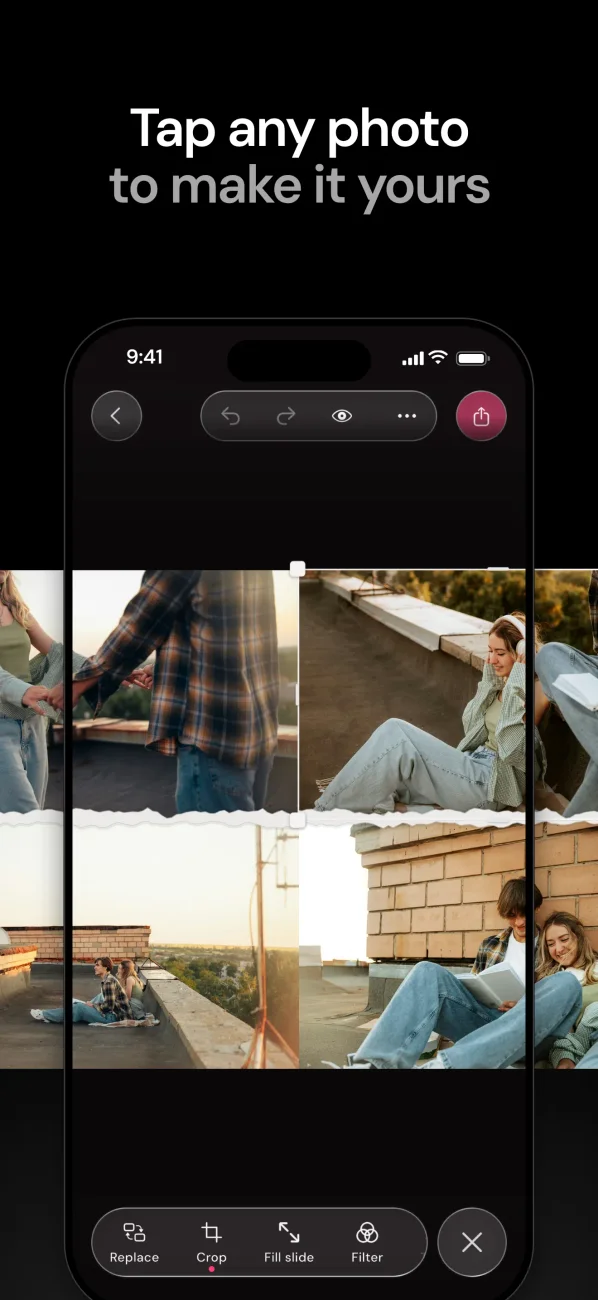
Quilta is a photo collage, carousel, and grid maker for Instagram on iPhone and iPad. Lay out your photos on one long canvas, and Quilta slices it into slides that line up perfectly as people swipe. It's free to use, with no watermark, no account needed, and no ads.
Make seamless carousels, panorama posts, photo dumps, profile grids, photo collages, and Stories in minutes.
SEAMLESS CAROUSEL MAKER
Use up to 20 slides per post, the most Instagram allows. Stretch a panorama across the whole post, or give each photo the space it needs. Choose square 1:1, portrait 4:5 or 3:4, landscape 16:9, or full-height 9:16 slides.
ARRANGE FOR ME
Pick your photos and tap once. Quilta does the rest. It arranges them for you as a carousel, a profile grid, a collage, or a Story. You can still reorder, shuffle, or choose a cover, and keep editing.
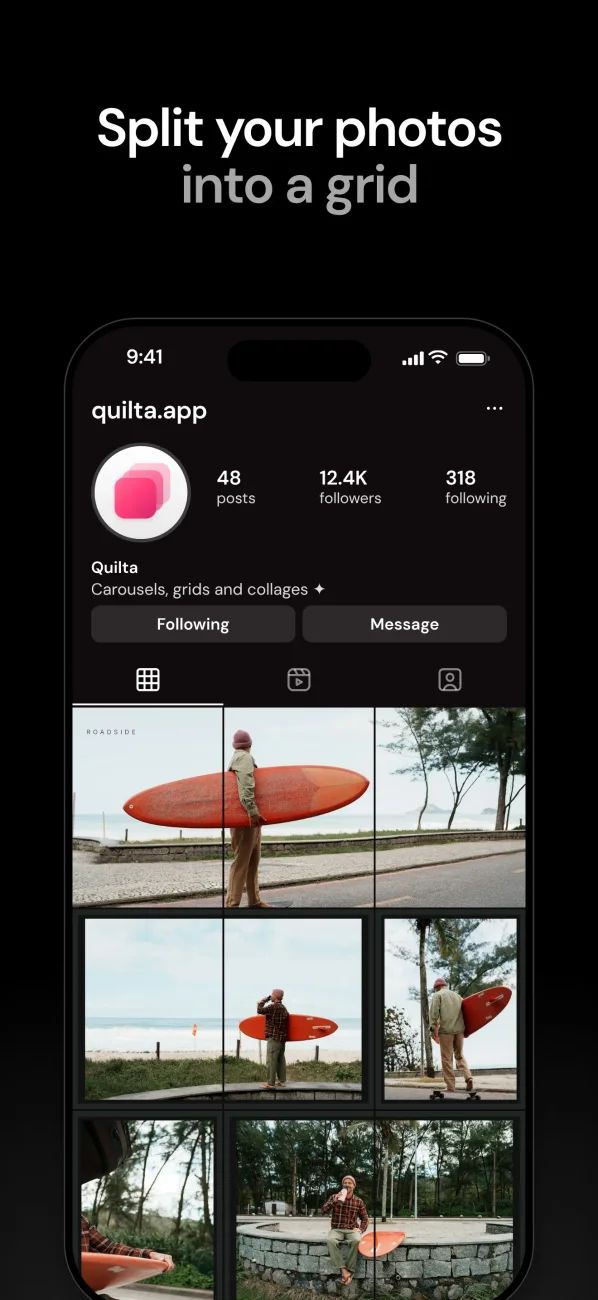
PROFILE GRID MAKER
Split one photo into a 3×3 grid, or build a grid from a whole set of photos. Tiles come in 3:4 or square, and they are numbered in posting order, so they land on your profile in the right order.
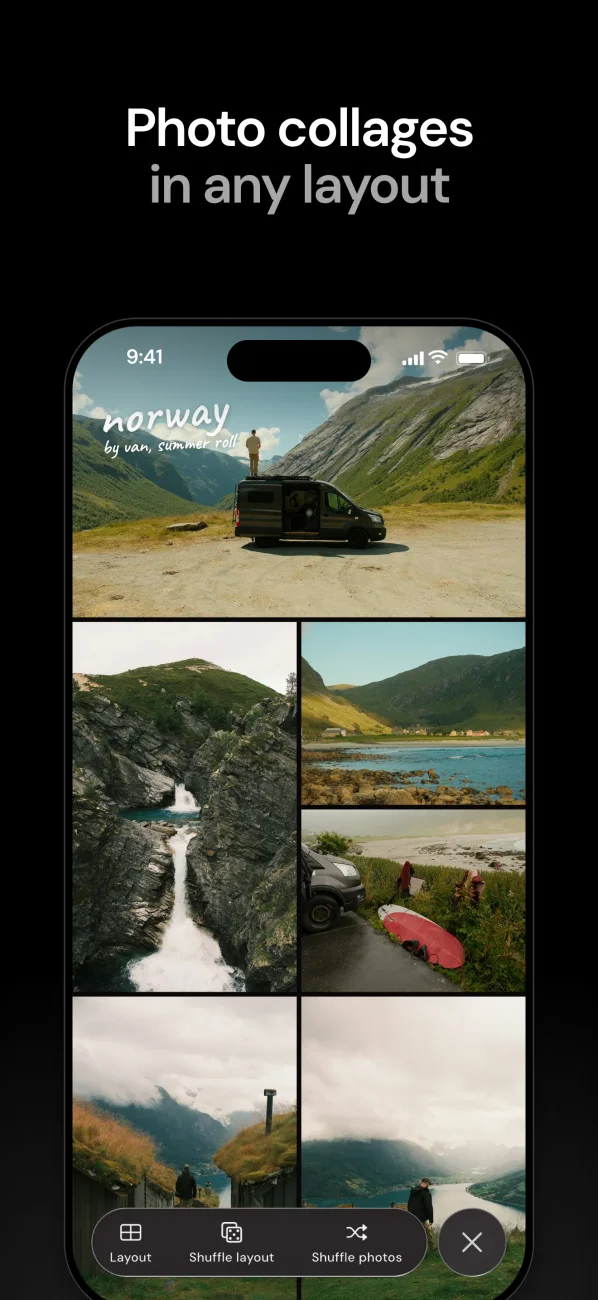
PHOTO COLLAGE MAKER
Make a collage with up to 20 photos. Every photo count has layouts designed just for it, so your photos keep their shape. Post it to your feed, or make a Story collage.
STORIES AND REELS COVERS
Stories match your carousel's style, so your feed and Stories feel like one set. Their 9:16 canvas is also the right size for a Reels cover.
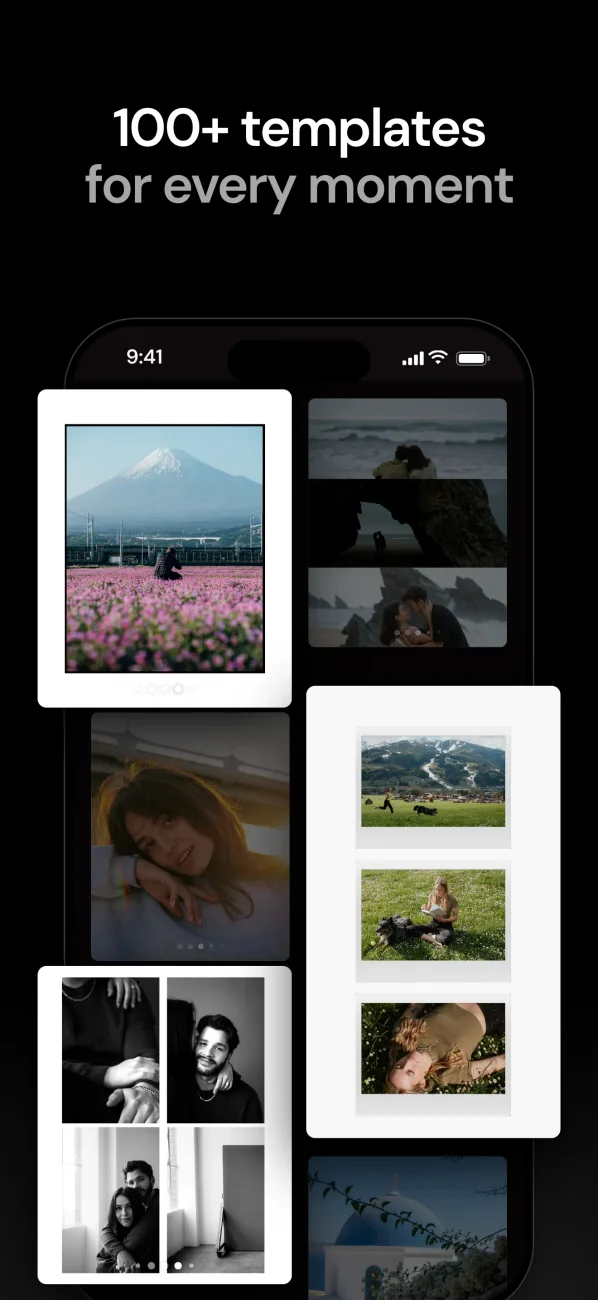
100+ TEMPLATES
Templates for photo dumps, trips, weddings, and monthly recaps. Add your photos, and the layout, spacing, and fonts are already done for you.
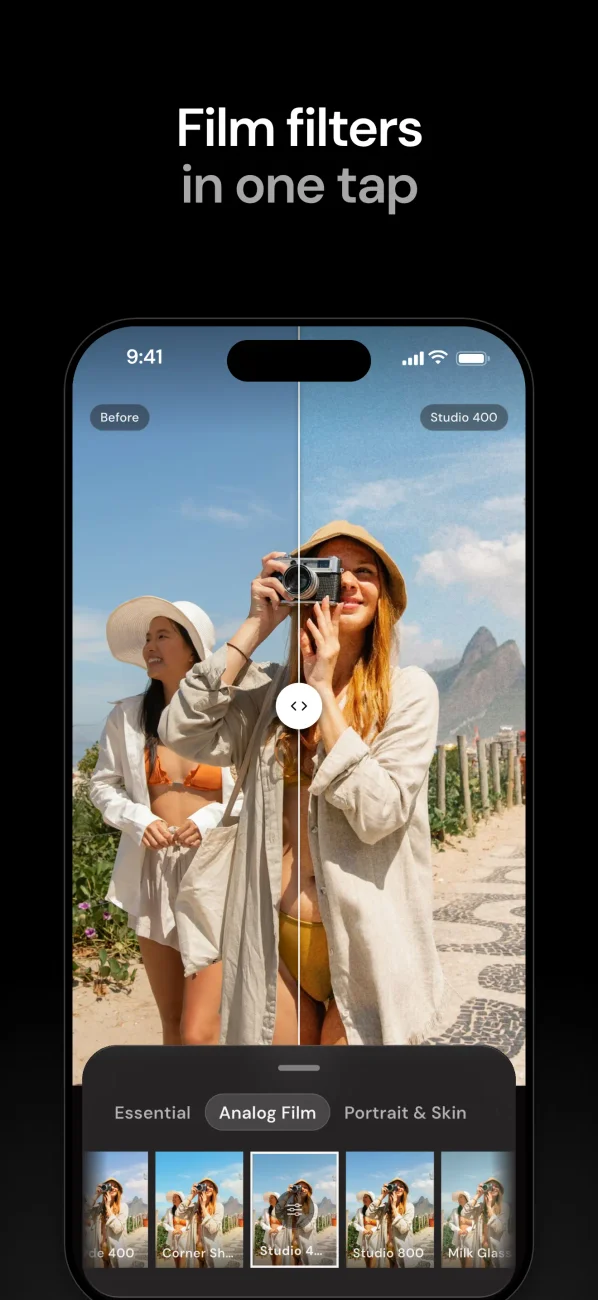
100+ ADJUSTABLE FILM FILTERS
Film stocks, soft portraits, and clean black and white, with over 20 tone controls to fine tune each look. Your filter carries across every slide, so the whole post feels consistent.
BACKGROUND REMOVER
Remove the background from a photo in one tap, then place the subject anywhere on your canvas. It all runs on your device.
MORE TOOLS
• Draw with your finger or Apple Pencil
• Curated fonts, original stickers, and film, instant, and scrapbook frames
• iPad layout with a tool panel, keyboard shortcuts, and zoom for precise edits
WHO IT'S FOR
Quilta is built for anyone who tells stories visually and shares more than one photo at a time:
• Creators and influencers
• Photographers and travelers
• Small businesses and brands
• Friends sharing photo dumps
• Anyone planning a profile grid
GOOD TO KNOW
• Create and export unlimited projects
• Your photos stay private on your device
• Save slides to Photos in order, or share them directly to Instagram, TikTok, and other apps
• Quilta Pro adds 20 slides, every template and filter, larger collages, and 4K export
Every swipe should feel like one picture. Make yours with Quilta.
Tag @quilta.app on Instagram to share your work. For questions or ideas, write to support@quilta.app.
Terms of Use: https://quilta.app/terms/
Privacy Policy: https://quilta.app/privacy/
What’s new
Version 1.6.0 · Nov 26, 2026
• Video is here: add clips to your carousels and stories (Pro)
• Trim a clip right in the editor
• Export video at 24, 30 or 60 frames a second
• Pick several photos and each one fills its own slide
• A new export screen, one step from choosing to saving
• A calmer dark mode
• New templates and layouts
Questions or ideas? support@quilta.app
App privacy
What Jomon Joshy George declares on the App Store about how this app handles data.
-
Data not linked to you
May be collected but is not linked to your identity.
- Purchases
- Location
- Identifiers
- Usage data
- Diagnostics
Privacy practices may vary, for example with the features you use or your age.
Information
- Seller
- Jomon Joshy George
- Category
- Photo & Video
- Version
- 1.6.0
- Updated
- Nov 26, 2026
- Released
- Oct 21, 2026
- Size
- 56.9 MB
- Requires
- iOS 16.0 or later
- Age rating
- 4+
- Price
- Free
- In-app purchases
- Yes
- Languages
- English, French, German, Indonesian, Italian, Japanese, Korean, Portuguese, Spanish, Turkish, Vietnamese
- Copyright
- © 2026 Quilta
You might also like
-
 Collage Lab Maker : Photo GridCreate Collages, Pic & Stories
-
 7rats: No Crop Photo BorderFit Any Shot, Square & 4:5
-
 Photo to Video Montage MakerSlideshow With Music & Effects
-
 Postfolio: Carousel MakerPanorama split & grid maker
-
 TwinkleStory: 4-Cut PhotoboothK-Pop, Cute, Comic frames
-
 Slideshow Video Maker SongsSlideshow Montage
-
 ACE: Aesthetic Carousel EditorPanorama & Photo Collage Maker
-
 Lately - Photo Dump GeneratorCreate Posts Instantly
-
 Image Compressor: Reduce SizeBatch Resize & Shrink Photos
-
 Custom Paint by Number PhotosColor by Number Your Pictures